Typography for
[Digital] Humanists.
Friday, February 12, 2016
10am – 12pm
Fordham University
Amy Papaelias | @fontnerd
Assistant Professor of Graphic Design, SUNY New Paltz
The title for this presentation is inspired by:
Typography for Lawyers
Matthew Butterick
typographyforlawyers.com
And check out this very worthy follow-up:
Butterick’s Practical Typography
practicaltypography
Today, we’ll focus on
a few things:
Typeface selection in digital projects
Very basic type rules
Web typography tools and resources
“ Typography is what
language looks like.”
	 — Ellen Lupton
“ Typography exists to
honor content.”
— Robert Bringhurst
1.
Use good fonts well.
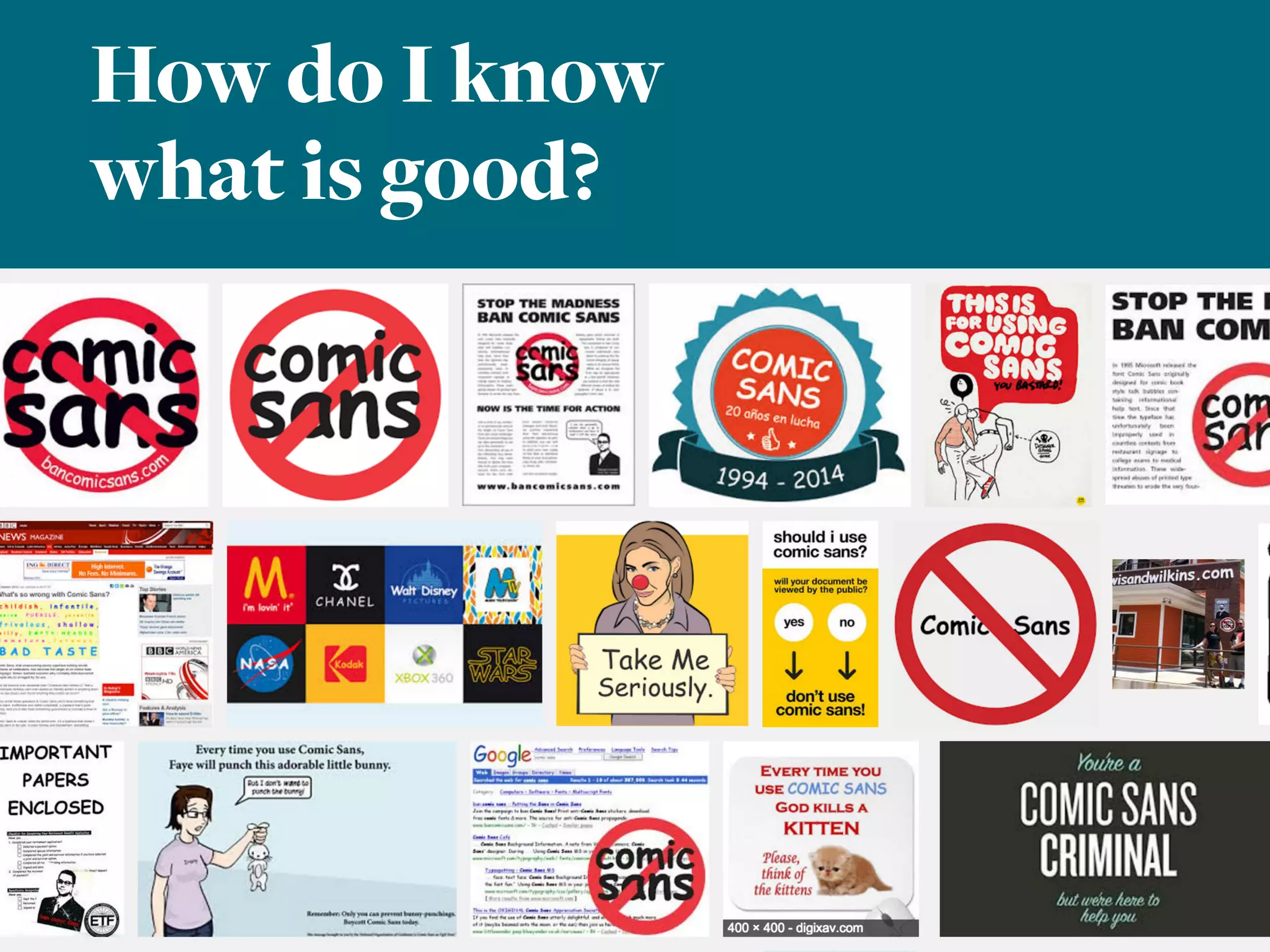
How do I know
what is good?
Choose your type
like you choose
your outfit:
What’s the occassion?
What’s the feeling I want to portray?
What’s the weather like?
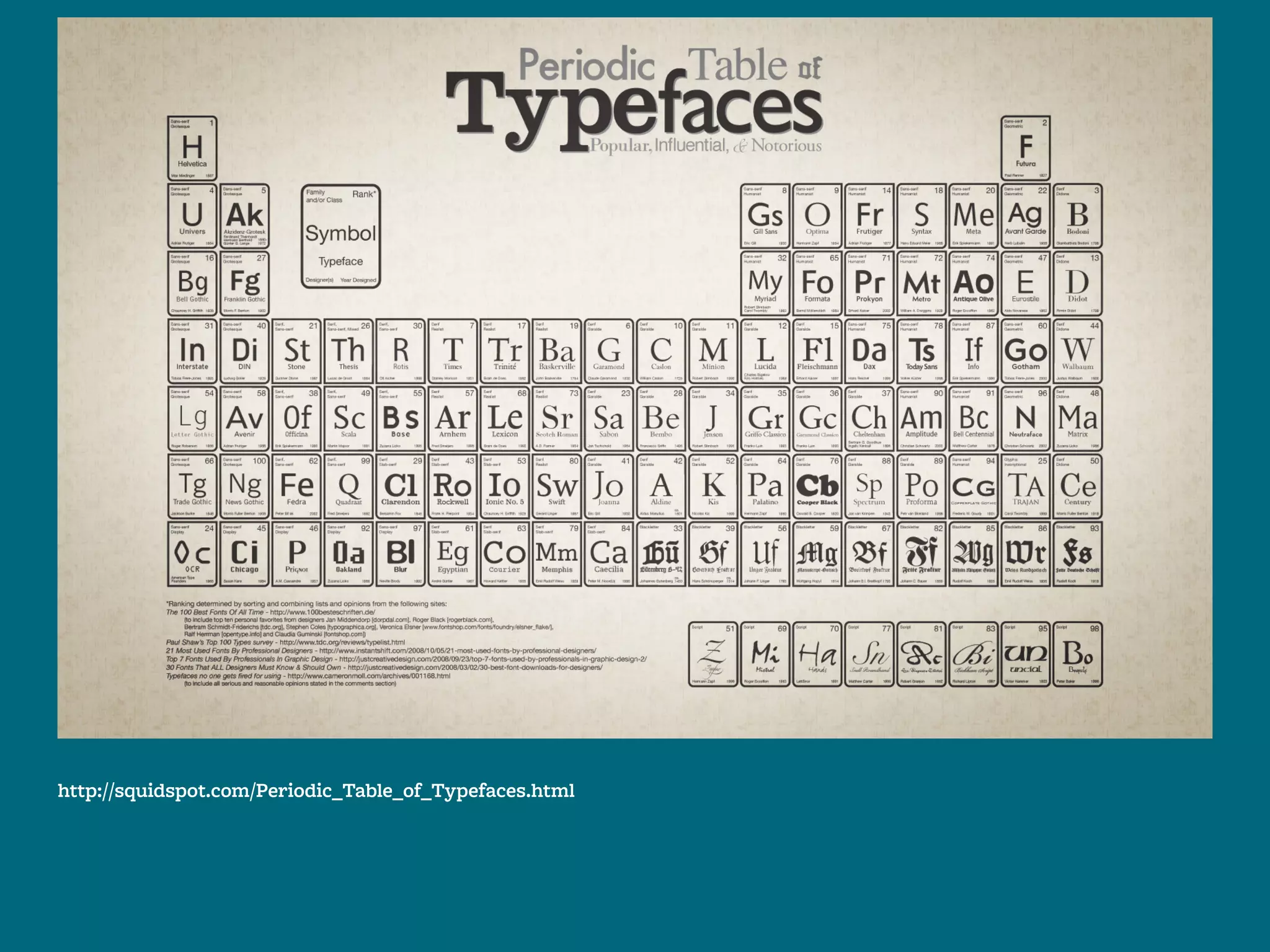
[some very basic] Type Classification:
Serif
Sans-serif
Monospace
Script
Decorative
http://squidspot.com/Periodic_Table_of_Typefaces.html
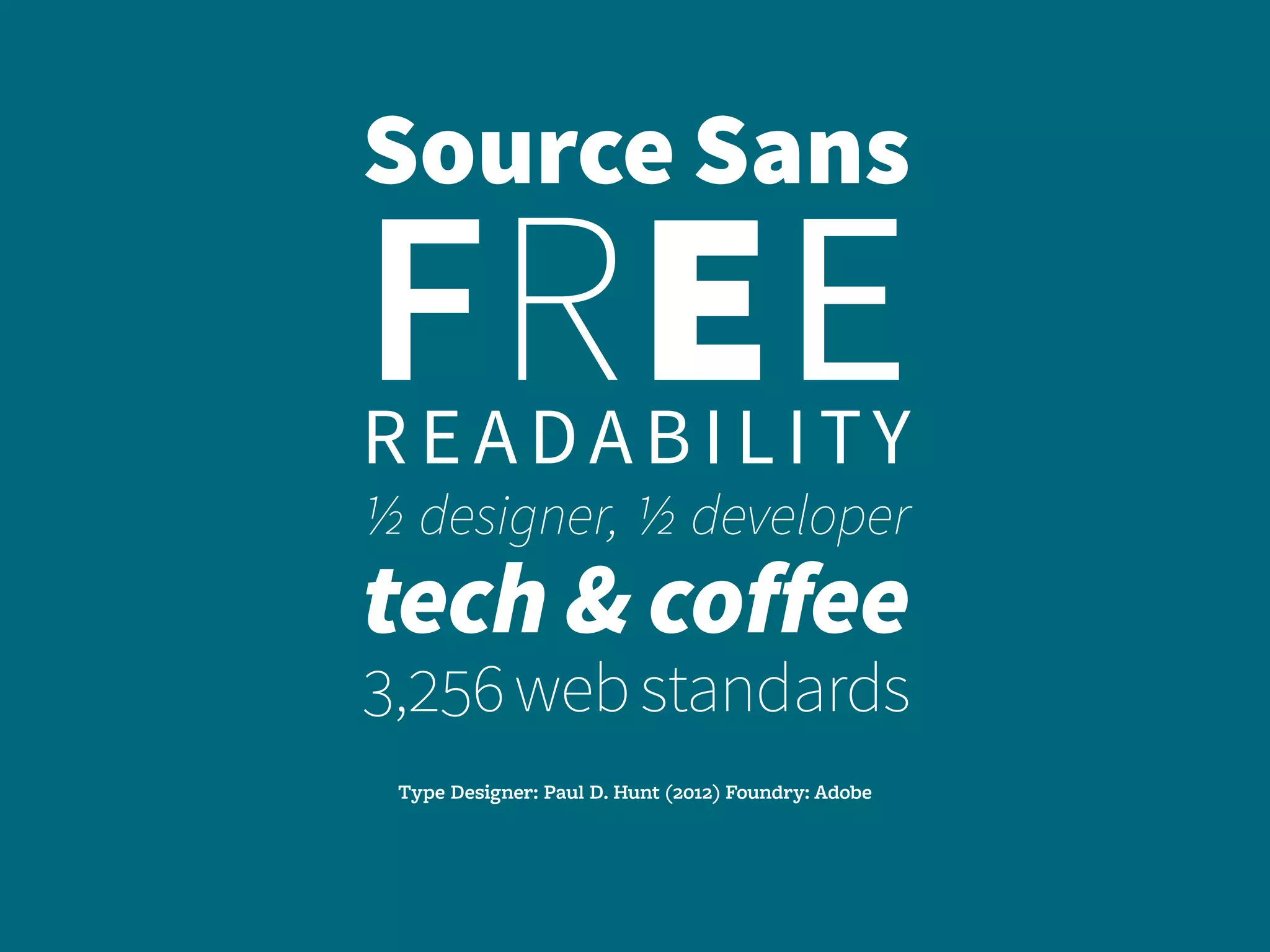
Source Sans
FREEreadability
1/2 designer, 1/2 developer
tech & coffee
3,256webstandards
Type Designer: Paul D. Hunt (2012) Foundry: Adobe
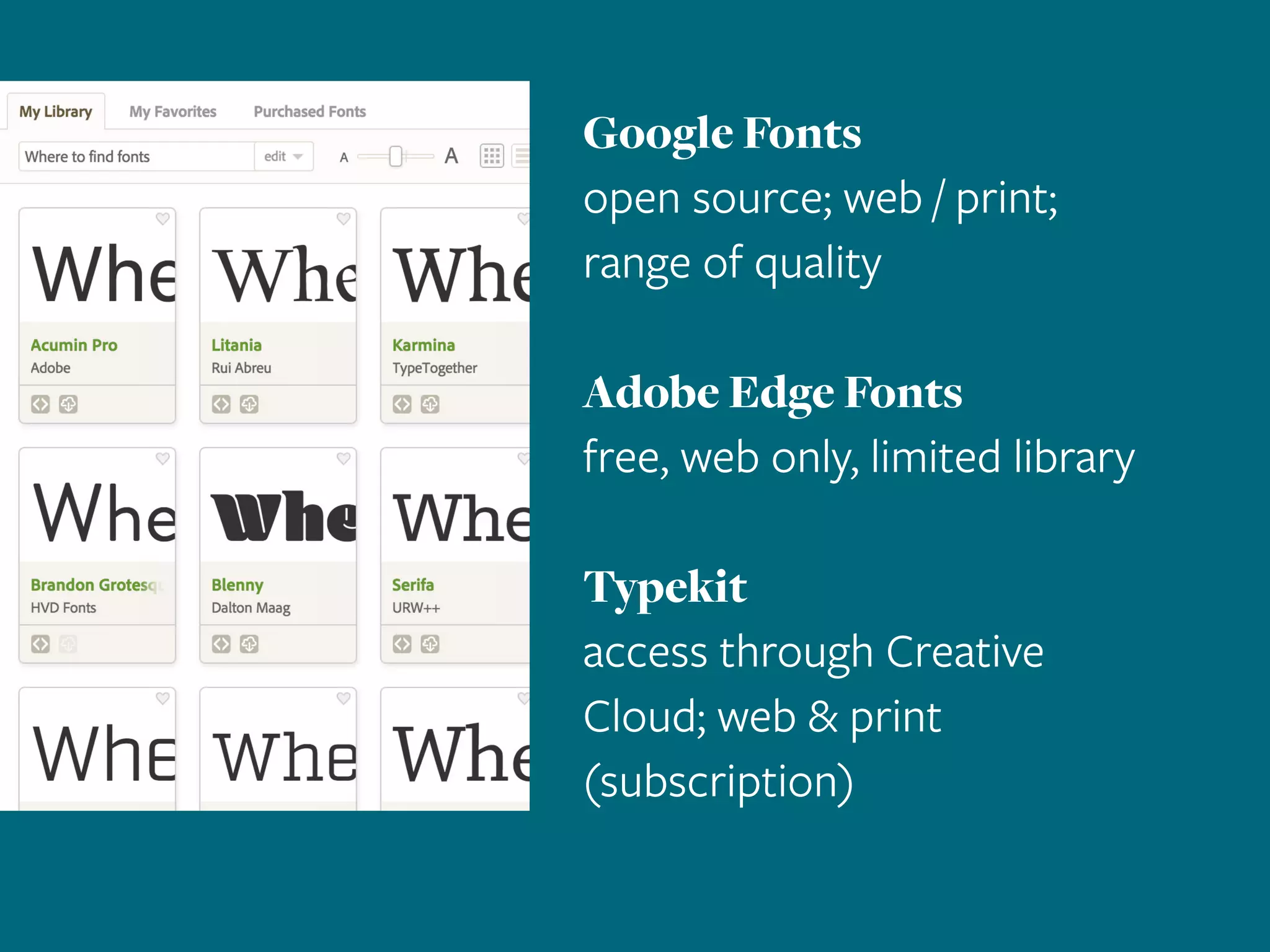
Google Fonts
open source; web / print;
range of quality
Adobe Edge Fonts
free, web only, limited library
Typekit
access through Creative
Cloud; web & print
(subscription)
2.
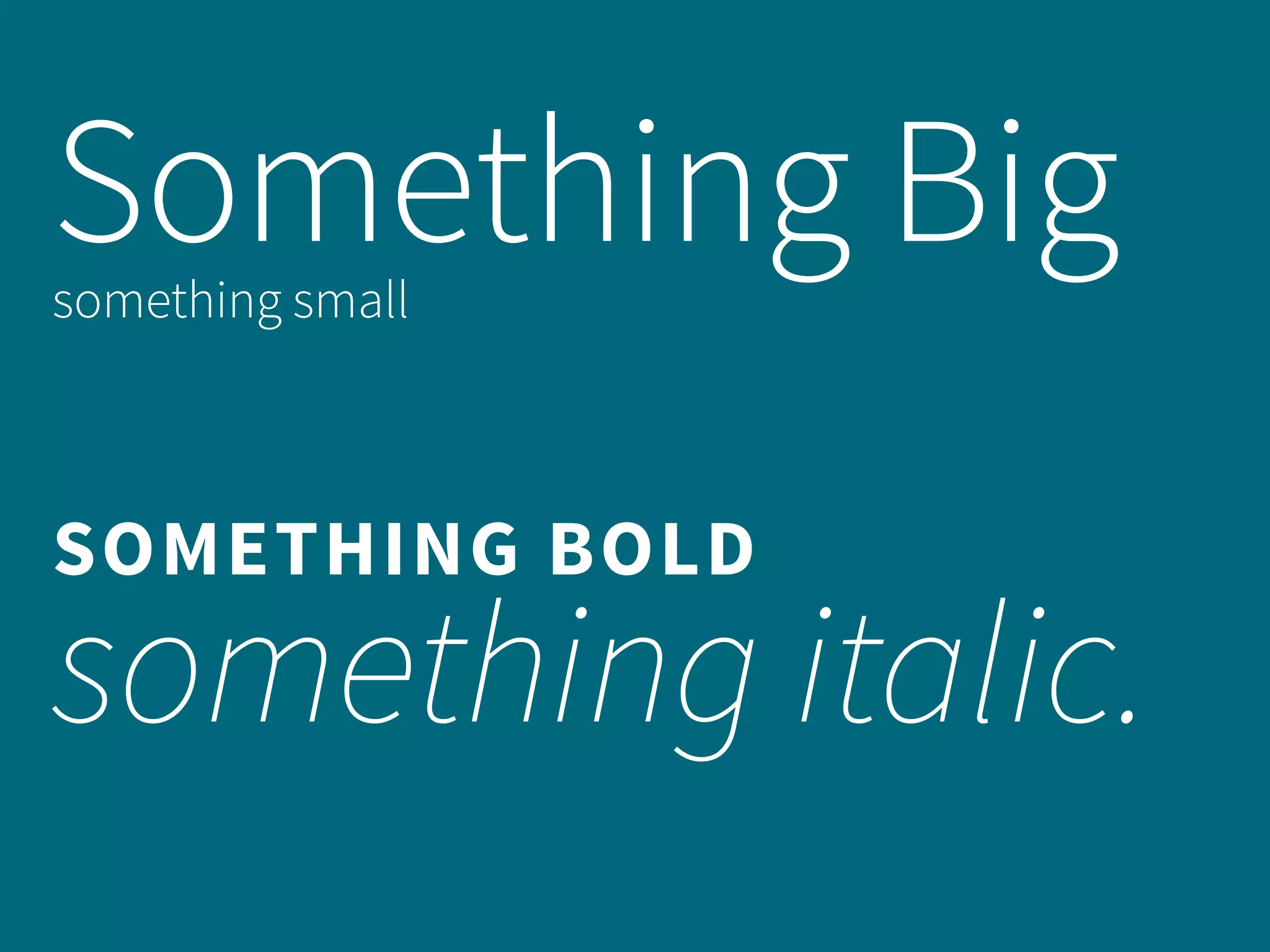
Contrast
[in size, weight and style]
creates hierarchy.
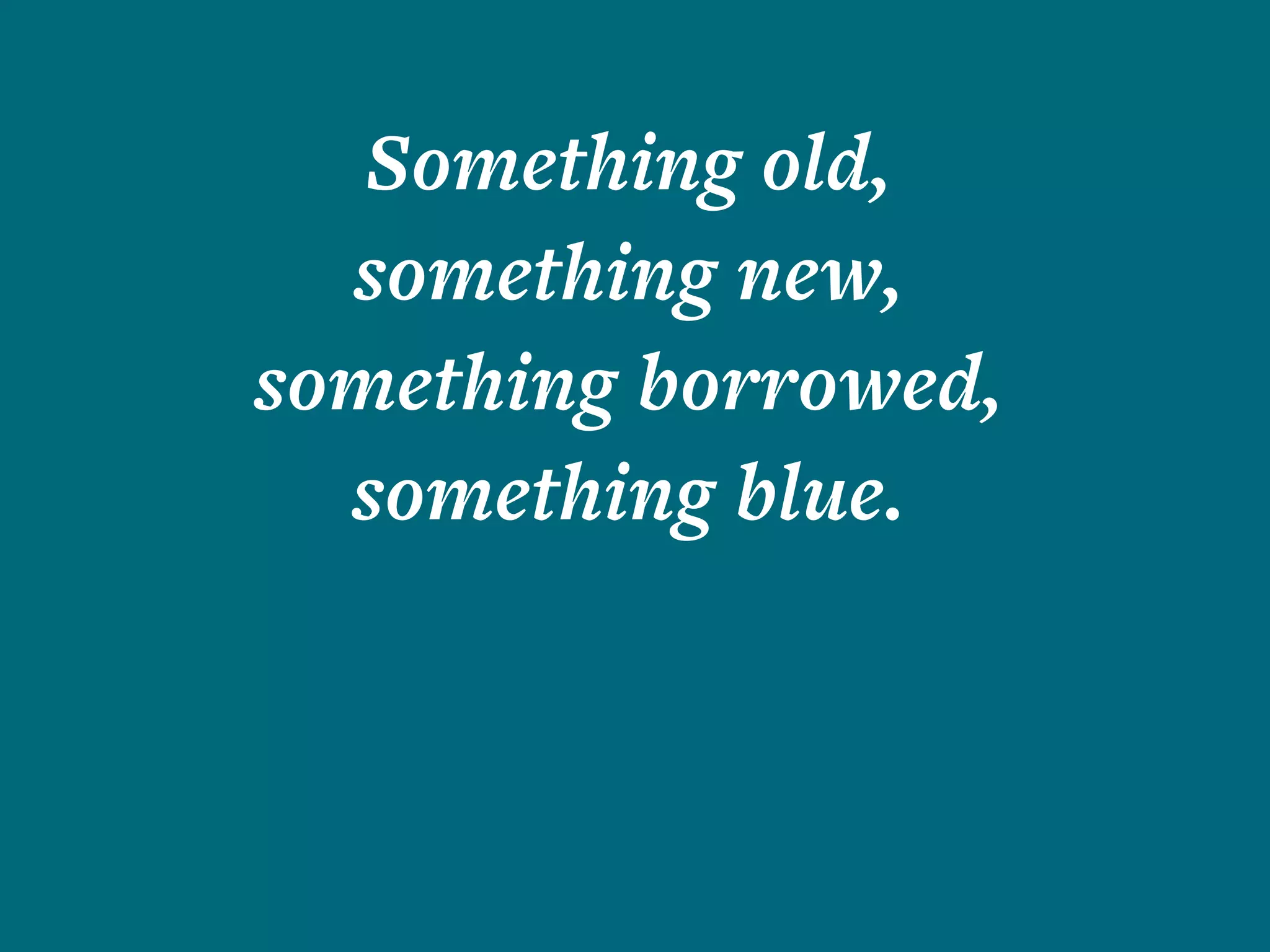
Something old,
something new,
something borrowed,
something blue.
Something Bigsomething small
SOMETHING BOLD
something italic.
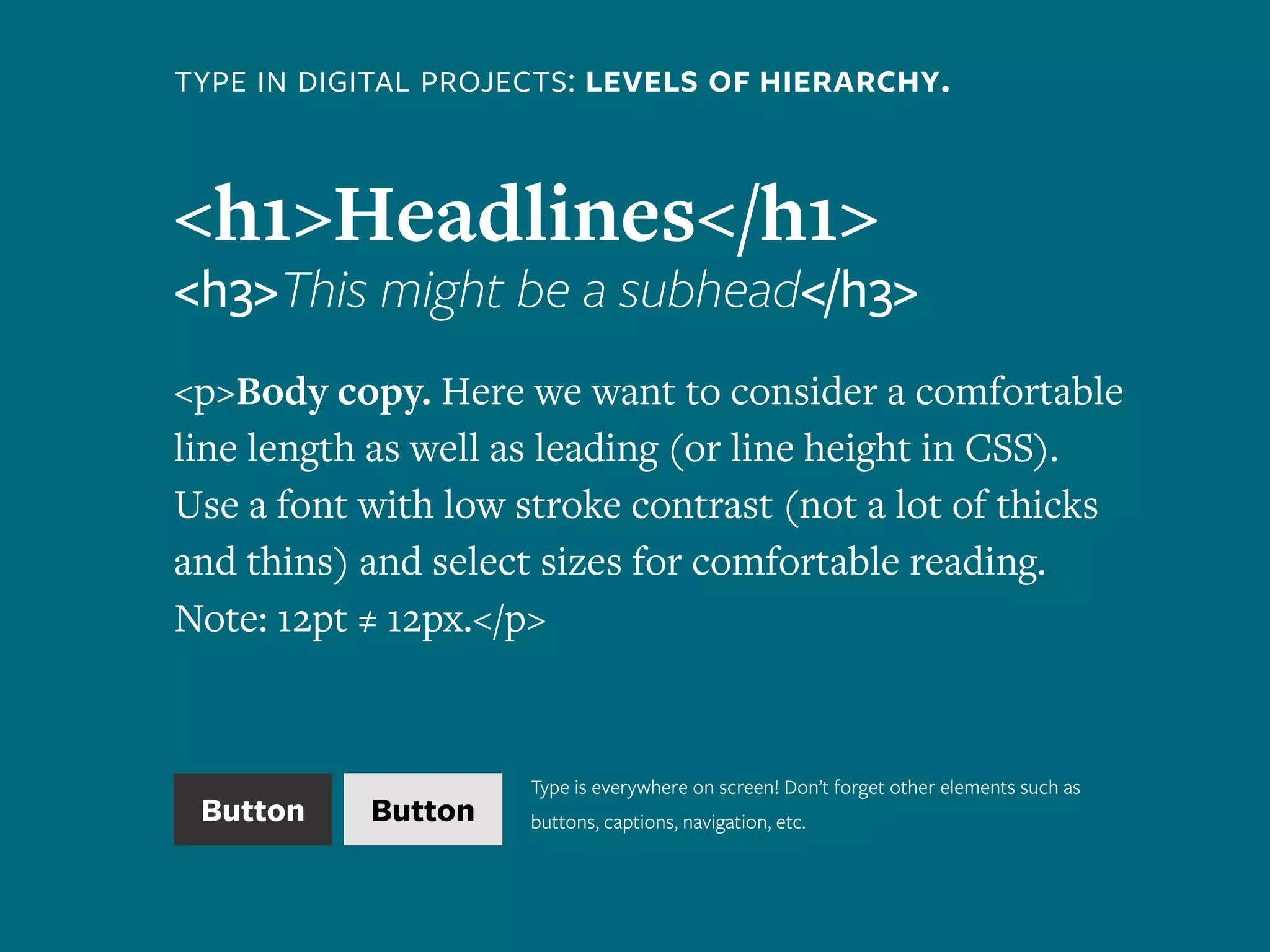
type in digital projects: levels of hierarchy.
<h1>Headlines</h1>
<h3>This might be a subhead</h3>
<p>Body copy. Here we want to consider a comfortable
line length as well as leading (or line height in CSS).
Use a font with low stroke contrast (not a lot of thicks
and thins) and select sizes for comfortable reading.
Note: 12pt ≠ 12px.</p>
Button Button
Type is everywhere on screen! Don’t forget other elements such as
buttons, captions, navigation, etc.
3.
breathe in, breathe out:
Negative space gives visual pause.
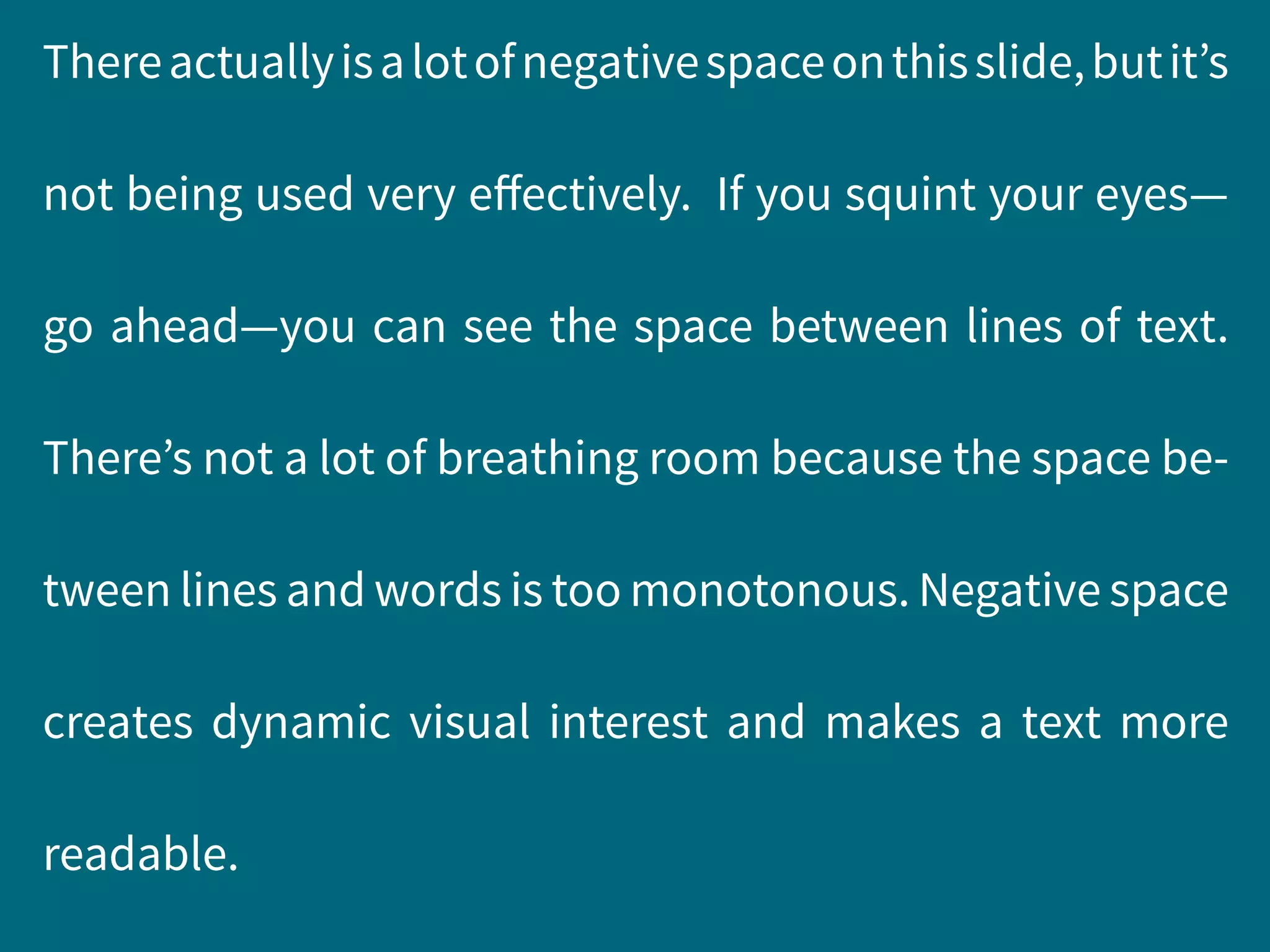
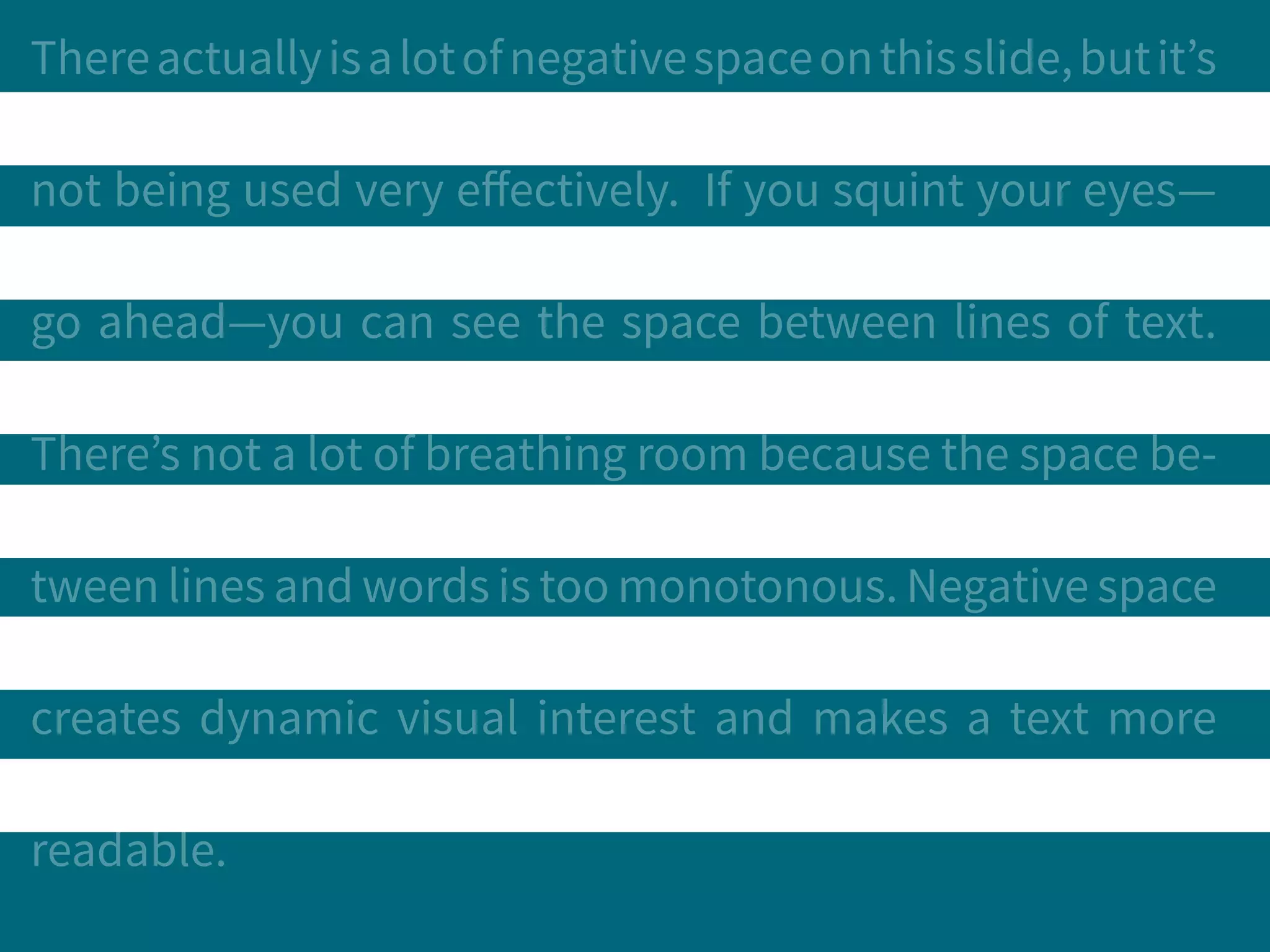
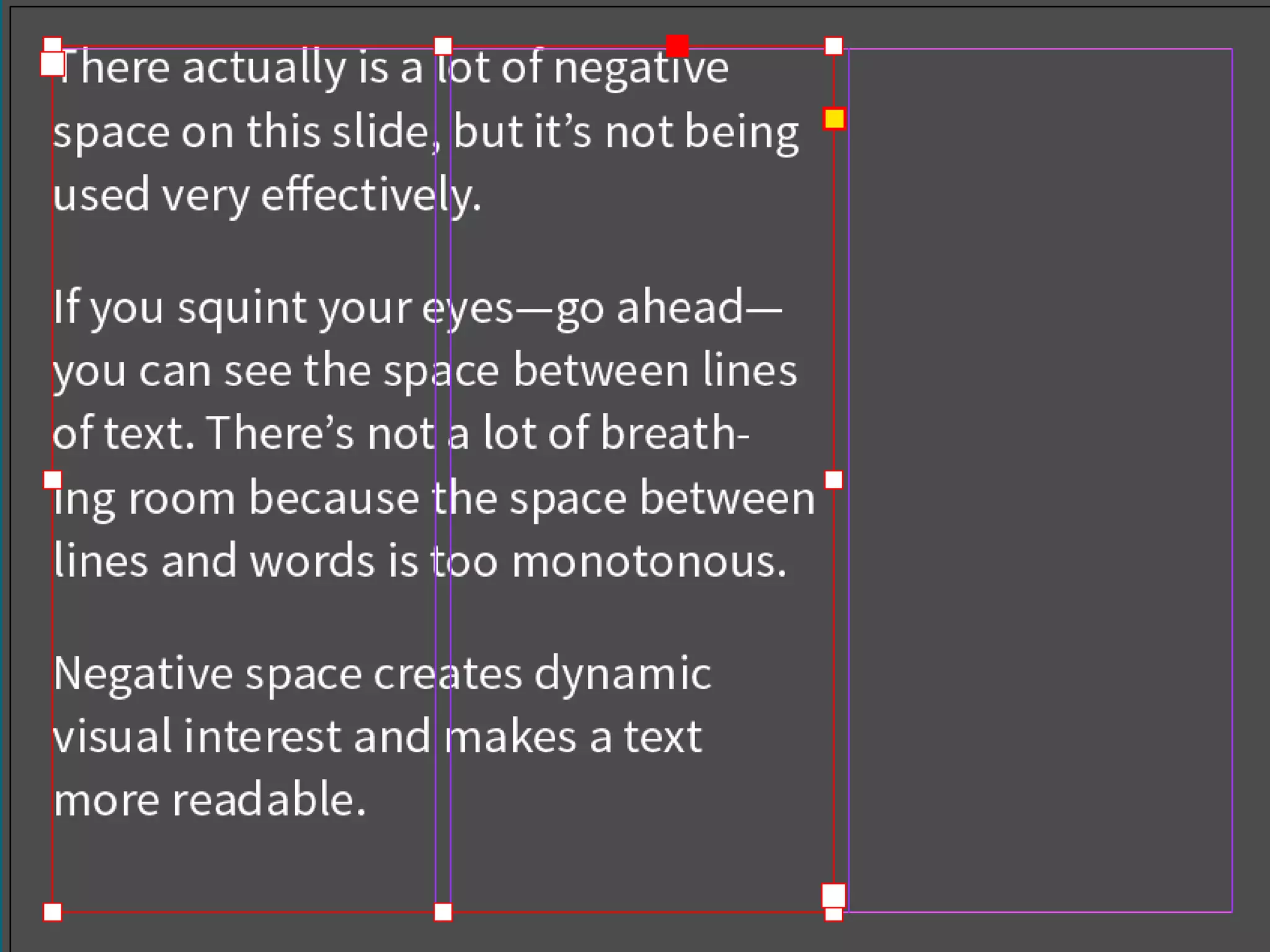
Thereactuallyisalotofnegativespaceonthisslide,butit’s
not being used very effectively. If you squint your eyes—
go ahead—you can see the space between lines of text.
There’s not a lot of breathing room because the space be-
tween lines and words is too monotonous. Negative space
creates dynamic visual interest and makes a text more
readable.
Thereactuallyisalotofnegativespaceonthisslide,butit’s
not being used very effectively. If you squint your eyes—
go ahead—you can see the space between lines of text.
There’s not a lot of breathing room because the space be-
tween lines and words is too monotonous. Negative space
creates dynamic visual interest and makes a text more
readable.
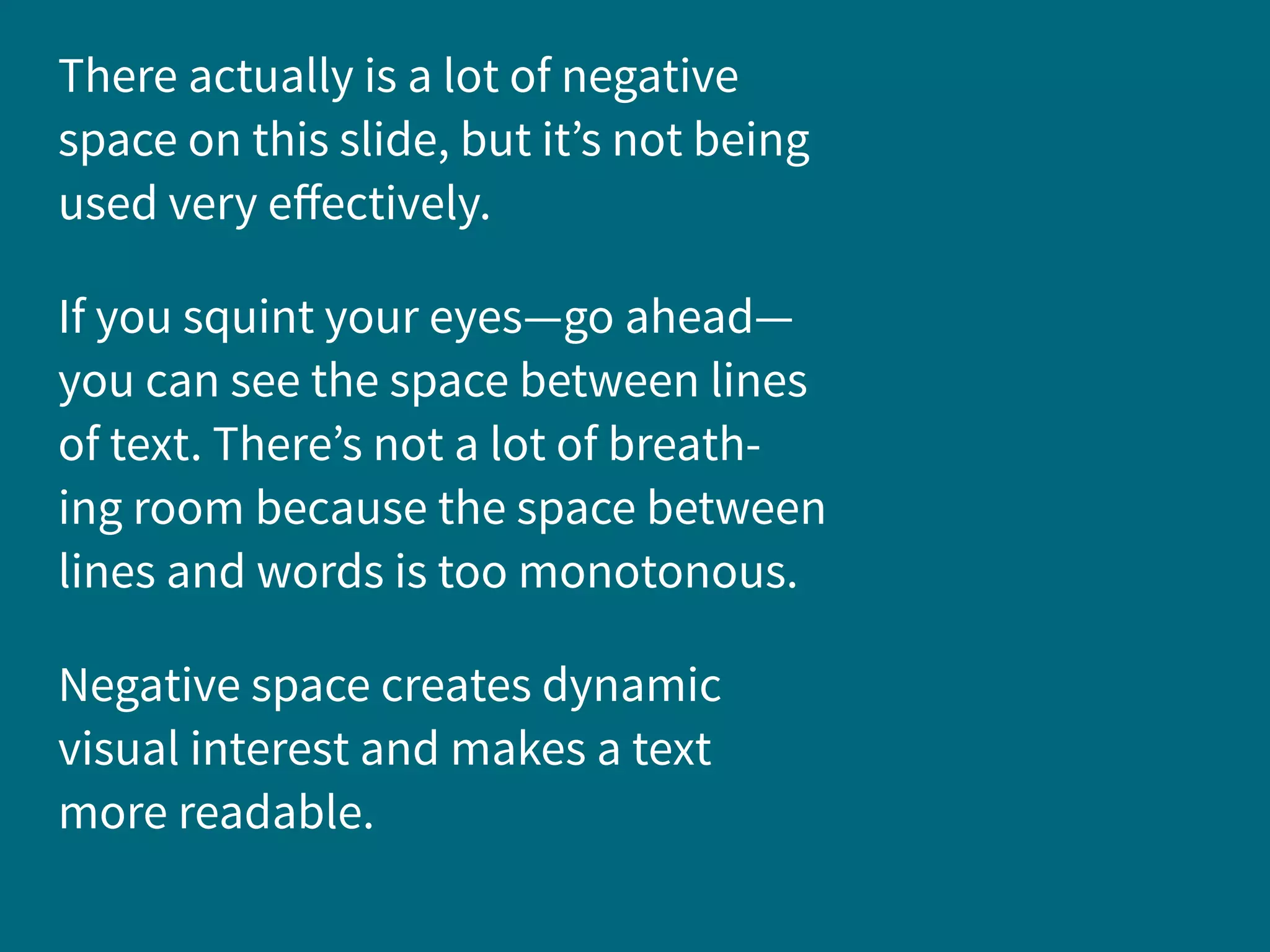
There actually is a lot of negative
space on this slide, but it’s not being
used very effectively.
If you squint your eyes—go ahead—
you can see the space between lines
of text. There’s not a lot of breath-
ing room because the space between
lines and words is too monotonous.
Negative space creates dynamic
visual interest and makes a text
more readable.
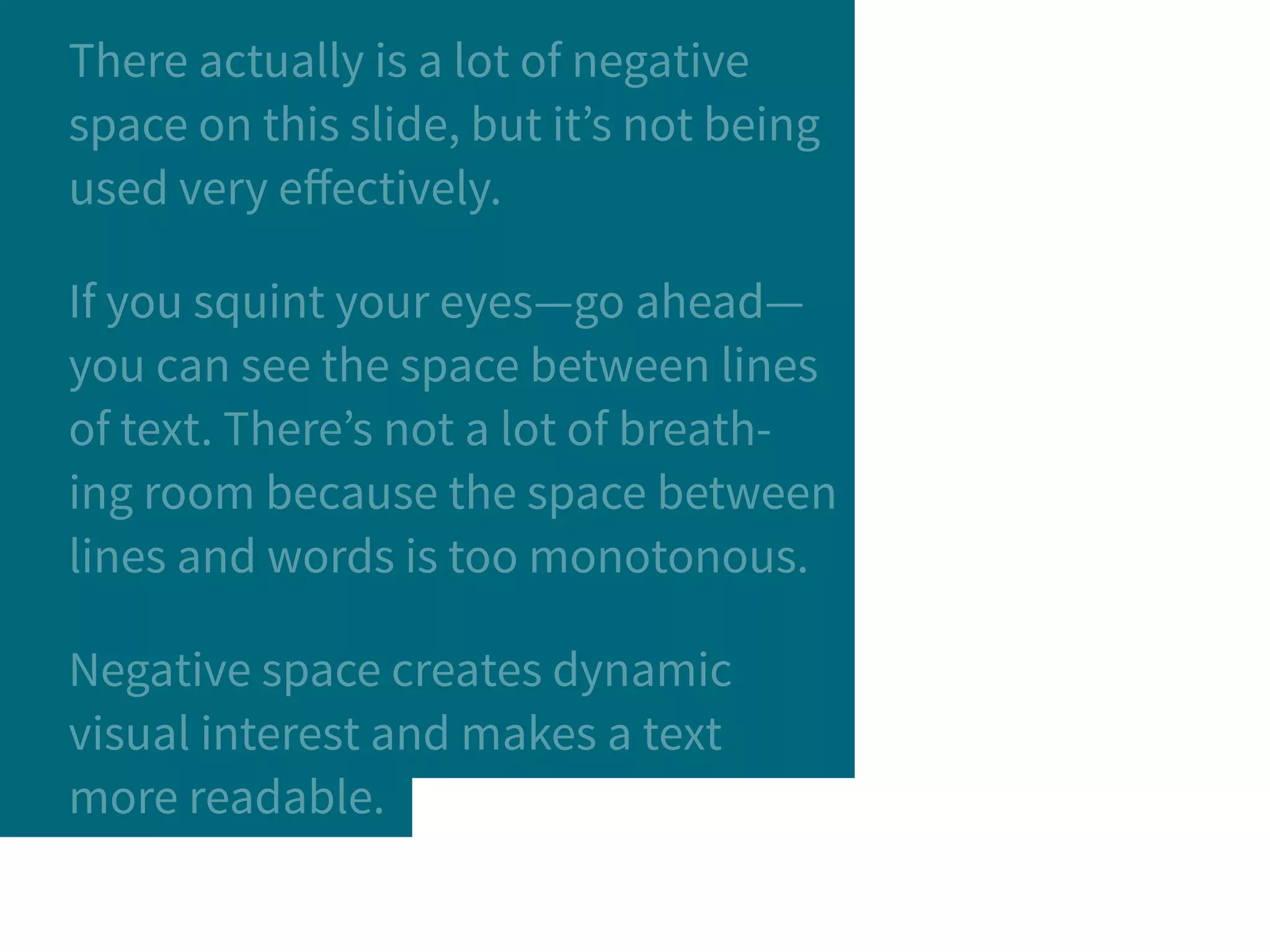
There actually is a lot of negative
space on this slide, but it’s not being
used very effectively.
If you squint your eyes—go ahead—
you can see the space between lines
of text. There’s not a lot of breath-
ing room because the space between
lines and words is too monotonous.
Negative space creates dynamic
visual interest and makes a text
more readable.
4.
the details:
Dashes and Ligatures and
Punctuation,
oh my!
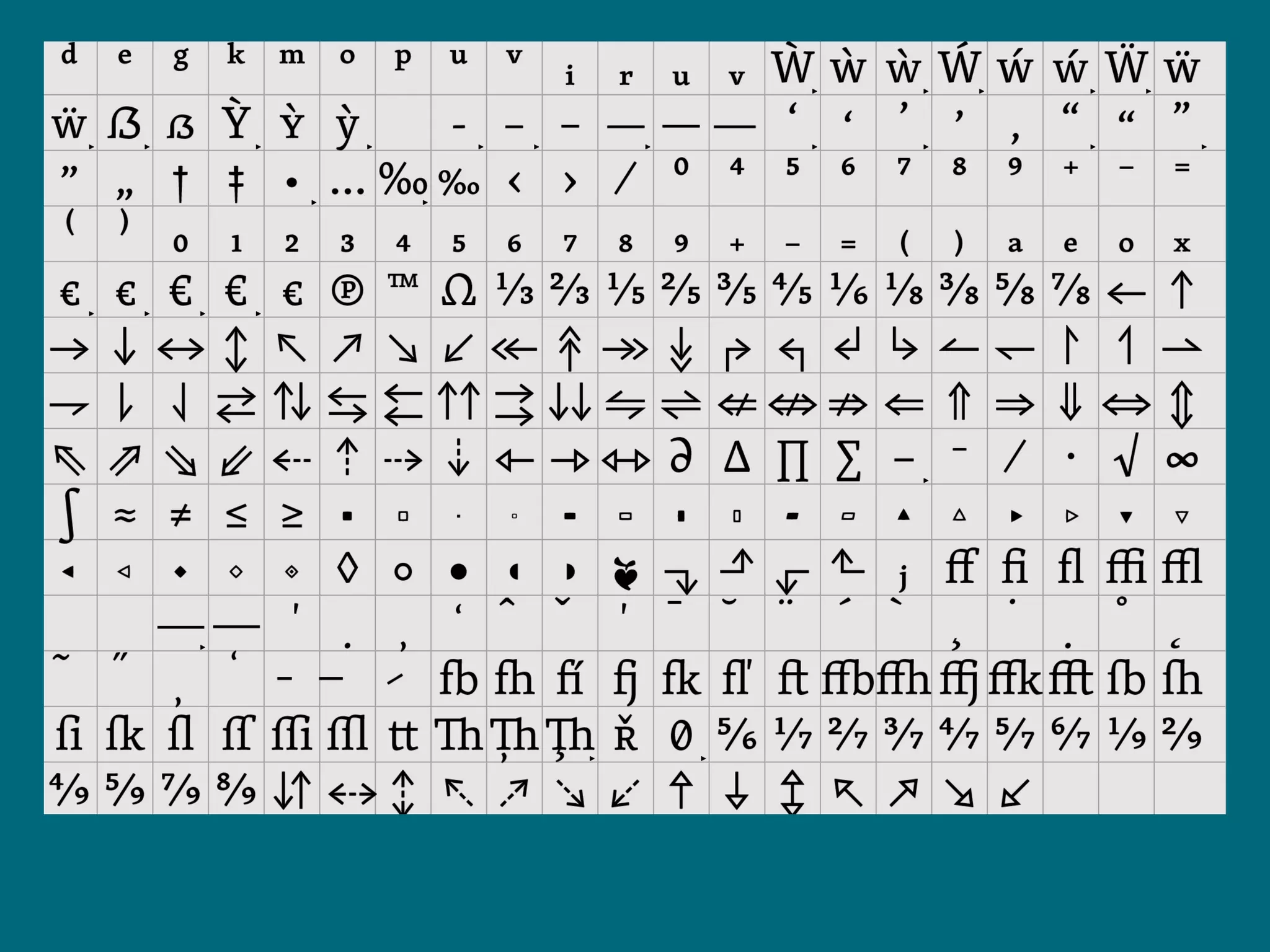
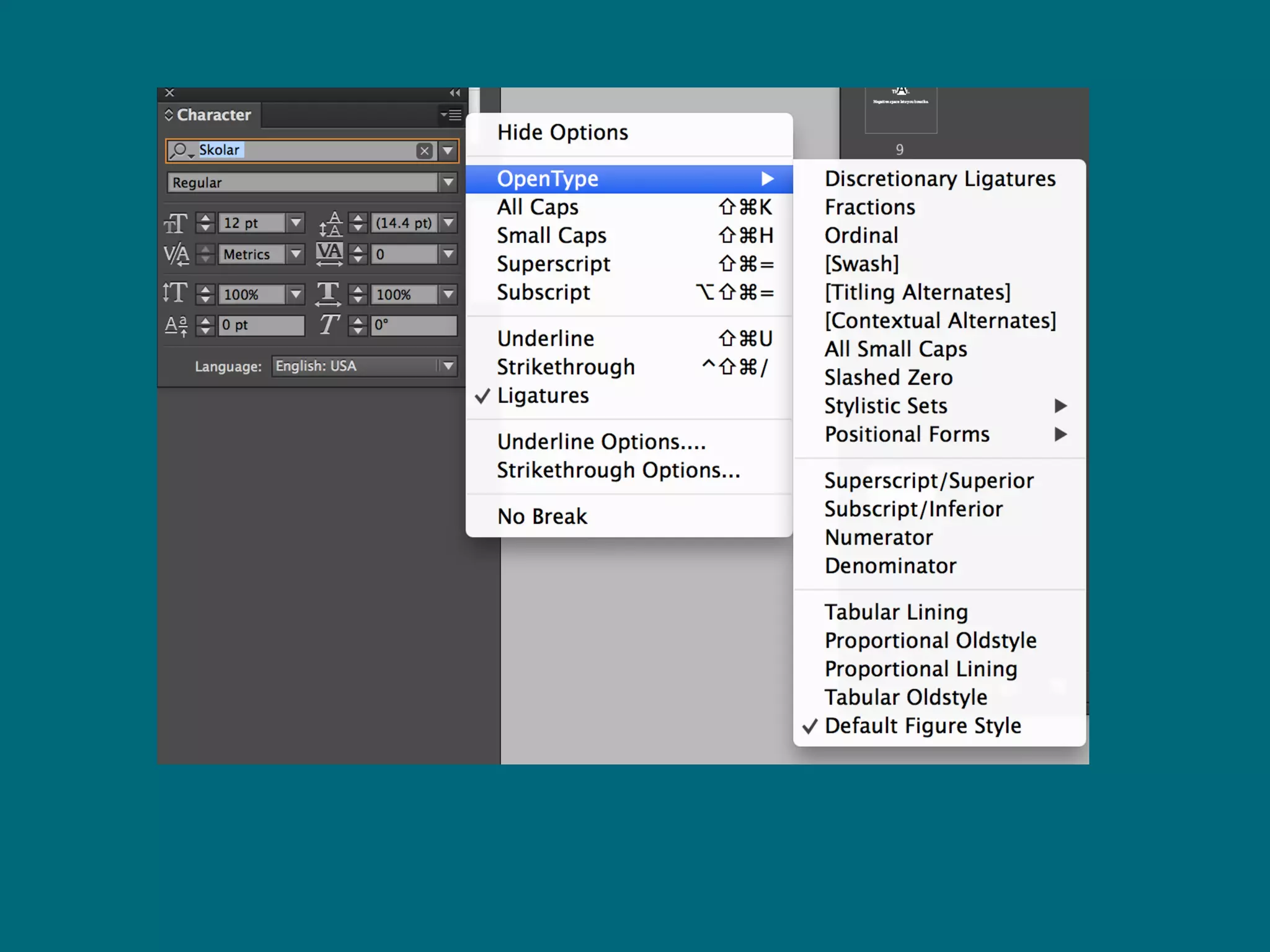
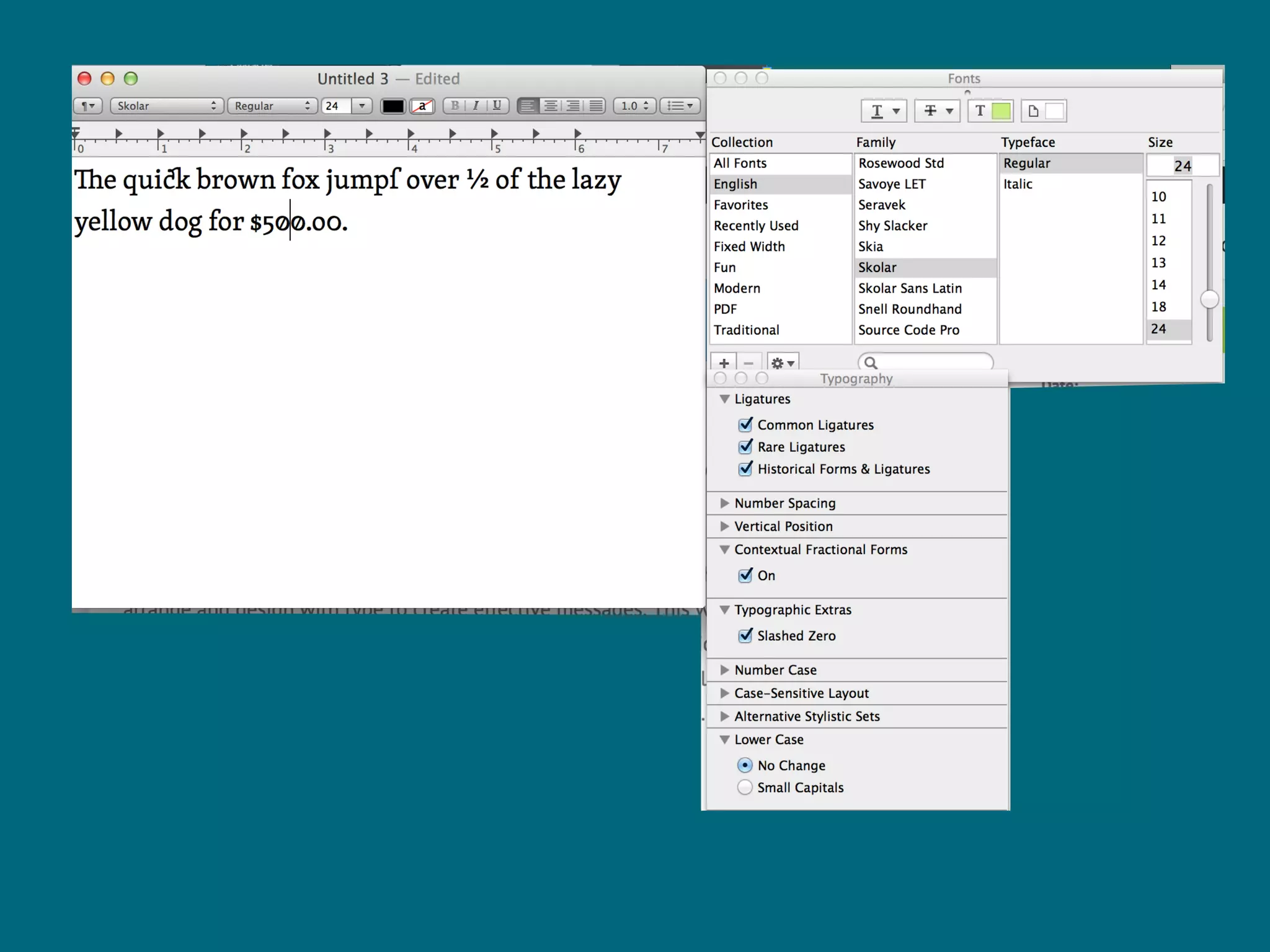
Dashes: [Em] ­—, [En] –, [Hyphen] -
Ligatures: ffluffy
Punctuation:
“smart quotes ” ≠ ˝(inches)
apostrophe’s ≠ '(foot)
5.
nerd out.
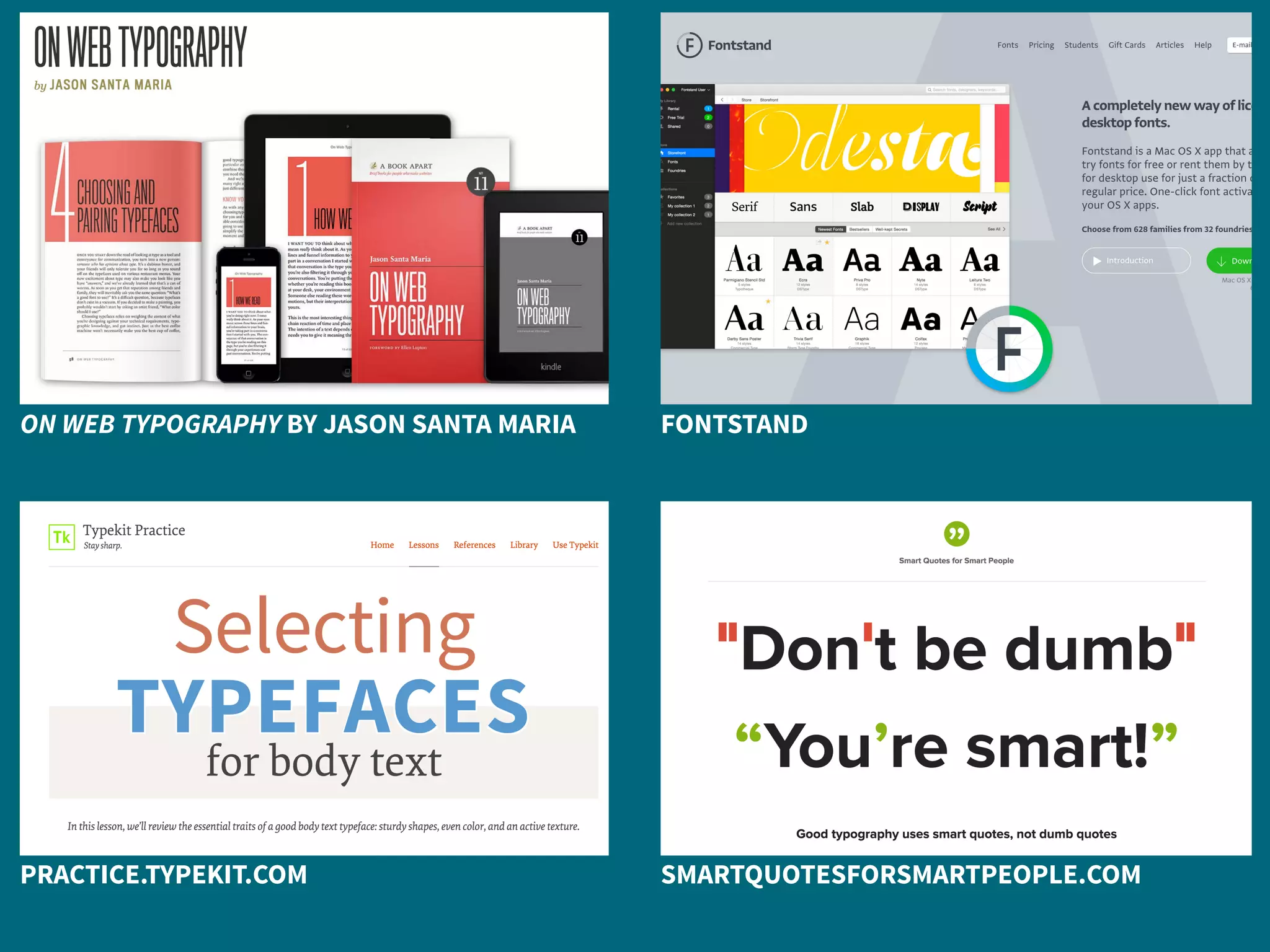
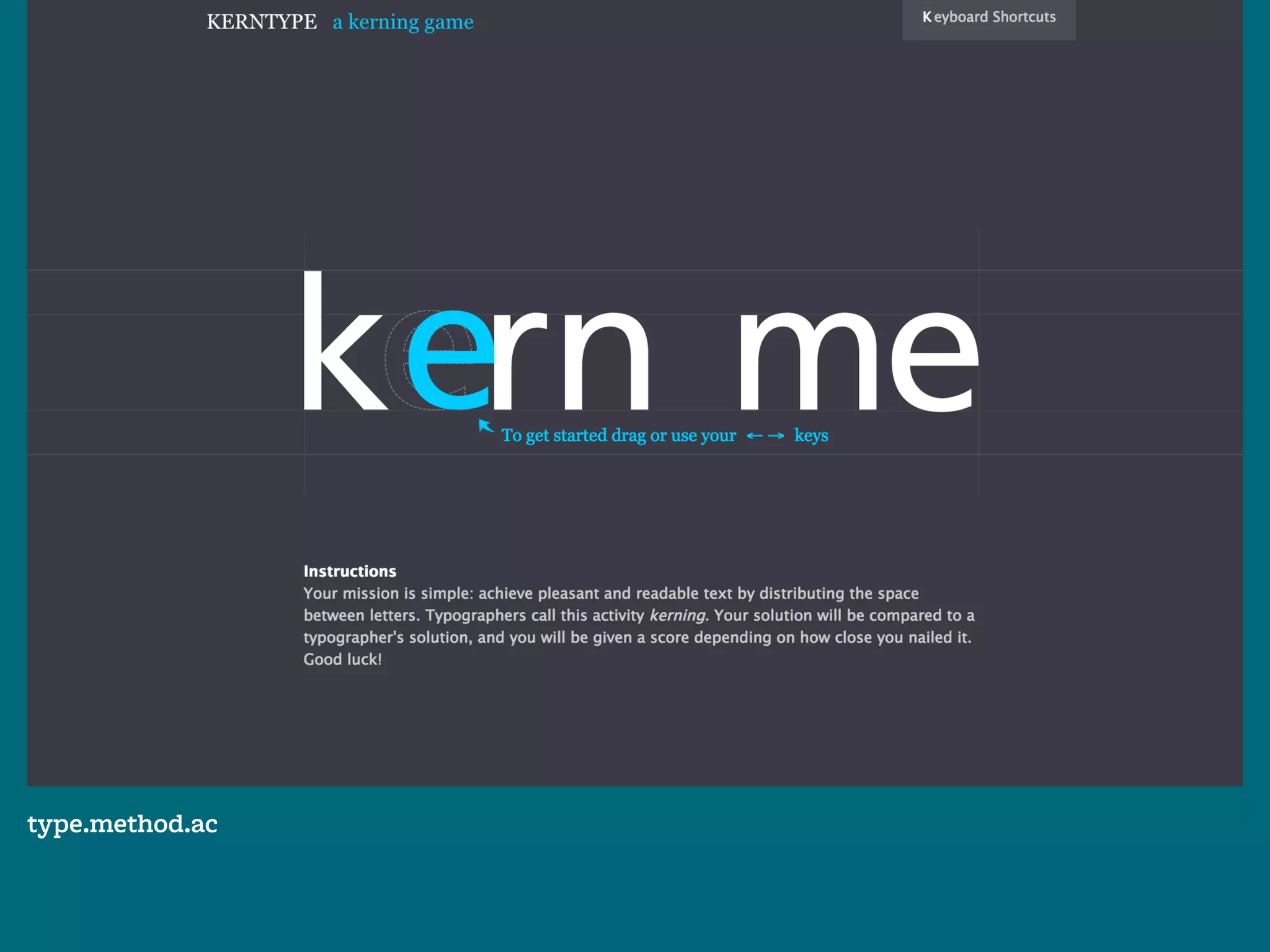
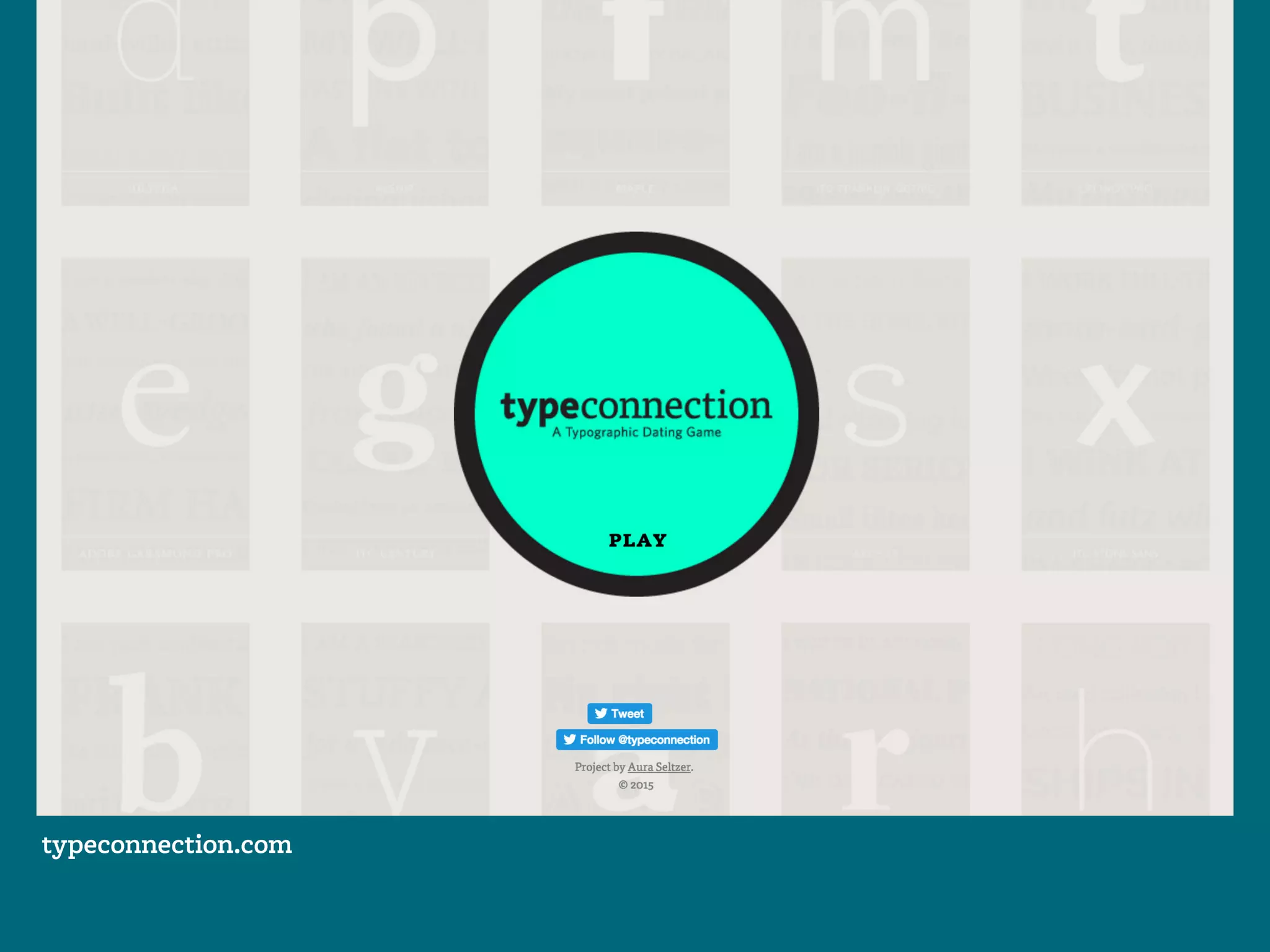
Typographic resources abound.
ON WEB TYPOGRAPHY BY JASON SANTA MARIA FONTSTAND
PRACTICE.TYPEKIT.COM SMARTQUOTESFORSMARTPEOPLE.COM
type.method.ac
typeconnection.com
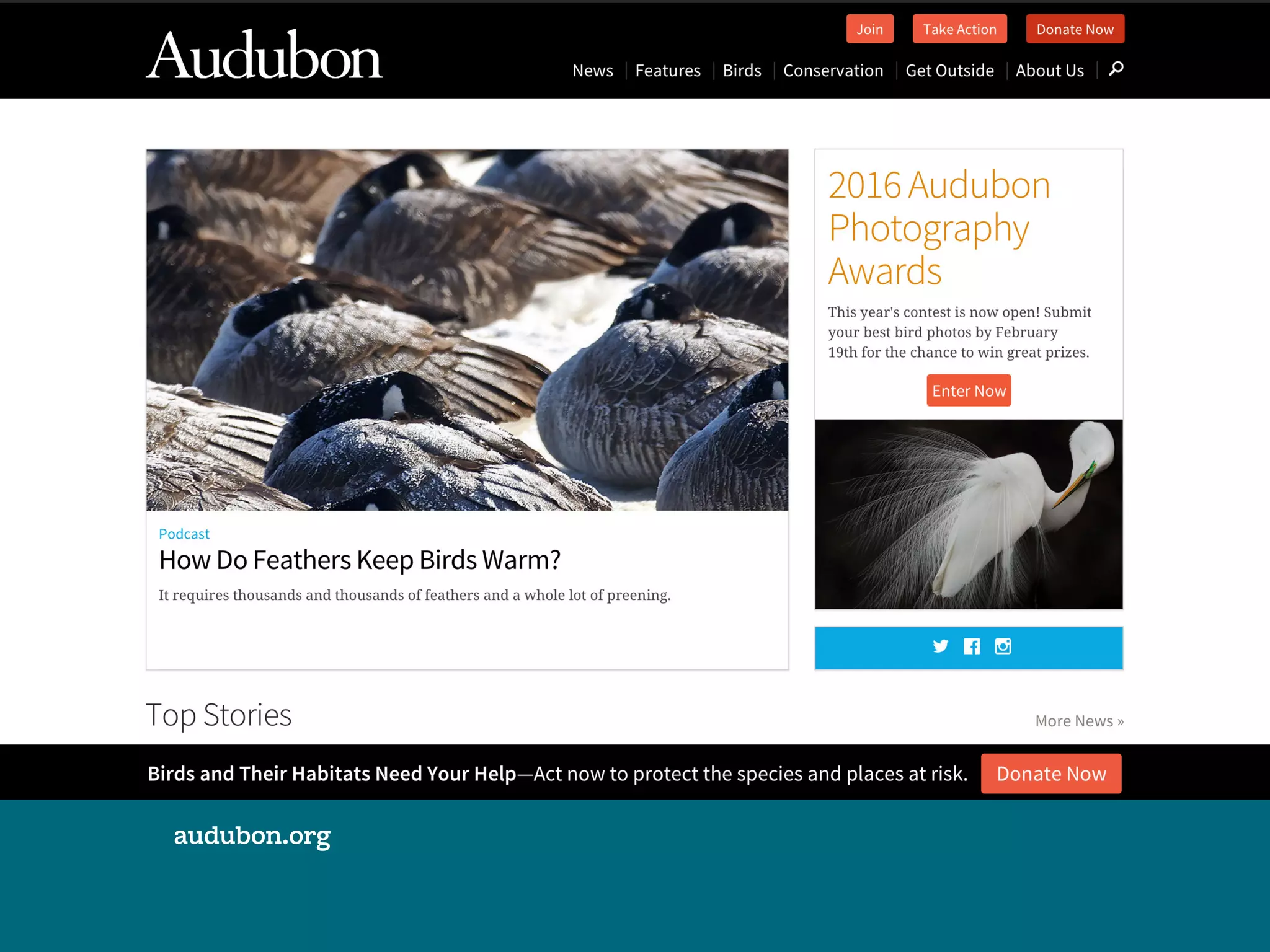
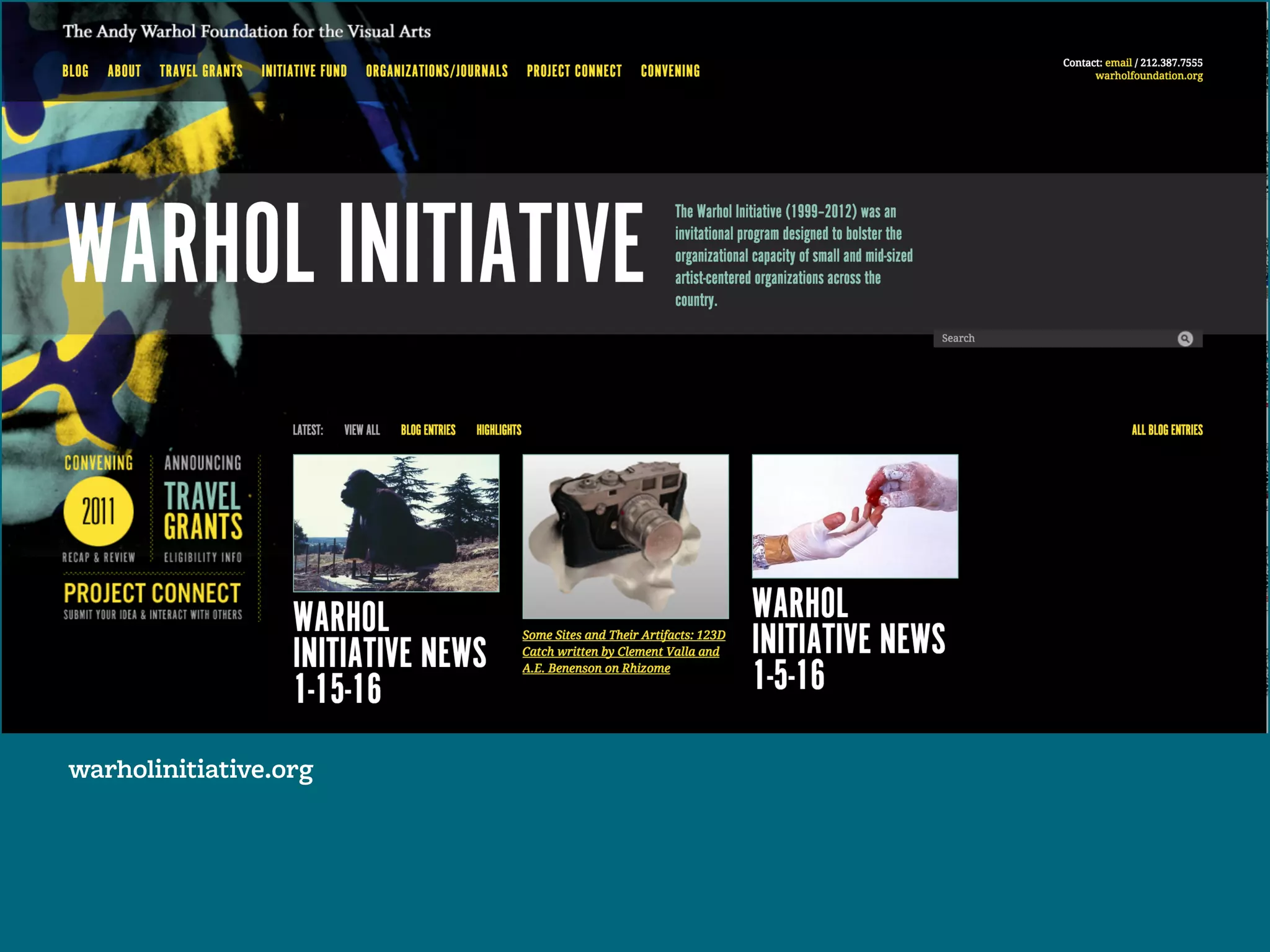
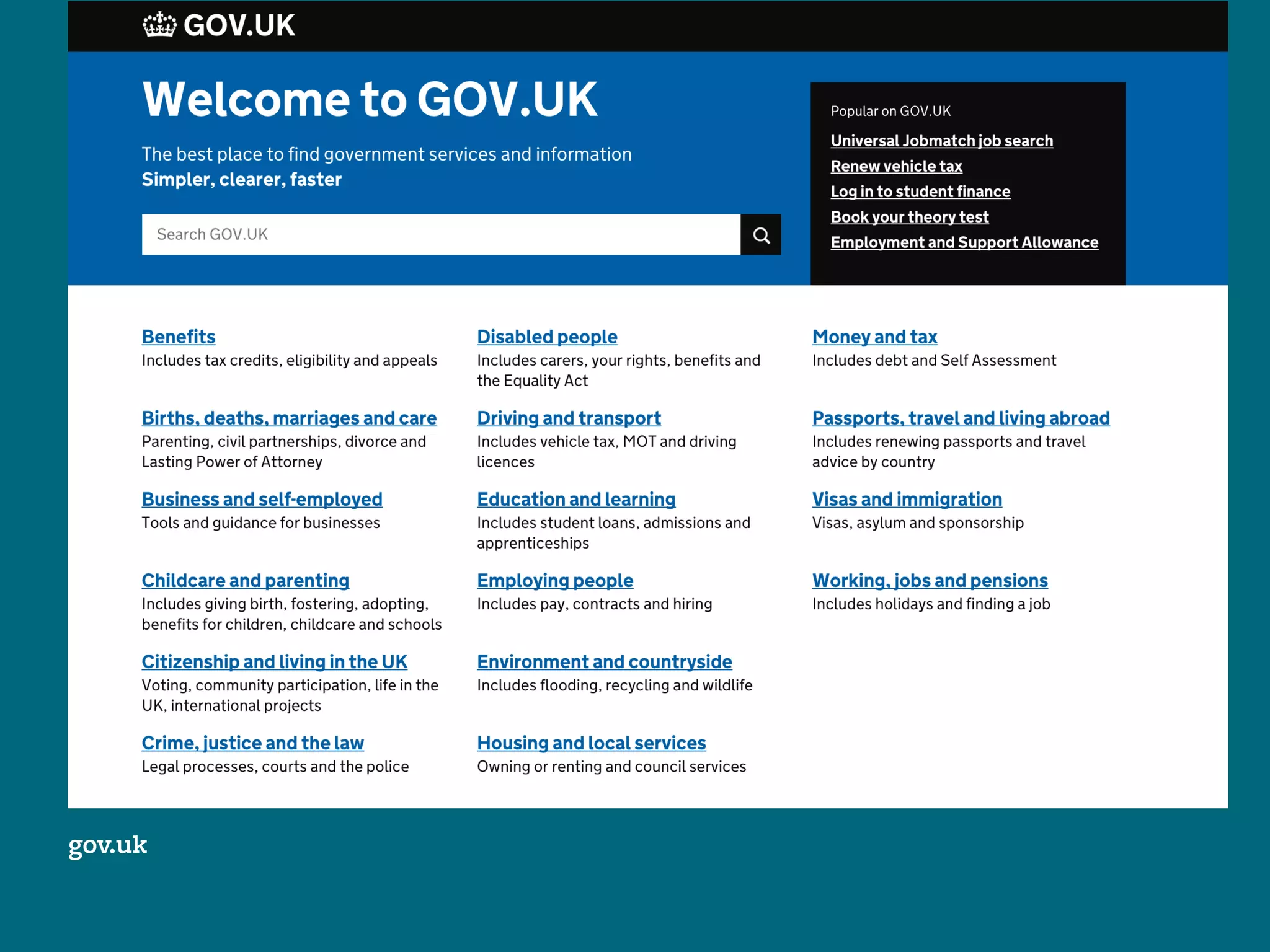
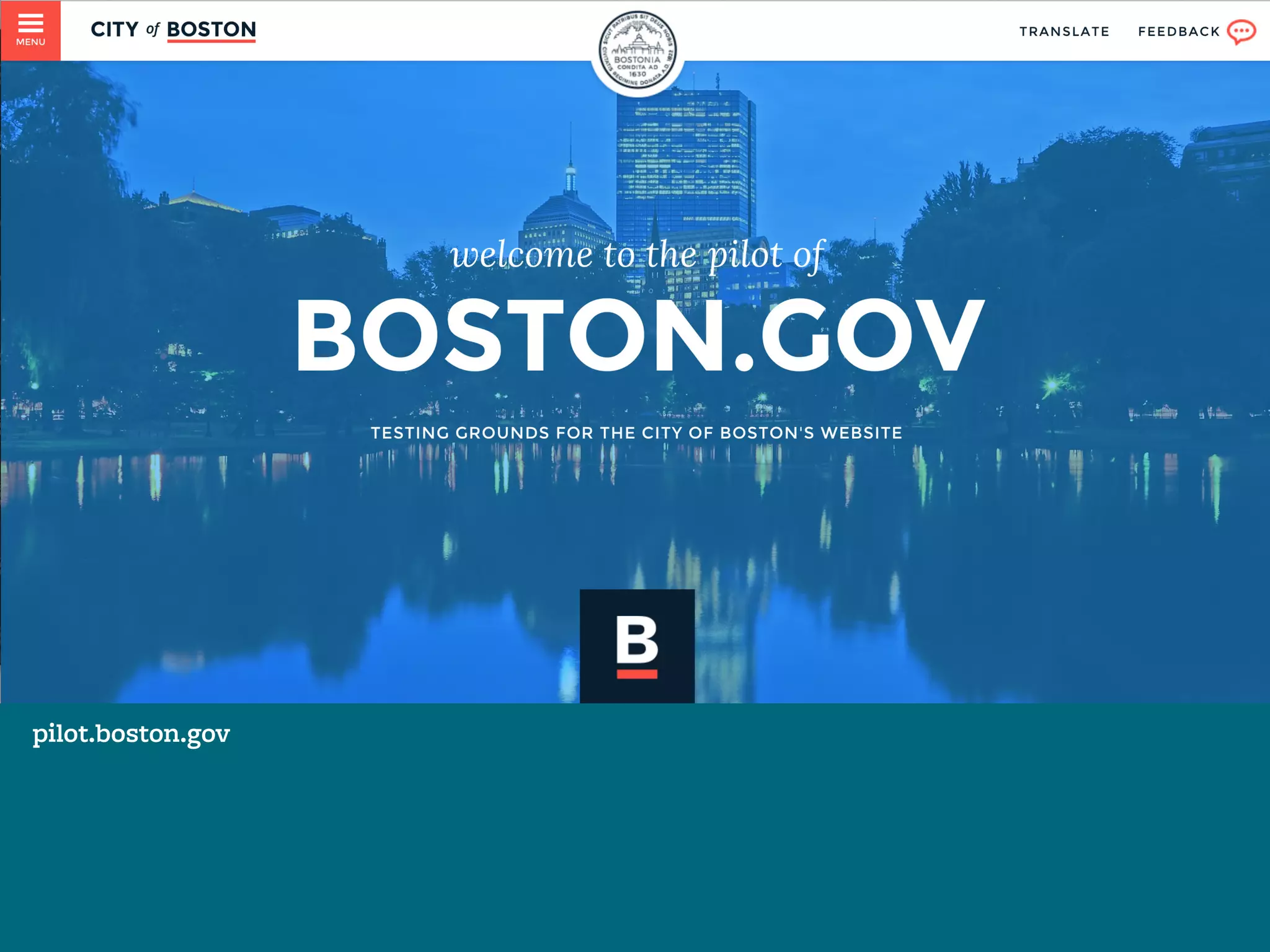
Examples for discussion
QUESTIONS TO ASK OURSELVES:
How is hierarchy created?
What feeling is the type conveying?
How is negative space used?
audubon.org
warholinitiative.org
gov.uk
pilot.boston.gov
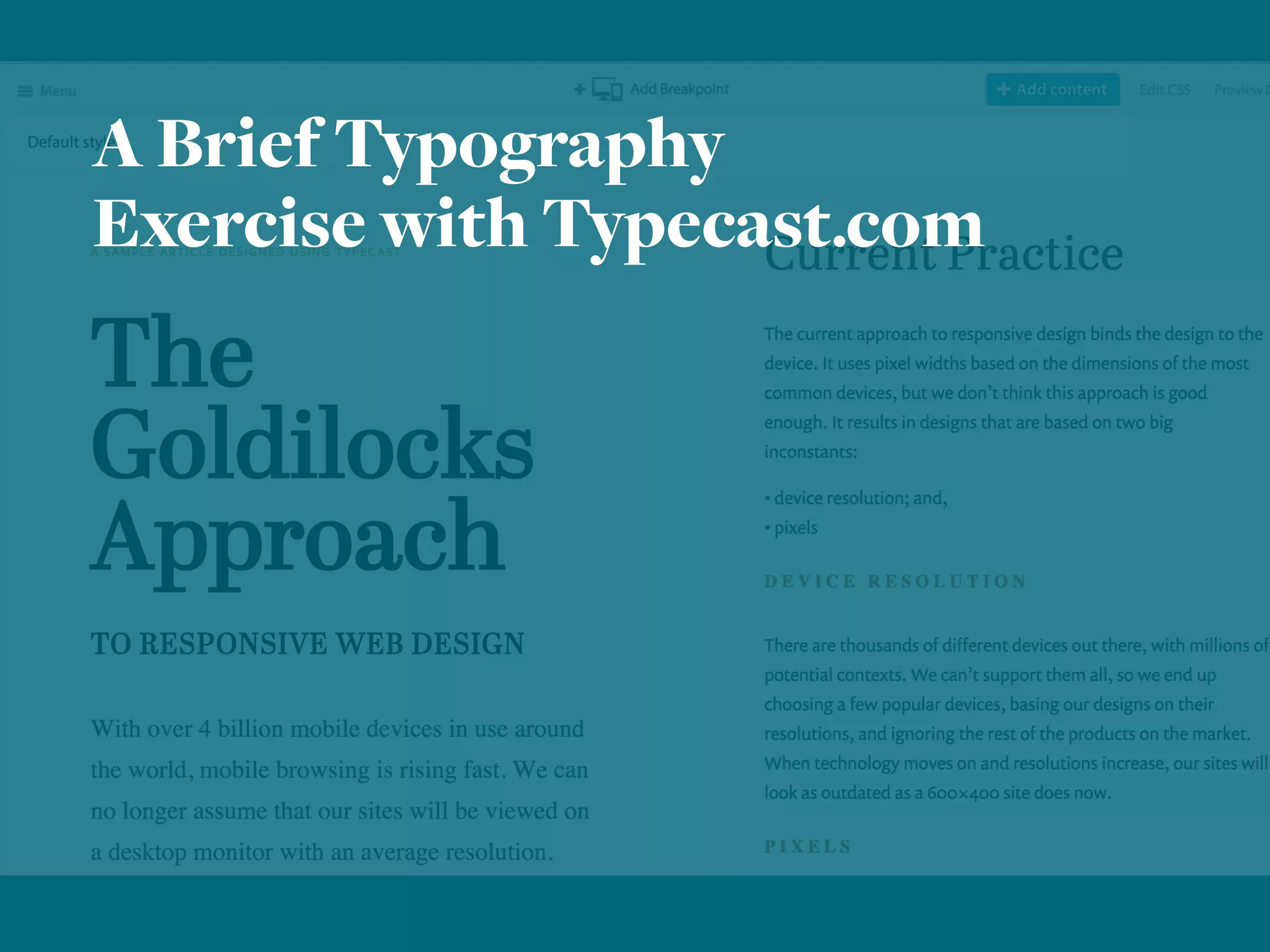
A Brief Typography
Exercise with Typecast.com
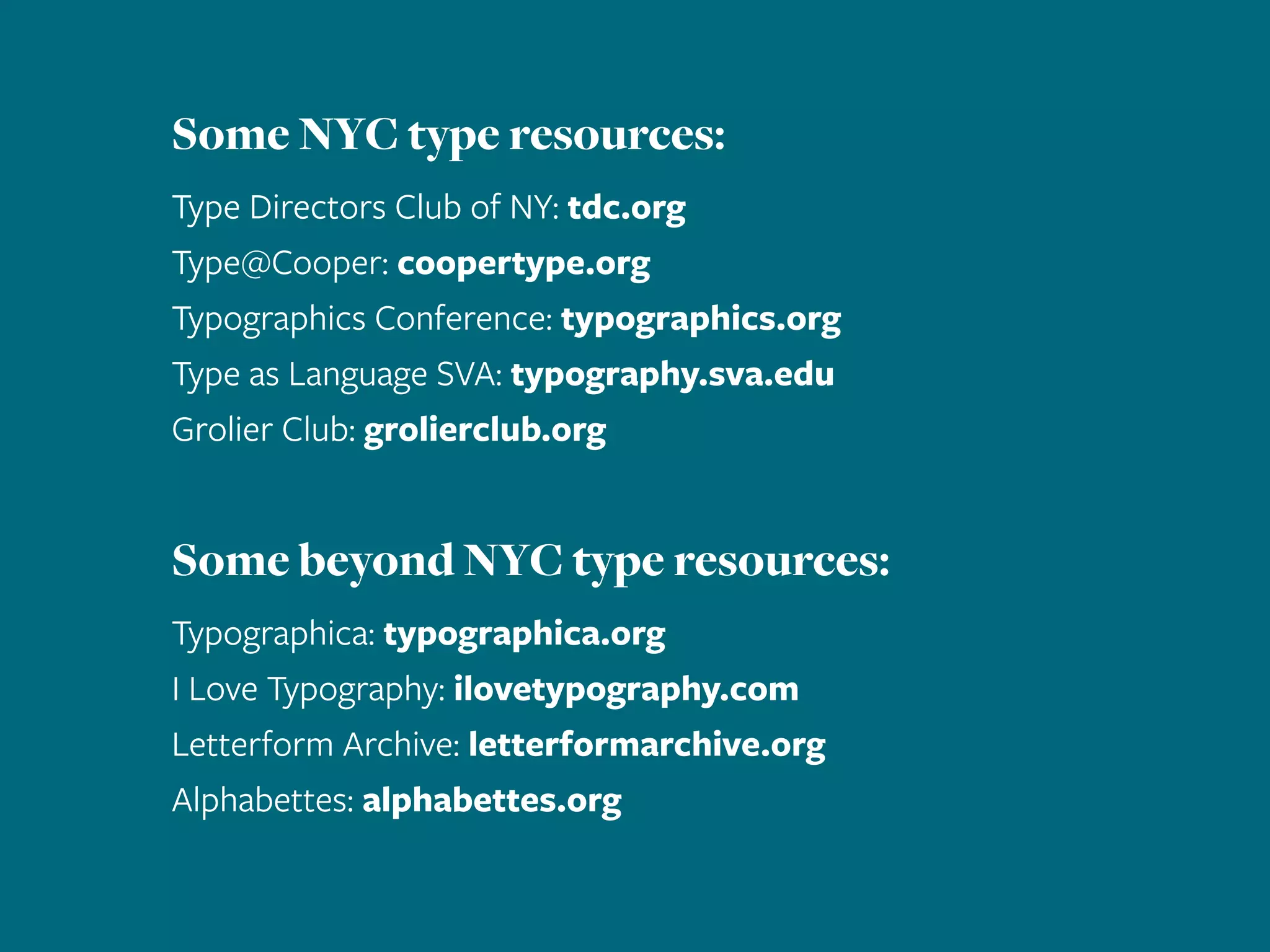
Some NYC type resources:
Type Directors Club of NY: tdc.org
Type@Cooper: coopertype.org
Typographics Conference: typographics.org
Type as Language SVA: typography.sva.edu
Grolier Club: grolierclub.org
Some beyond NYC type resources:
Typographica: typographica.org
I Love Typography: ilovetypography.com
Letterform Archive: letterformarchive.org
Alphabettes: alphabettes.org

Typography for [Digital] Humanists

  • 1.
    Typography for [Digital] Humanists. Friday,February 12, 2016 10am – 12pm Fordham University Amy Papaelias | @fontnerd Assistant Professor of Graphic Design, SUNY New Paltz
  • 2.
    The title forthis presentation is inspired by: Typography for Lawyers Matthew Butterick typographyforlawyers.com And check out this very worthy follow-up: Butterick’s Practical Typography practicaltypography
  • 3.
    Today, we’ll focuson a few things: Typeface selection in digital projects Very basic type rules Web typography tools and resources
  • 4.
    “ Typography is what languagelooks like.” — Ellen Lupton “ Typography exists to honor content.” — Robert Bringhurst
  • 5.
  • 6.
    How do Iknow what is good?
  • 7.
    Choose your type likeyou choose your outfit: What’s the occassion? What’s the feeling I want to portray? What’s the weather like?
  • 8.
    [some very basic]Type Classification: Serif Sans-serif Monospace Script Decorative
  • 9.
  • 10.
    Source Sans FREEreadability 1/2 designer,1/2 developer tech & coffee 3,256webstandards Type Designer: Paul D. Hunt (2012) Foundry: Adobe
  • 11.
    Google Fonts open source;web / print; range of quality Adobe Edge Fonts free, web only, limited library Typekit access through Creative Cloud; web & print (subscription)
  • 12.
    2. Contrast [in size, weightand style] creates hierarchy.
  • 13.
    Something old, something new, somethingborrowed, something blue.
  • 14.
  • 15.
    type in digitalprojects: levels of hierarchy. <h1>Headlines</h1> <h3>This might be a subhead</h3> <p>Body copy. Here we want to consider a comfortable line length as well as leading (or line height in CSS). Use a font with low stroke contrast (not a lot of thicks and thins) and select sizes for comfortable reading. Note: 12pt ≠ 12px.</p> Button Button Type is everywhere on screen! Don’t forget other elements such as buttons, captions, navigation, etc.
  • 16.
    3. breathe in, breatheout: Negative space gives visual pause.
  • 17.
    Thereactuallyisalotofnegativespaceonthisslide,butit’s not being usedvery effectively. If you squint your eyes— go ahead—you can see the space between lines of text. There’s not a lot of breathing room because the space be- tween lines and words is too monotonous. Negative space creates dynamic visual interest and makes a text more readable.
  • 18.
    Thereactuallyisalotofnegativespaceonthisslide,butit’s not being usedvery effectively. If you squint your eyes— go ahead—you can see the space between lines of text. There’s not a lot of breathing room because the space be- tween lines and words is too monotonous. Negative space creates dynamic visual interest and makes a text more readable.
  • 19.
    There actually isa lot of negative space on this slide, but it’s not being used very effectively. If you squint your eyes—go ahead— you can see the space between lines of text. There’s not a lot of breath- ing room because the space between lines and words is too monotonous. Negative space creates dynamic visual interest and makes a text more readable.
  • 21.
    There actually isa lot of negative space on this slide, but it’s not being used very effectively. If you squint your eyes—go ahead— you can see the space between lines of text. There’s not a lot of breath- ing room because the space between lines and words is too monotonous. Negative space creates dynamic visual interest and makes a text more readable.
  • 22.
    4. the details: Dashes andLigatures and Punctuation, oh my!
  • 23.
    Dashes: [Em] ­—,[En] –, [Hyphen] - Ligatures: ffluffy Punctuation: “smart quotes ” ≠ ˝(inches) apostrophe’s ≠ '(foot)
  • 27.
  • 28.
    ON WEB TYPOGRAPHYBY JASON SANTA MARIA FONTSTAND PRACTICE.TYPEKIT.COM SMARTQUOTESFORSMARTPEOPLE.COM
  • 29.
  • 30.
  • 31.
    Examples for discussion QUESTIONSTO ASK OURSELVES: How is hierarchy created? What feeling is the type conveying? How is negative space used?
  • 32.
  • 33.
  • 34.
  • 35.
  • 36.
    A Brief Typography Exercisewith Typecast.com
  • 37.
    Some NYC typeresources: Type Directors Club of NY: tdc.org Type@Cooper: coopertype.org Typographics Conference: typographics.org Type as Language SVA: typography.sva.edu Grolier Club: grolierclub.org Some beyond NYC type resources: Typographica: typographica.org I Love Typography: ilovetypography.com Letterform Archive: letterformarchive.org Alphabettes: alphabettes.org