














The document discusses insights from experts on creating impactful presentations, highlighting various tools beyond PowerPoint. Notable tools mentioned include Keynote, Haiku Deck, Google Slides, and Canva, emphasizing the importance of storytelling and clear messaging. Experts suggest that the effectiveness of a presentation is significantly influenced by the presenter’s approach and the choice of tools used.
Introduction to impactful presentations and exploration of why some presentations excel while others fail.
Experts share their favorite tools for creating impactful presentations, highlighting the importance of effective tools.
John Zimmer emphasizes storytelling alongside slide use for better engagement in presentations.
Stephanie Evergreen stresses the significance of knowing your main point to guide presentation decisions.
Petri Rajaniemi discusses using PowerPoint effectively and incorporating personal photographs as props.
Outi Lammi promotes using mind maps and digital notebooks for organizing presentation ideas.
Dr. Michelle Mazur advocates for Haiku Deck for creating aesthetically pleasing slides quickly.
André Noël Chaker focuses on the fundamental use of his body and hands as tools in presentations.
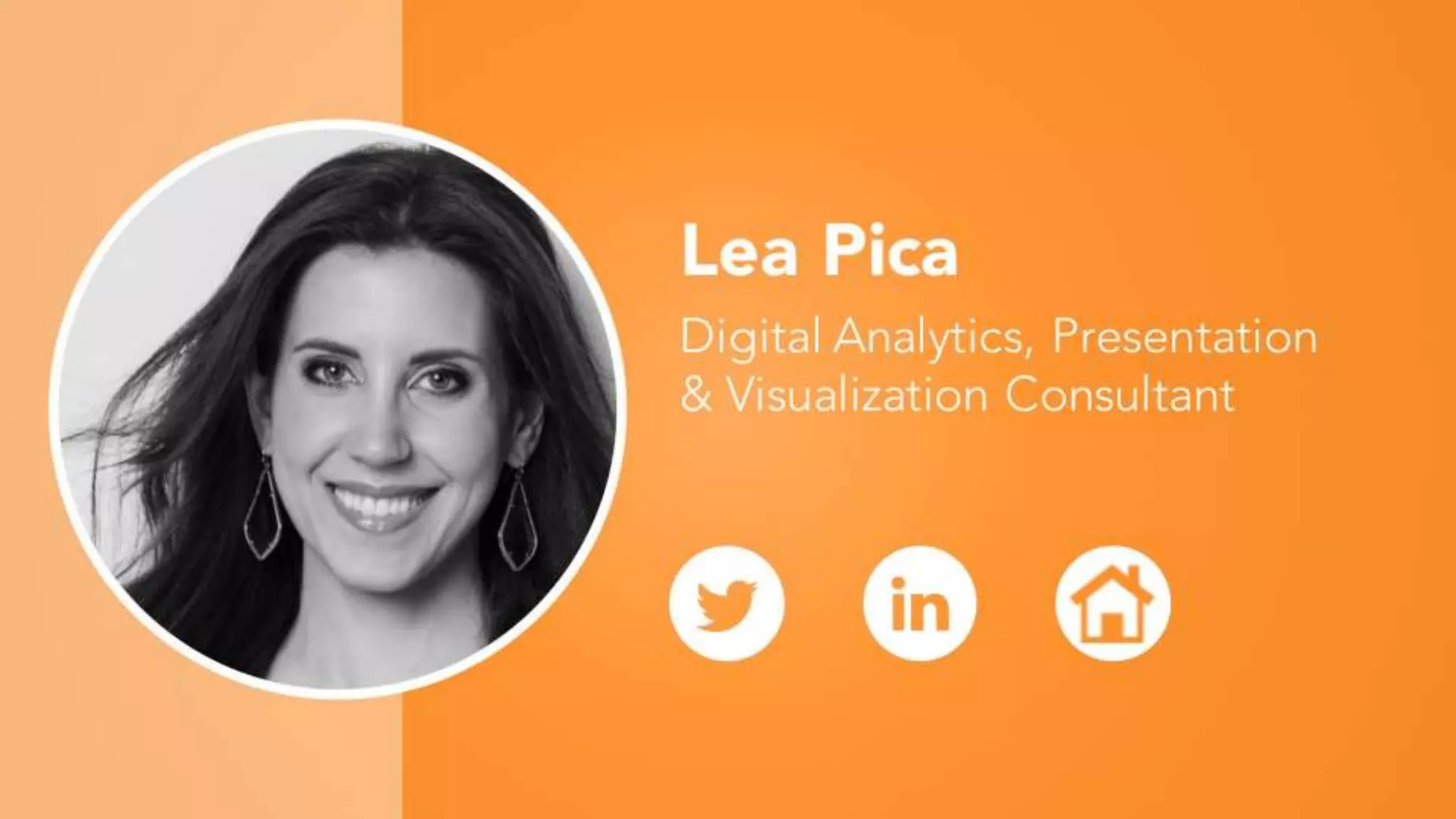
Lea Pica recommends Google Slides for collaborative brainstorming and content translation.
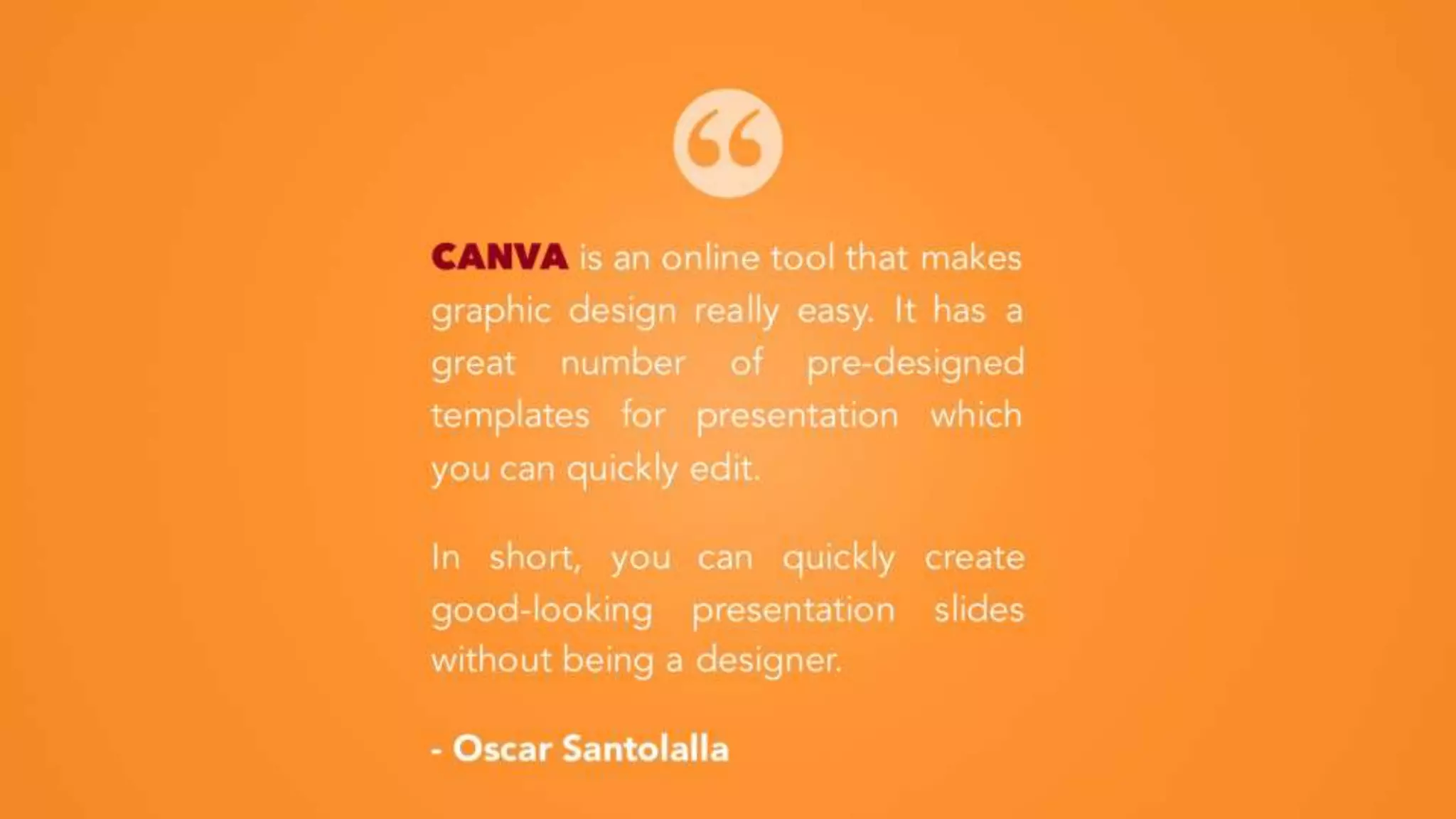
Oscar Santolalla describes Canva as an effective online tool for creating visually appealing presentations.
Final remarks and wishes for impactful presentations, acknowledging the preparation done using PowerPoint.


![Tell a Story! [Be the Batman]](https://cdn.slidesharecdn.com/ss_thumbnails/nextbigpresentation-151230131358-thumbnail.jpg?width=640&height=640&fit=bounds)
![Screw You Bullet Points! [Rest in Peace]](https://cdn.slidesharecdn.com/ss_thumbnails/screwyoubulletpoints-151208171941-lva1-app6892-thumbnail.jpg?width=640&height=640&fit=bounds)


