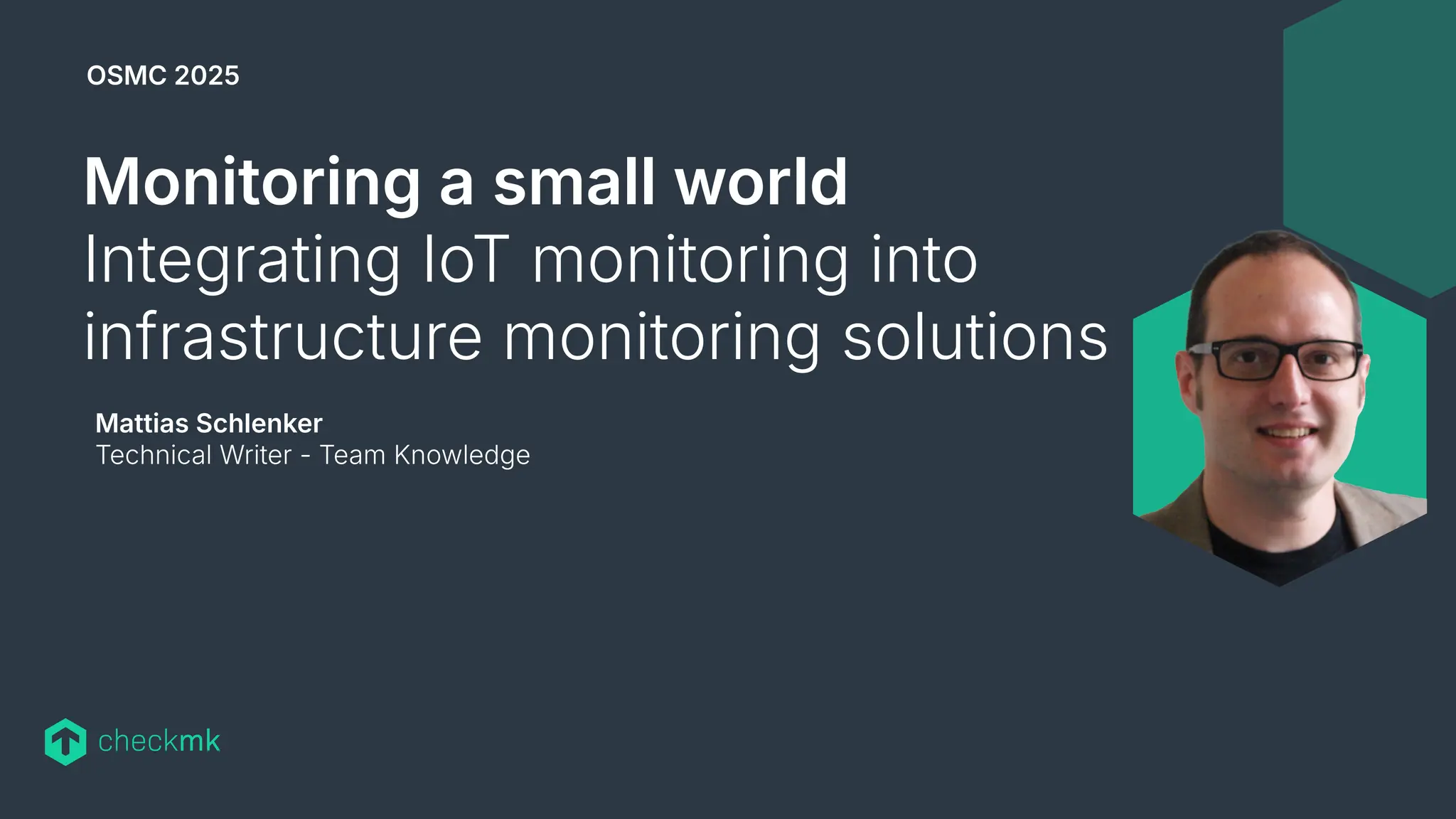
Mattias Schlenker
Technical Writer - Team Knowledge
Monitoring a small world
Integrating IoT monitoring into
infrastructure monitoring solutions
OSMC 2025
3
Who am I and why am I here with you?
Previous work and
spare time activities
My job at Checkmk
Why am I here
⬢ Long time tech journo at Data Becker, Heise and others…
⬢ Author of a few books on Arduino and SBCs
⬢ Technical writer for Watterott Electronic GmbH
⬢ Teaching Robotics and Microcontrollers @ Ostwaldgymnasium
⬢ Working on The Official Checkmk User Guide
⬢ Product communication in general (blogs, articles, conferences…)
⬢ Tech evangelist: Make Checkmk features and monitoring
concepts accessible
⬢ Combining my past and present experience to show you, how
easy it is to integrate IoT to your monitoring
⬢ Motivating you to tinker with sensor hardware
4
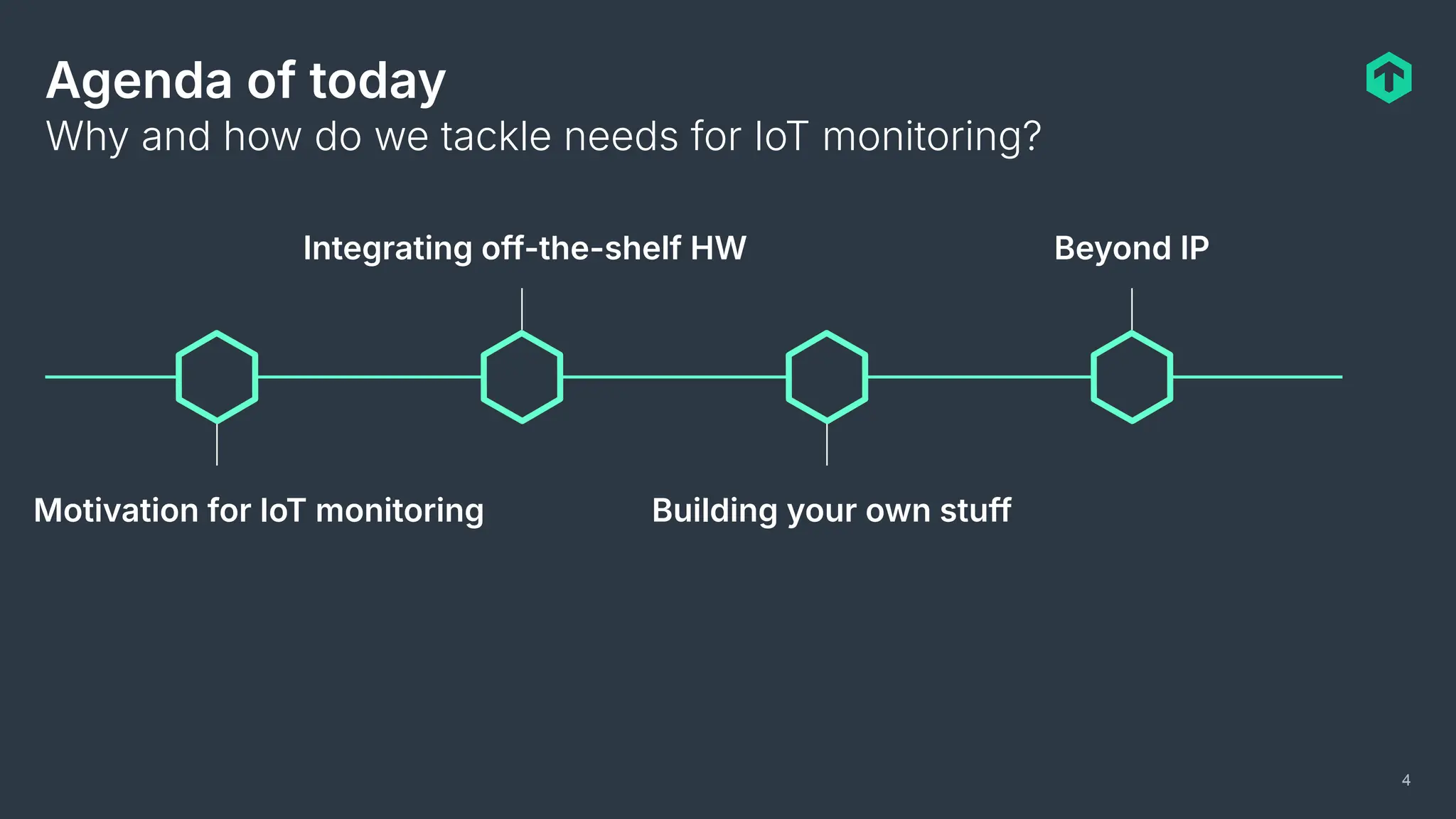
Agenda of today
Motivation for IoT monitoring
Integrating off-the-shelf HW
Building your own stuff
Beyond IP
Why and how do we tackle needs for IoT monitoring?
5
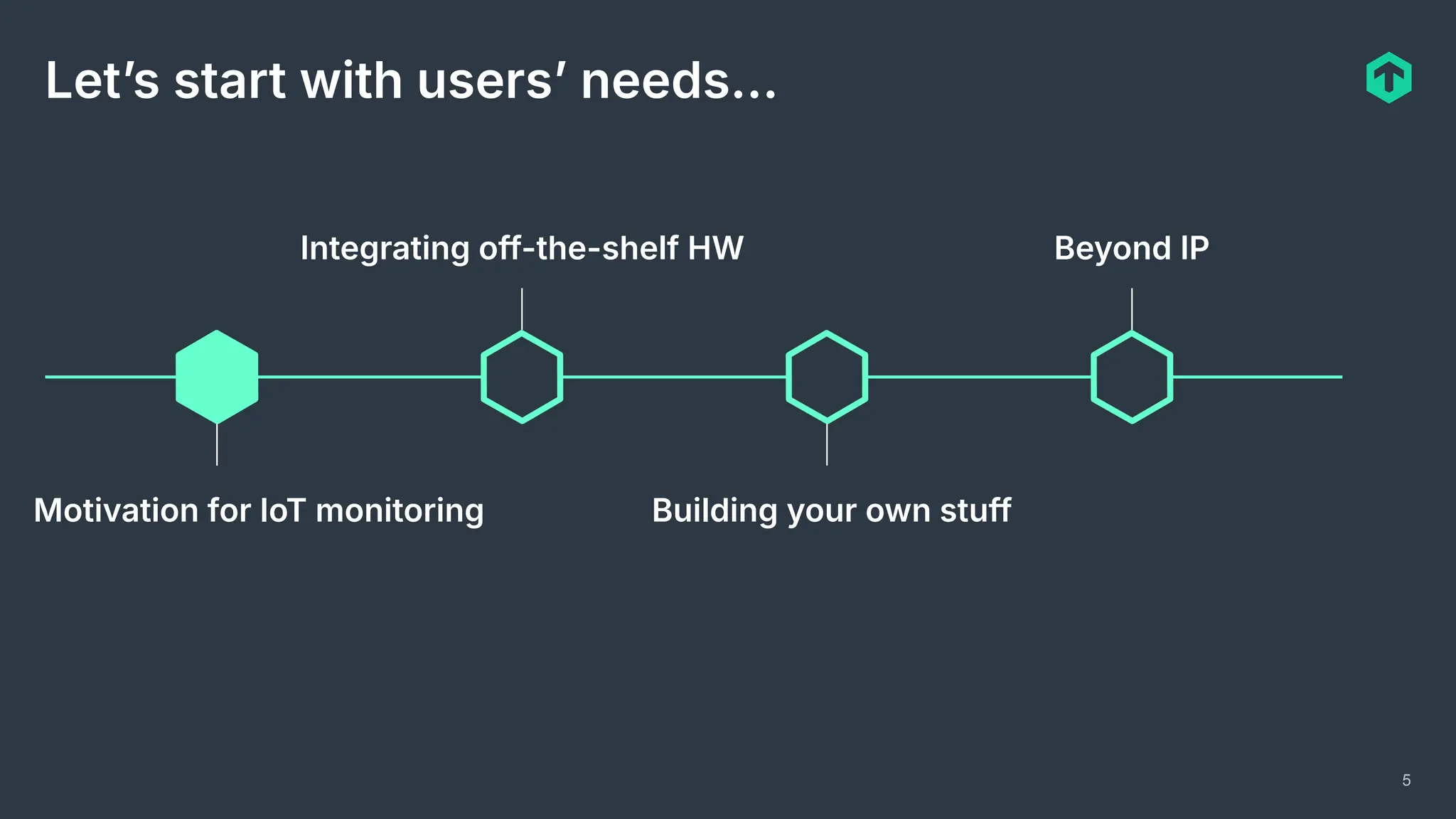
Letʼs start with usersʼ needs…
Motivation for IoT monitoring
Integrating off-the-shelf HW
Building your own stuff
Beyond IP
6
Why should you integrate IoT sensors to
infrastructure monitoring?
Our own needs and listening to customers…
⬢ Checkmk conference 2022 needed CO2
monitoring (still COVID.
⬢ Is my rack open?
⬢ Can I early detect smoldering power supplies?
⬢ I want to make sure that my landlord does not
lie to me regarding HVAC!
⬢ Some customers monitor everything with
Checkmk, they also want to monitor the
refrigeration chain!
In general: Where IoT integration ensures
operation reliability, add it to the monitoring!
7
Can we tap into existing sensor networks?
⬢ Technical difficulties (proprietary
systems, Modbus over serial…)
⬢ No APIs available to tap into existing
applications
⬢ Lacking documentation on many levels
⬢ Sensor data often only used for
feedback HVAC, not cached
⬢ Organizational difficulties (different
departments operation data center and
buildings)
Conclusion
⬢ Often easier to establish a parallel IP
based sensor infrastructure
⬢ Possibility to tailor firmware to unique
requirements
⬢ Possibility to tailor hardware
specifications to unique requirements
8
What are the needs for sensor boards?
There is no typical sensor board, but some some similarity in requirements exists:
⬢ High quantities to deploy ⇒ keep unit prices low
⬢ Low power consumption ⇒ battery or energy harvesting
⬢ Fewer code lines ⇒ fewer bugs
⬢ Reliable operation necessary ⇒ 24/7 or wake up when needed
⬢ Low maintenance ⇒ imagine having to patch hundreds of sensors
Needs differ from general computing needs, so surely the hardware has to differ!
9
How do microcontrollers fulfill these needs?
Microcontrollers are a world of itself, with a wide range of available options, but these
specs probably cover 95% of the MCU market:
⬢ 1MHz to 120MHz processing core
⬢ 1k to 1M of memory RAM
⬢ 1k to 16M EEPROM and or SPI flash (program and data ROM
⬢ Often on-die WiFI module
⬢ Generic programmable IO (digital and analog pins)
⬢ All other sensors and communication modules connected via SPI, I2C or serial
⬢ Prices starting at 10ct in quantities
Regarding size, processing power and power consumption: Compare the brain of a
large mammal (us humans) with an insect.
10
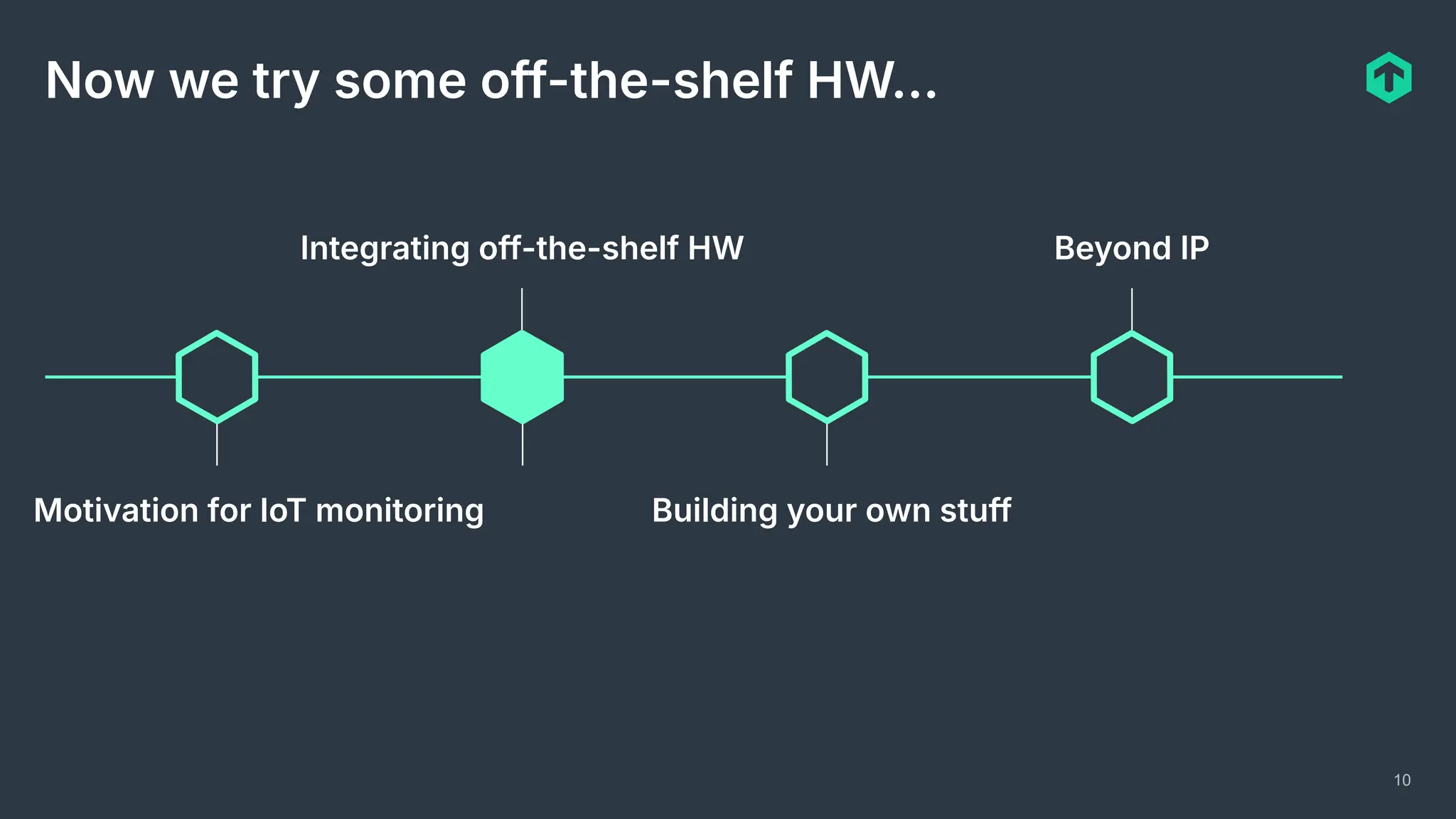
Now we try some off-the-shelf HW…
Motivation for IoT monitoring
Integrating off-the-shelf HW
Building your own stuff
Beyond IP
11
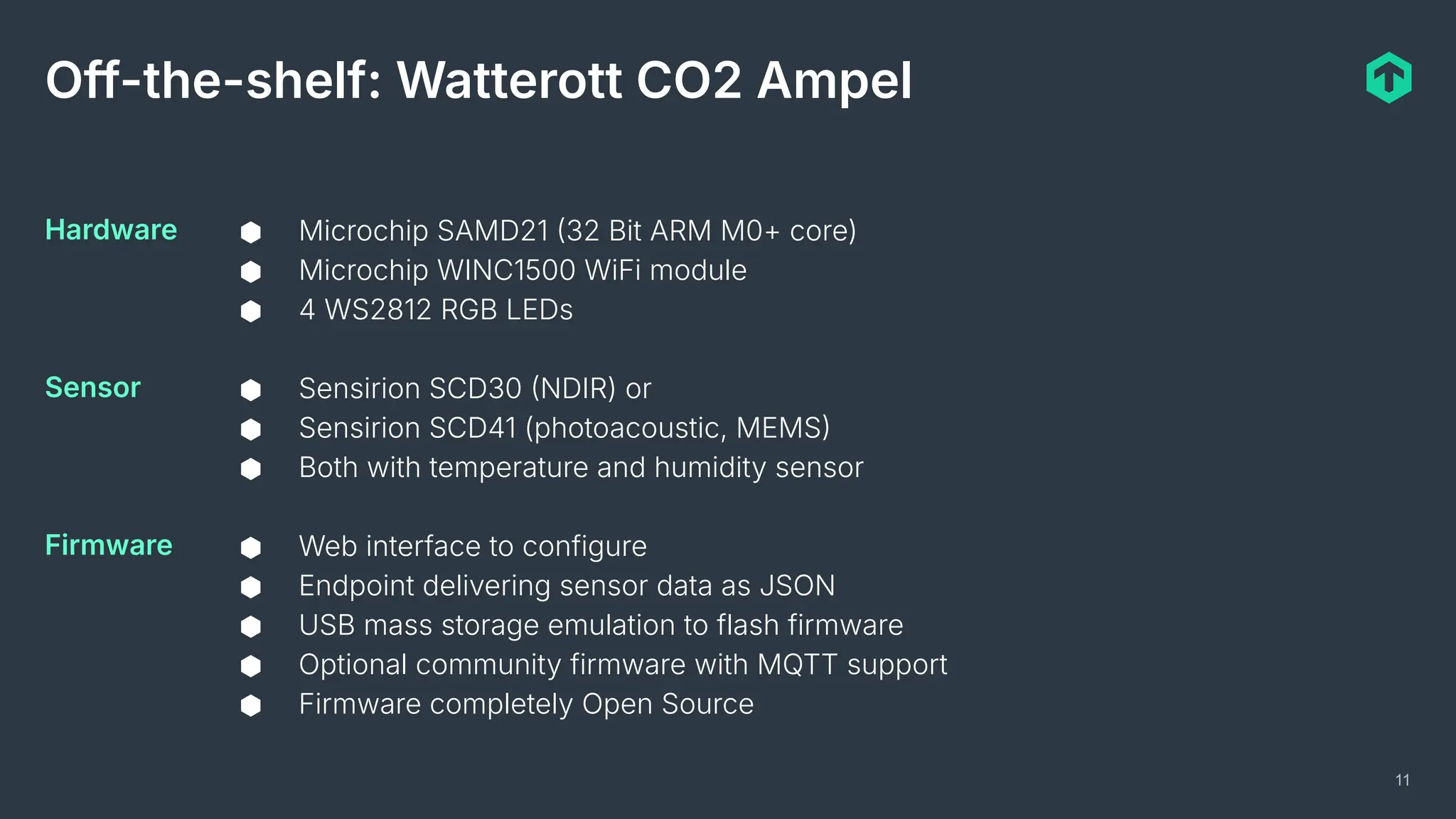
Off-the-shelf: Watterott CO2 Ampel
⬢ Microchip SAMD21 32 Bit ARM M0+ core)
⬢ Microchip WINC1500 WiFi module
⬢ 4 WS2812 RGB LEDs
⬢ Sensirion SCD30 NDIR) or
⬢ Sensirion SCD41 (photoacoustic, MEMS
⬢ Both with temperature and humidity sensor
⬢ Web interface to configure
⬢ Endpoint delivering sensor data as JSON
⬢ USB mass storage emulation to flash firmware
⬢ Optional community firmware with MQTT support
⬢ Firmware completely Open Source
Hardware
Sensor
Firmware
12
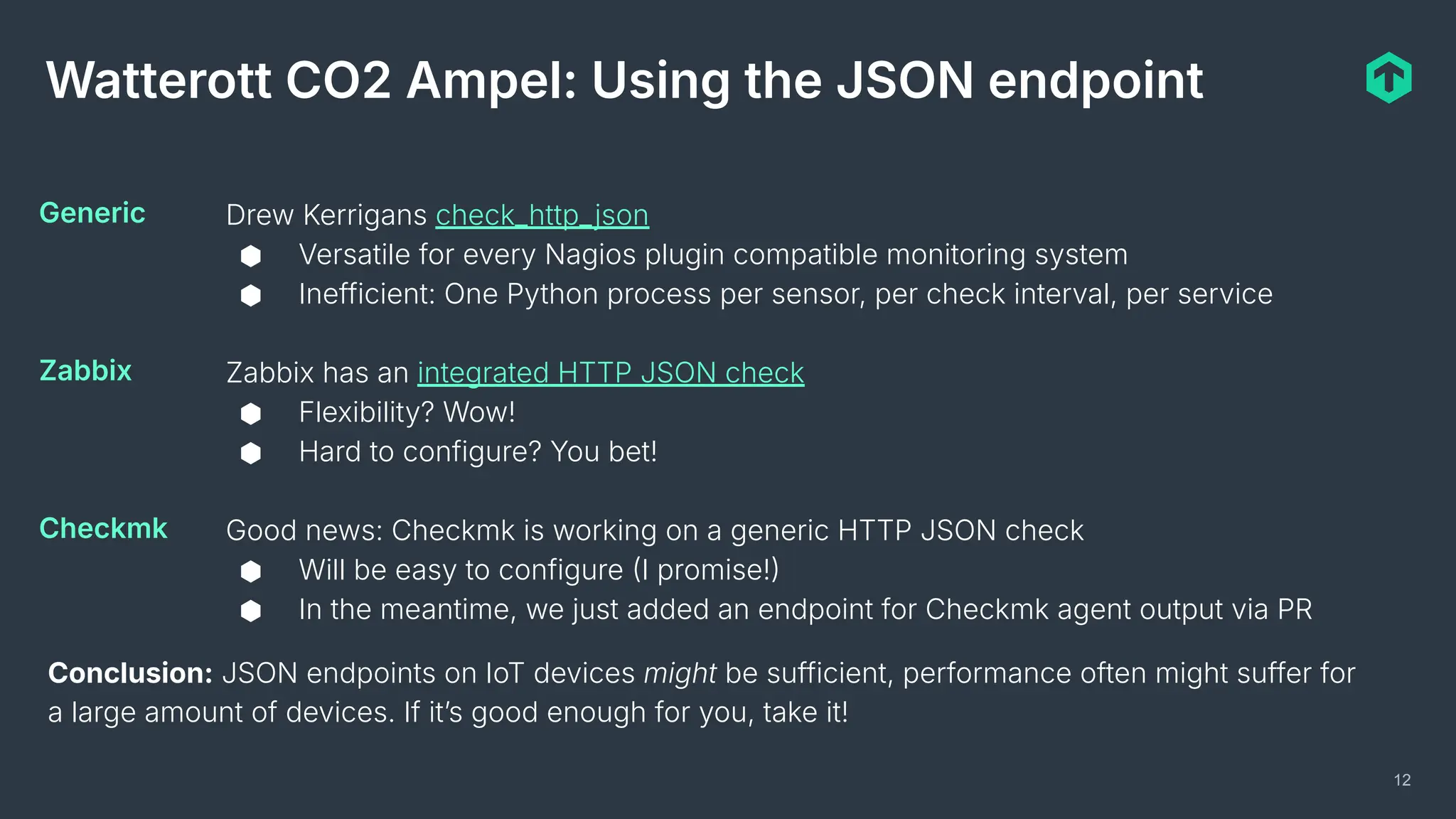
Watterott CO2 Ampel: Using the JSON endpoint
Drew Kerrigans check_http_json
⬢ Versatile for every Nagios plugin compatible monitoring system
⬢ Inefficient: One Python process per sensor, per check interval, per service
Zabbix has an integrated HTTP JSON check
⬢ Flexibility? Wow!
⬢ Hard to configure? You bet!
Good news: Checkmk is working on a generic HTTP JSON check
⬢ Will be easy to configure I promise!
⬢ In the meantime, we just added an endpoint for Checkmk agent output via PR
Generic
Zabbix
Checkmk
Conclusion: JSON endpoints on IoT devices might be sufficient, performance often might suffer for
a large amount of devices. If itʼs good enough for you, take it!
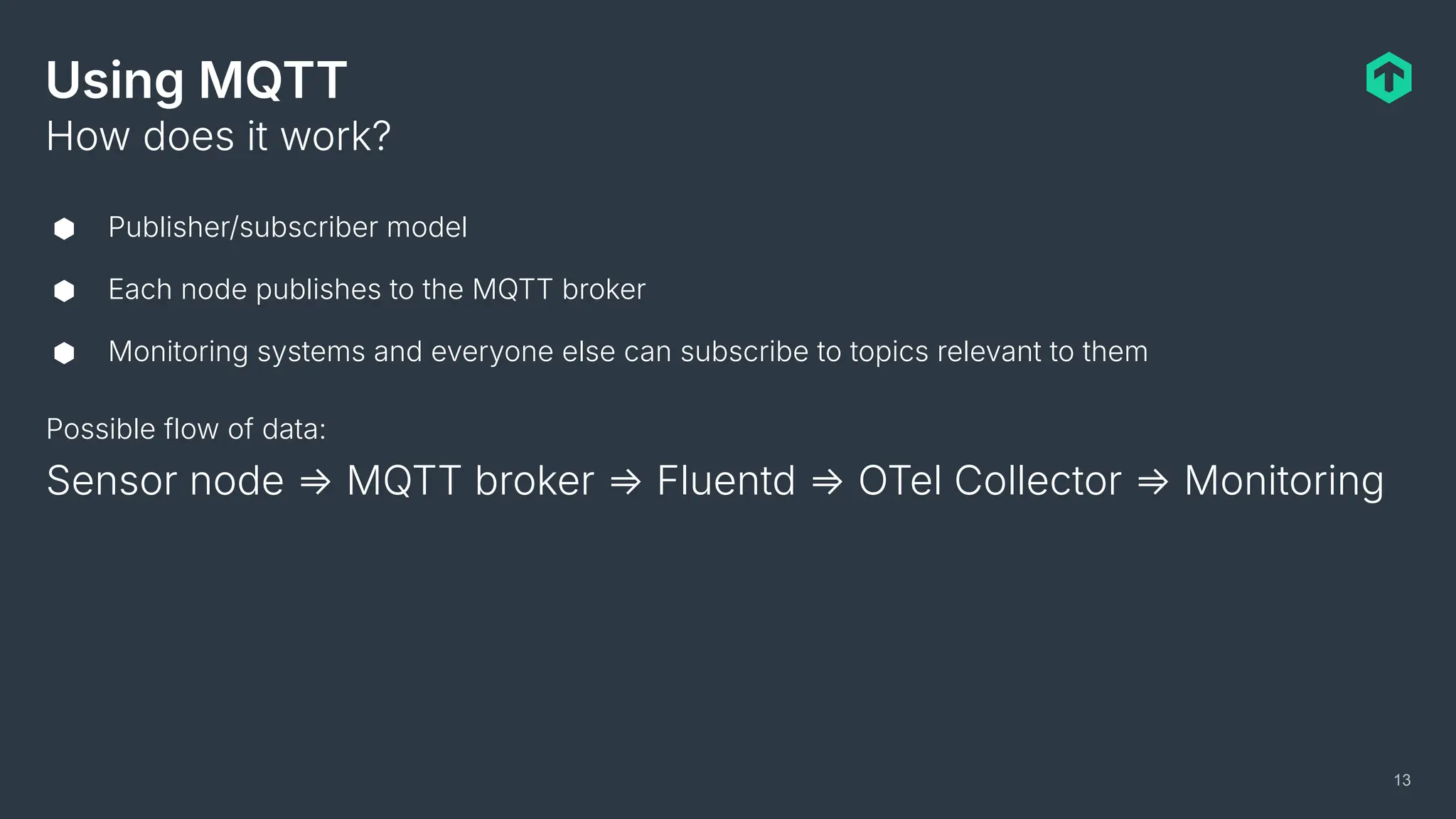
Using MQTT
⬢ Publisher/subscriber model
⬢ Each node publishes to the MQTT broker
⬢ Monitoring systems and everyone else can subscribe to topics relevant to them
How does it work?
13
Possible flow of data:
Sensor node ⇒ MQTT broker ⇒ Fluentd ⇒ OTel Collector ⇒ Monitoring
Using MQTT
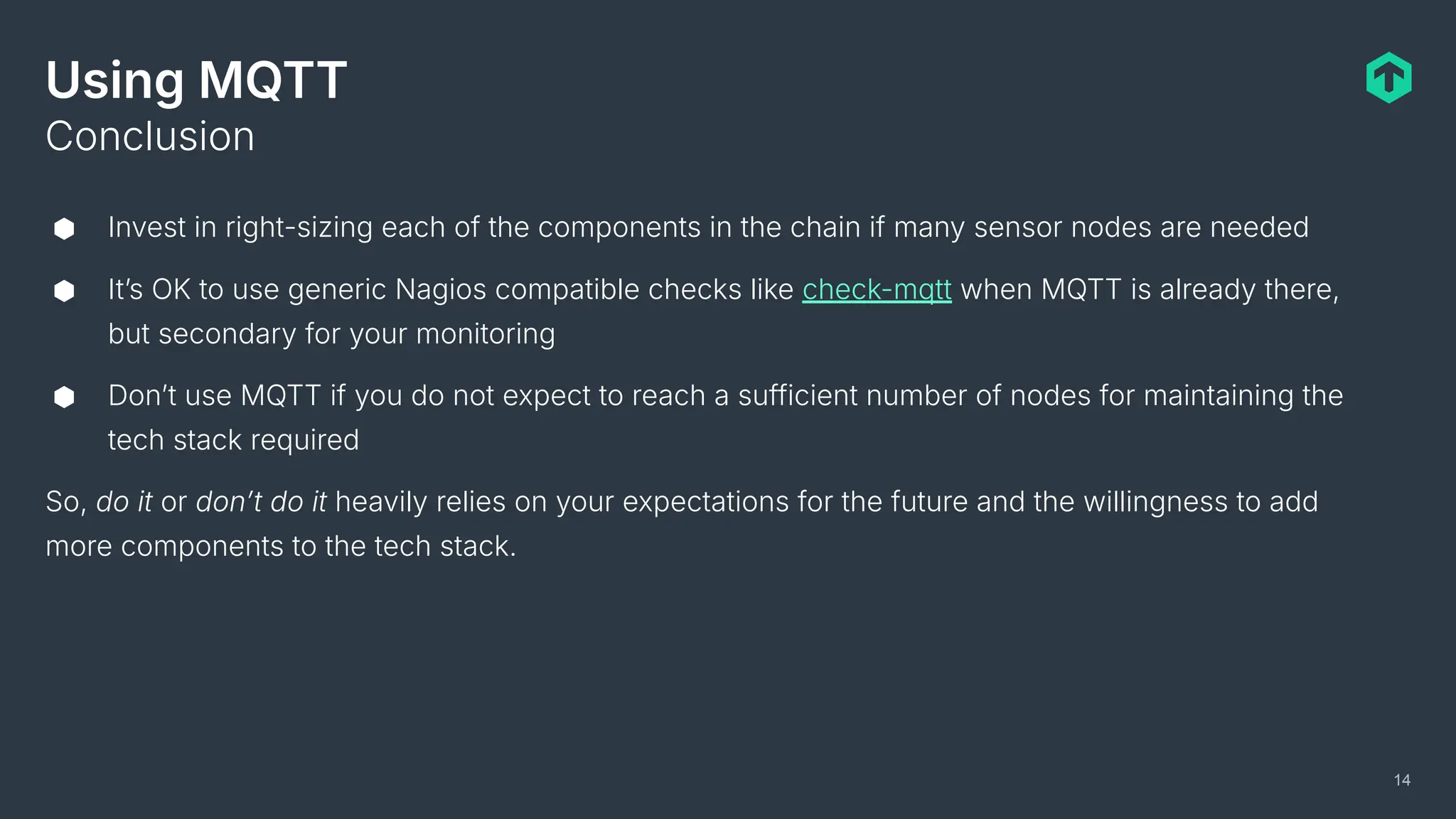
⬢ Invest in right-sizing each of the components in the chain if many sensor nodes are needed
⬢ Itʼs OK to use generic Nagios compatible checks like check-mqtt when MQTT is already there,
but secondary for your monitoring
⬢ Donʼt use MQTT if you do not expect to reach a sufficient number of nodes for maintaining the
tech stack required
So, do it or donʼt do it heavily relies on your expectations for the future and the willingness to add
more components to the tech stack.
Conclusion
14
But my tech stack is already huge!
15
16
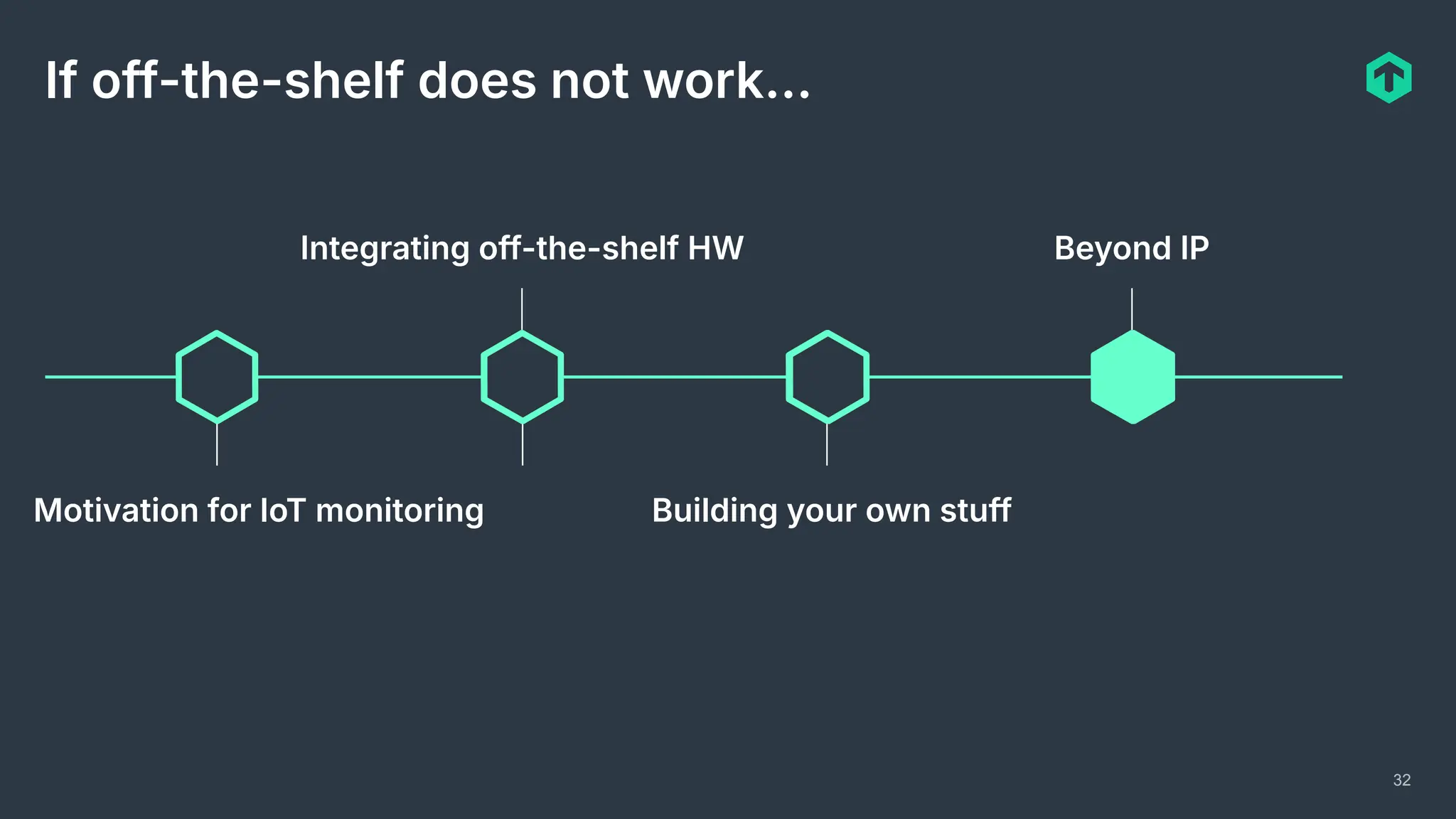
If off-the-shelf does not work…
Motivation for IoT monitoring
Integrating off-the-shelf HW
Building your own stuff
Beyond IP
Justify tinkering to your boss!
17
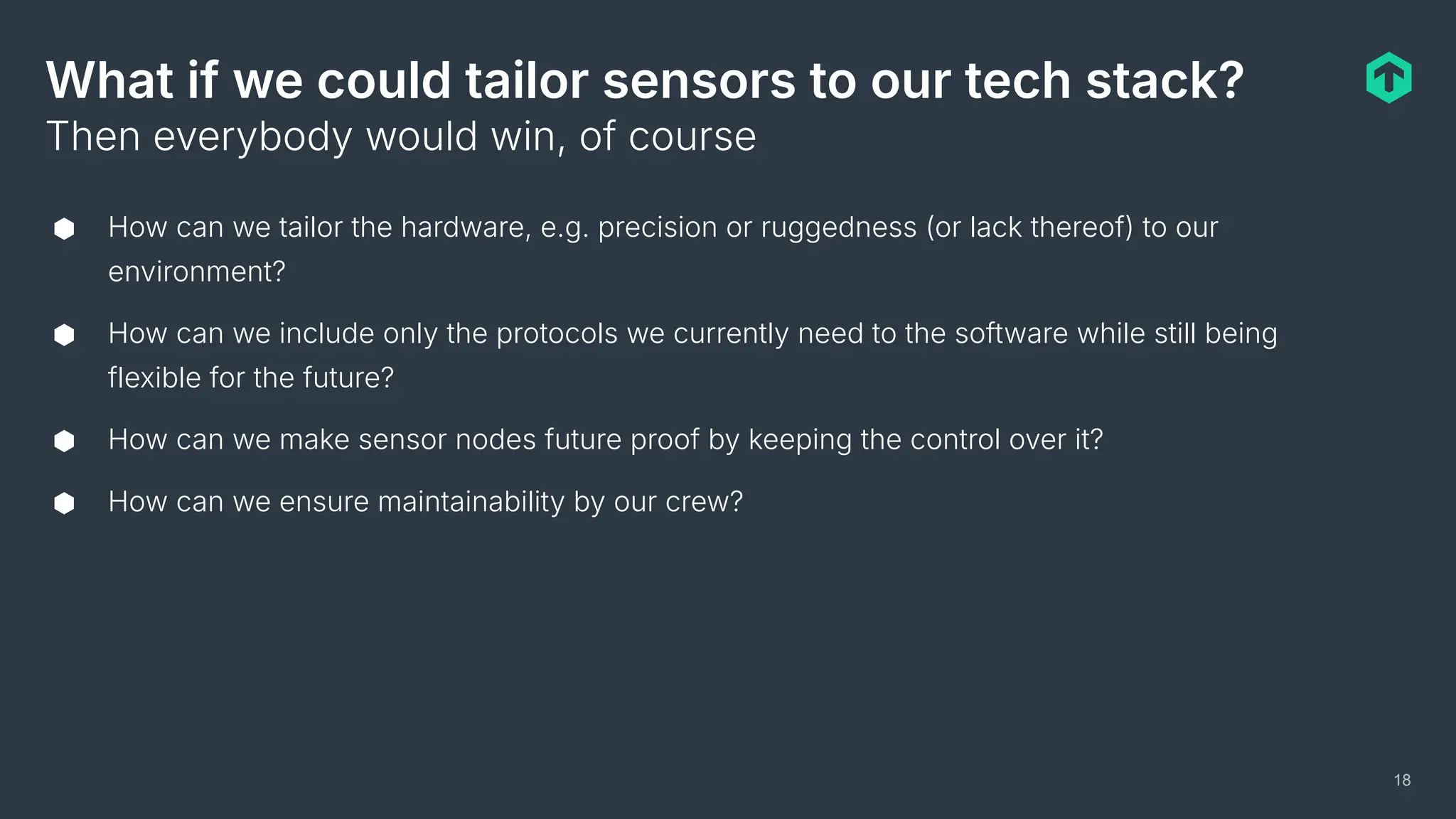
What if we could tailor sensors to our tech stack?
⬢ How can we tailor the hardware, e.g. precision or ruggedness (or lack thereof) to our
environment?
⬢ How can we include only the protocols we currently need to the software while still being
flexible for the future?
⬢ How can we make sensor nodes future proof by keeping the control over it?
⬢ How can we ensure maintainability by our crew?
Then everybody would win, of course
18
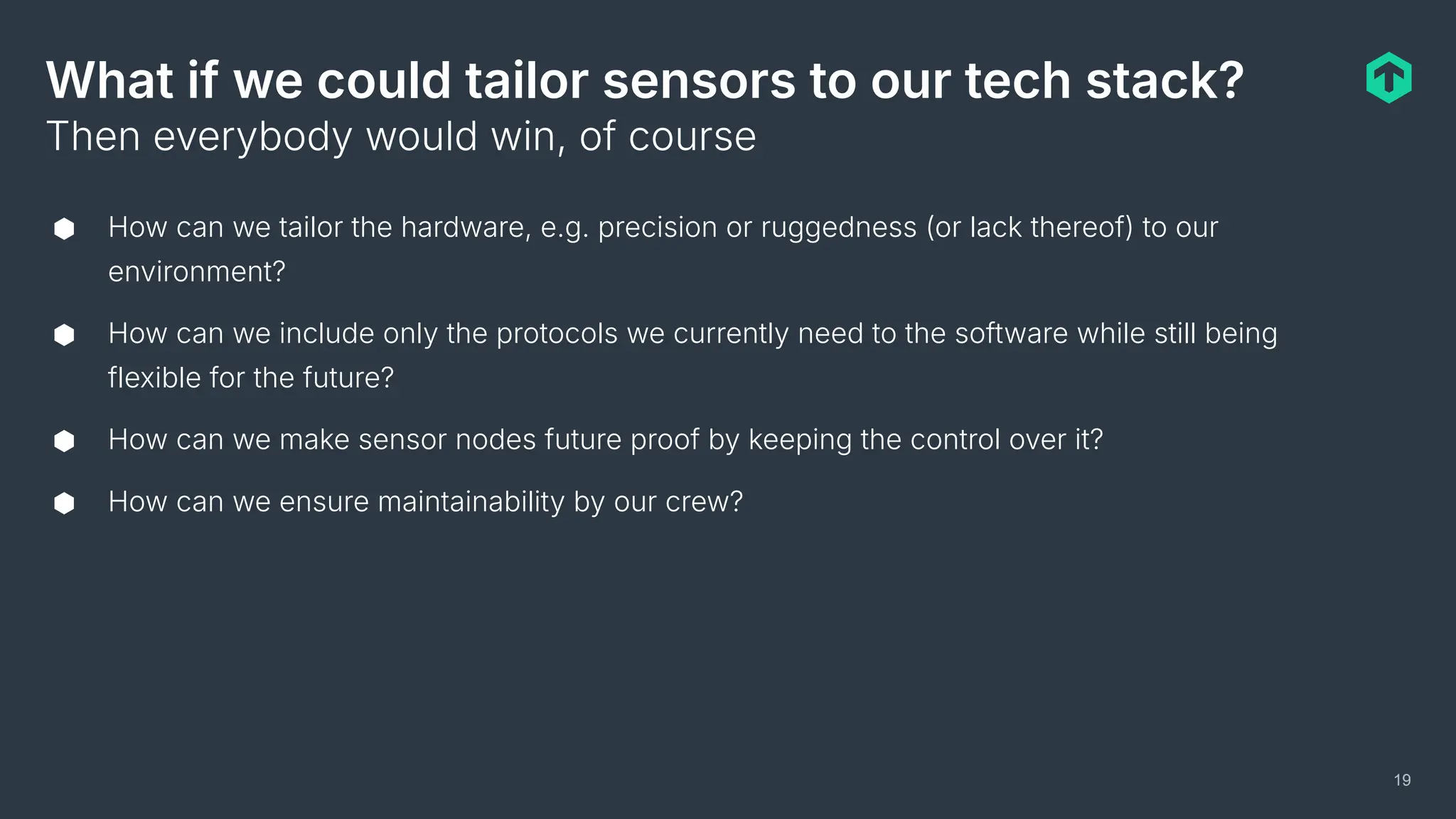
What if we could tailor sensors to our tech stack?
⬢ How can we tailor the hardware, e.g. precision or ruggedness (or lack thereof) to our
environment?
⬢ How can we include only the protocols we currently need to the software while still being
flexible for the future?
⬢ How can we make sensor nodes future proof by keeping the control over it?
⬢ How can we ensure maintainability by our crew?
Then everybody would win, of course
19
Prototyping hardware going around…
20
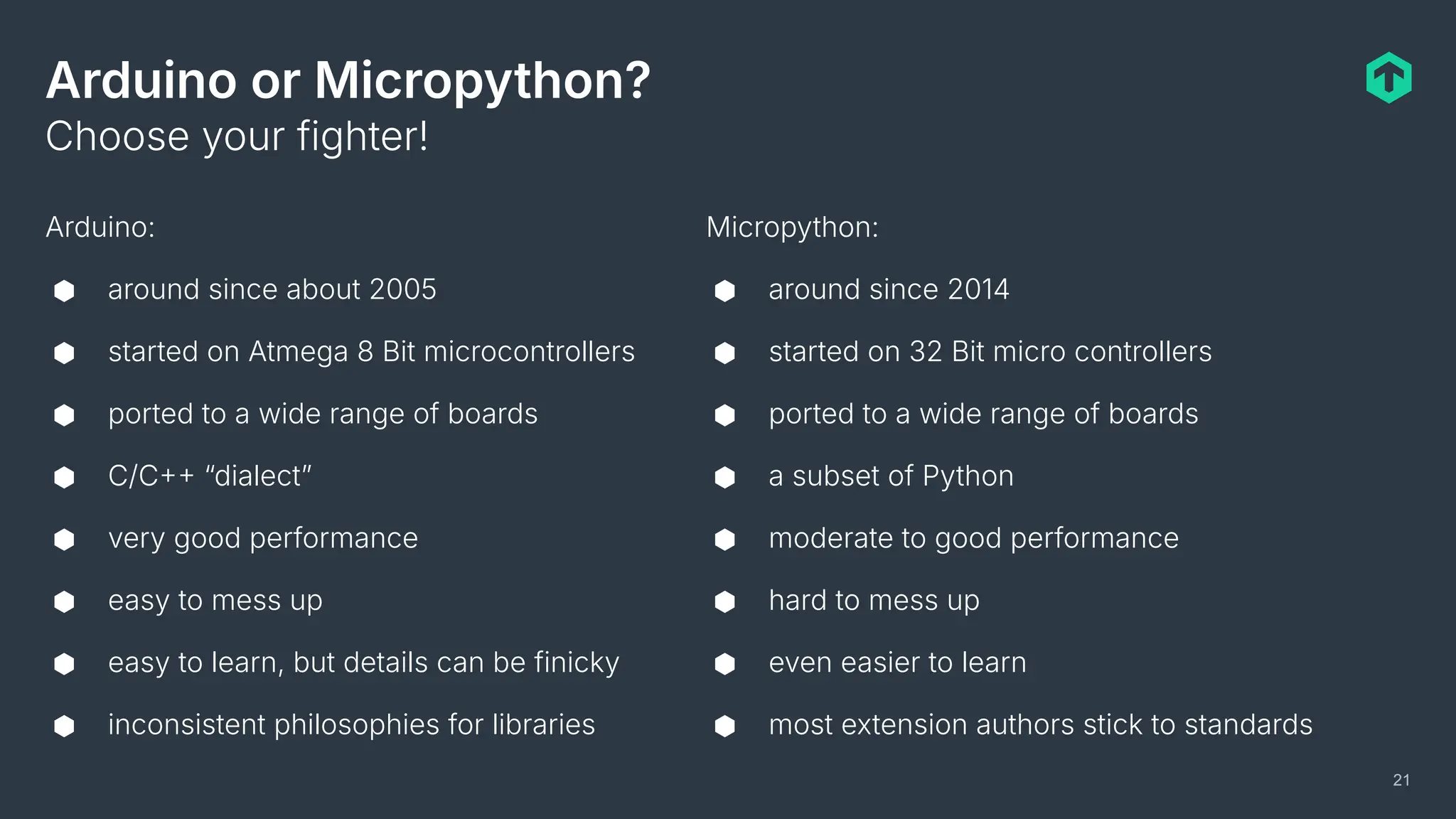
Arduino or Micropython?
Arduino:
⬢ around since about 2005
⬢ started on Atmega 8 Bit microcontrollers
⬢ ported to a wide range of boards
⬢ C/C “dialectˮ
⬢ very good performance
⬢ easy to mess up
⬢ easy to learn, but details can be finicky
⬢ inconsistent philosophies for libraries
Choose your fighter!
21
Micropython:
⬢ around since 2014
⬢ started on 32 Bit micro controllers
⬢ ported to a wide range of boards
⬢ a subset of Python
⬢ moderate to good performance
⬢ hard to mess up
⬢ even easier to learn
⬢ most extension authors stick to standards
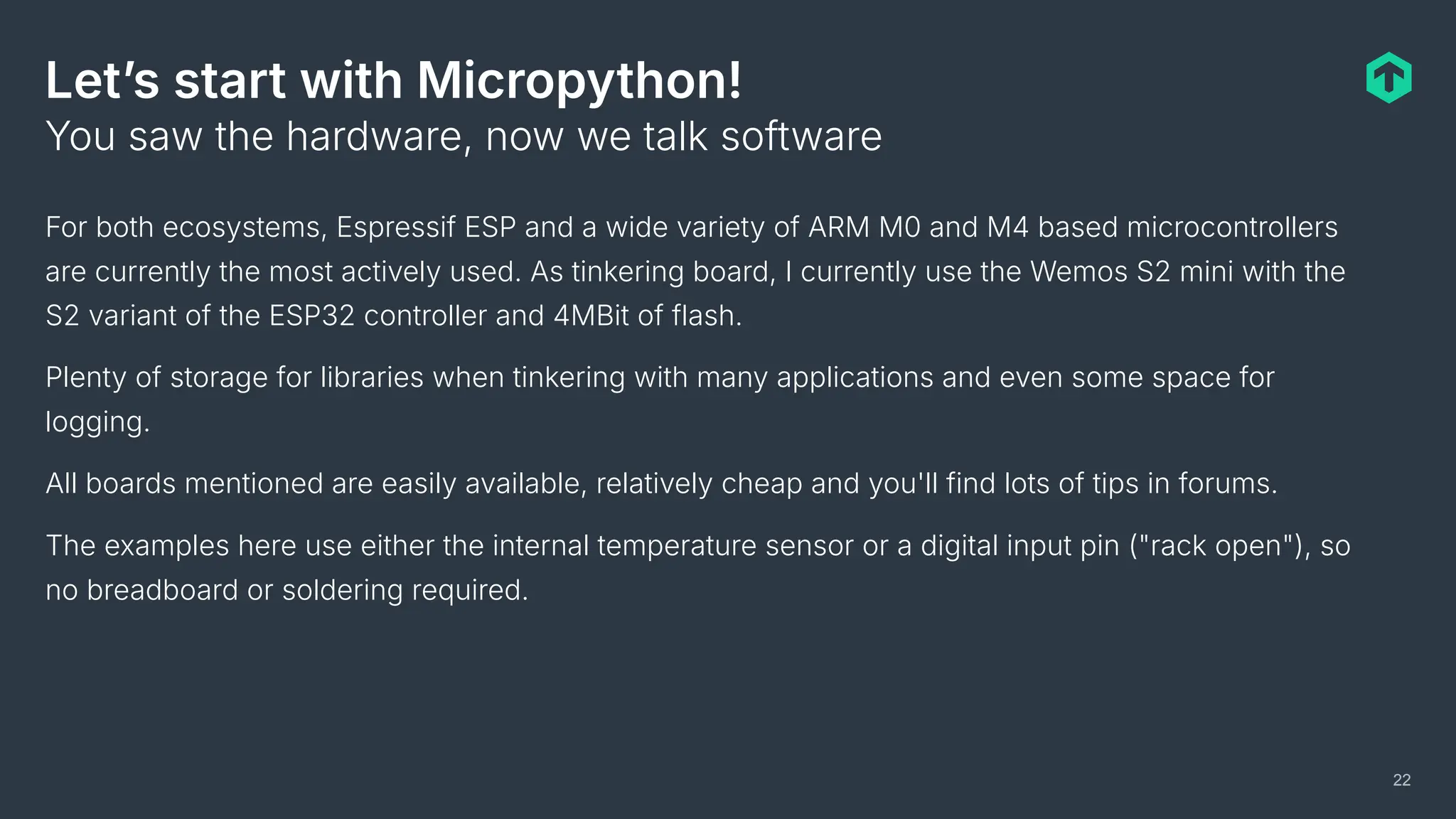
Letʼs start with Micropython!
For both ecosystems, Espressif ESP and a wide variety of ARM M0 and M4 based microcontrollers
are currently the most actively used. As tinkering board, I currently use the Wemos S2 mini with the
S2 variant of the ESP32 controller and 4MBit of flash.
Plenty of storage for libraries when tinkering with many applications and even some space for
logging.
All boards mentioned are easily available, relatively cheap and you'll find lots of tips in forums.
The examples here use either the internal temperature sensor or a digital input pin ("rack open"), so
no breadboard or soldering required.
You saw the hardware, now we talk software
22
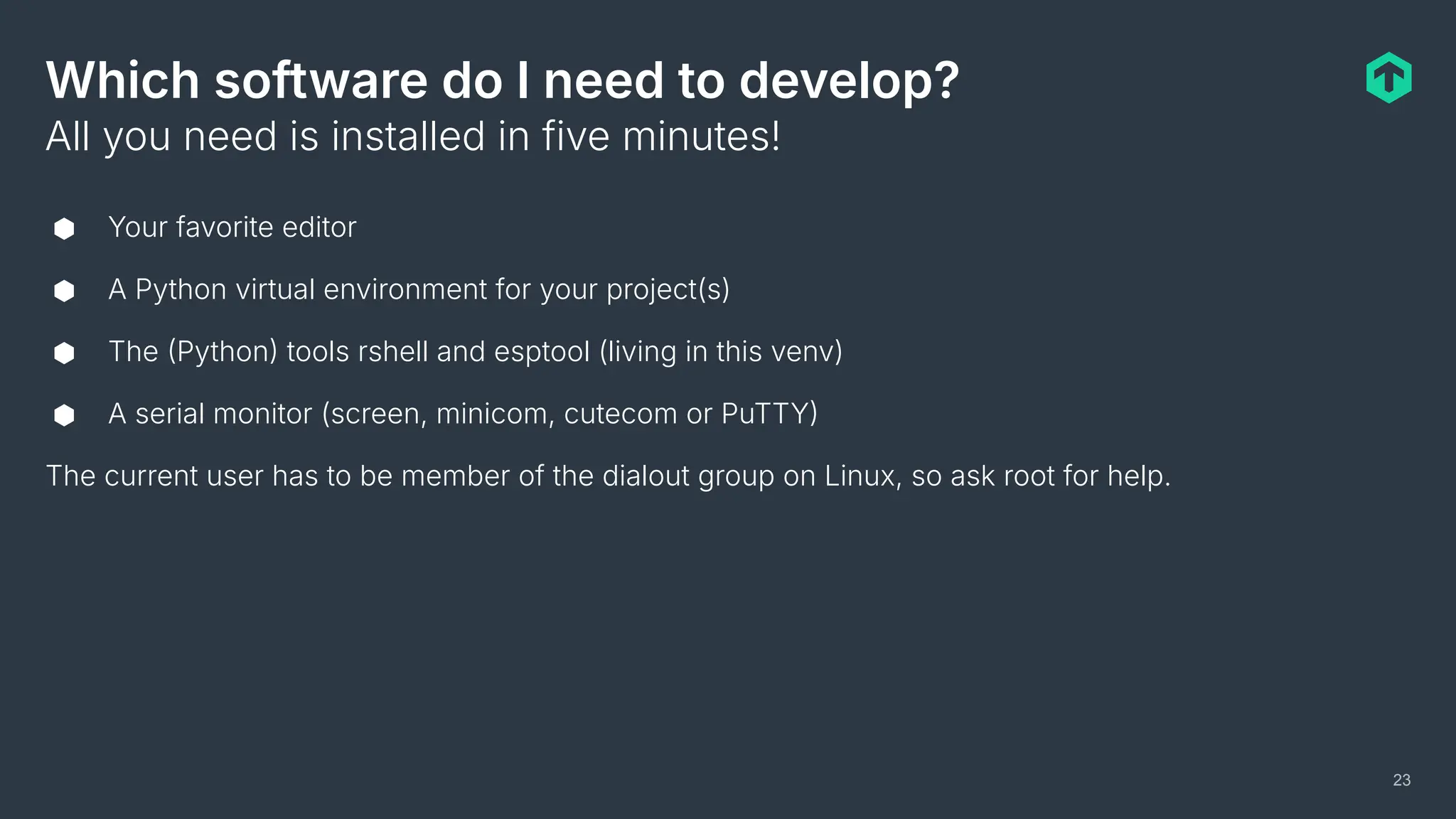
Which software do I need to develop?
⬢ Your favorite editor
⬢ A Python virtual environment for your project(s)
⬢ The Python tools rshell and esptool (living in this venv)
⬢ A serial monitor (screen, minicom, cutecom or PuTTY
The current user has to be member of the dialout group on Linux, so ask root for help.
All you need is installed in five minutes!
23
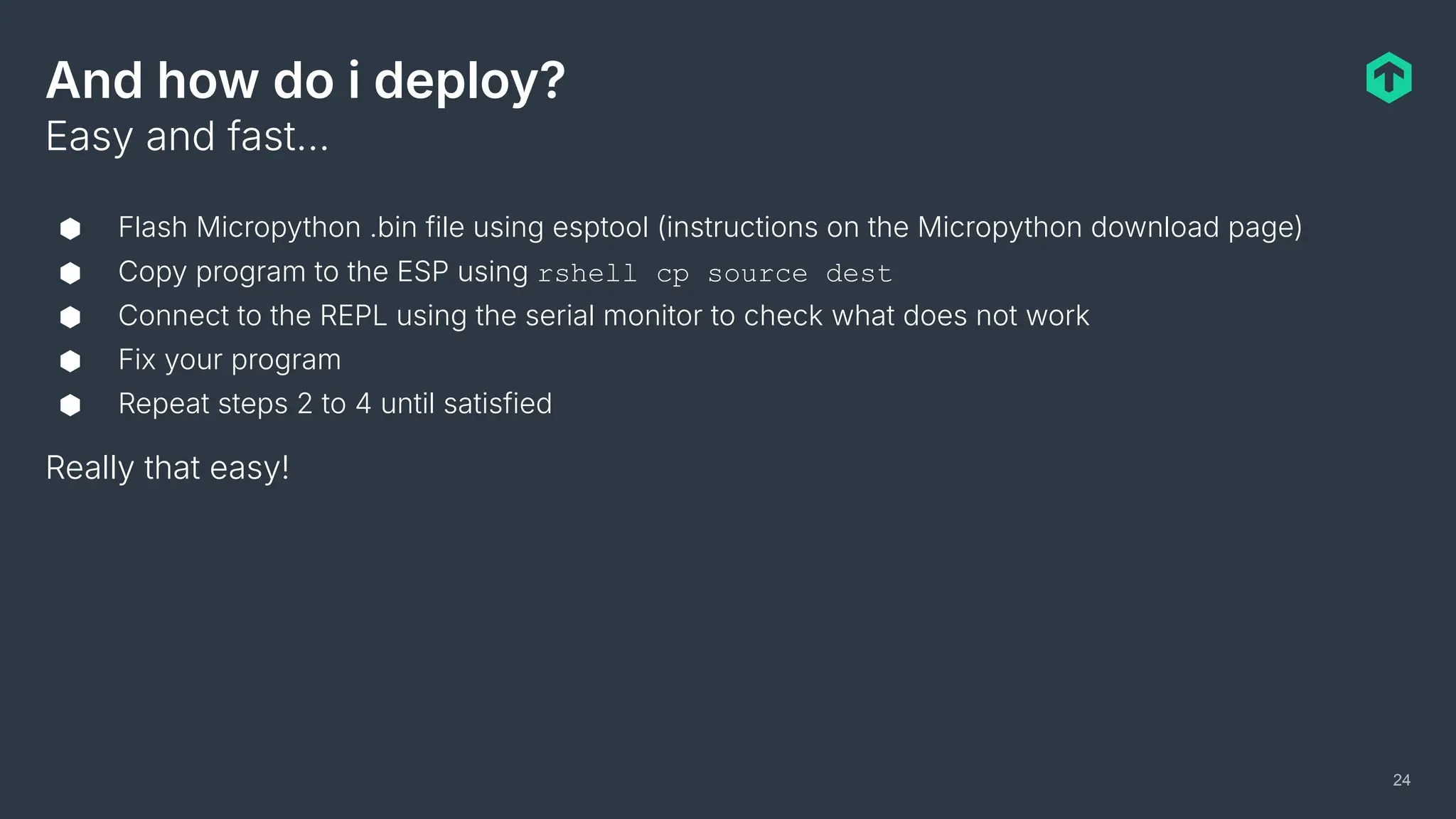
And how do i deploy?
⬢ Flash Micropython .bin file using esptool (instructions on the Micropython download page)
⬢ Copy program to the ESP using rshell cp source dest
⬢ Connect to the REPL using the serial monitor to check what does not work
⬢ Fix your program
⬢ Repeat steps 2 to 4 until satisfied
Really that easy!
Easy and fast…
24
Letʼs discuss some code examples!
⬢ No example over 70 lines total
⬢ Check out https://github.com/mschlenker for the full, working sources
⬢ Common code WiFi init and similar) omitted here
Really that easy!
I have prepared something
25
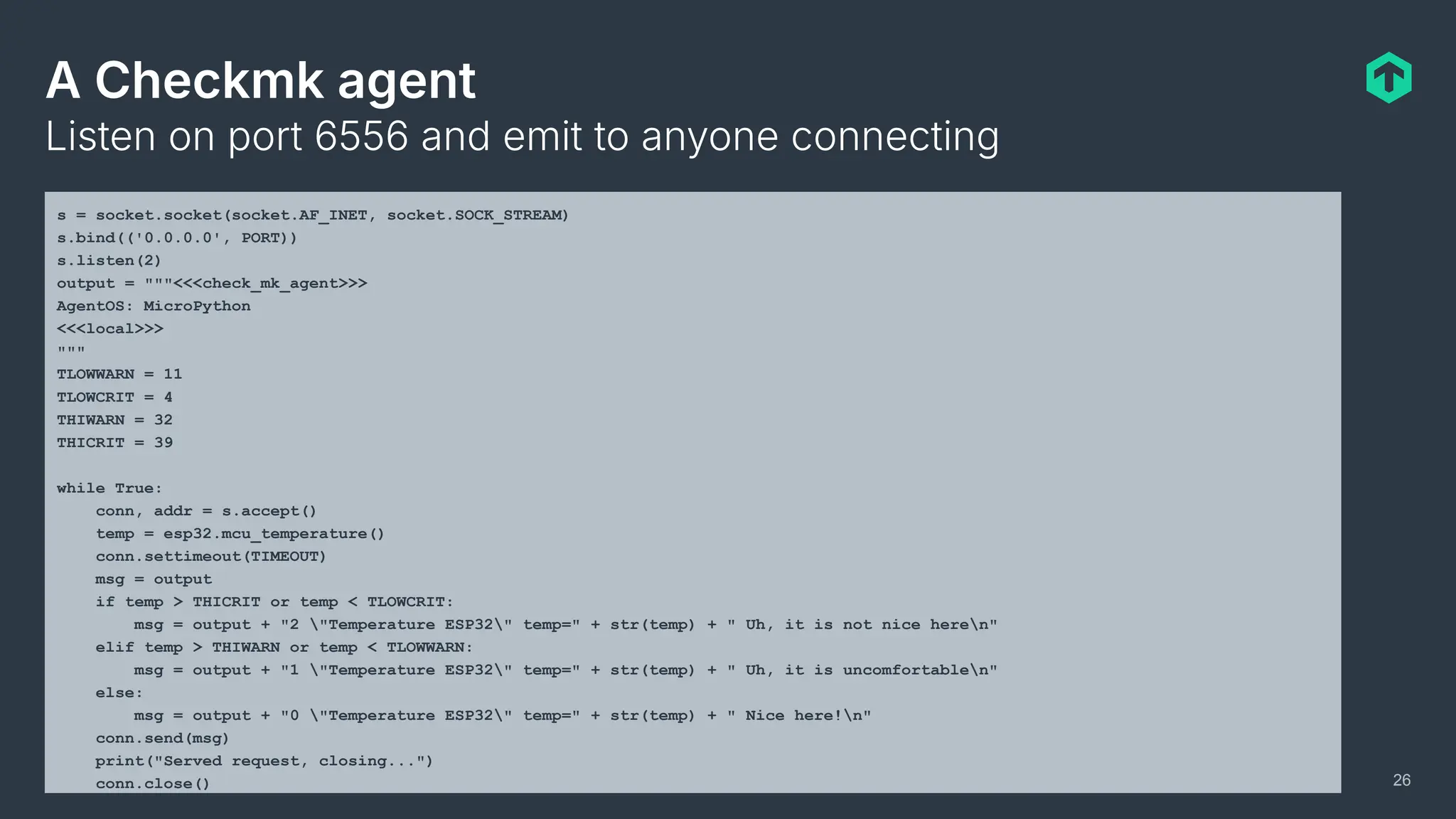
A Checkmk agent
Listen on port 6556 and emit to anyone connecting
26
s = socket.socket(socket.AF_INET, socket.SOCK_STREAM)
s.bind(('0.0.0.0', PORT))
s.listen(2)
output = """<<<check_mk_agent>>>
AgentOS: MicroPython
<<<local>>>
"""
TLOWWARN = 11
TLOWCRIT = 4
THIWARN = 32
THICRIT = 39
while True:
conn, addr = s.accept()
temp = esp32.mcu_temperature()
conn.settimeout(TIMEOUT)
msg = output
if temp > THICRIT or temp < TLOWCRIT:
msg = output + "2 "Temperature ESP32" temp=" + str(temp) + " Uh, it is not nice heren"
elif temp > THIWARN or temp < TLOWWARN:
msg = output + "1 "Temperature ESP32" temp=" + str(temp) + " Uh, it is uncomfortablen"
else:
msg = output + "0 "Temperature ESP32" temp=" + str(temp) + " Nice here!n"
conn.send(msg)
print("Served request, closing...")
conn.close()
27
The output
mschlenker@klapp-0063:~$ telnet 10.76.23.174 6556
Trying 10.76.23.174...
Connected to 10.76.23.174.
Escape character is '^]'.
<<<check_mk_agent>>>
AgentOS: MicroPython
<<<local>>>
0 "Temperature ESP32" temp=29 Nice here!
Connection closed by foreign host.
A Prometheus scraping endpoint
Using https://github.com/ssube/prometheus_express
28
registry = CollectorRegistry(namespace='prom_express')
metric_g = Gauge('temp_gauge',
'temperature from various sensors',
labels=['location', 'sensor'],
registry=registry)
router = Router()
router.register('GET', '/metrics', registry.handler)
server = False
while True:
while not server:
server = start_http_server(PORT, address=sta_if.ifconfig()[0], depth=8)
# Just in case something in the processing chain might allow only positive gauge valus
tkelvin = esp32.mcu_temperature() + 273
metric_g.labels('rack42', 'esp32_on_die').set(tkelvin)
try:
server.accept(router)
print("Successfully served request")
except OSError as err:
print('Error accepting request: {}'.format(err))
except ValueError as err:
print('Error parsing request: {}'.format(err))
29
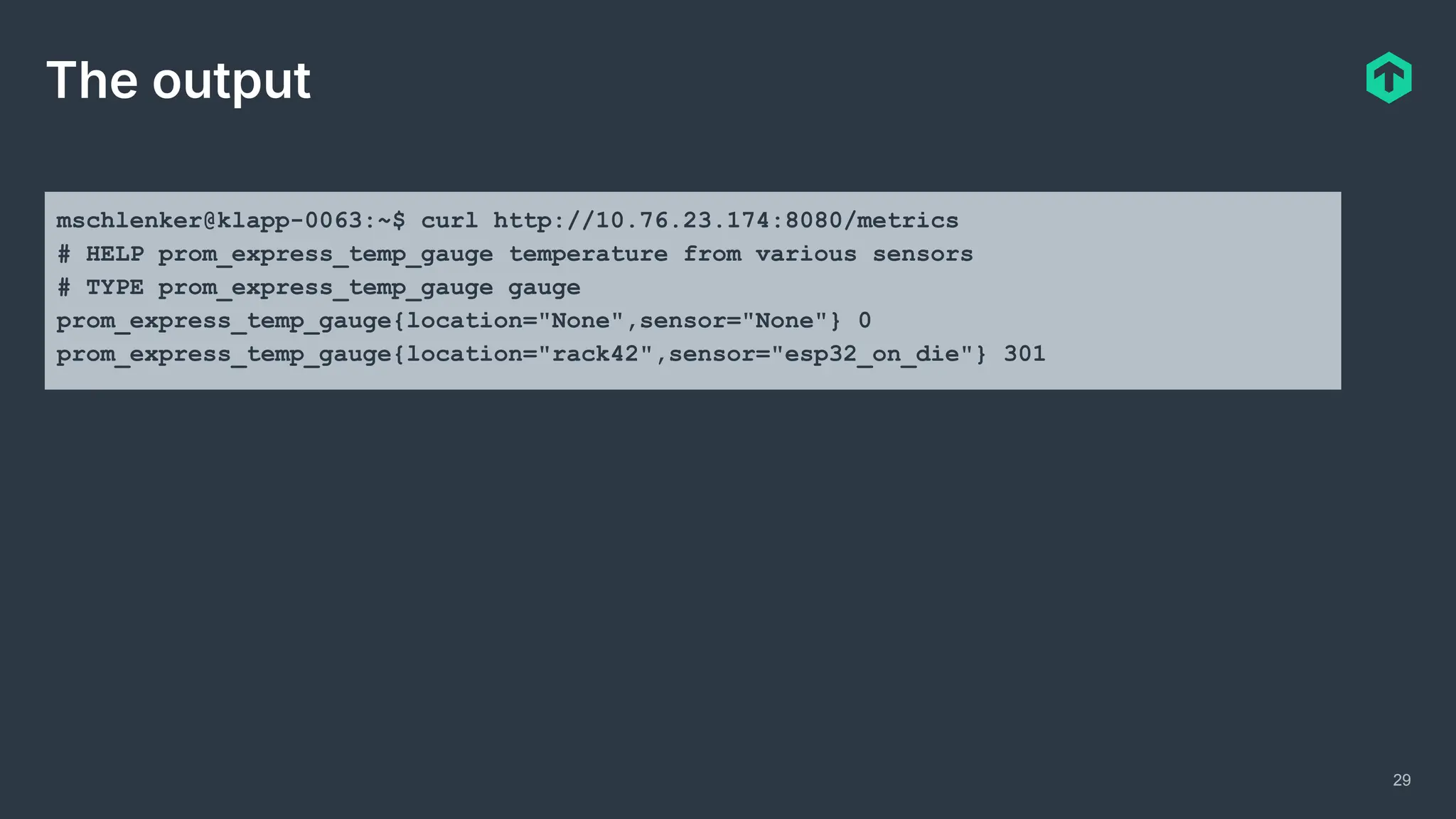
The output
mschlenker@klapp-0063:~$ curl http://10.76.23.174:8080/metrics
# HELP prom_express_temp_gauge temperature from various sensors
# TYPE prom_express_temp_gauge gauge
prom_express_temp_gauge{location="None",sensor="None"} 0
prom_express_temp_gauge{location="rack42",sensor="esp32_on_die"} 301
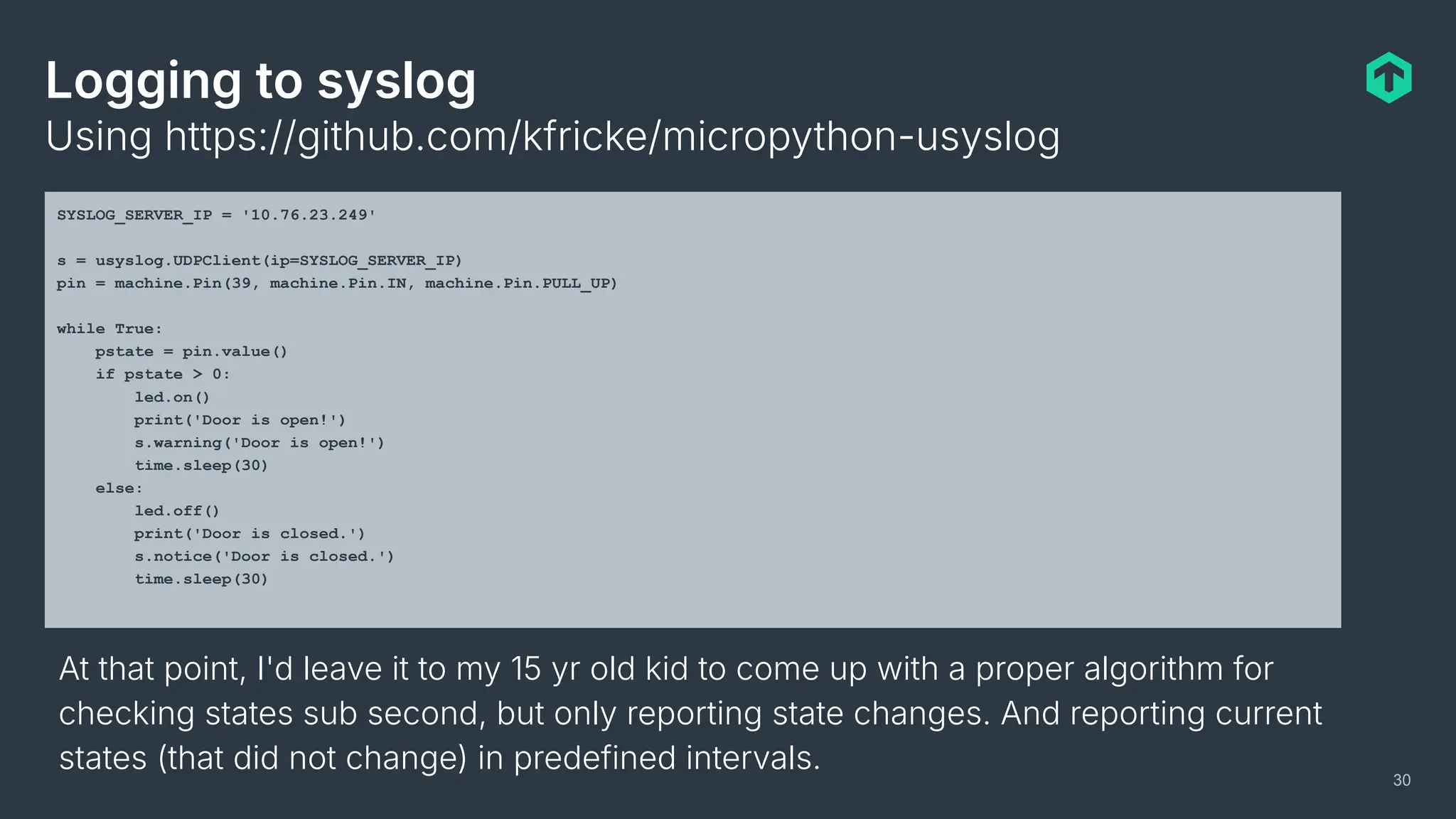
Logging to syslog
Using https://github.com/kfricke/micropython-usyslog
30
SYSLOG_SERVER_IP = '10.76.23.249'
s = usyslog.UDPClient(ip=SYSLOG_SERVER_IP)
pin = machine.Pin(39, machine.Pin.IN, machine.Pin.PULL_UP)
while True:
pstate = pin.value()
if pstate > 0:
led.on()
print('Door is open!')
s.warning('Door is open!')
time.sleep(30)
else:
led.off()
print('Door is closed.')
s.notice('Door is closed.')
time.sleep(30)
At that point, I'd leave it to my 15 yr old kid to come up with a proper algorithm for
checking states sub second, but only reporting state changes. And reporting current
states (that did not change) in predefined intervals.
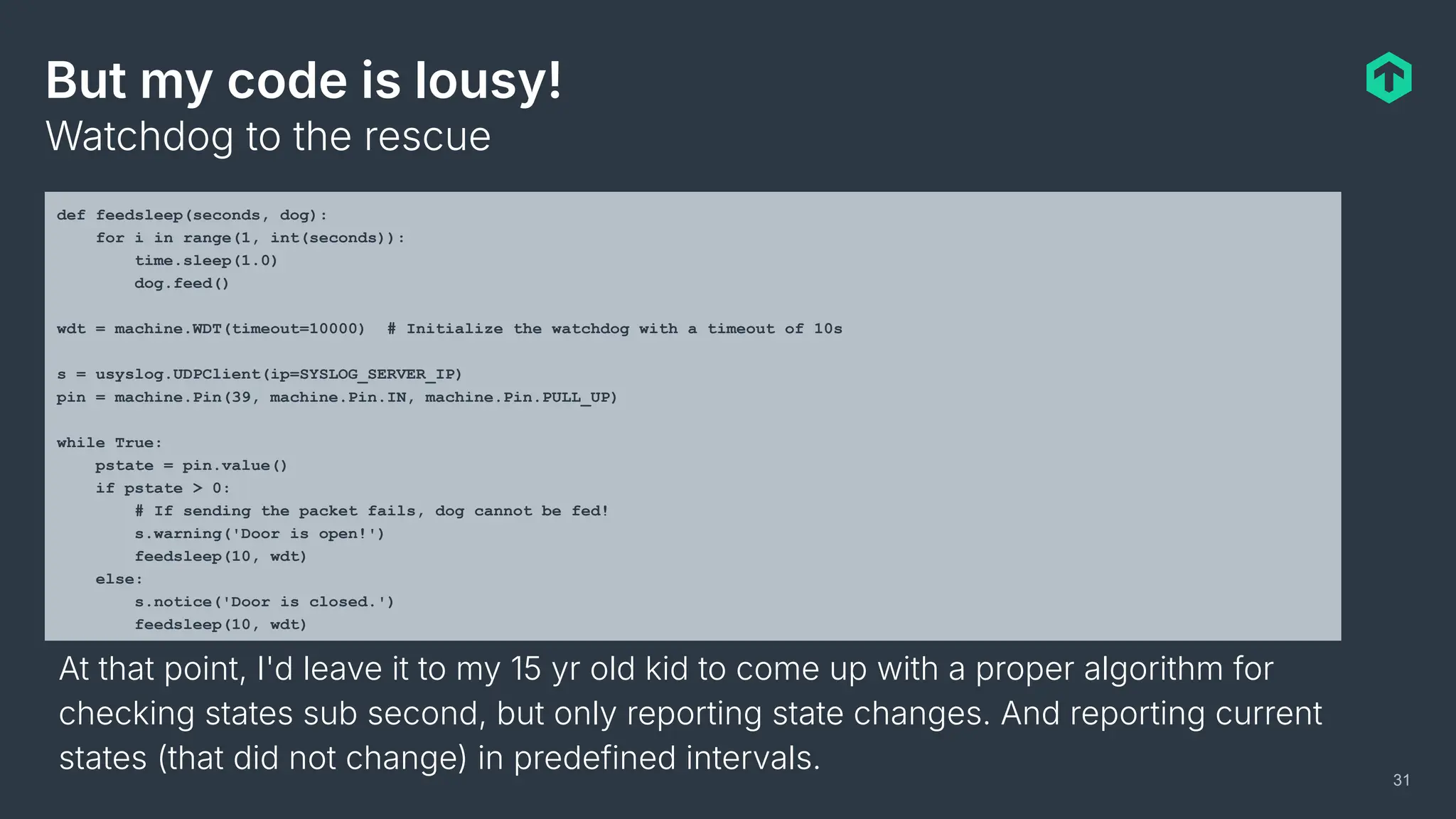
But my code is lousy!
Watchdog to the rescue
31
def feedsleep(seconds, dog):
for i in range(1, int(seconds)):
time.sleep(1.0)
dog.feed()
wdt = machine.WDT(timeout=10000) # Initialize the watchdog with a timeout of 10s
s = usyslog.UDPClient(ip=SYSLOG_SERVER_IP)
pin = machine.Pin(39, machine.Pin.IN, machine.Pin.PULL_UP)
while True:
pstate = pin.value()
if pstate > 0:
# If sending the packet fails, dog cannot be fed!
s.warning('Door is open!')
feedsleep(10, wdt)
else:
s.notice('Door is closed.')
feedsleep(10, wdt)
At that point, I'd leave it to my 15 yr old kid to come up with a proper algorithm for
checking states sub second, but only reporting state changes. And reporting current
states (that did not change) in predefined intervals.
32
If off-the-shelf does not work…
Motivation for IoT monitoring
Integrating off-the-shelf HW
Building your own stuff
Beyond IP
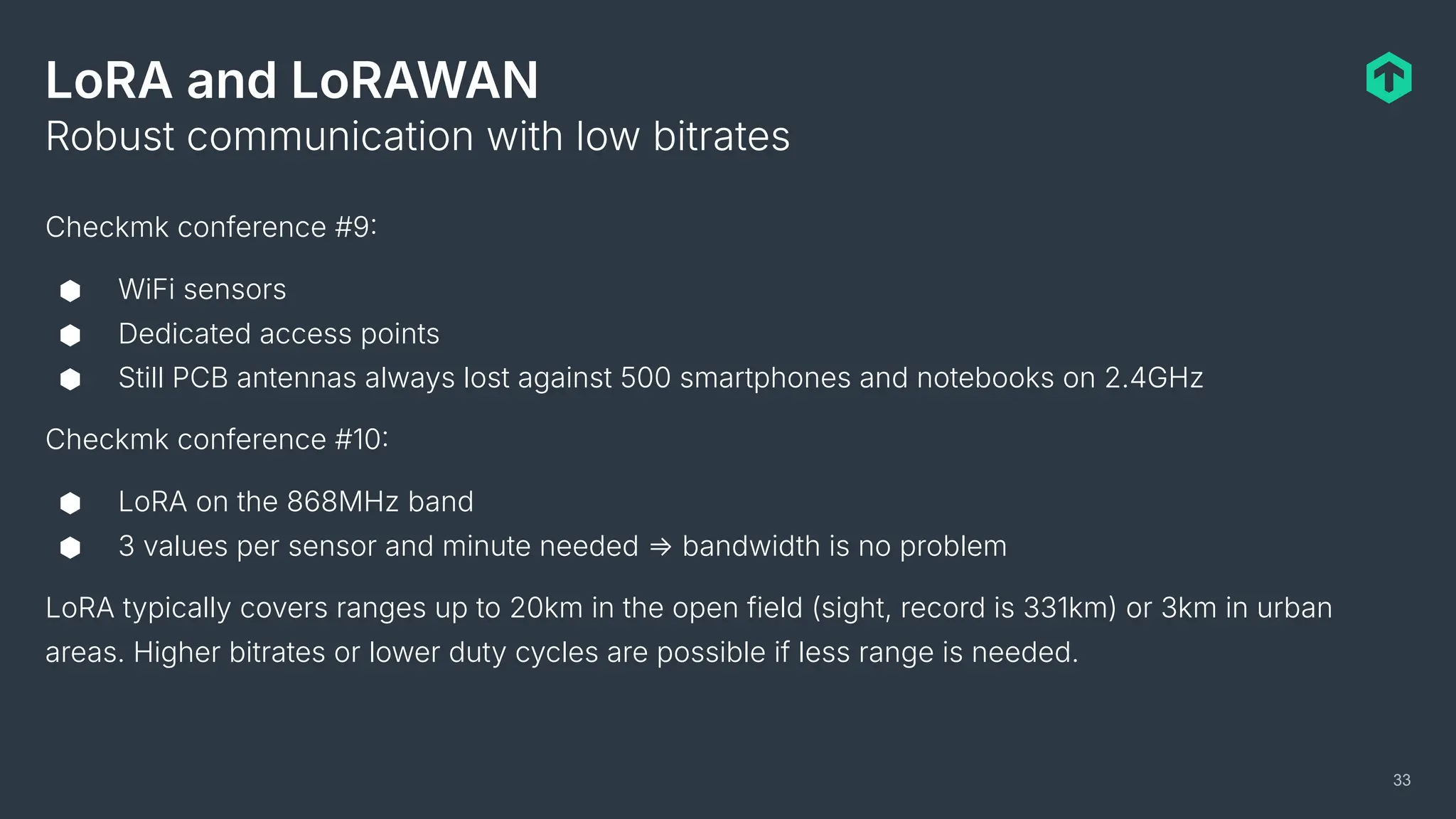
LoRA and LoRAWAN
Checkmk conference #9
⬢ WiFi sensors
⬢ Dedicated access points
⬢ Still PCB antennas always lost against 500 smartphones and notebooks on 2.4GHz
Checkmk conference #10
⬢ LoRA on the 868MHz band
⬢ 3 values per sensor and minute needed ⇒ bandwidth is no problem
LoRA typically covers ranges up to 20km in the open field (sight, record is 331km) or 3km in urban
areas. Higher bitrates or lower duty cycles are possible if less range is needed.
Robust communication with low bitrates
33
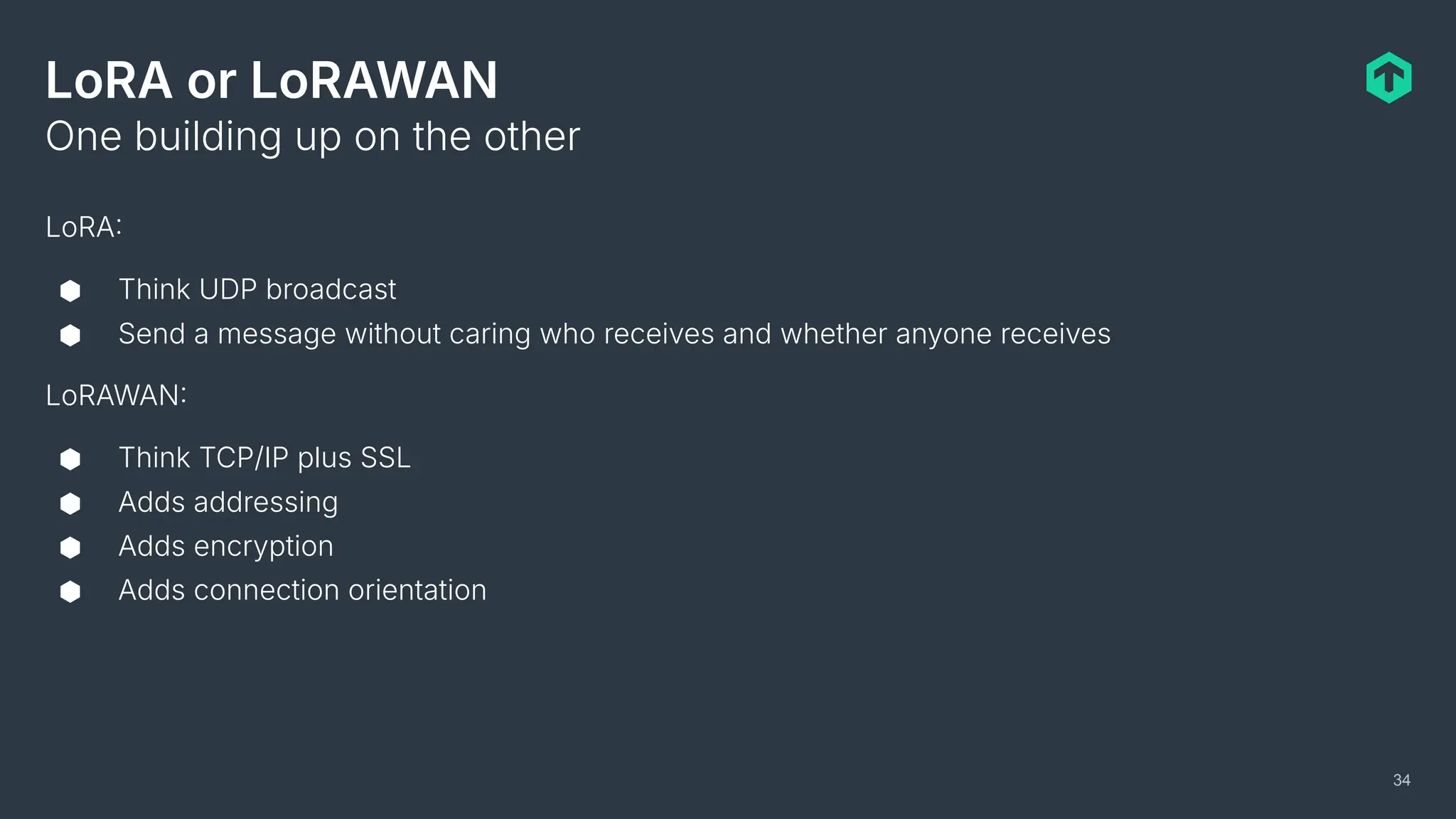
LoRA or LoRAWAN
LoRA
⬢ Think UDP broadcast
⬢ Send a message without caring who receives and whether anyone receives
LoRAWAN
⬢ Think TCP/IP plus SSL
⬢ Adds addressing
⬢ Adds encryption
⬢ Adds connection orientation
One building up on the other
34
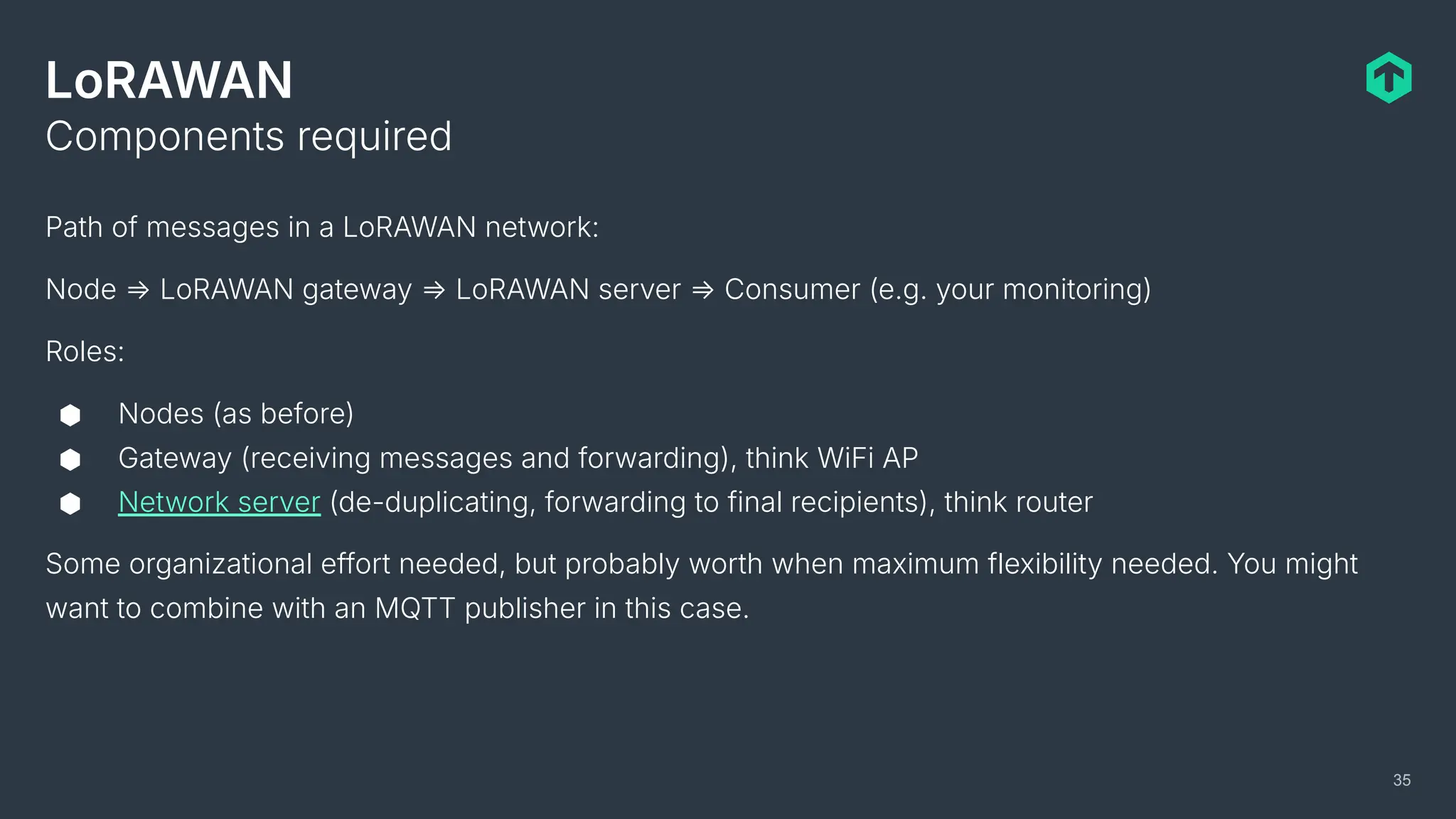
LoRAWAN
Path of messages in a LoRAWAN network:
Node ⇒ LoRAWAN gateway ⇒ LoRAWAN server ⇒ Consumer (e.g. your monitoring)
Roles:
⬢ Nodes (as before)
⬢ Gateway (receiving messages and forwarding), think WiFi AP
⬢ Network server (de-duplicating, forwarding to final recipients), think router
Some organizational effort needed, but probably worth when maximum flexibility needed. You might
want to combine with an MQTT publisher in this case.
Components required
35
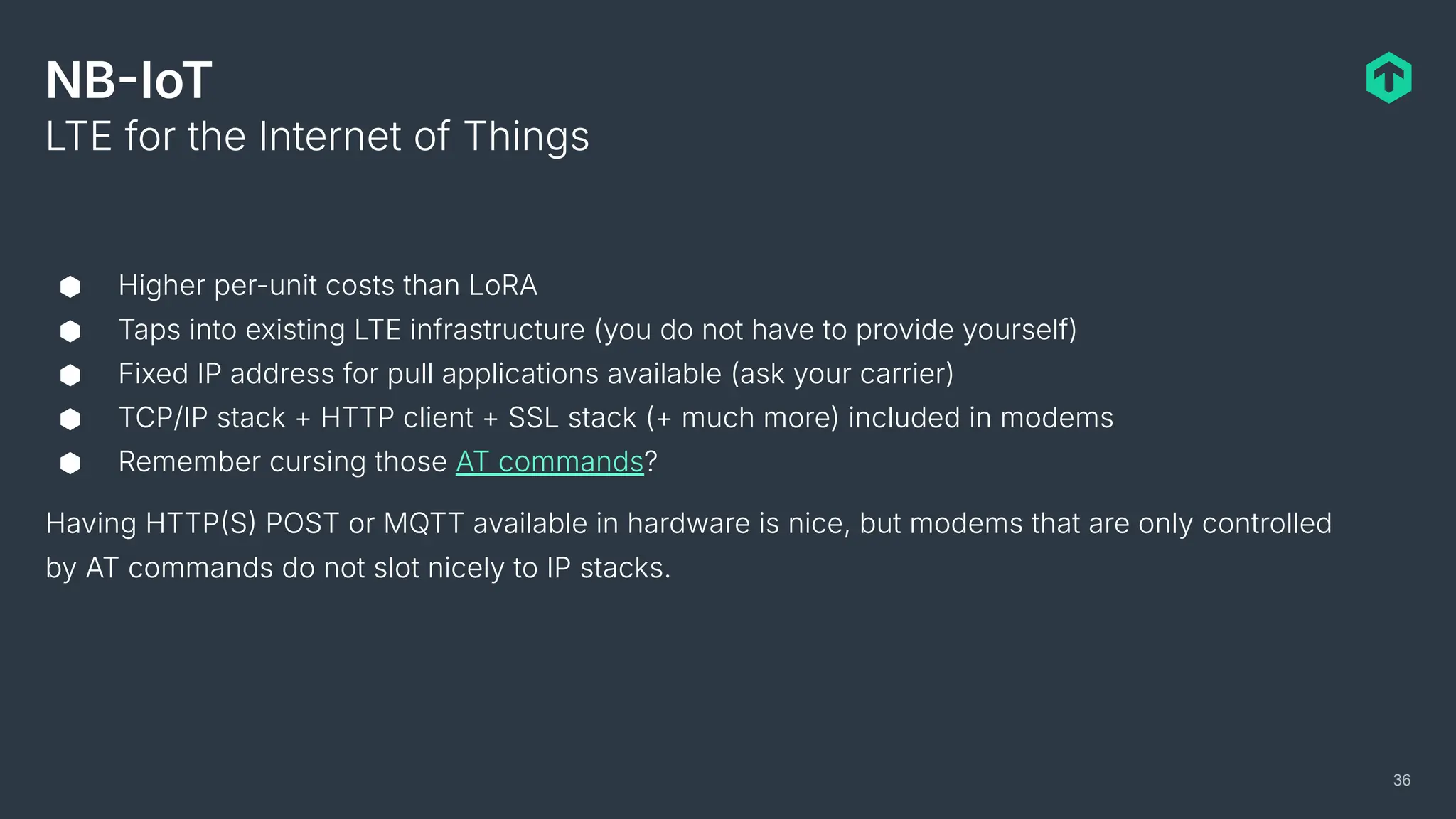
NBIoT
⬢ Higher per-unit costs than LoRA
⬢ Taps into existing LTE infrastructure (you do not have to provide yourself)
⬢ Fixed IP address for pull applications available (ask your carrier)
⬢ TCP/IP stack + HTTP client + SSL stack (+ much more) included in modems
⬢ Remember cursing those AT commands?
Having HTTPS POST or MQTT available in hardware is nice, but modems that are only controlled
by AT commands do not slot nicely to IP stacks.
LTE for the Internet of Things
36
Checkmk GmbH
Kellerstraße 27
81667 München
Germany
Web — checkmk.com
mattias.schlenker@checkmk.com
feedback@checkmk.com
Questions? Get in touch
Thank you!
Notes, example code and links will be available on:
https://github.com/mschlenker/OSMC2025

OSMC 2025: Monitoring a small world by Mattias Schlenker.pdf

  • 2.
    Mattias Schlenker Technical Writer- Team Knowledge Monitoring a small world Integrating IoT monitoring into infrastructure monitoring solutions OSMC 2025
  • 3.
    3 Who am Iand why am I here with you? Previous work and spare time activities My job at Checkmk Why am I here ⬢ Long time tech journo at Data Becker, Heise and others… ⬢ Author of a few books on Arduino and SBCs ⬢ Technical writer for Watterott Electronic GmbH ⬢ Teaching Robotics and Microcontrollers @ Ostwaldgymnasium ⬢ Working on The Official Checkmk User Guide ⬢ Product communication in general (blogs, articles, conferences…) ⬢ Tech evangelist: Make Checkmk features and monitoring concepts accessible ⬢ Combining my past and present experience to show you, how easy it is to integrate IoT to your monitoring ⬢ Motivating you to tinker with sensor hardware
  • 4.
    4 Agenda of today Motivationfor IoT monitoring Integrating off-the-shelf HW Building your own stuff Beyond IP Why and how do we tackle needs for IoT monitoring?
  • 5.
    5 Letʼs start withusersʼ needs… Motivation for IoT monitoring Integrating off-the-shelf HW Building your own stuff Beyond IP
  • 6.
    6 Why should youintegrate IoT sensors to infrastructure monitoring? Our own needs and listening to customers… ⬢ Checkmk conference 2022 needed CO2 monitoring (still COVID. ⬢ Is my rack open? ⬢ Can I early detect smoldering power supplies? ⬢ I want to make sure that my landlord does not lie to me regarding HVAC! ⬢ Some customers monitor everything with Checkmk, they also want to monitor the refrigeration chain! In general: Where IoT integration ensures operation reliability, add it to the monitoring!
  • 7.
    7 Can we tapinto existing sensor networks? ⬢ Technical difficulties (proprietary systems, Modbus over serial…) ⬢ No APIs available to tap into existing applications ⬢ Lacking documentation on many levels ⬢ Sensor data often only used for feedback HVAC, not cached ⬢ Organizational difficulties (different departments operation data center and buildings) Conclusion ⬢ Often easier to establish a parallel IP based sensor infrastructure ⬢ Possibility to tailor firmware to unique requirements ⬢ Possibility to tailor hardware specifications to unique requirements
  • 8.
    8 What are theneeds for sensor boards? There is no typical sensor board, but some some similarity in requirements exists: ⬢ High quantities to deploy ⇒ keep unit prices low ⬢ Low power consumption ⇒ battery or energy harvesting ⬢ Fewer code lines ⇒ fewer bugs ⬢ Reliable operation necessary ⇒ 24/7 or wake up when needed ⬢ Low maintenance ⇒ imagine having to patch hundreds of sensors Needs differ from general computing needs, so surely the hardware has to differ!
  • 9.
    9 How do microcontrollersfulfill these needs? Microcontrollers are a world of itself, with a wide range of available options, but these specs probably cover 95% of the MCU market: ⬢ 1MHz to 120MHz processing core ⬢ 1k to 1M of memory RAM ⬢ 1k to 16M EEPROM and or SPI flash (program and data ROM ⬢ Often on-die WiFI module ⬢ Generic programmable IO (digital and analog pins) ⬢ All other sensors and communication modules connected via SPI, I2C or serial ⬢ Prices starting at 10ct in quantities Regarding size, processing power and power consumption: Compare the brain of a large mammal (us humans) with an insect.
  • 10.
    10 Now we trysome off-the-shelf HW… Motivation for IoT monitoring Integrating off-the-shelf HW Building your own stuff Beyond IP
  • 11.
    11 Off-the-shelf: Watterott CO2Ampel ⬢ Microchip SAMD21 32 Bit ARM M0+ core) ⬢ Microchip WINC1500 WiFi module ⬢ 4 WS2812 RGB LEDs ⬢ Sensirion SCD30 NDIR) or ⬢ Sensirion SCD41 (photoacoustic, MEMS ⬢ Both with temperature and humidity sensor ⬢ Web interface to configure ⬢ Endpoint delivering sensor data as JSON ⬢ USB mass storage emulation to flash firmware ⬢ Optional community firmware with MQTT support ⬢ Firmware completely Open Source Hardware Sensor Firmware
  • 12.
    12 Watterott CO2 Ampel:Using the JSON endpoint Drew Kerrigans check_http_json ⬢ Versatile for every Nagios plugin compatible monitoring system ⬢ Inefficient: One Python process per sensor, per check interval, per service Zabbix has an integrated HTTP JSON check ⬢ Flexibility? Wow! ⬢ Hard to configure? You bet! Good news: Checkmk is working on a generic HTTP JSON check ⬢ Will be easy to configure I promise! ⬢ In the meantime, we just added an endpoint for Checkmk agent output via PR Generic Zabbix Checkmk Conclusion: JSON endpoints on IoT devices might be sufficient, performance often might suffer for a large amount of devices. If itʼs good enough for you, take it!
  • 13.
    Using MQTT ⬢ Publisher/subscribermodel ⬢ Each node publishes to the MQTT broker ⬢ Monitoring systems and everyone else can subscribe to topics relevant to them How does it work? 13 Possible flow of data: Sensor node ⇒ MQTT broker ⇒ Fluentd ⇒ OTel Collector ⇒ Monitoring
  • 14.
    Using MQTT ⬢ Investin right-sizing each of the components in the chain if many sensor nodes are needed ⬢ Itʼs OK to use generic Nagios compatible checks like check-mqtt when MQTT is already there, but secondary for your monitoring ⬢ Donʼt use MQTT if you do not expect to reach a sufficient number of nodes for maintaining the tech stack required So, do it or donʼt do it heavily relies on your expectations for the future and the willingness to add more components to the tech stack. Conclusion 14
  • 15.
    But my techstack is already huge! 15
  • 16.
    16 If off-the-shelf doesnot work… Motivation for IoT monitoring Integrating off-the-shelf HW Building your own stuff Beyond IP
  • 17.
    Justify tinkering toyour boss! 17
  • 18.
    What if wecould tailor sensors to our tech stack? ⬢ How can we tailor the hardware, e.g. precision or ruggedness (or lack thereof) to our environment? ⬢ How can we include only the protocols we currently need to the software while still being flexible for the future? ⬢ How can we make sensor nodes future proof by keeping the control over it? ⬢ How can we ensure maintainability by our crew? Then everybody would win, of course 18
  • 19.
    What if wecould tailor sensors to our tech stack? ⬢ How can we tailor the hardware, e.g. precision or ruggedness (or lack thereof) to our environment? ⬢ How can we include only the protocols we currently need to the software while still being flexible for the future? ⬢ How can we make sensor nodes future proof by keeping the control over it? ⬢ How can we ensure maintainability by our crew? Then everybody would win, of course 19
  • 20.
  • 21.
    Arduino or Micropython? Arduino: ⬢around since about 2005 ⬢ started on Atmega 8 Bit microcontrollers ⬢ ported to a wide range of boards ⬢ C/C “dialectˮ ⬢ very good performance ⬢ easy to mess up ⬢ easy to learn, but details can be finicky ⬢ inconsistent philosophies for libraries Choose your fighter! 21 Micropython: ⬢ around since 2014 ⬢ started on 32 Bit micro controllers ⬢ ported to a wide range of boards ⬢ a subset of Python ⬢ moderate to good performance ⬢ hard to mess up ⬢ even easier to learn ⬢ most extension authors stick to standards
  • 22.
    Letʼs start withMicropython! For both ecosystems, Espressif ESP and a wide variety of ARM M0 and M4 based microcontrollers are currently the most actively used. As tinkering board, I currently use the Wemos S2 mini with the S2 variant of the ESP32 controller and 4MBit of flash. Plenty of storage for libraries when tinkering with many applications and even some space for logging. All boards mentioned are easily available, relatively cheap and you'll find lots of tips in forums. The examples here use either the internal temperature sensor or a digital input pin ("rack open"), so no breadboard or soldering required. You saw the hardware, now we talk software 22
  • 23.
    Which software doI need to develop? ⬢ Your favorite editor ⬢ A Python virtual environment for your project(s) ⬢ The Python tools rshell and esptool (living in this venv) ⬢ A serial monitor (screen, minicom, cutecom or PuTTY The current user has to be member of the dialout group on Linux, so ask root for help. All you need is installed in five minutes! 23
  • 24.
    And how doi deploy? ⬢ Flash Micropython .bin file using esptool (instructions on the Micropython download page) ⬢ Copy program to the ESP using rshell cp source dest ⬢ Connect to the REPL using the serial monitor to check what does not work ⬢ Fix your program ⬢ Repeat steps 2 to 4 until satisfied Really that easy! Easy and fast… 24
  • 25.
    Letʼs discuss somecode examples! ⬢ No example over 70 lines total ⬢ Check out https://github.com/mschlenker for the full, working sources ⬢ Common code WiFi init and similar) omitted here Really that easy! I have prepared something 25
  • 26.
    A Checkmk agent Listenon port 6556 and emit to anyone connecting 26 s = socket.socket(socket.AF_INET, socket.SOCK_STREAM) s.bind(('0.0.0.0', PORT)) s.listen(2) output = """<<<check_mk_agent>>> AgentOS: MicroPython <<<local>>> """ TLOWWARN = 11 TLOWCRIT = 4 THIWARN = 32 THICRIT = 39 while True: conn, addr = s.accept() temp = esp32.mcu_temperature() conn.settimeout(TIMEOUT) msg = output if temp > THICRIT or temp < TLOWCRIT: msg = output + "2 "Temperature ESP32" temp=" + str(temp) + " Uh, it is not nice heren" elif temp > THIWARN or temp < TLOWWARN: msg = output + "1 "Temperature ESP32" temp=" + str(temp) + " Uh, it is uncomfortablen" else: msg = output + "0 "Temperature ESP32" temp=" + str(temp) + " Nice here!n" conn.send(msg) print("Served request, closing...") conn.close()
  • 27.
    27 The output mschlenker@klapp-0063:~$ telnet10.76.23.174 6556 Trying 10.76.23.174... Connected to 10.76.23.174. Escape character is '^]'. <<<check_mk_agent>>> AgentOS: MicroPython <<<local>>> 0 "Temperature ESP32" temp=29 Nice here! Connection closed by foreign host.
  • 28.
    A Prometheus scrapingendpoint Using https://github.com/ssube/prometheus_express 28 registry = CollectorRegistry(namespace='prom_express') metric_g = Gauge('temp_gauge', 'temperature from various sensors', labels=['location', 'sensor'], registry=registry) router = Router() router.register('GET', '/metrics', registry.handler) server = False while True: while not server: server = start_http_server(PORT, address=sta_if.ifconfig()[0], depth=8) # Just in case something in the processing chain might allow only positive gauge valus tkelvin = esp32.mcu_temperature() + 273 metric_g.labels('rack42', 'esp32_on_die').set(tkelvin) try: server.accept(router) print("Successfully served request") except OSError as err: print('Error accepting request: {}'.format(err)) except ValueError as err: print('Error parsing request: {}'.format(err))
  • 29.
    29 The output mschlenker@klapp-0063:~$ curlhttp://10.76.23.174:8080/metrics # HELP prom_express_temp_gauge temperature from various sensors # TYPE prom_express_temp_gauge gauge prom_express_temp_gauge{location="None",sensor="None"} 0 prom_express_temp_gauge{location="rack42",sensor="esp32_on_die"} 301
  • 30.
    Logging to syslog Usinghttps://github.com/kfricke/micropython-usyslog 30 SYSLOG_SERVER_IP = '10.76.23.249' s = usyslog.UDPClient(ip=SYSLOG_SERVER_IP) pin = machine.Pin(39, machine.Pin.IN, machine.Pin.PULL_UP) while True: pstate = pin.value() if pstate > 0: led.on() print('Door is open!') s.warning('Door is open!') time.sleep(30) else: led.off() print('Door is closed.') s.notice('Door is closed.') time.sleep(30) At that point, I'd leave it to my 15 yr old kid to come up with a proper algorithm for checking states sub second, but only reporting state changes. And reporting current states (that did not change) in predefined intervals.
  • 31.
    But my codeis lousy! Watchdog to the rescue 31 def feedsleep(seconds, dog): for i in range(1, int(seconds)): time.sleep(1.0) dog.feed() wdt = machine.WDT(timeout=10000) # Initialize the watchdog with a timeout of 10s s = usyslog.UDPClient(ip=SYSLOG_SERVER_IP) pin = machine.Pin(39, machine.Pin.IN, machine.Pin.PULL_UP) while True: pstate = pin.value() if pstate > 0: # If sending the packet fails, dog cannot be fed! s.warning('Door is open!') feedsleep(10, wdt) else: s.notice('Door is closed.') feedsleep(10, wdt) At that point, I'd leave it to my 15 yr old kid to come up with a proper algorithm for checking states sub second, but only reporting state changes. And reporting current states (that did not change) in predefined intervals.
  • 32.
    32 If off-the-shelf doesnot work… Motivation for IoT monitoring Integrating off-the-shelf HW Building your own stuff Beyond IP
  • 33.
    LoRA and LoRAWAN Checkmkconference #9 ⬢ WiFi sensors ⬢ Dedicated access points ⬢ Still PCB antennas always lost against 500 smartphones and notebooks on 2.4GHz Checkmk conference #10 ⬢ LoRA on the 868MHz band ⬢ 3 values per sensor and minute needed ⇒ bandwidth is no problem LoRA typically covers ranges up to 20km in the open field (sight, record is 331km) or 3km in urban areas. Higher bitrates or lower duty cycles are possible if less range is needed. Robust communication with low bitrates 33
  • 34.
    LoRA or LoRAWAN LoRA ⬢Think UDP broadcast ⬢ Send a message without caring who receives and whether anyone receives LoRAWAN ⬢ Think TCP/IP plus SSL ⬢ Adds addressing ⬢ Adds encryption ⬢ Adds connection orientation One building up on the other 34
  • 35.
    LoRAWAN Path of messagesin a LoRAWAN network: Node ⇒ LoRAWAN gateway ⇒ LoRAWAN server ⇒ Consumer (e.g. your monitoring) Roles: ⬢ Nodes (as before) ⬢ Gateway (receiving messages and forwarding), think WiFi AP ⬢ Network server (de-duplicating, forwarding to final recipients), think router Some organizational effort needed, but probably worth when maximum flexibility needed. You might want to combine with an MQTT publisher in this case. Components required 35
  • 36.
    NBIoT ⬢ Higher per-unitcosts than LoRA ⬢ Taps into existing LTE infrastructure (you do not have to provide yourself) ⬢ Fixed IP address for pull applications available (ask your carrier) ⬢ TCP/IP stack + HTTP client + SSL stack (+ much more) included in modems ⬢ Remember cursing those AT commands? Having HTTPS POST or MQTT available in hardware is nice, but modems that are only controlled by AT commands do not slot nicely to IP stacks. LTE for the Internet of Things 36
  • 37.
    Checkmk GmbH Kellerstraße 27 81667München Germany Web — checkmk.com mattias.schlenker@checkmk.com feedback@checkmk.com Questions? Get in touch Thank you! Notes, example code and links will be available on: https://github.com/mschlenker/OSMC2025