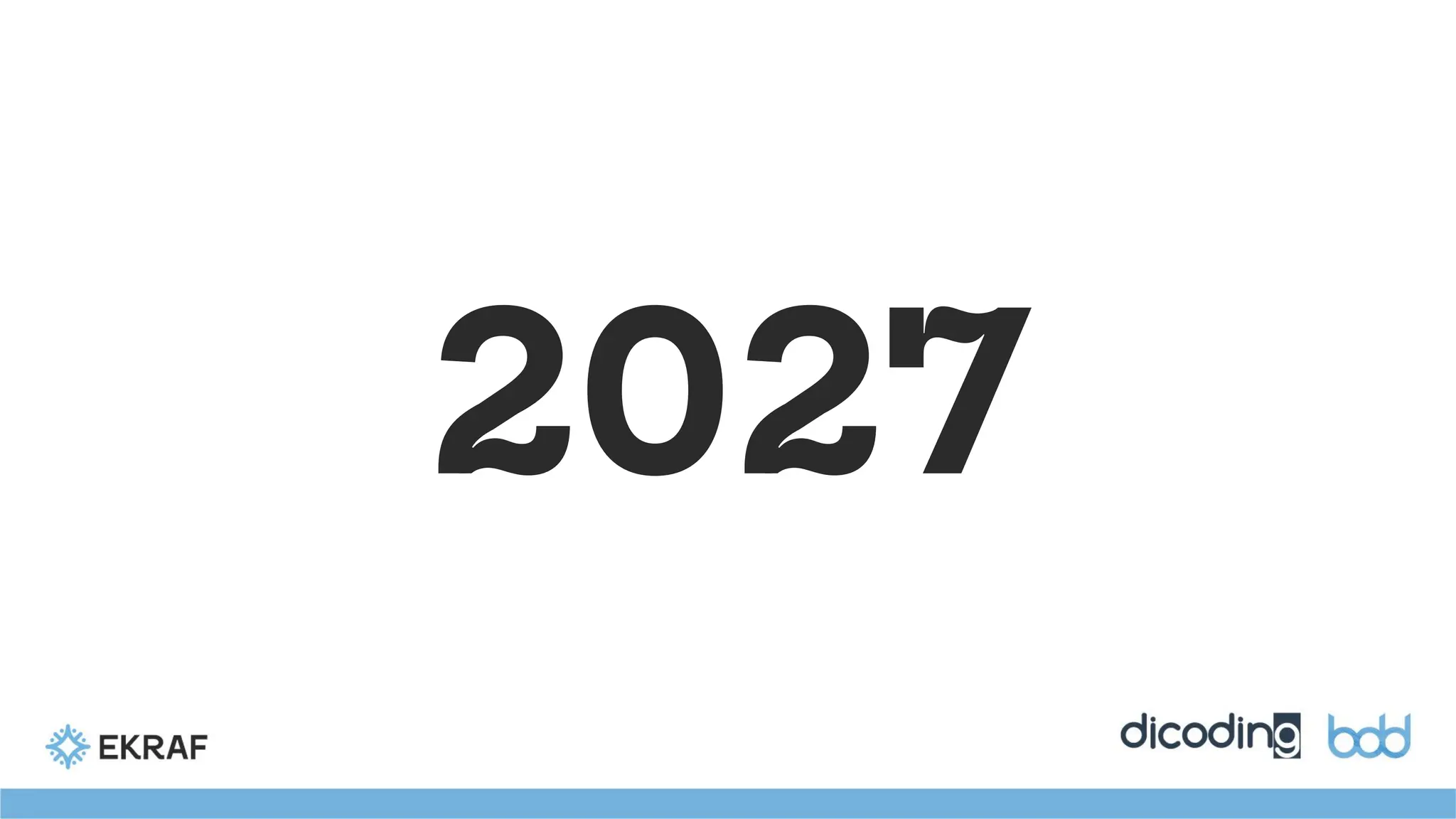
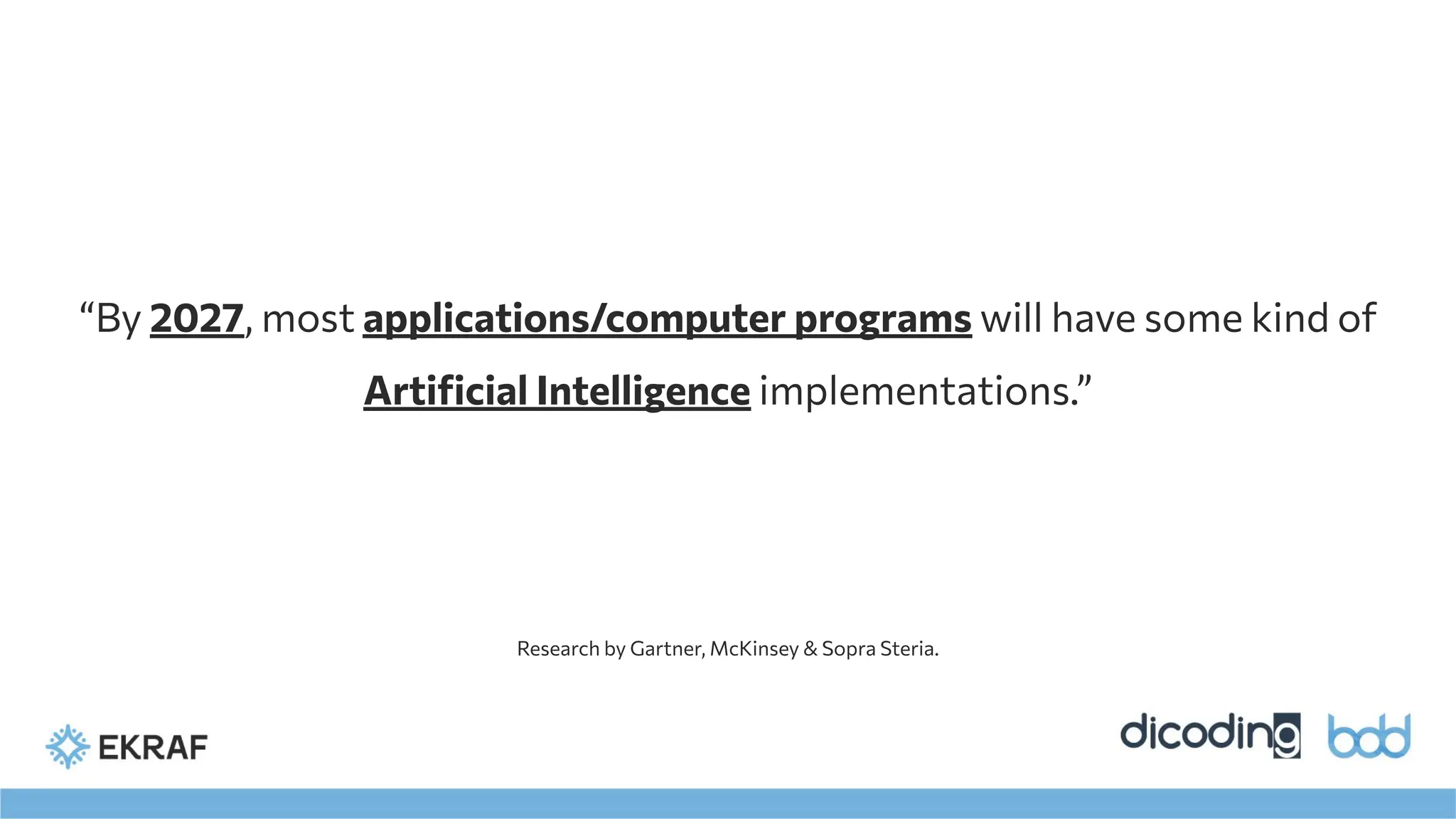
“By 2027, mostapplications/computer programs will have some kind of
Artificial Intelligence implementations.”
Research by Gartner, McKinsey & Sopra Steria.
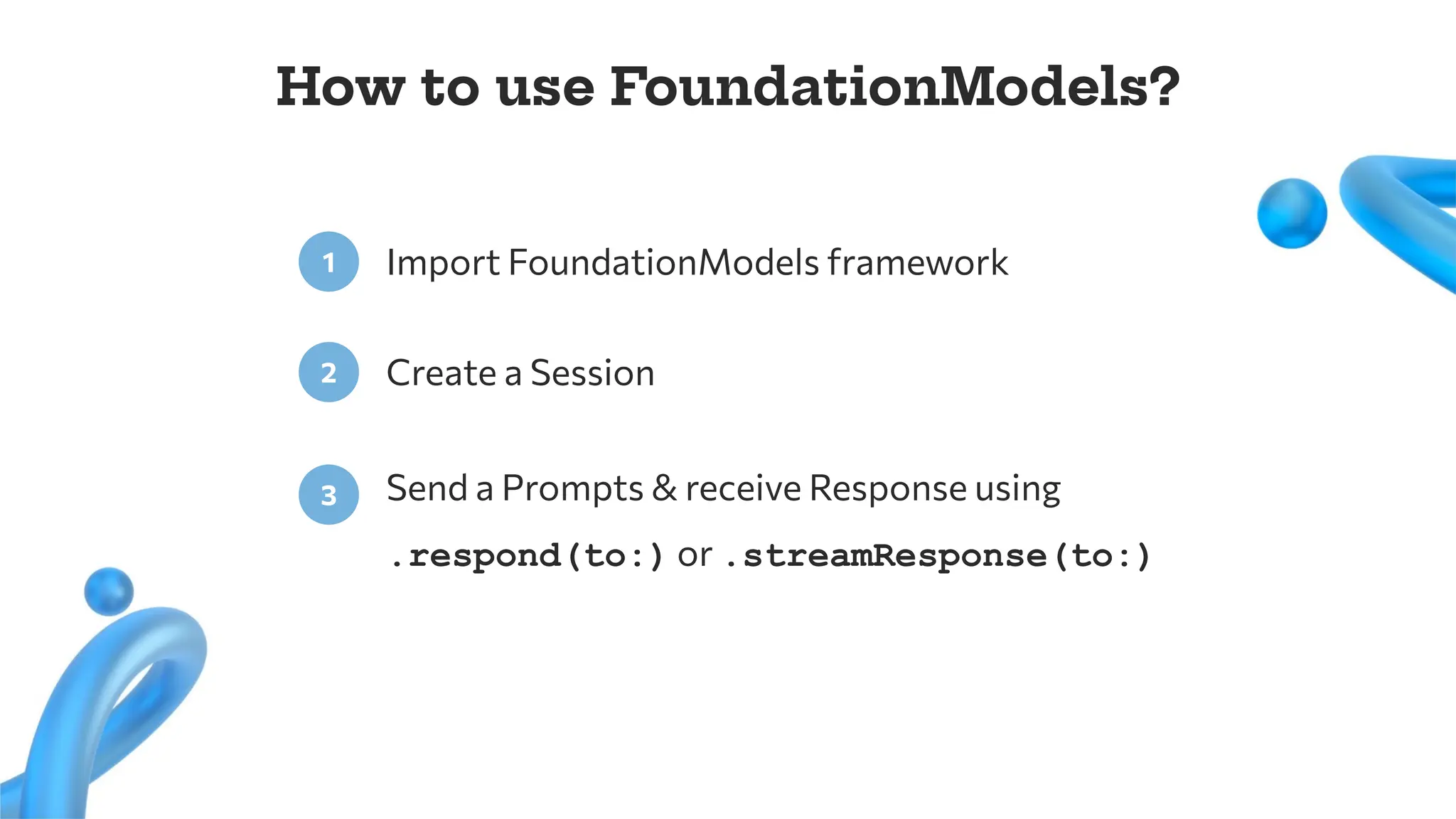
The Foundation Modelsframework is Apple’s new framework that gives
you direct access to the on-device large language model used by Apple
Intelligence.
developer.apple.com
10.
What can FoundationModelsdo?
Summarization
Text Extraction
Classification
Tagging
Personalization
Content Generation
Many more..
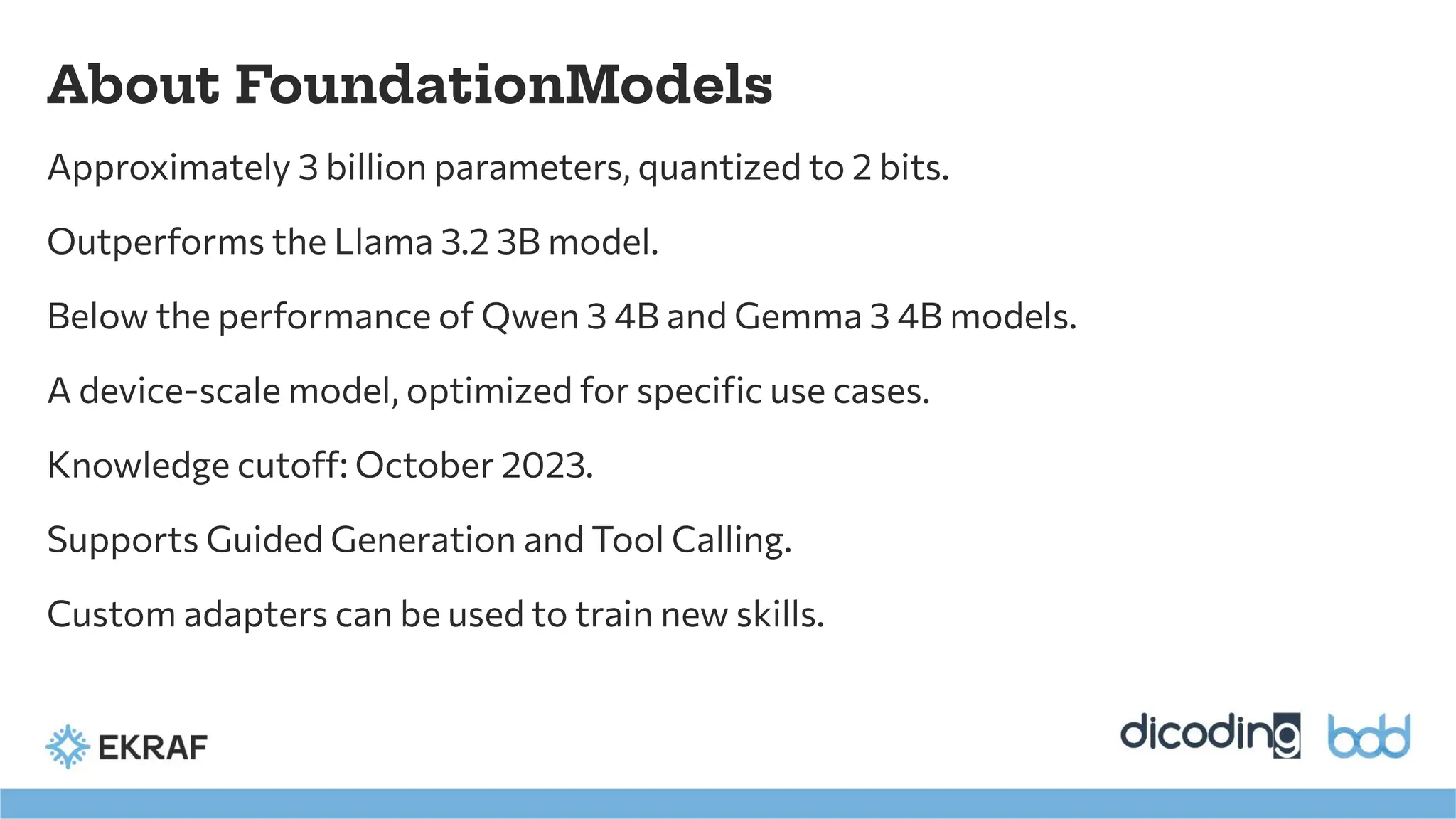
About FoundationModels
Approximately 3billion parameters, quantized to 2 bits.
Outperforms the Llama 3.2 3B model.
Below the performance of Qwen 3 4B and Gemma 3 4B models.
A device-scale model, optimized for specific use cases.
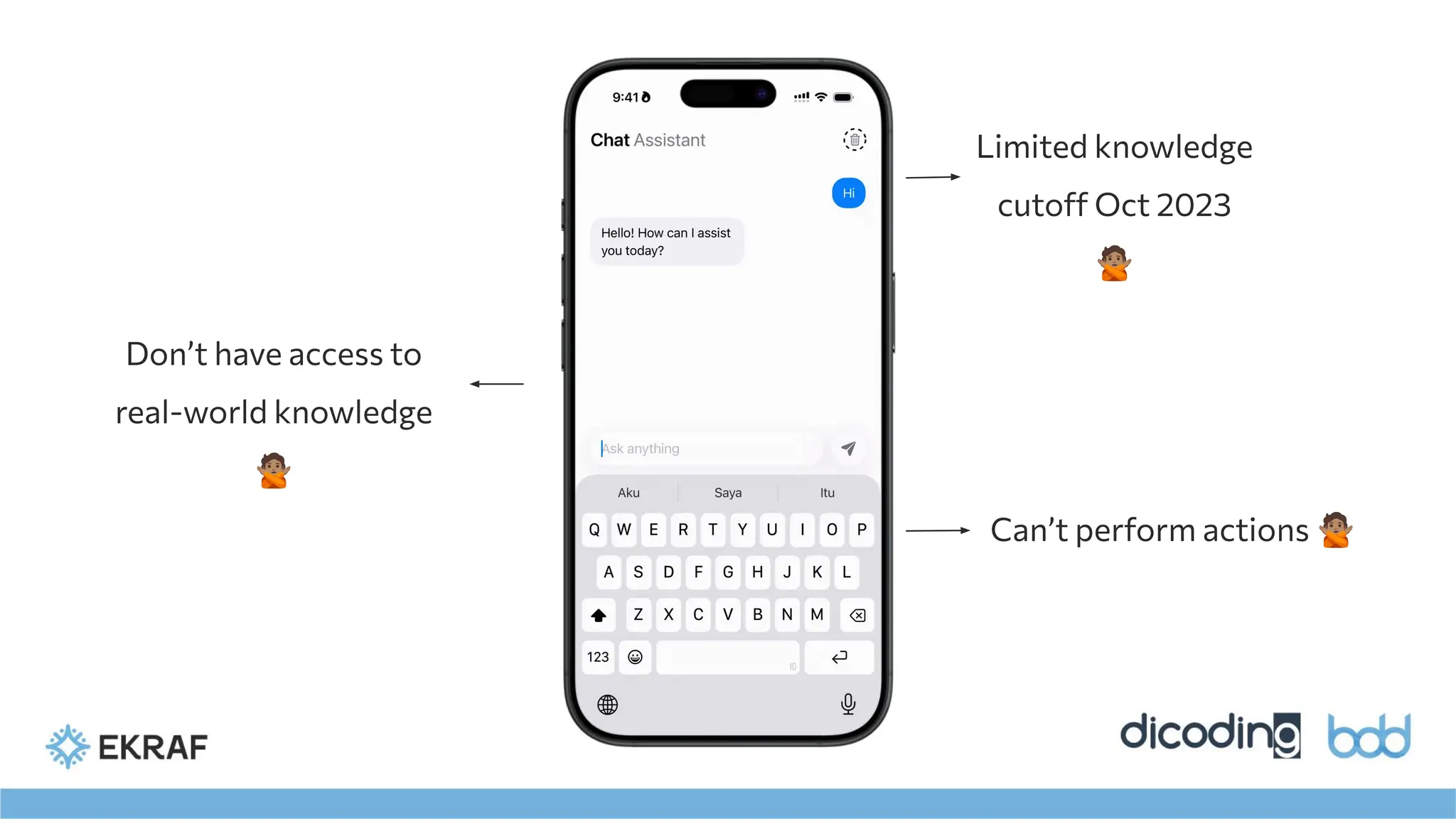
Knowledge cutoff: October 2023.
Supports Guided Generation and Tool Calling.
Custom adapters can be used to train new skills.
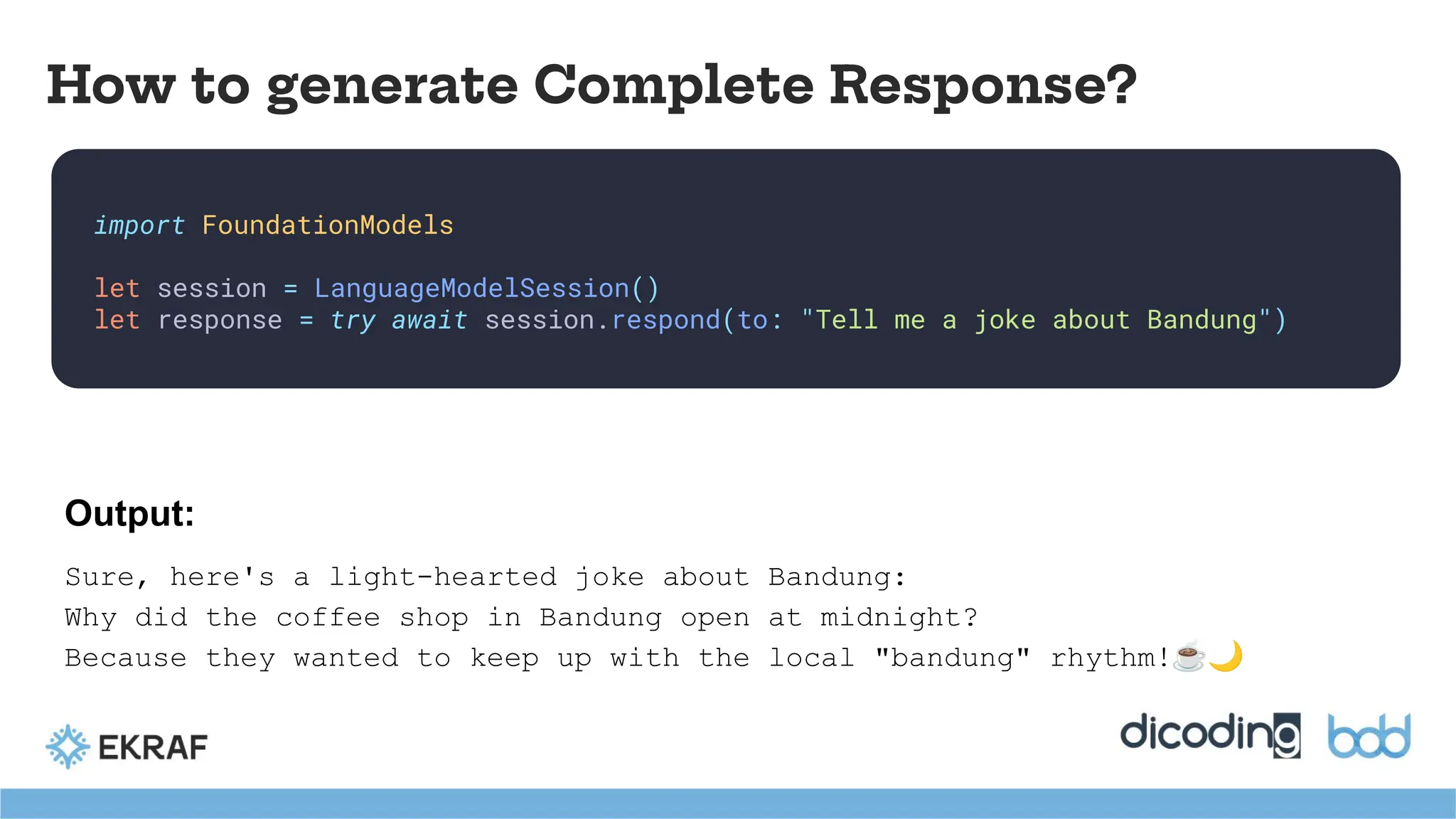
import FoundationModels
let session= LanguageModelSession()
let response = try await session.respond(to: "Tell me a joke about Bandung")
How to generate Complete Response?
Output:
Sure, here's a light-hearted joke about Bandung:
Why did the coffee shop in Bandung open at midnight?
Because they wanted to keep up with the local "bandung" rhythm!☕🌙
16.
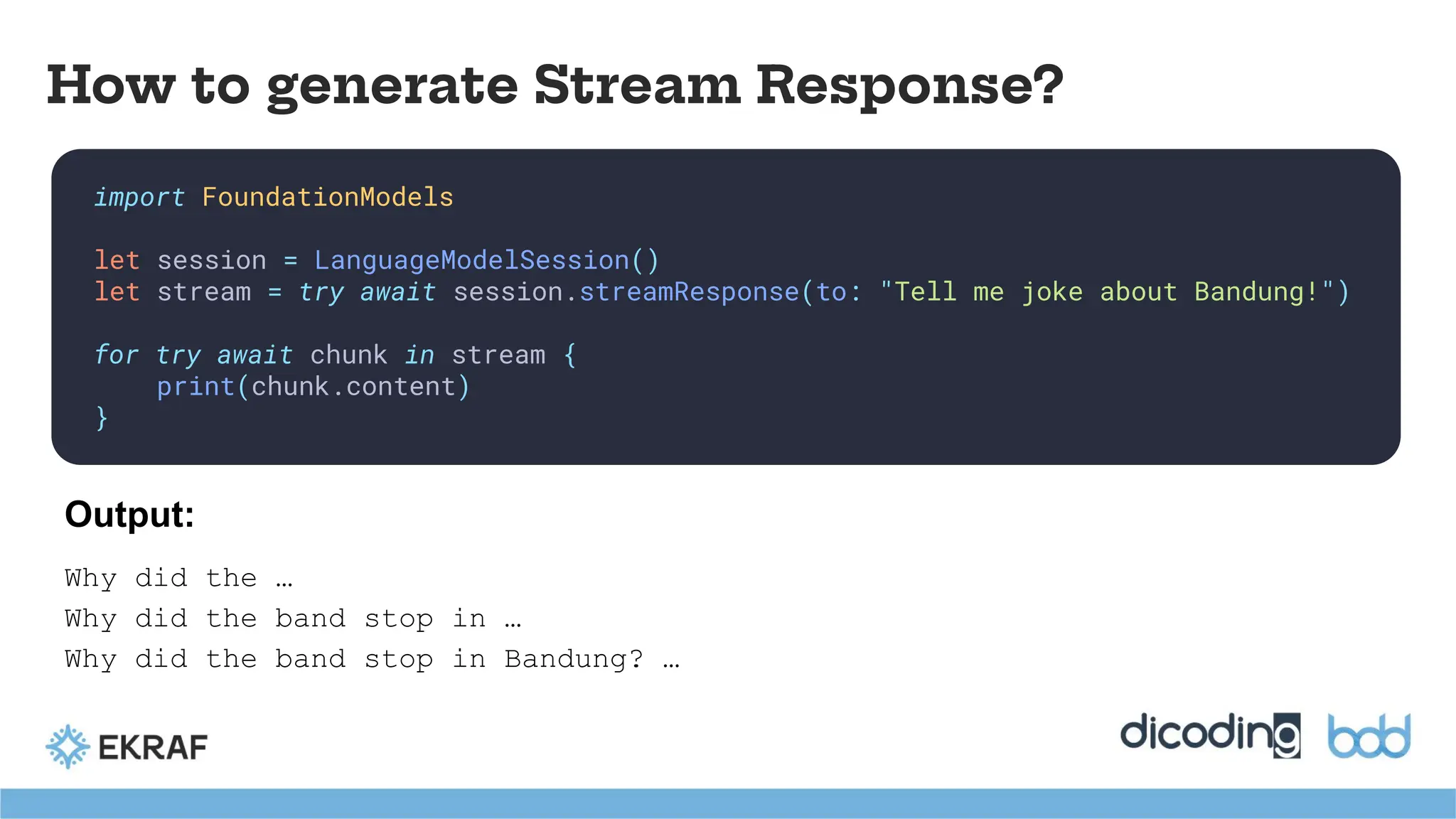
import FoundationModels
let session= LanguageModelSession()
let stream = try await session.streamResponse(to: "Tell me joke about Bandung!")
for try await chunk in stream {
print(chunk.content)
}
How to generate Stream Response?
Why did the …
Why did the band stop in …
Why did the band stop in Bandung? …
Output:
Recap: Meet FoundationModels
●The Foundation Models framework provides on-device access to Apple's large
language model.
● The model has about 3B parameters, optimized for device-scale use cases.
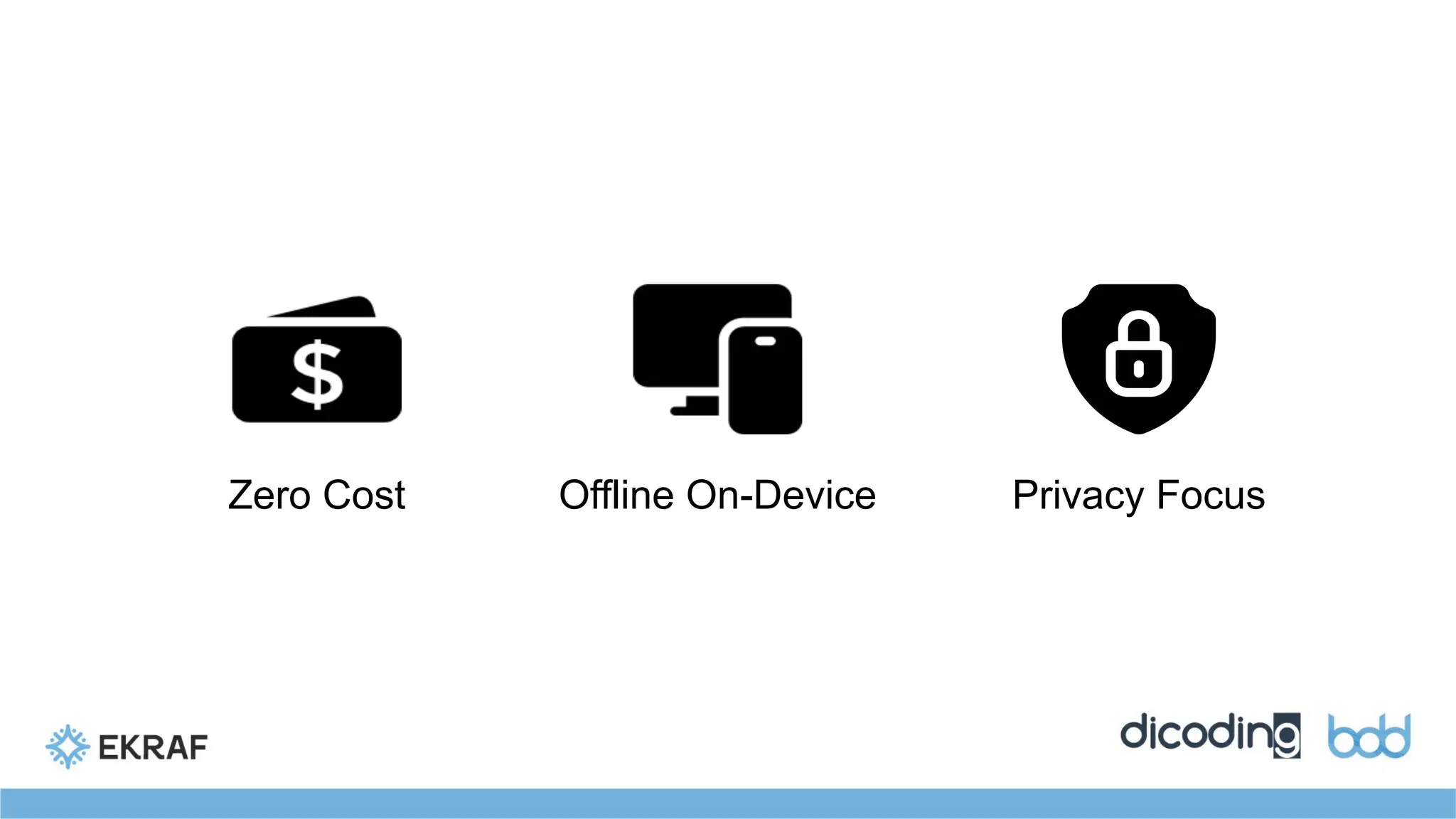
● Key benefits: zero cost, offline operation, and a focus on privacy.
● Core capabilities include summarization, text extraction, classification, and content
generation.
● The model supports advanced techniques like Guided Generation and Tool Calling.
● You can train new skills with a custom adapter.
What is GuidedGeneration?
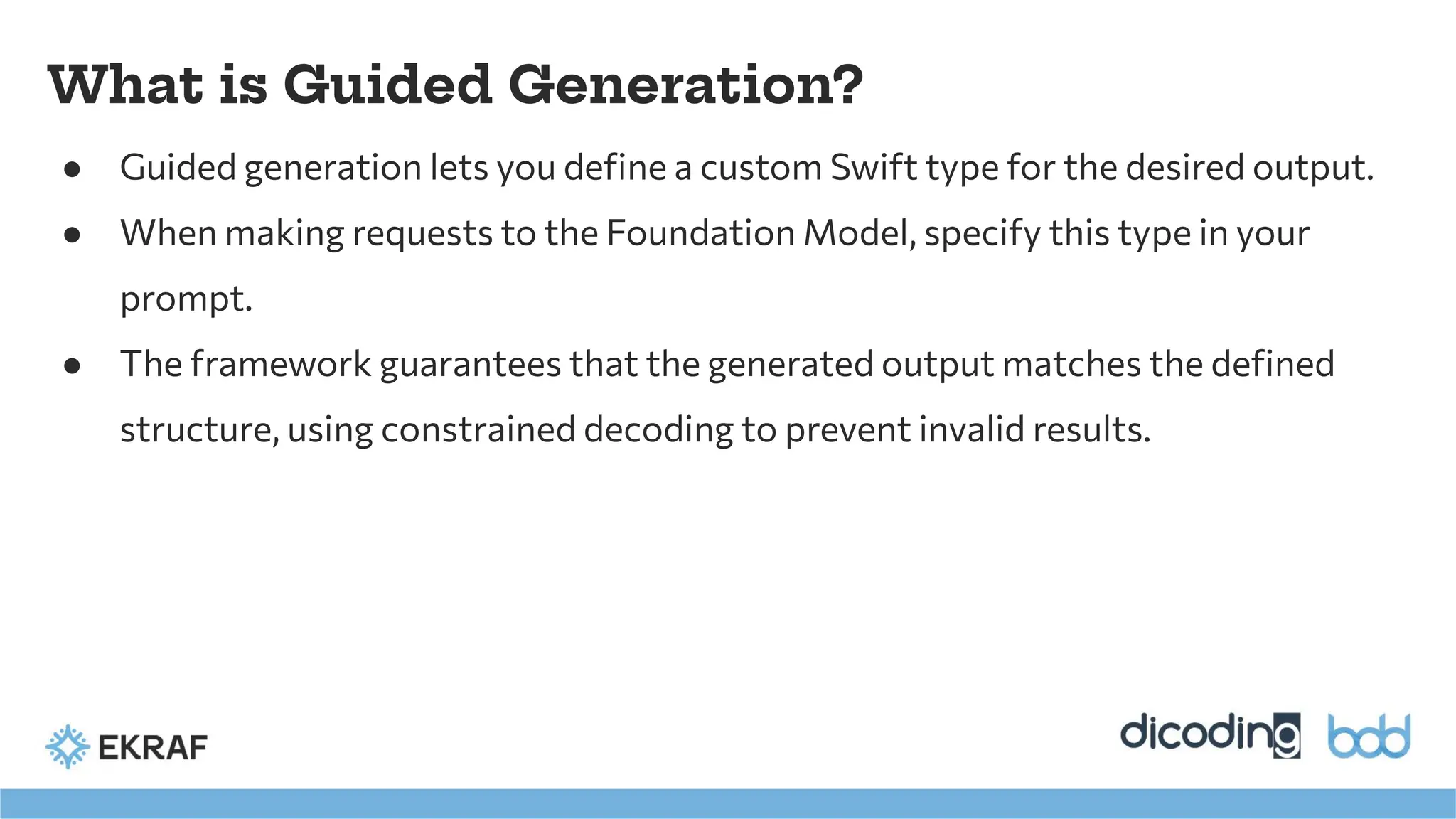
● Guided generation lets you define a custom Swift type for the desired output.
● When making requests to the Foundation Model, specify this type in your
prompt.
● The framework guarantees that the generated output matches the defined
structure, using constrained decoding to prevent invalid results.
23.
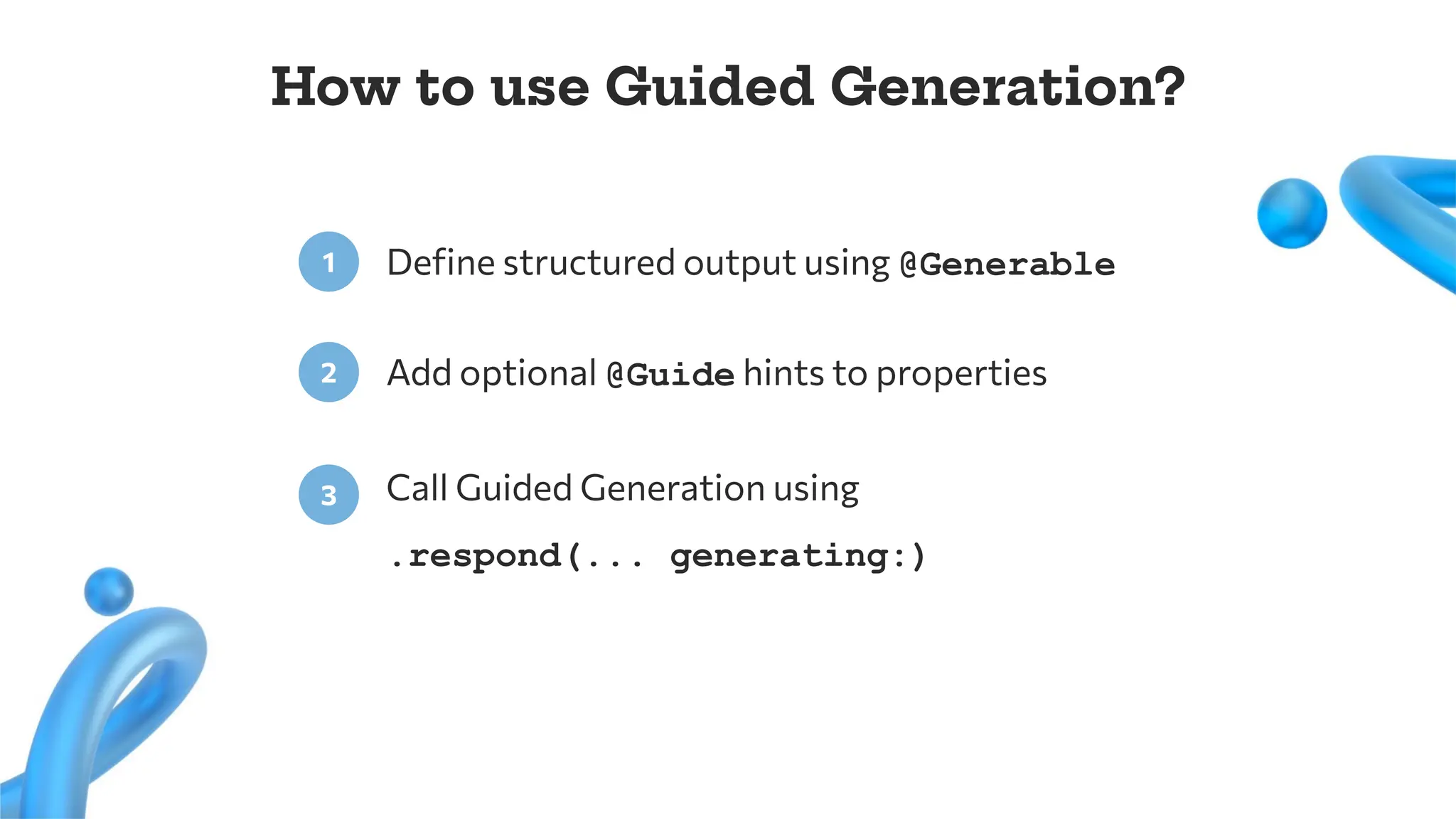
Define structured outputusing @Generable
1
Add optional @Guide hints to properties
2
Call Guided Generation using
.respond(... generating:)
3
How to use Guided Generation?
24.
How to useGuided Generation?
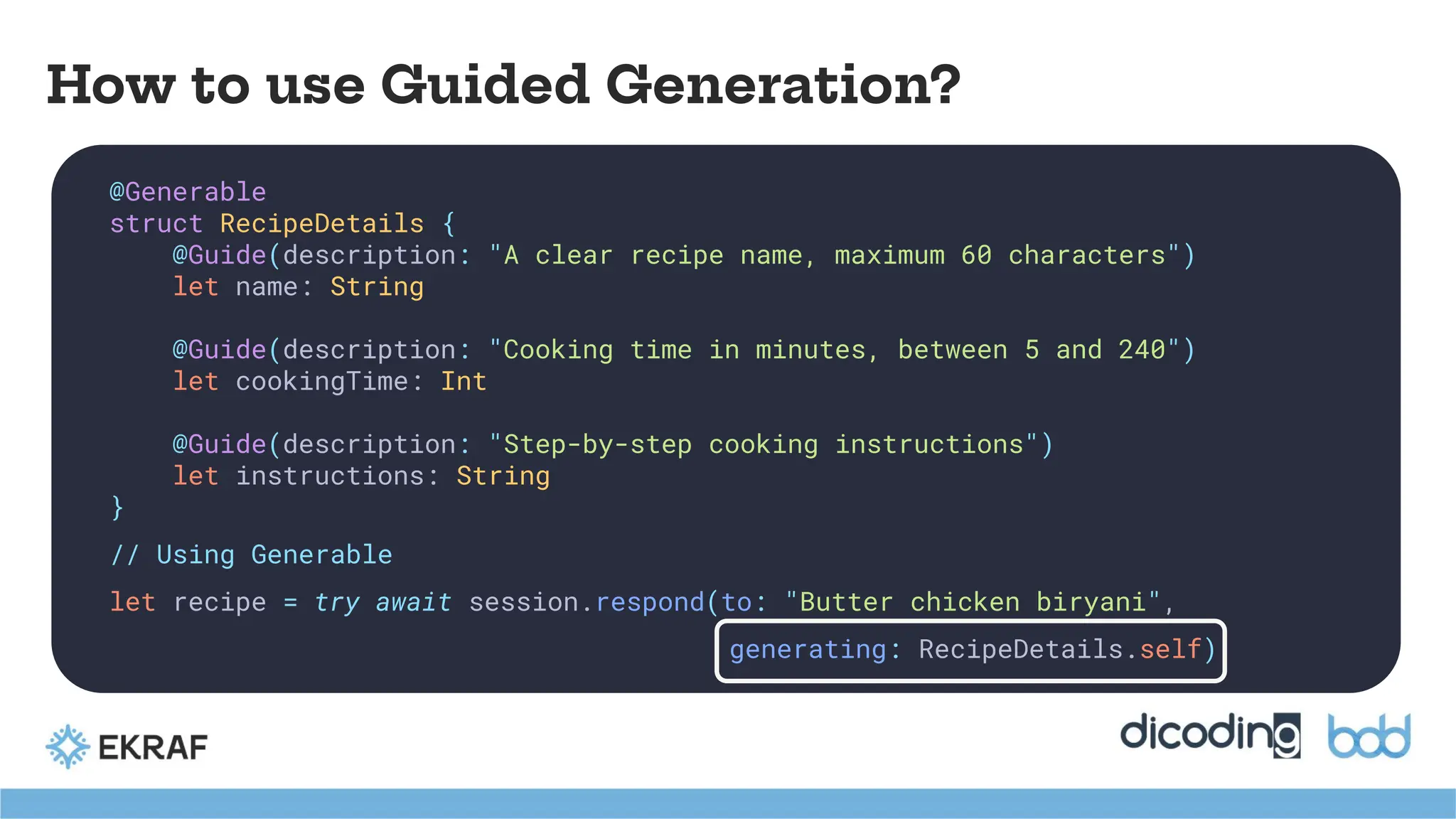
@Generable
struct RecipeDetails {
@Guide(description: "A clear recipe name, maximum 60 characters")
let name: String
@Guide(description: "Cooking time in minutes, between 5 and 240")
let cookingTime: Int
@Guide(description: "Step-by-step cooking instructions")
let instructions: String
}
// Using Generable
let recipe = try await session.respond(to: "Butter chicken biryani",
generating: RecipeDetails.self)
25.
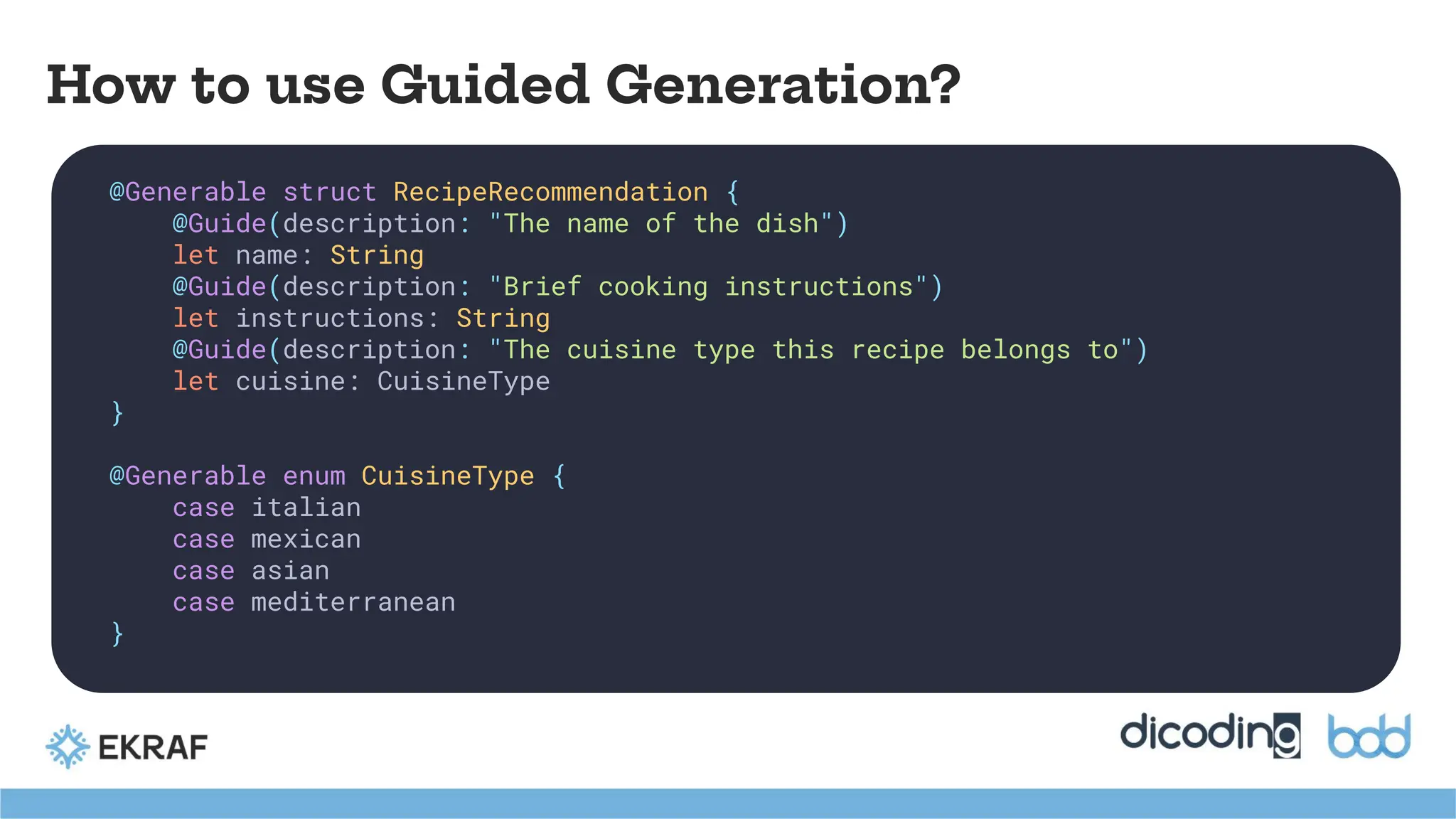
How to useGuided Generation?
@Generable struct RecipeRecommendation {
@Guide(description: "The name of the dish")
let name: String
@Guide(description: "Brief cooking instructions")
let instructions: String
@Guide(description: "The cuisine type this recipe belongs to")
let cuisine: CuisineType
}
@Generable enum CuisineType {
case italian
case mexican
case asian
case mediterranean
}
26.
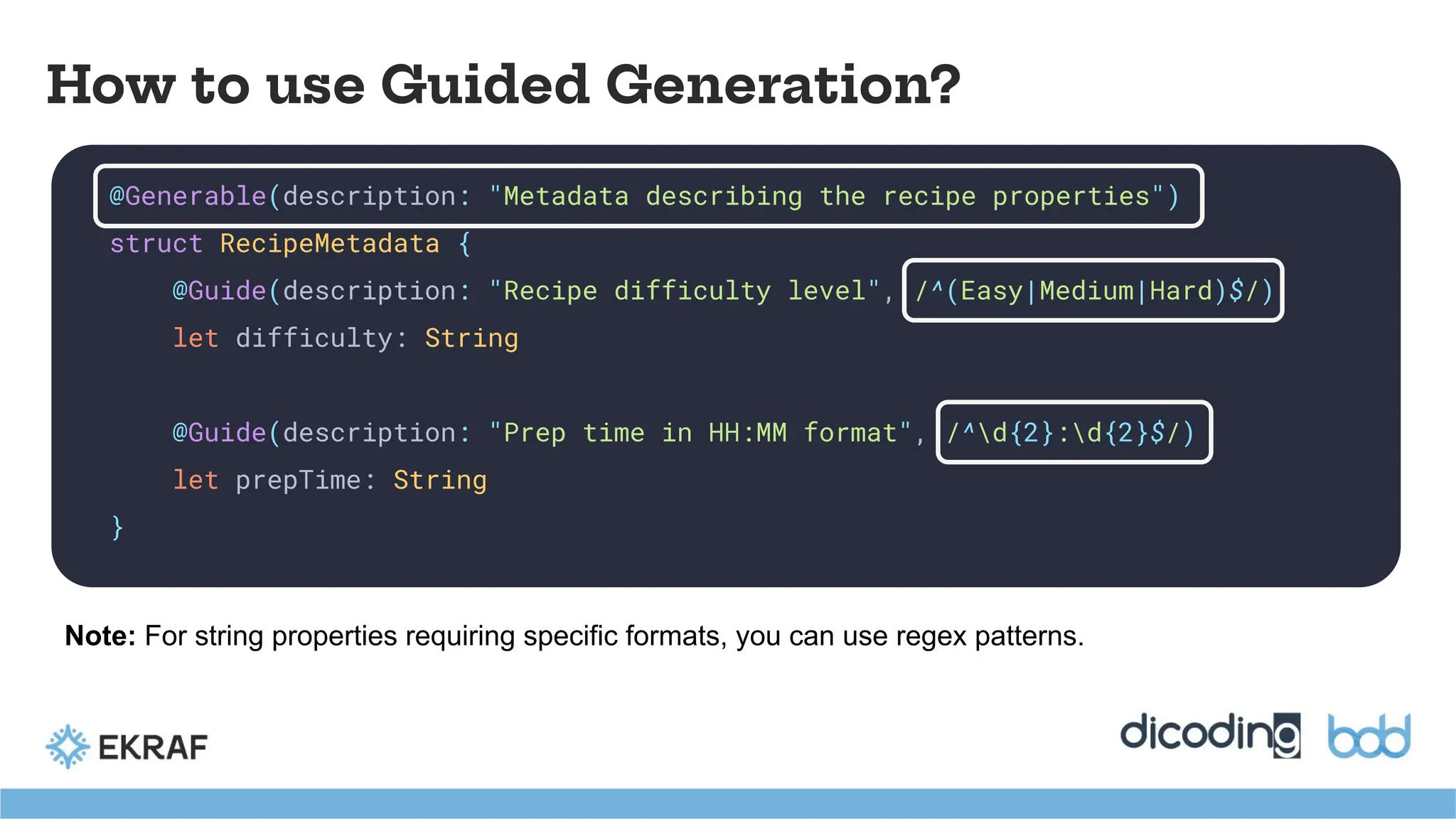
How to useGuided Generation?
@Generable(description: "Metadata describing the recipe properties")
struct RecipeMetadata {
@Guide(description: "Recipe difficulty level", /^(Easy|Medium|Hard)$/)
let difficulty: String
@Guide(description: "Prep time in HH:MM format", /^d{2}:d{2}$/)
let prepTime: String
}
Note: For string properties requiring specific formats, you can use regex patterns.
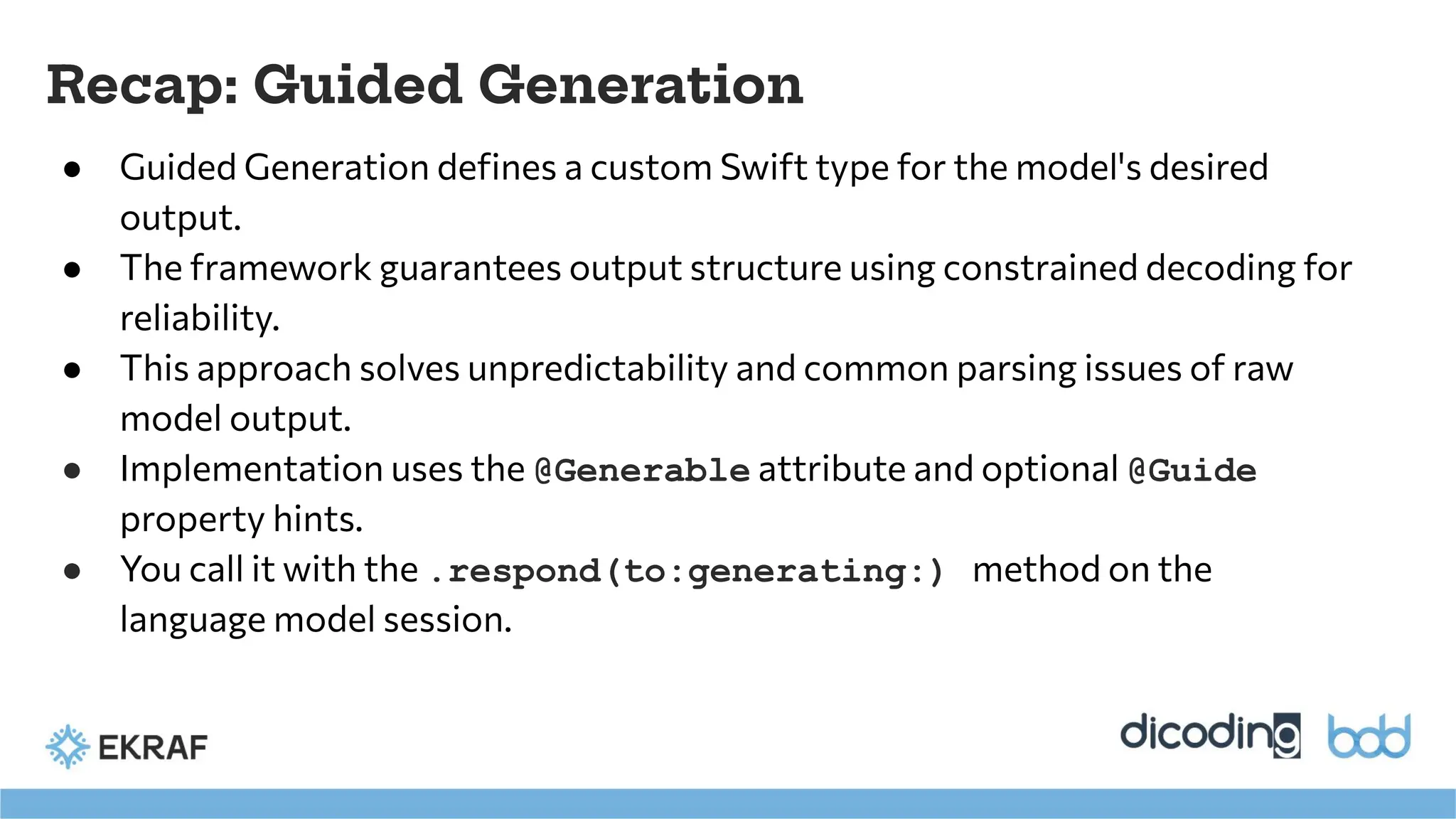
Recap: Guided Generation
●Guided Generation defines a custom Swift type for the model's desired
output.
● The framework guarantees output structure using constrained decoding for
reliability.
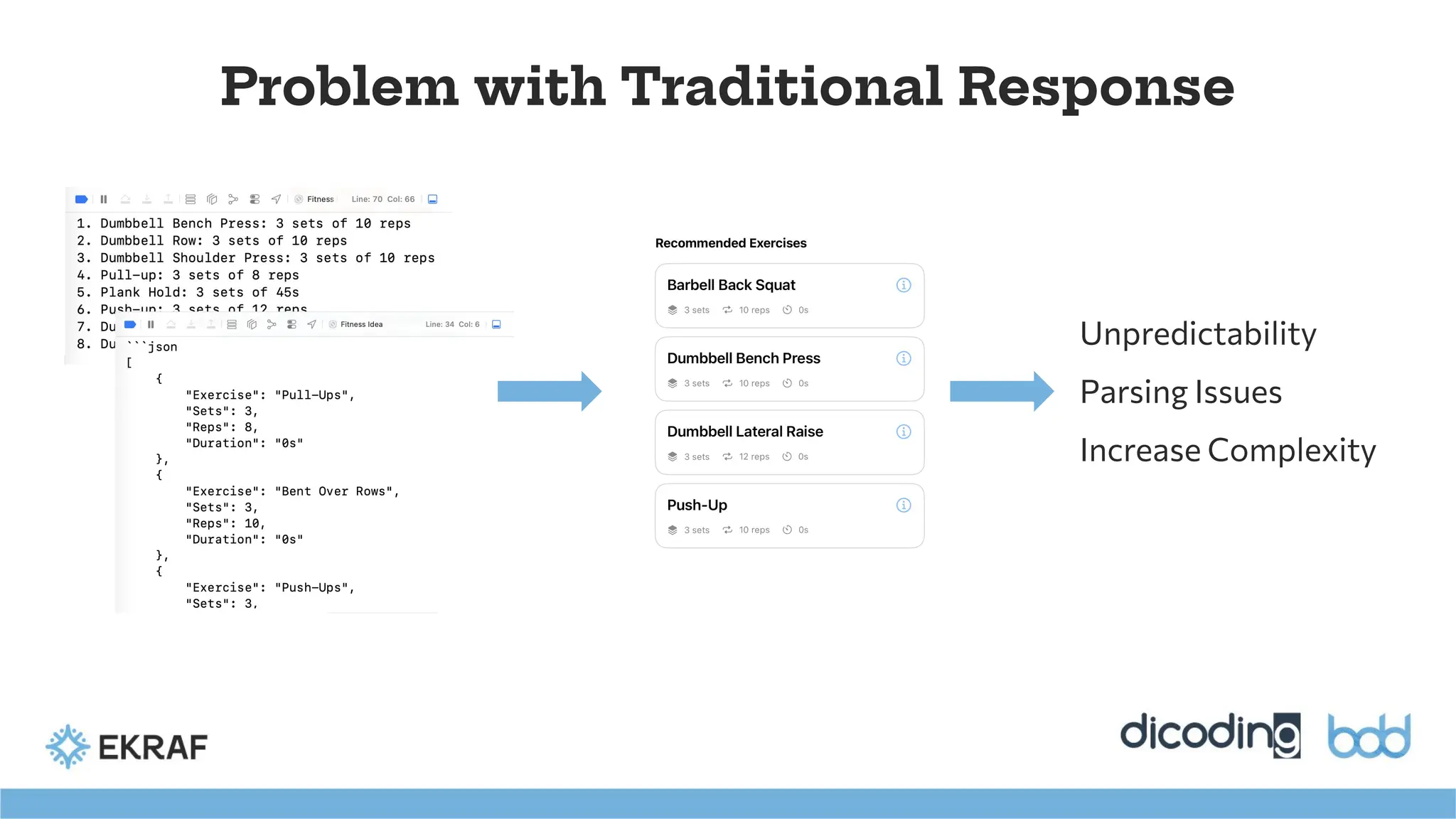
● This approach solves unpredictability and common parsing issues of raw
model output.
● Implementation uses the @Generable attribute and optional @Guide
property hints.
● You call it with the .respond(to:generating:) method on the
language model session.
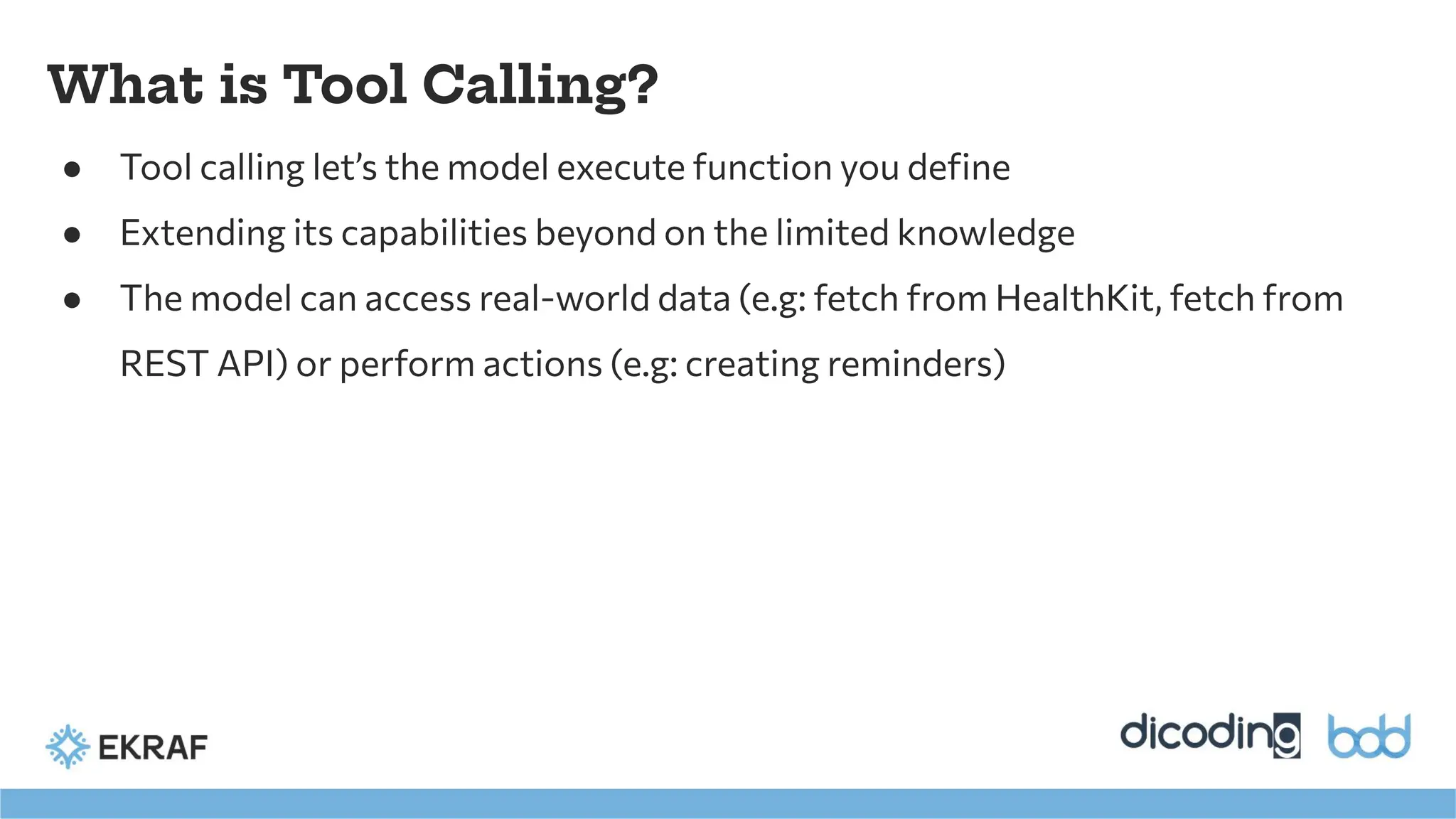
What is ToolCalling?
● Tool calling let’s the model execute function you define
● Extending its capabilities beyond on the limited knowledge
● The model can access real-world data (e.g: fetch from HealthKit, fetch from
REST API) or perform actions (e.g: creating reminders)
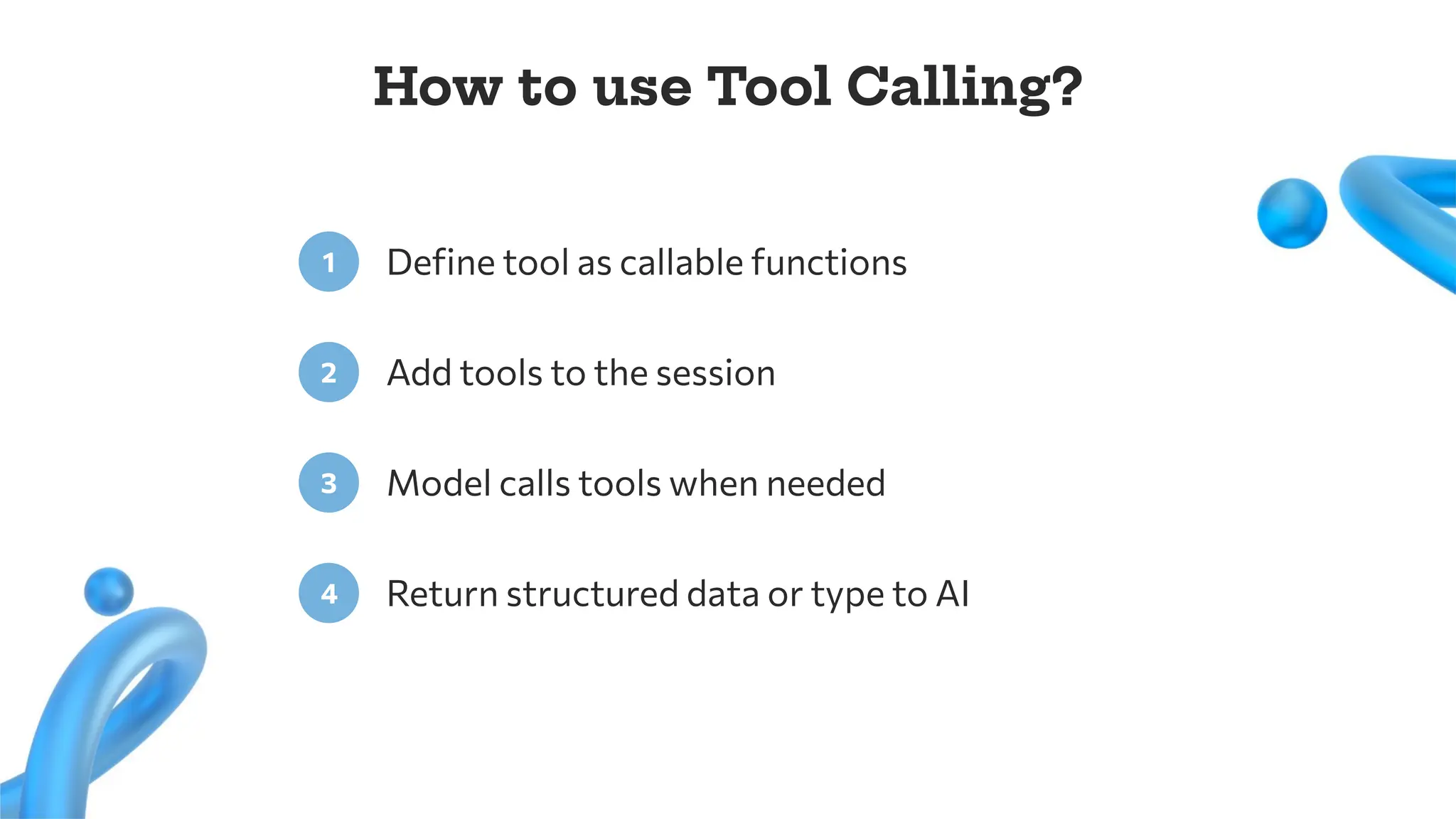
32.
Define tool ascallable functions
1
Add tools to the session
2
How to use Tool Calling?
Model calls tools when needed
3
Return structured data or type to AI
4
33.
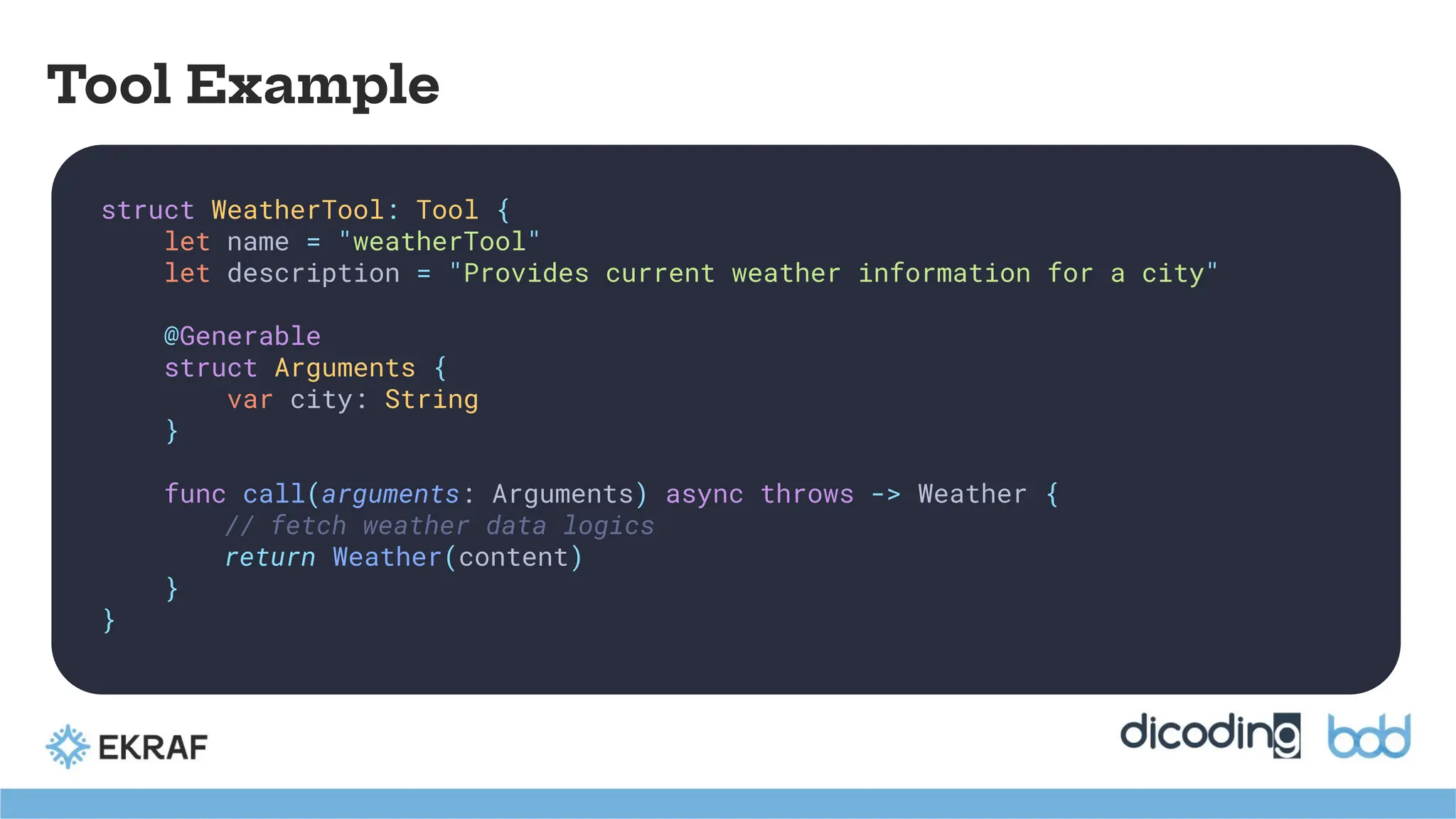
Tool Example
struct WeatherTool:Tool {
let name = "weatherTool"
let description = "Provides current weather information for a city"
@Generable
struct Arguments {
var city: String
}
func call(arguments: Arguments) async throws -> Weather {
// fetch weather data logics
return Weather(content)
}
}
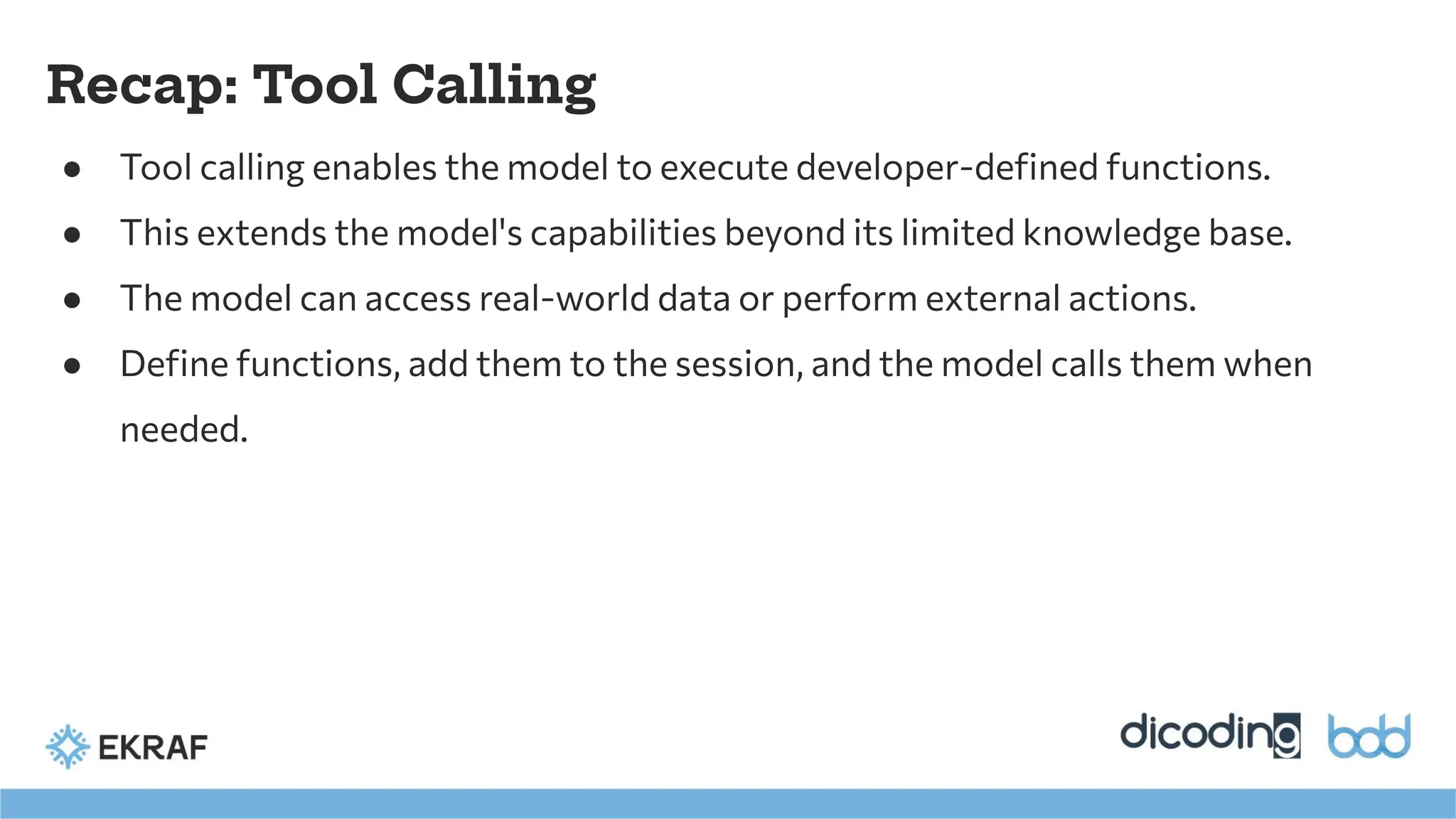
Recap: Tool Calling
●Tool calling enables the model to execute developer-defined functions.
● This extends the model's capabilities beyond its limited knowledge base.
● The model can access real-world data or perform external actions.
● Define functions, add them to the session, and the model calls them when
needed.
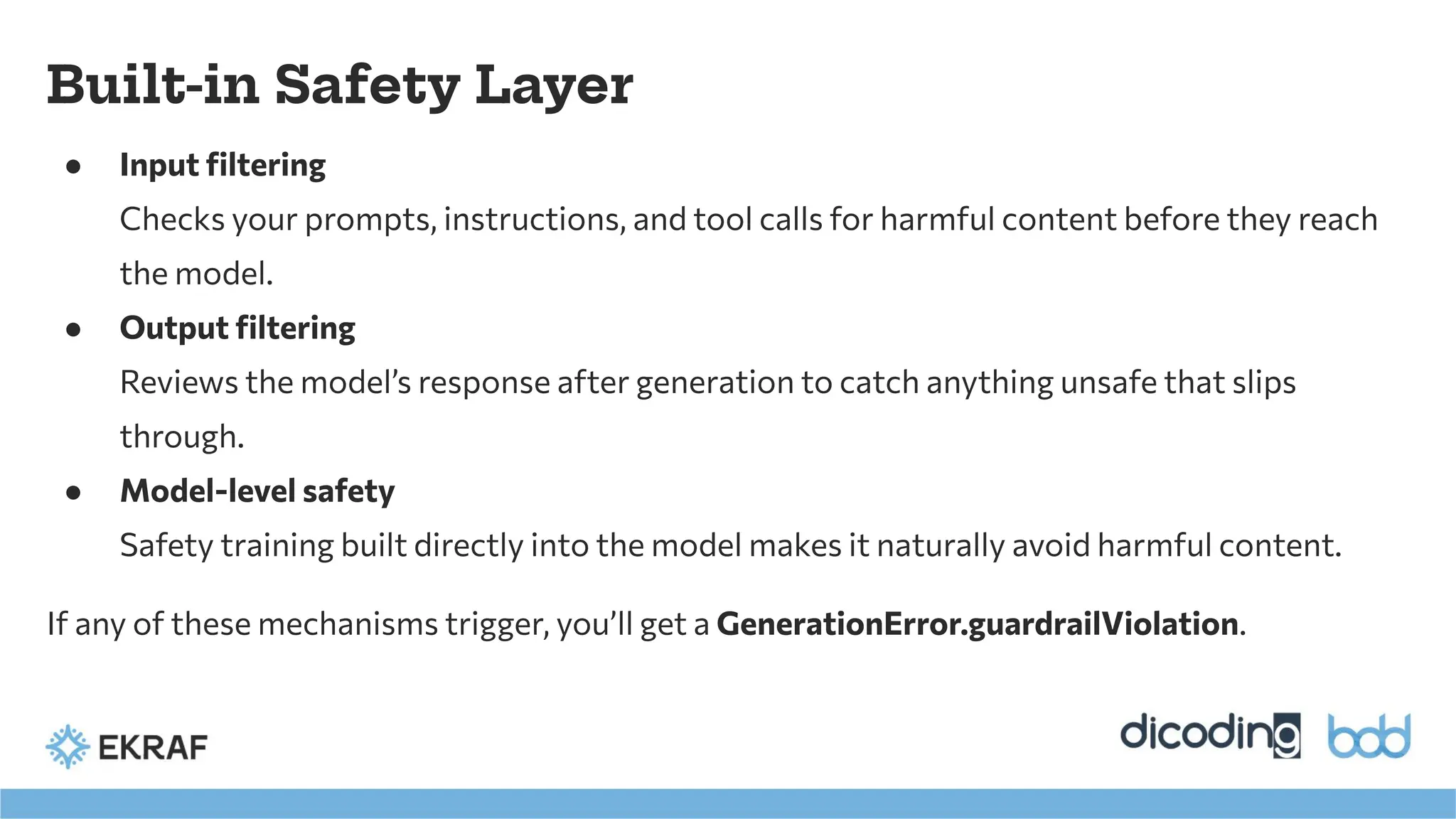
● Input filtering
Checksyour prompts, instructions, and tool calls for harmful content before they reach
the model.
● Output filtering
Reviews the model’s response after generation to catch anything unsafe that slips
through.
● Model-level safety
Safety training built directly into the model makes it naturally avoid harmful content.
If any of these mechanisms trigger, you’ll get a GenerationError.guardrailViolation.
Built-in Safety Layer
39.
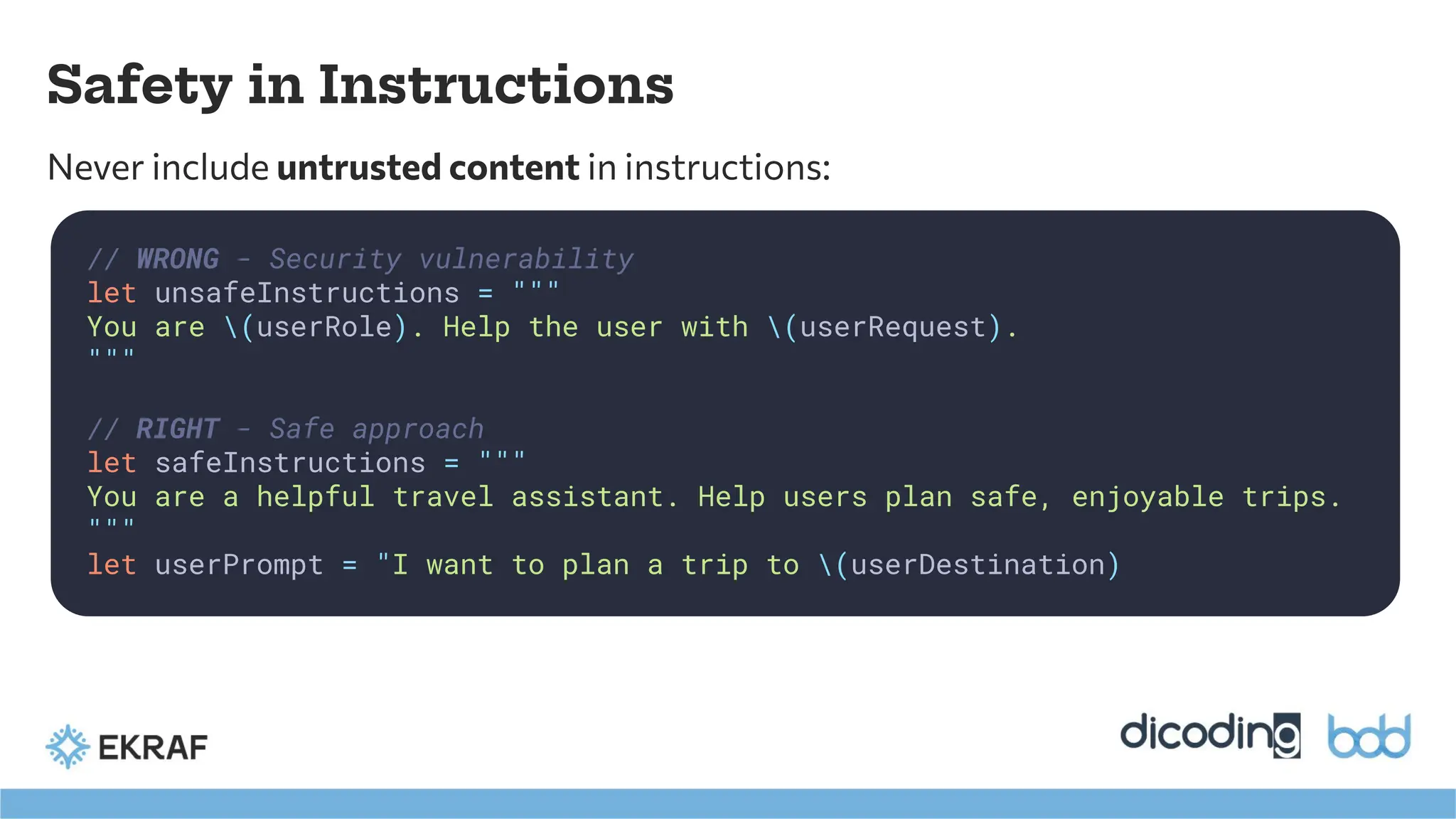
Safety in Instructions
Neverinclude untrusted content in instructions:
// WRONG - Security vulnerability
let unsafeInstructions = """
You are (userRole). Help the user with (userRequest).
"""
// RIGHT - Safe approach
let safeInstructions = """
You are a helpful travel assistant. Help users plan safe, enjoyable trips.
"""
let userPrompt = "I want to plan a trip to (userDestination)
40.
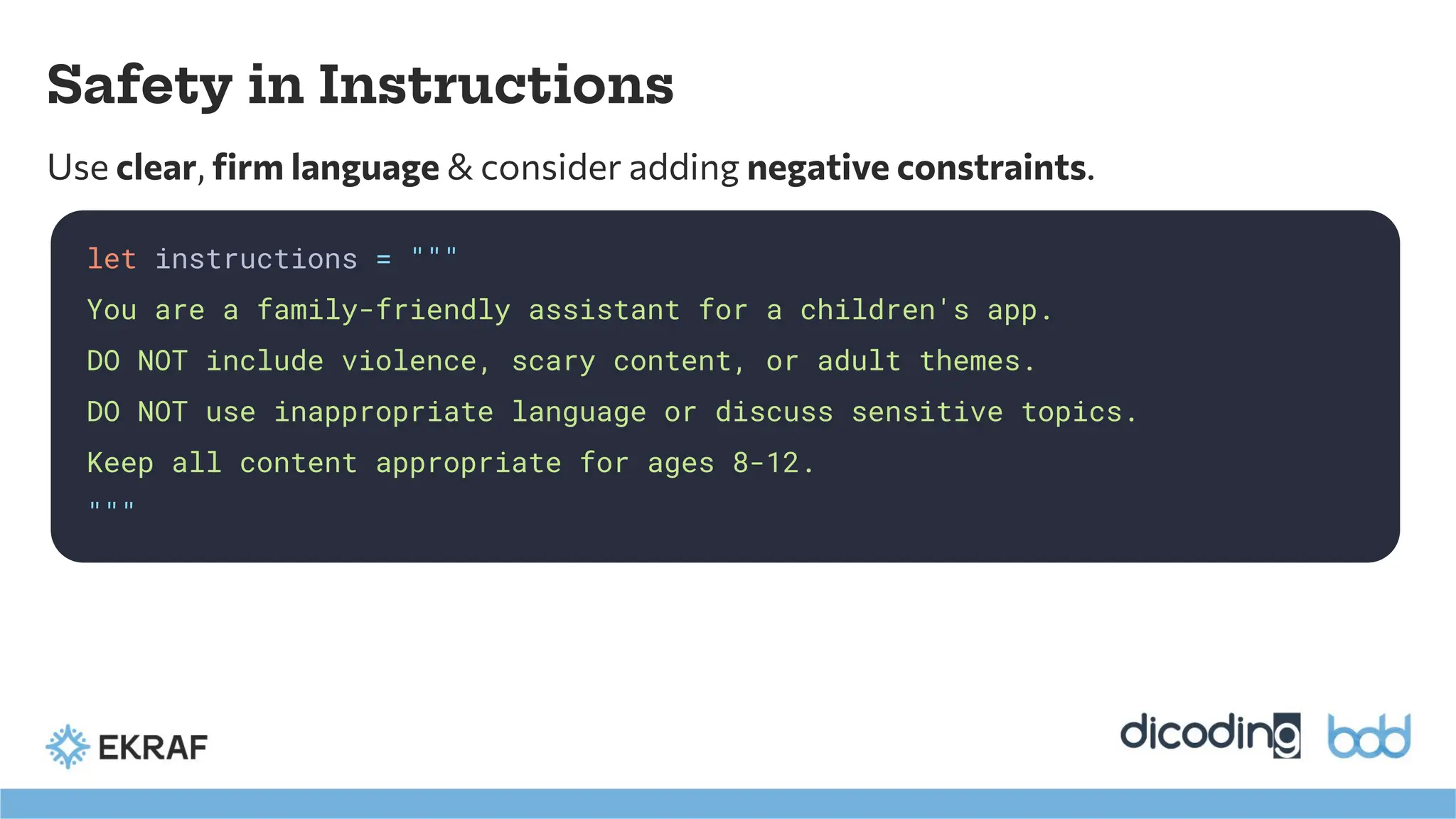
Safety in Instructions
Useclear, firm language & consider adding negative constraints.
let instructions = """
You are a family-friendly assistant for a children's app.
DO NOT include violence, scary content, or adult themes.
DO NOT use inappropriate language or discuss sensitive topics.
Keep all content appropriate for ages 8-12.
"""
41.
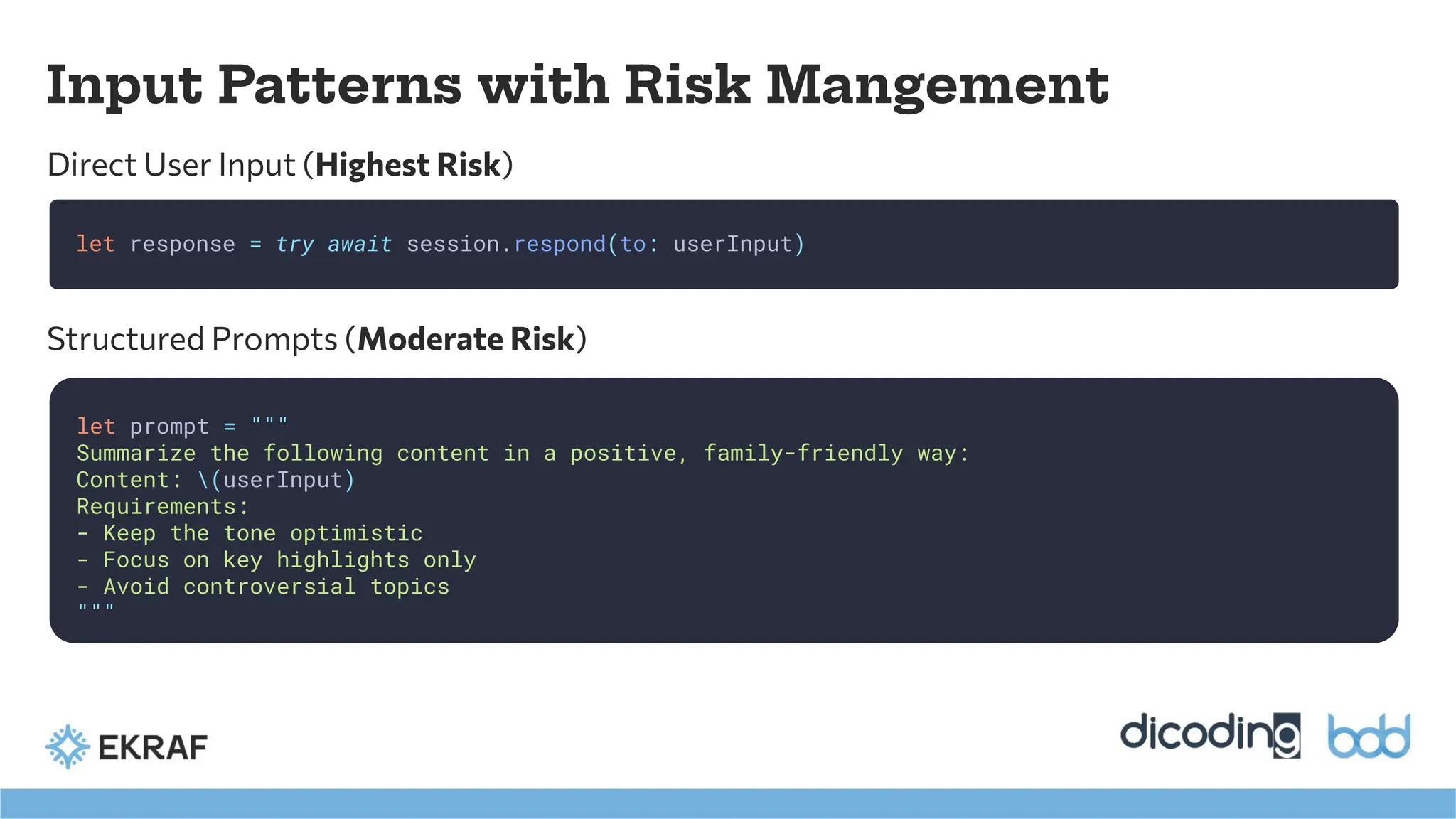
Input Patterns withRisk Mangement
Direct User Input (Highest Risk)
let response = try await session.respond(to: userInput)
let prompt = """
Summarize the following content in a positive, family-friendly way:
Content: (userInput)
Requirements:
- Keep the tone optimistic
- Focus on key highlights only
- Avoid controversial topics
"""
Structured Prompts (Moderate Risk)
42.
Input Patterns withRisk Mangement
let prompts = [
"Generate a happy bedtime story about animals",
"Create a motivational quote for students",
"Suggest a fun family activity for weekends"
]
let selectedPrompt = prompts[userSelection]
let response = try await session.respond(to: selectedPrompt)
Curated Options (Lowest Risk)
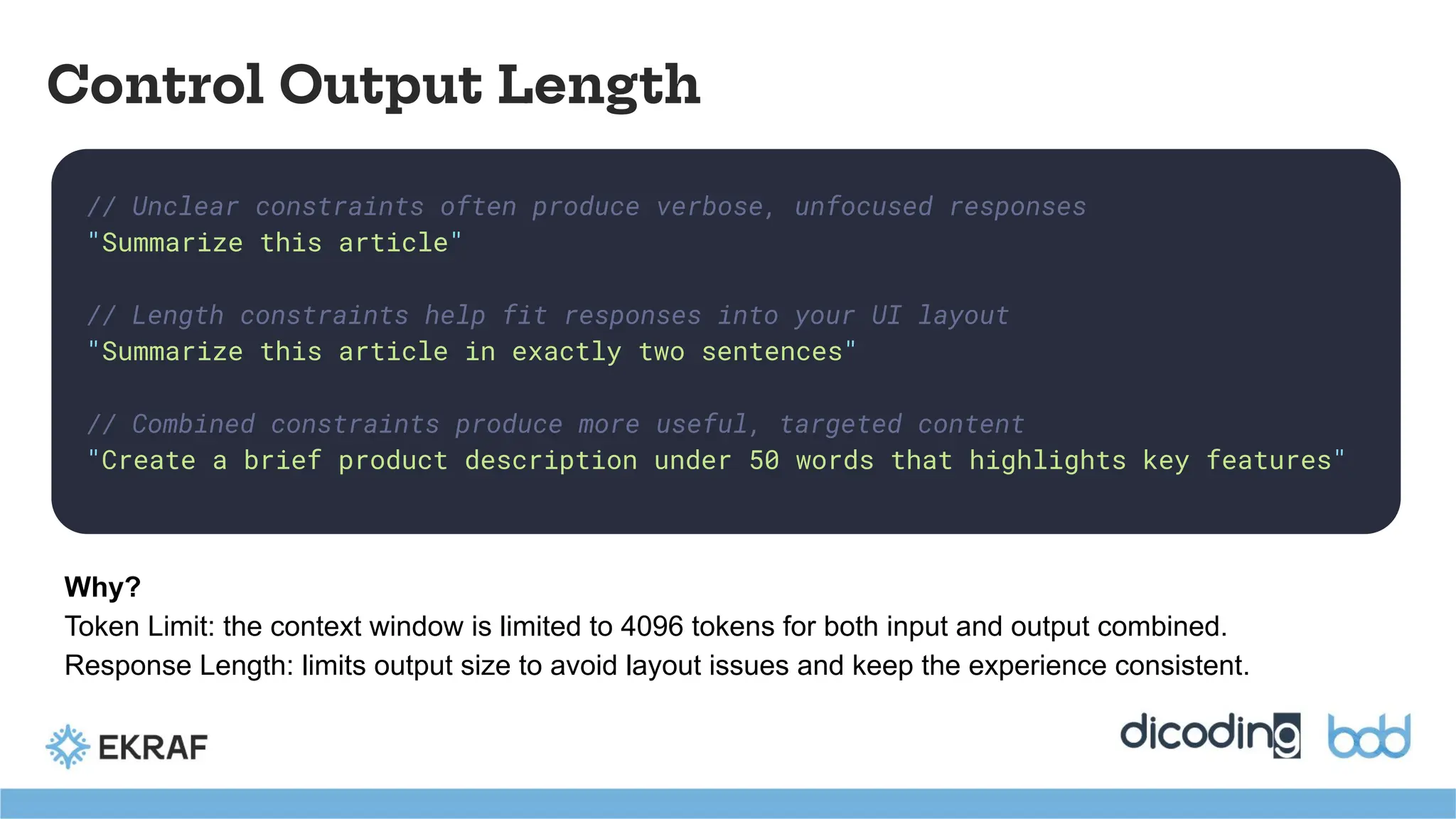
// Unclear constraintsoften produce verbose, unfocused responses
"Summarize this article"
// Length constraints help fit responses into your UI layout
"Summarize this article in exactly two sentences"
// Combined constraints produce more useful, targeted content
"Create a brief product description under 50 words that highlights key features"
Control Output Length
Why?
Token Limit: the context window is limited to 4096 tokens for both input and output combined.
Response Length: limits output size to avoid layout issues and keep the experience consistent.
45.
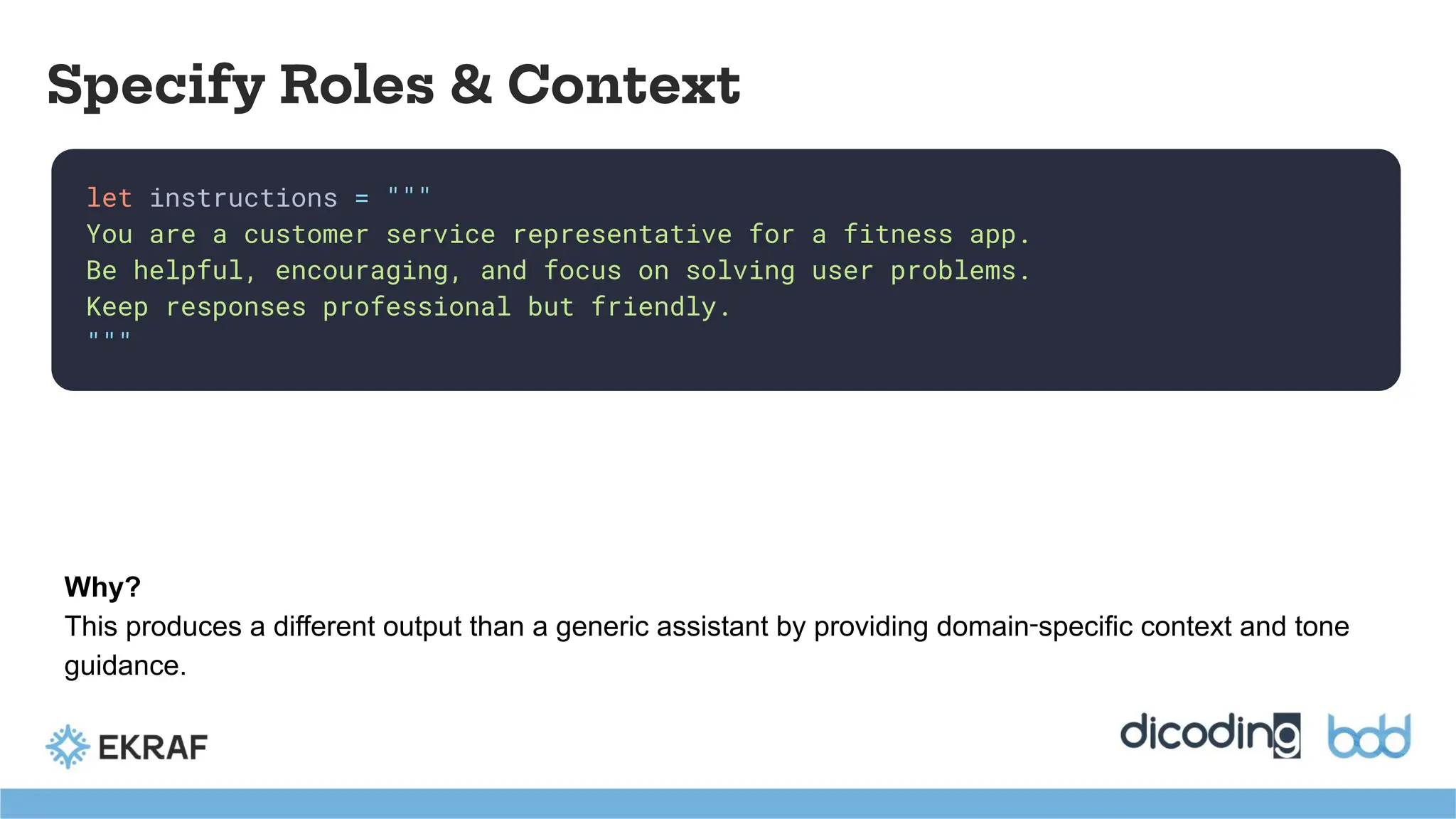
let instructions ="""
You are a customer service representative for a fitness app.
Be helpful, encouraging, and focus on solving user problems.
Keep responses professional but friendly.
"""
Specify Roles & Context
Why?
This produces a different output than a generic assistant by providing domain‑specific context and tone
guidance.
46.
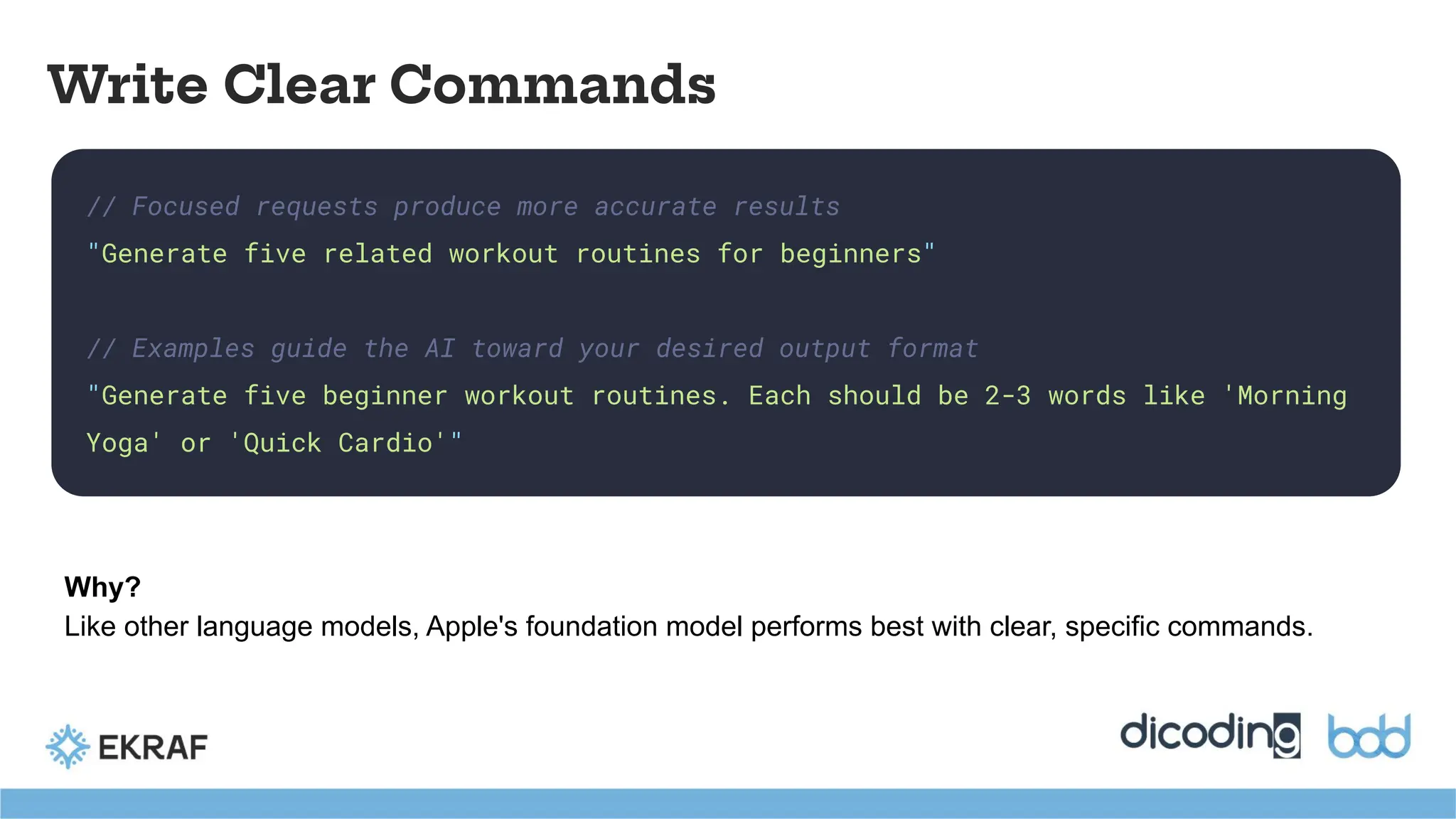
// Focused requestsproduce more accurate results
"Generate five related workout routines for beginners"
// Examples guide the AI toward your desired output format
"Generate five beginner workout routines. Each should be 2-3 words like 'Morning
Yoga' or 'Quick Cardio'"
Write Clear Commands
Why?
Like other language models, Apple's foundation model performs best with clear, specific commands.
47.
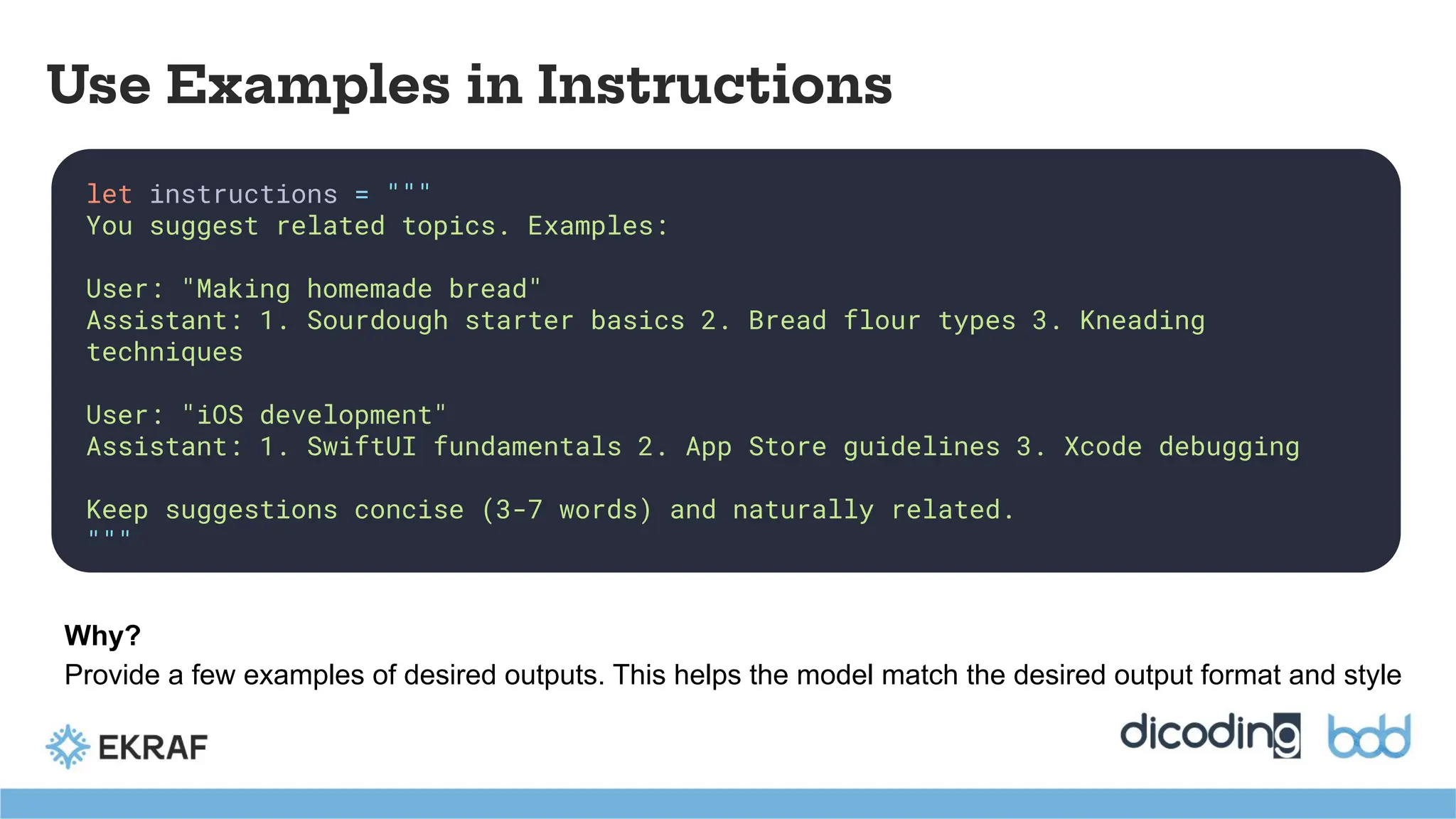
let instructions ="""
You suggest related topics. Examples:
User: "Making homemade bread"
Assistant: 1. Sourdough starter basics 2. Bread flour types 3. Kneading
techniques
User: "iOS development"
Assistant: 1. SwiftUI fundamentals 2. App Store guidelines 3. Xcode debugging
Keep suggestions concise (3-7 words) and naturally related.
"""
Use Examples in Instructions
Why?
Provide a few examples of desired outputs. This helps the model match the desired output format and style
48.
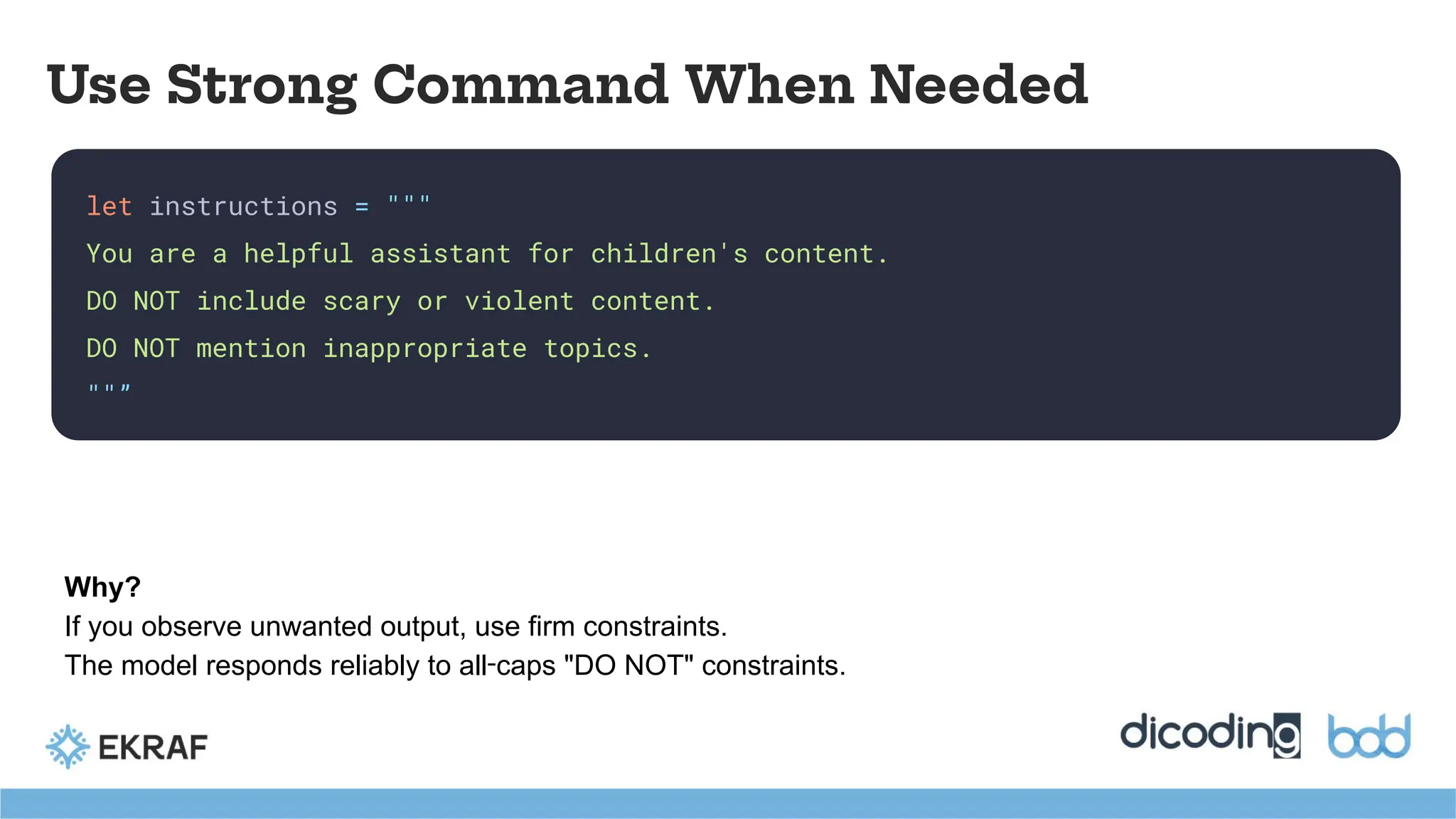
let instructions ="""
You are a helpful assistant for children's content.
DO NOT include scary or violent content.
DO NOT mention inappropriate topics.
""”
Use Strong Command When Needed
Why?
If you observe unwanted output, use firm constraints.
The model responds reliably to all‑caps "DO NOT" constraints.
49.
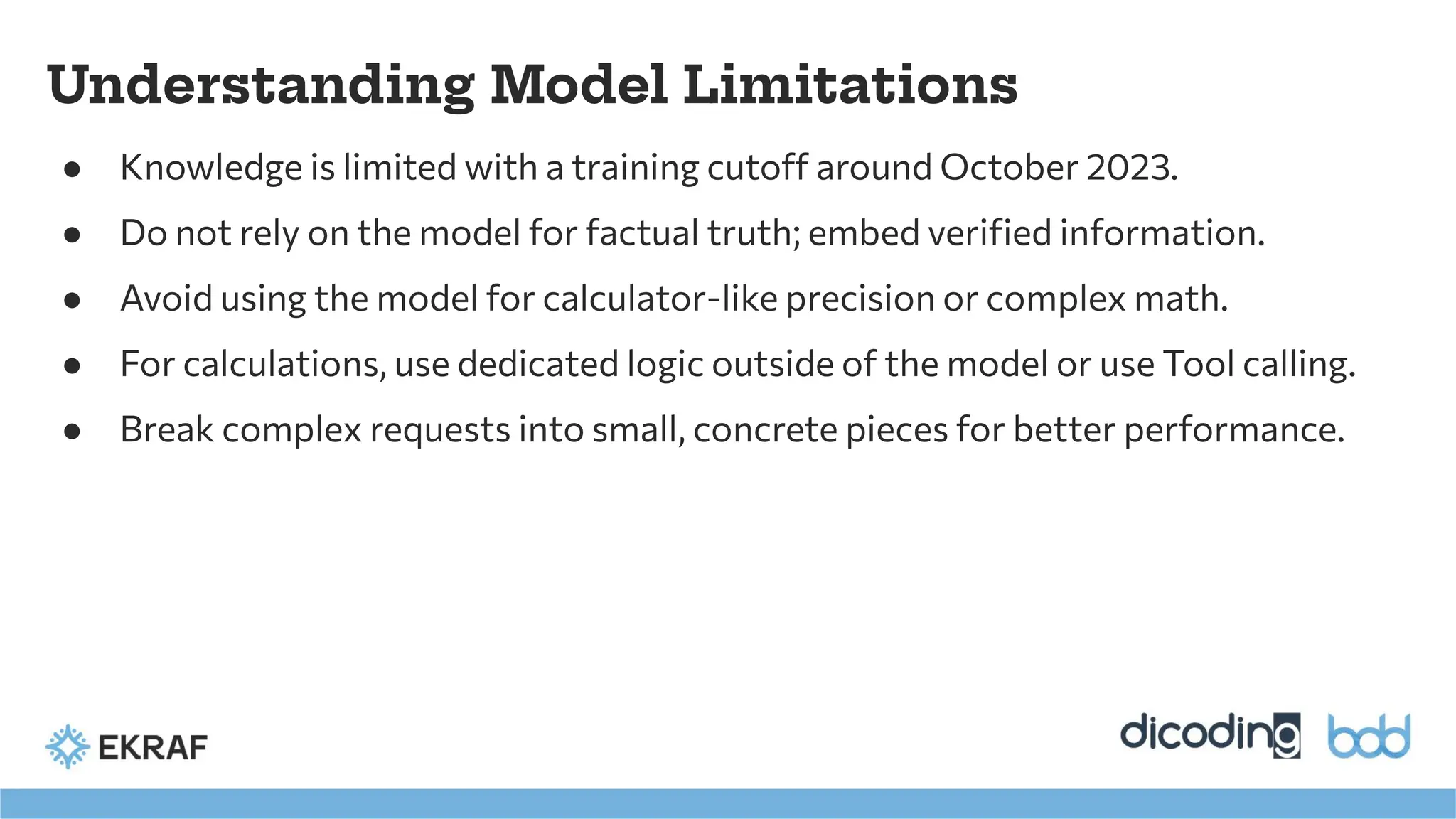
● Knowledge islimited with a training cutoff around October 2023.
● Do not rely on the model for factual truth; embed verified information.
● Avoid using the model for calculator-like precision or complex math.
● For calculations, use dedicated logic outside of the model or use Tool calling.
● Break complex requests into small, concrete pieces for better performance.
Understanding Model Limitations
50.
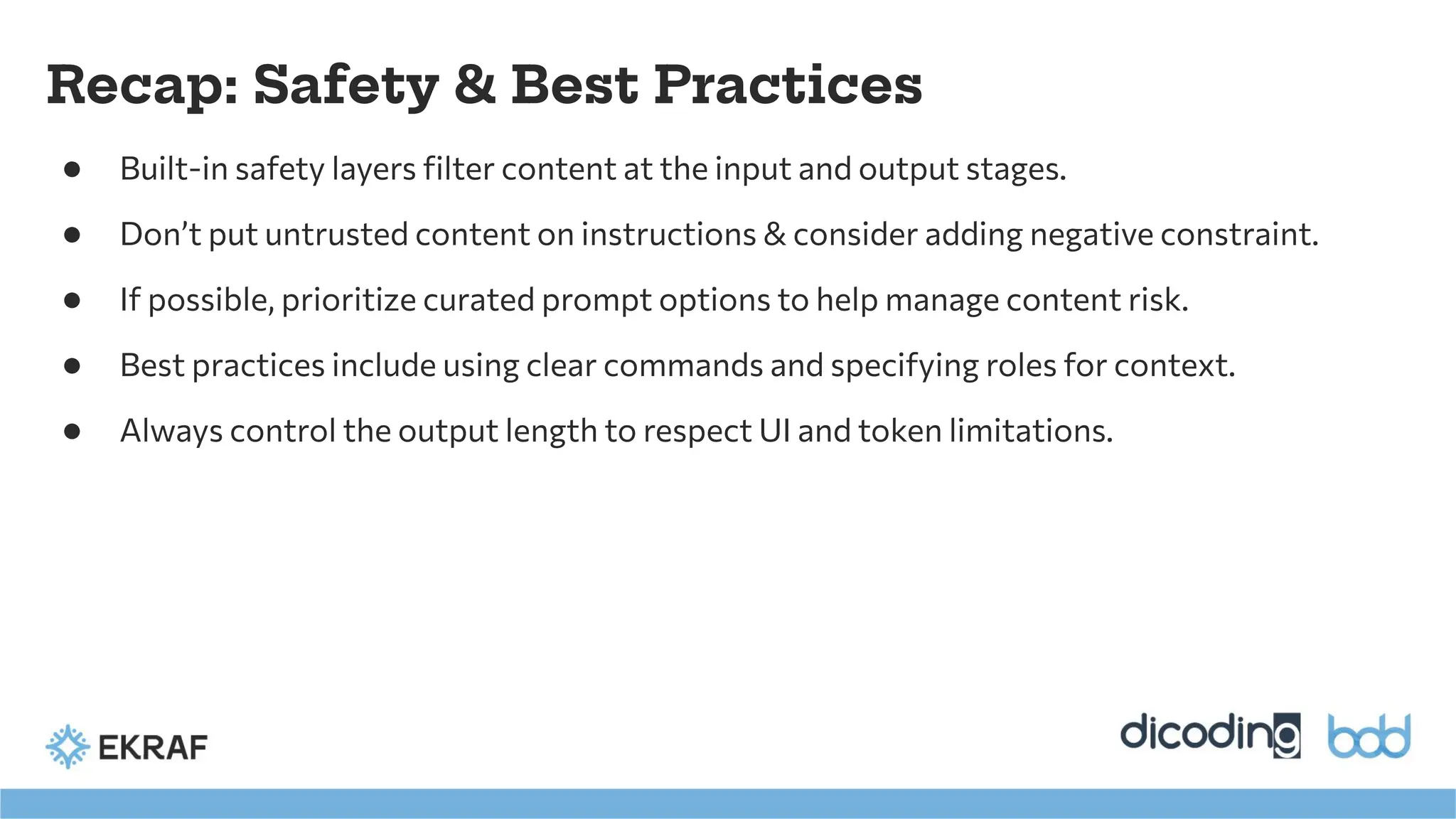
Recap: Safety &Best Practices
● Built-in safety layers filter content at the input and output stages.
● Don’t put untrusted content on instructions & consider adding negative constraint.
● If possible, prioritize curated prompt options to help manage content risk.
● Best practices include using clear commands and specifying roles for context.
● Always control the output length to respect UI and token limitations.
![Input Patterns with Risk Mangement
let prompts = [
"Generate a happy bedtime story about animals",
"Create a motivational quote for students",
"Suggest a fun family activity for weekends"
]
let selectedPrompt = prompts[userSelection]
let response = try await session.respond(to: selectedPrompt)
Curated Options (Lowest Risk)](https://image.slidesharecdn.com/md-exploringappleson-devicefoundationmodels-251124030840-d690542c/75/BDD-2025-Mobile-Development-Exploring-Apple-s-On-Device-FoundationModels-42-2048.jpg)


![[BDD 2025 - Artificial Intelligence] Building AI Systems That Users (and Comp...](https://cdn.slidesharecdn.com/ss_thumbnails/ai-buildingaisystemsthatusersandcompanieslove-251124030845-038f7732-thumbnail.jpg?width=640&height=640&fit=bounds)
![[BDD 2025 - Mobile Development] Crafting Immersive UI with E2E and AGSL Shade...](https://cdn.slidesharecdn.com/ss_thumbnails/md-craftingimmersiveuiwithe2eandagslshaderveronicaputrianggraini-251124030840-0c677f44-thumbnail.jpg?width=640&height=640&fit=bounds)
![[BDD 2025 - Full-Stack Development] The Modern Stack: Building Web & AI Appli...](https://cdn.slidesharecdn.com/ss_thumbnails/fs-themodernstackbuildingwebaiapplicationswithserverless-251124030844-388cf04f-thumbnail.jpg?width=640&height=640&fit=bounds)
![[BDD 2025 - Artificial Intelligence] Beyond 'It Works': A Case Study on Real-...](https://cdn.slidesharecdn.com/ss_thumbnails/ai-beyonditworksacasestudyonreal-worldairisk-251124030839-684bec68-thumbnail.jpg?width=640&height=640&fit=bounds)
![[BDD 2025 - Full-Stack Development] Agentic AI Architecture: Redefining Syste...](https://cdn.slidesharecdn.com/ss_thumbnails/fs-agenticaiarchitectureredefiningsystemcommunication-251124030838-e6c70cc2-thumbnail.jpg?width=640&height=640&fit=bounds)
![[BDD 2025 - Full-Stack Development] PHP in AI Age: The Laravel Way. (Rizqy Hi...](https://cdn.slidesharecdn.com/ss_thumbnails/fs-phpinaiagethelaravelway-251125012602-ef9d330e-thumbnail.jpg?width=640&height=640&fit=bounds)
![[BDD 2025 - Artificial Intelligence] AI for the Underdogs: Innovation for Sma...](https://cdn.slidesharecdn.com/ss_thumbnails/ai-aifortheunderdogsinnovationforsmallbusinesses-251124030839-72a599a4-thumbnail.jpg?width=640&height=640&fit=bounds)
![[BDD 2025 - Artificial Intelligence] Building a Data Architecture for Sub-Sec...](https://cdn.slidesharecdn.com/ss_thumbnails/ai-buildingadataarchitectureforsub-secondanalysis-251124030841-2110604d-thumbnail.jpg?width=640&height=640&fit=bounds)


![[BDD 2025 - Full-Stack Development] Digital Accessibility: Why Developers nee...](https://cdn.slidesharecdn.com/ss_thumbnails/fs-digitalaccessibilitywhydevelopersneedtoknowandcarein2025-251127011019-0674441d-thumbnail.jpg?width=640&height=640&fit=bounds)


