Data Privacy safeguarding using Digital
Footprints
WEB APPLICATION SECURITY
C-DAC Noida
प्रगत संगणन विकास केन्द्र
Centre for Development of Advanced Computing
अनुसंधान भवन, सी-56/1, संस्थागत क्षेत्र, सैक्टर- 62, नोएडा- 201307 (उ.प्र.) भारत
Anusandhan Bhawan, C-56/1, Institutional Area, Sector- 62, Noida- 201307 (U.P.) India
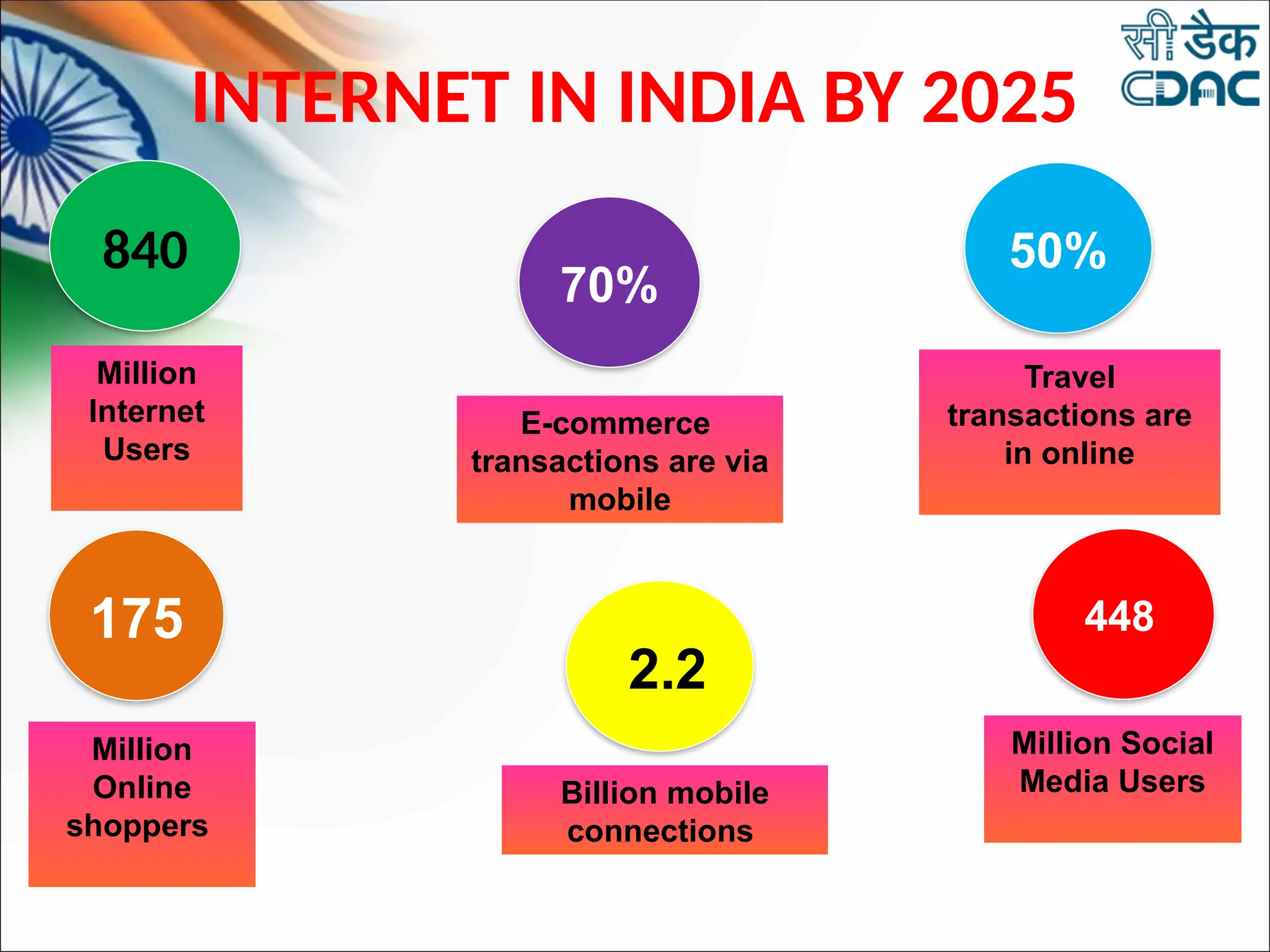
840
Million
Internet
Users
175
Million
Online
shoppers
70%
E-commerce
transactions are via
mobile
50%
Travel
transactions are
in online
448
Million Social
Media Users
2.2
Billion mobile
connections
INTERNET IN INDIA BY 2025
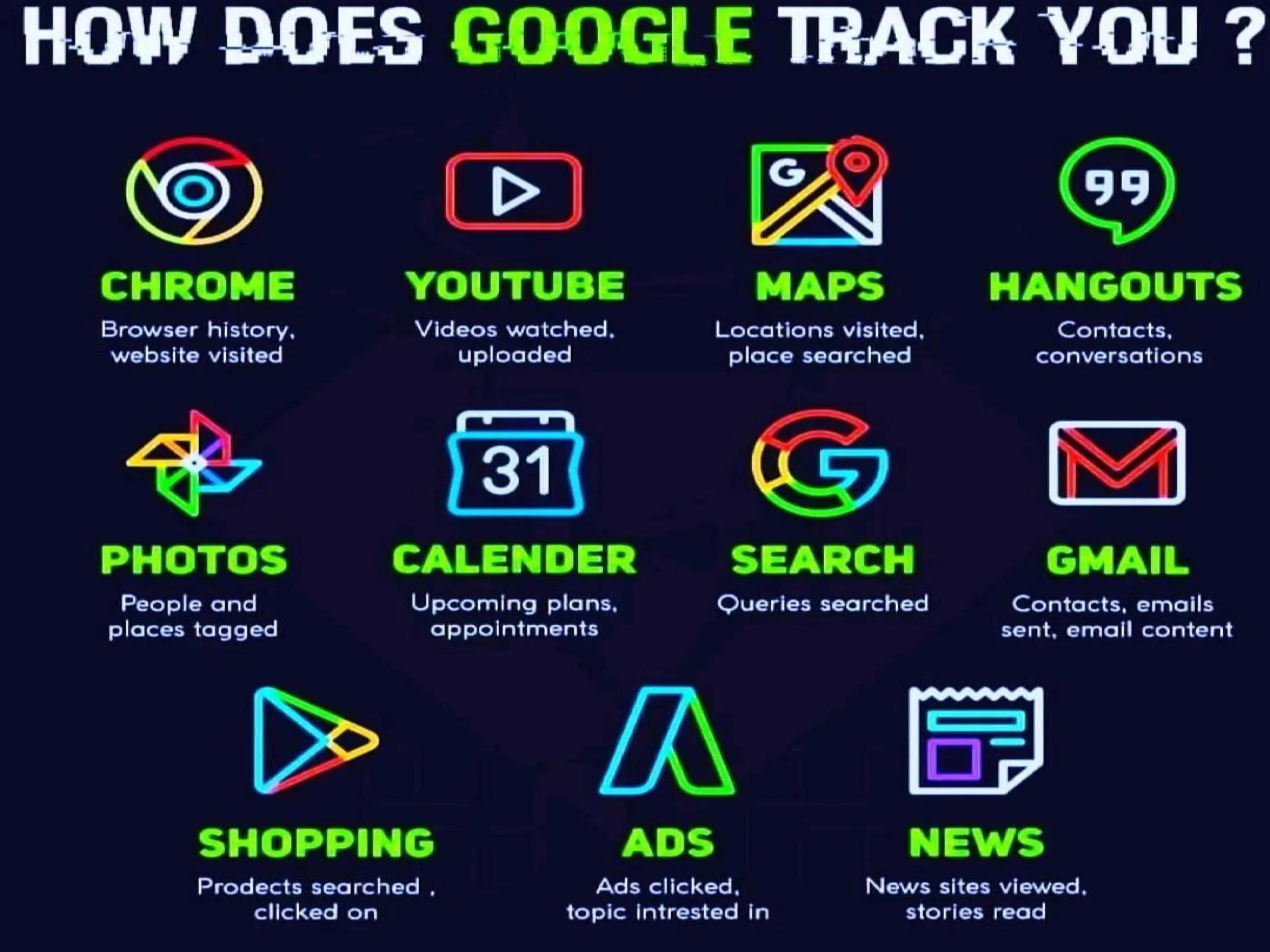
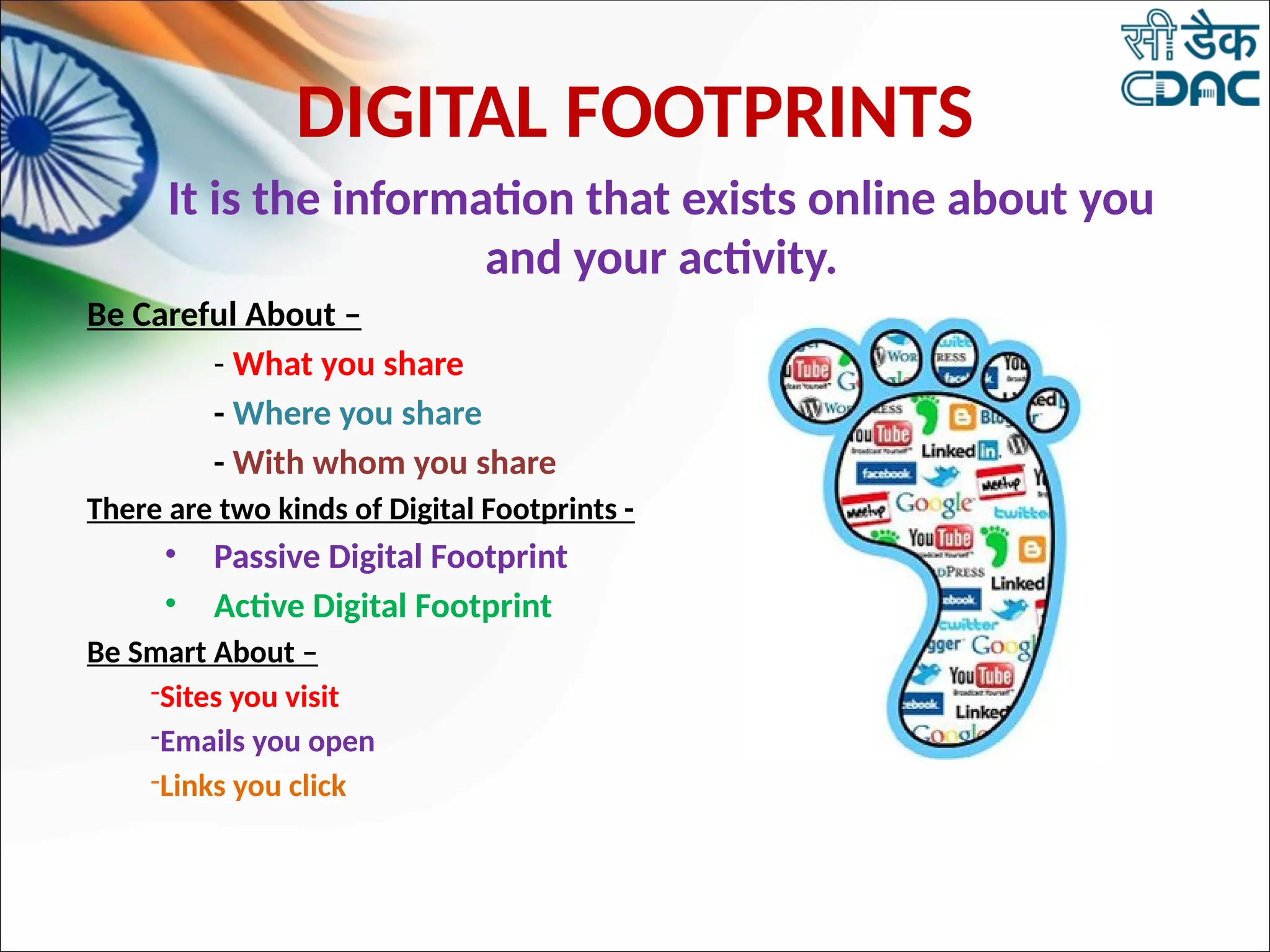
It is the information that exists online about you
and your activity.
Be Careful About –
- What you share
- Where you share
- With whom you share
There are two kinds of Digital Footprints -
• Passive Digital Footprint
• Active Digital Footprint
Be Smart About –
-Sites you visit
-Emails you open
-Links you click
DIGITAL FOOTPRINTS
CHECK YOUR DIGITAL
FOOTPRINTS
https://www.saymine.com/digital-footprint-assistant
HOW TO PRESERVE YOUR DIGITAL
FOOTPRINT?
• Use only your first name. If possible, use your nick names.
Try to avoid abundance of personal information in social
media profiles when you create an account
• Keep your passwords and personal details private.
• Make sure the information you shared in social media is
true.
• Make sure you have a check on access rights of your data by
any new website or Application.
• Think about who will read the information you have shared
online. Can anyone misunderstand what you have shared?
• Use Privacy Setting on Social Media Applications.
• Have a time limit on the time spend on social media.
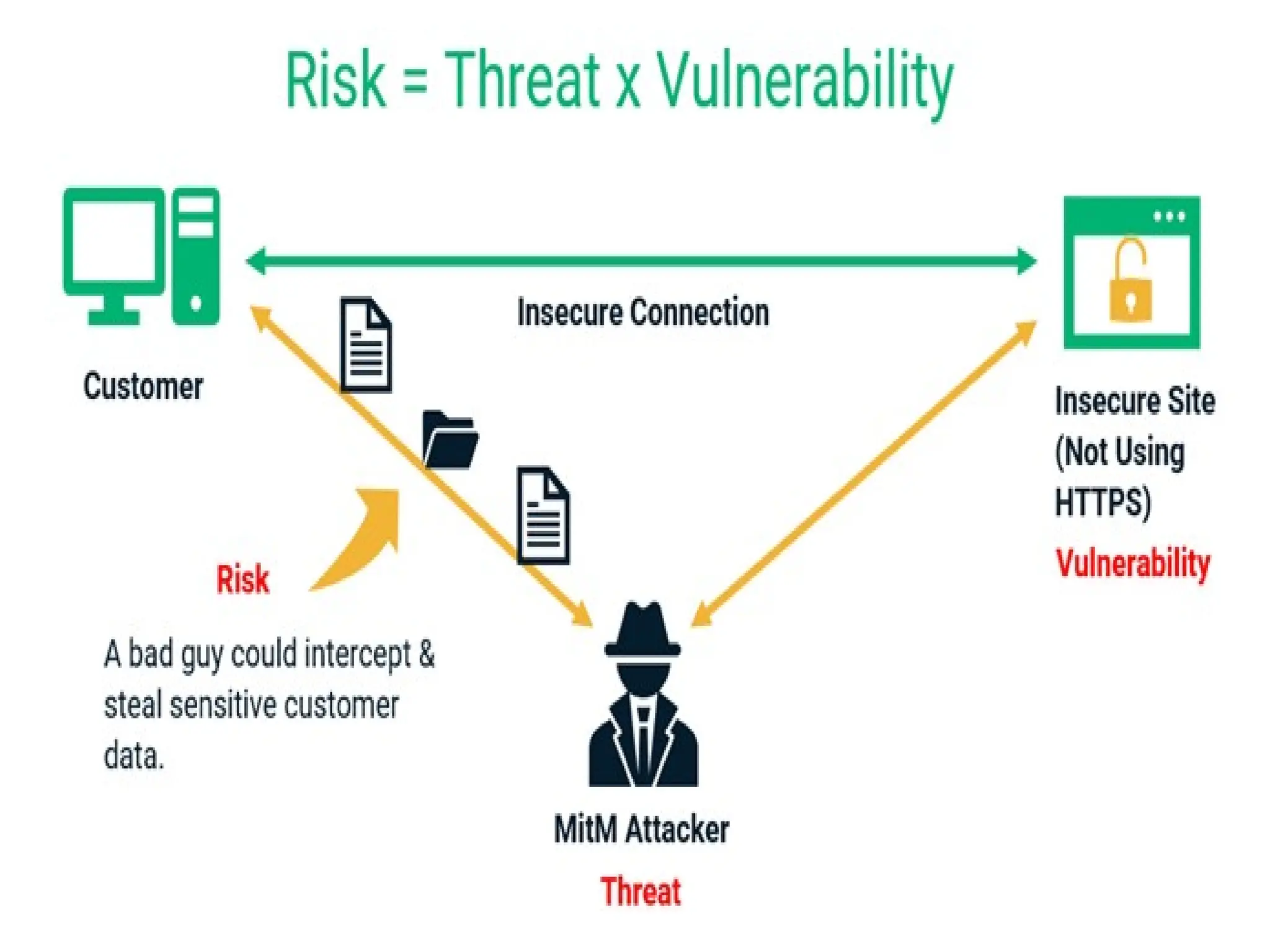
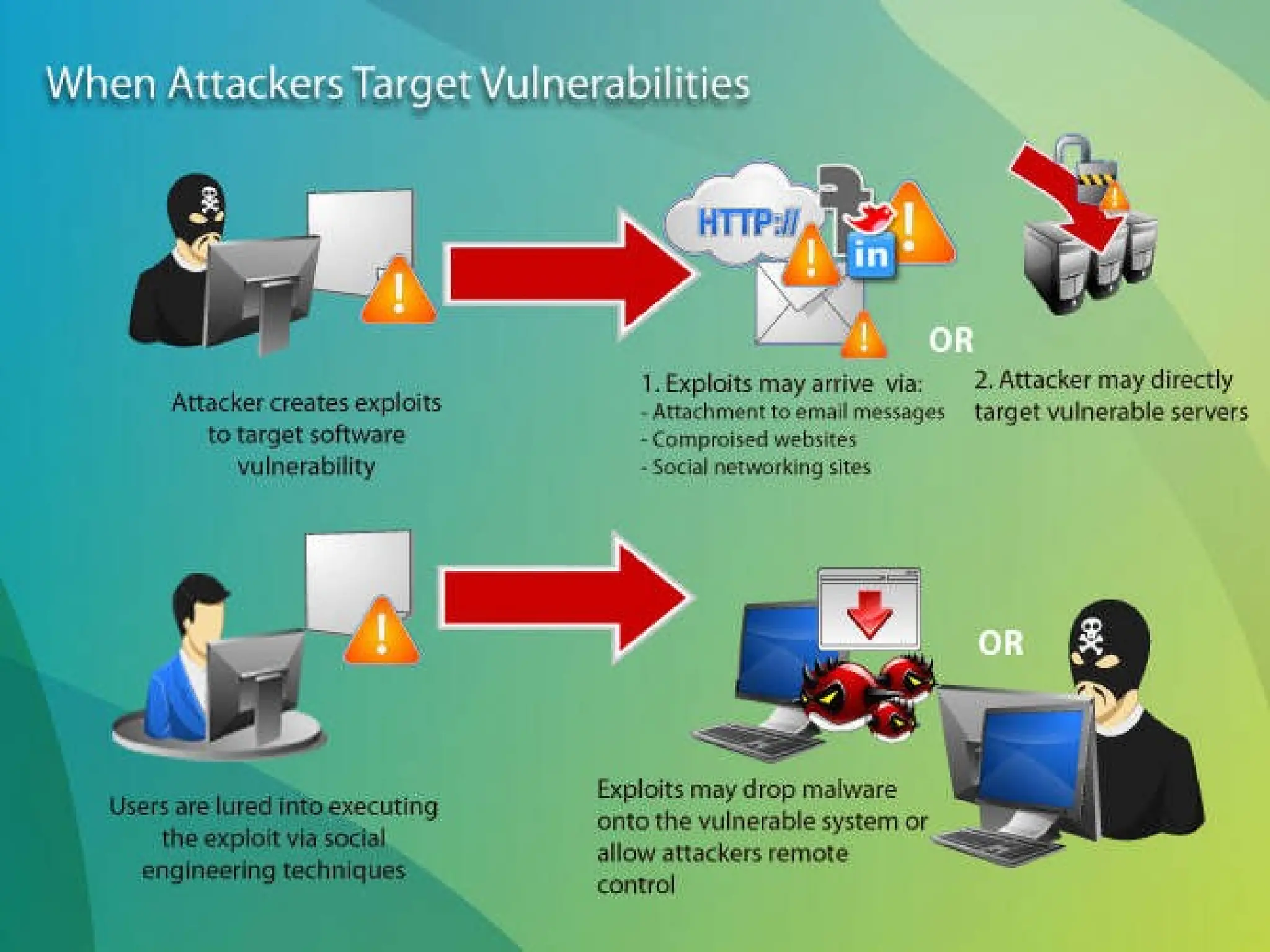
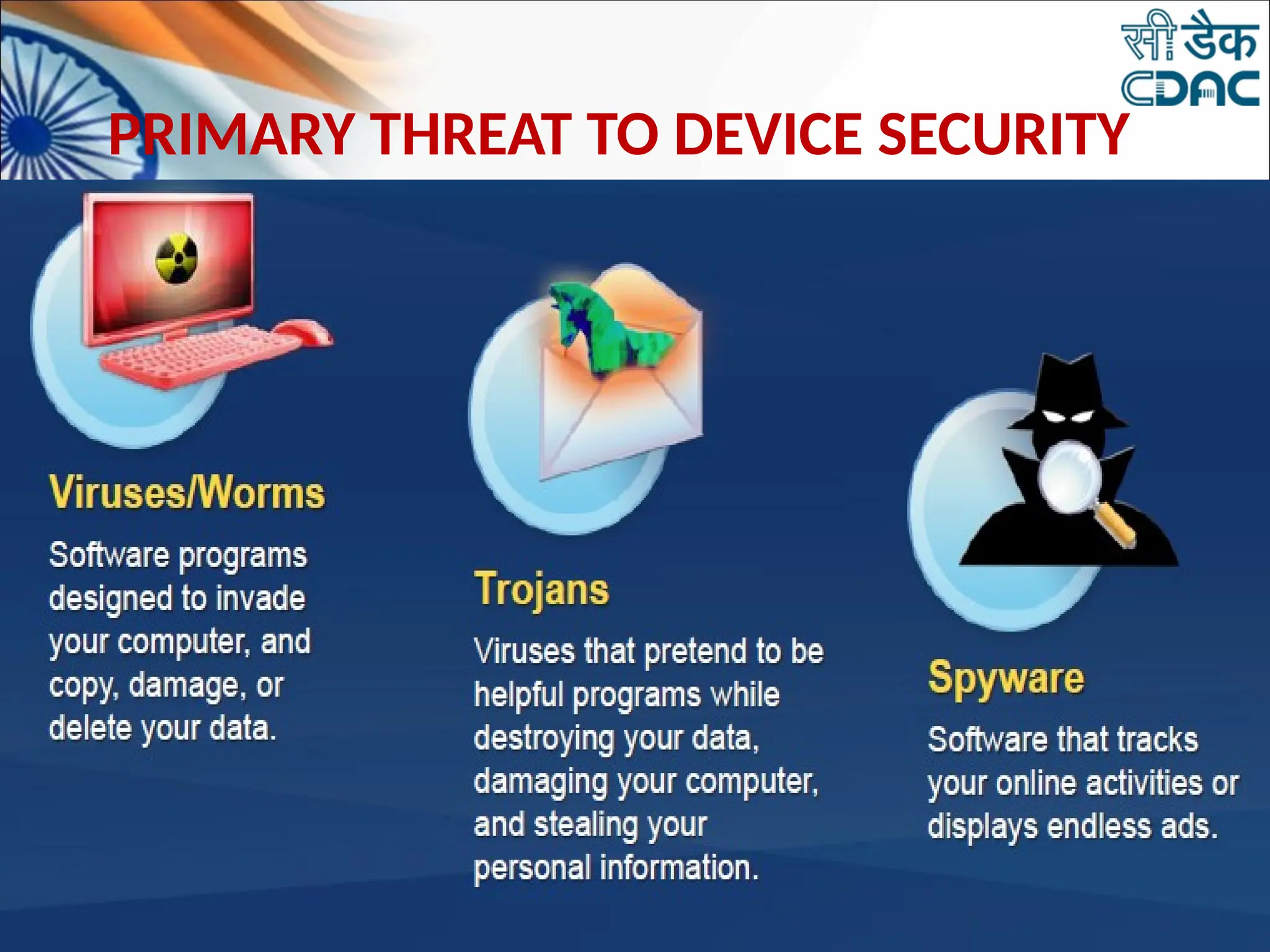
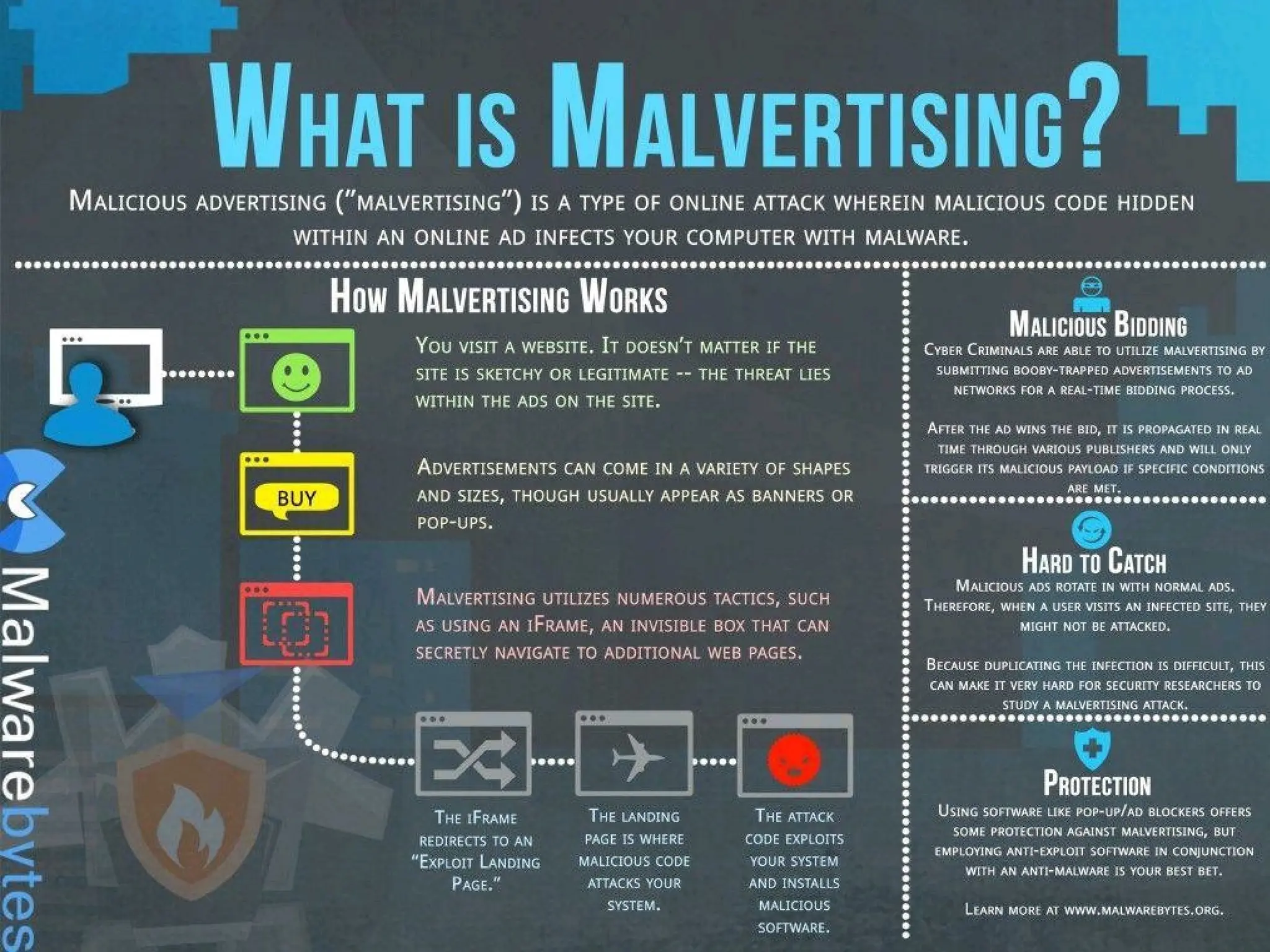
PRIMARY THREAT TO DEVICE SECURITY
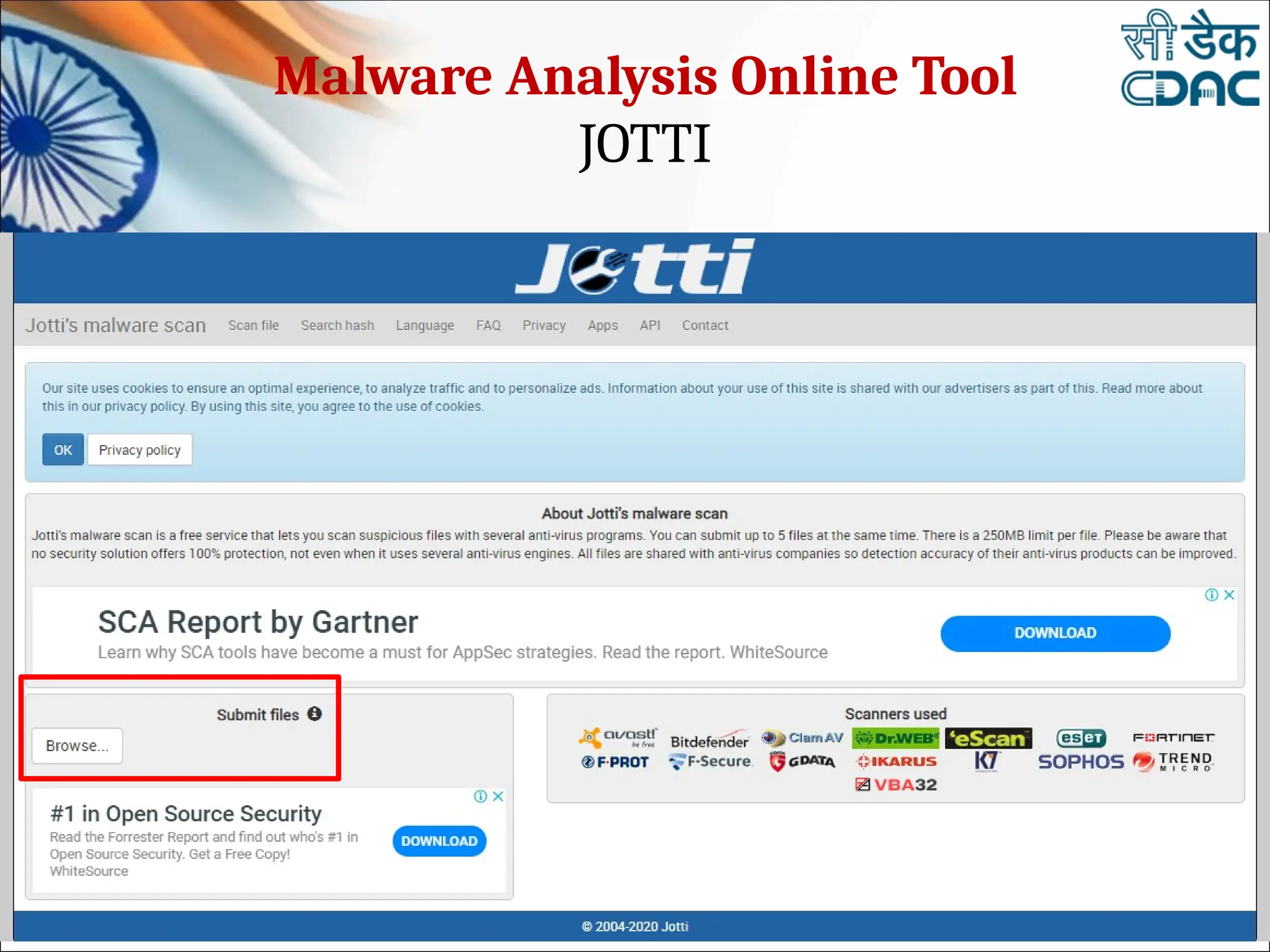
Malware Analysis Online Tool
JOTTI
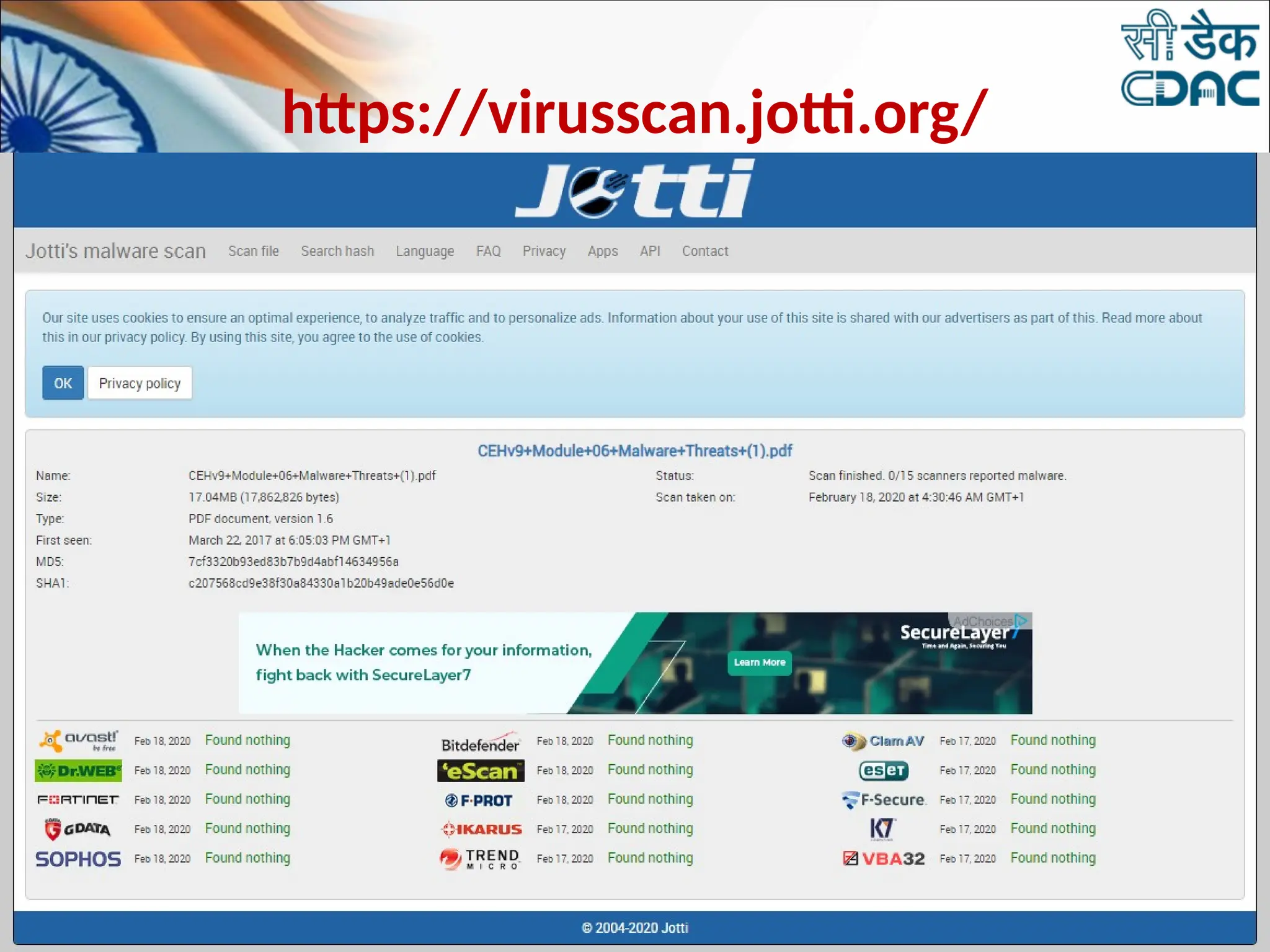
https://virusscan.jotti.org/
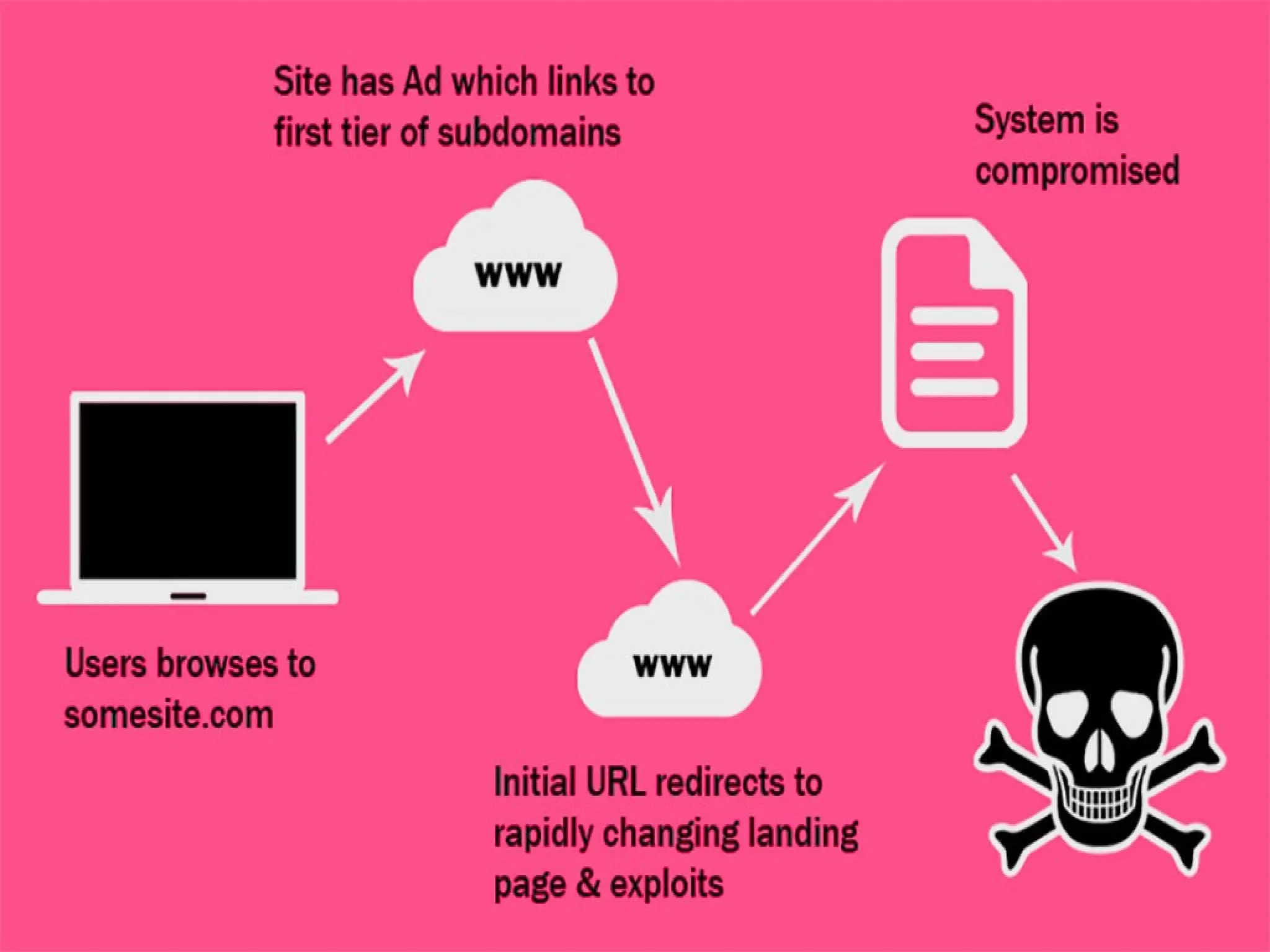
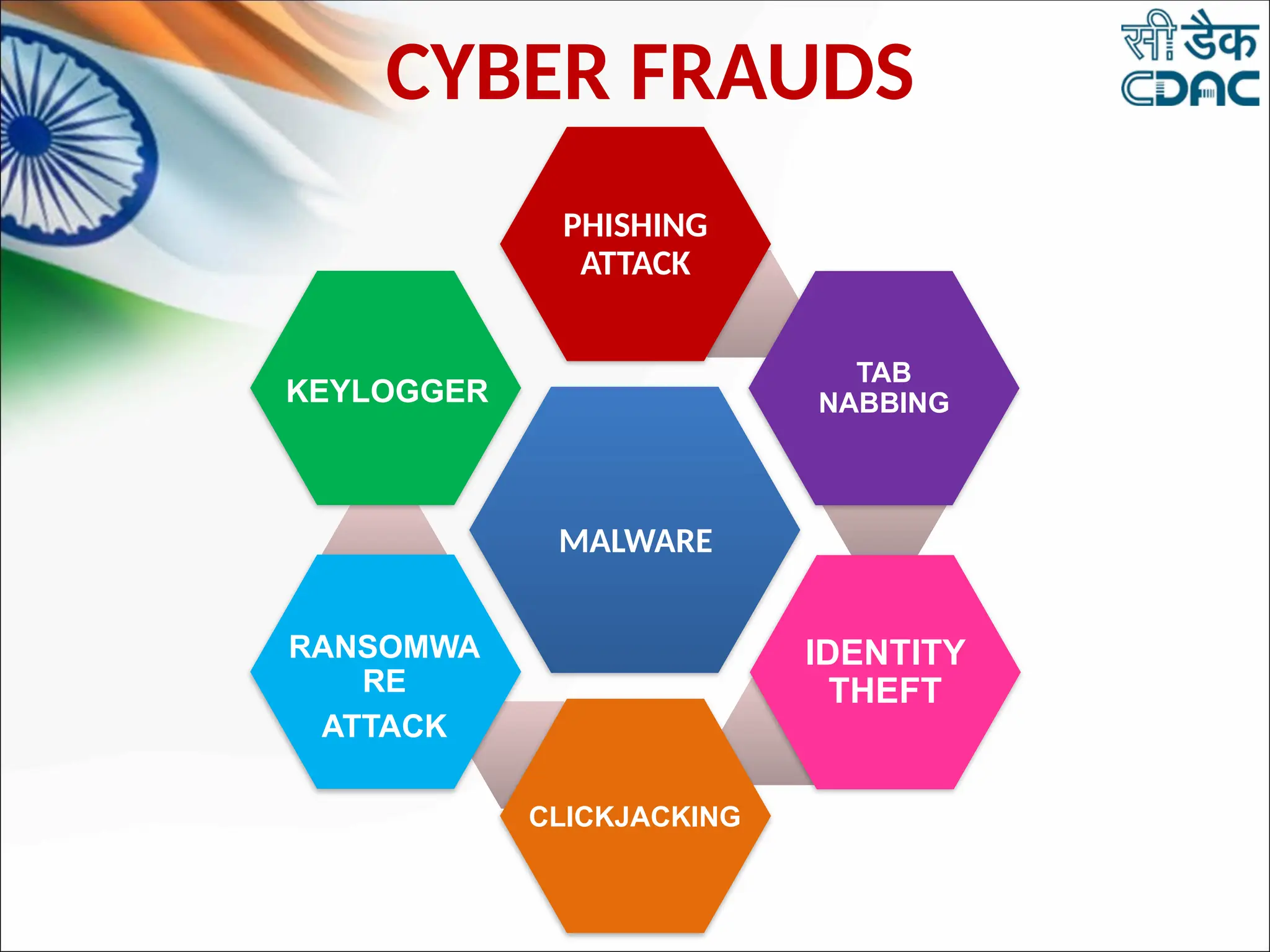
CYBER FRAUDS
PHISHING
ATTACK
TAB
NABBING
IDENTITY
THEFT
CLICKJACKING
RANSOMWA
RE
ATTACK
KEYLOGGER
MALWARE
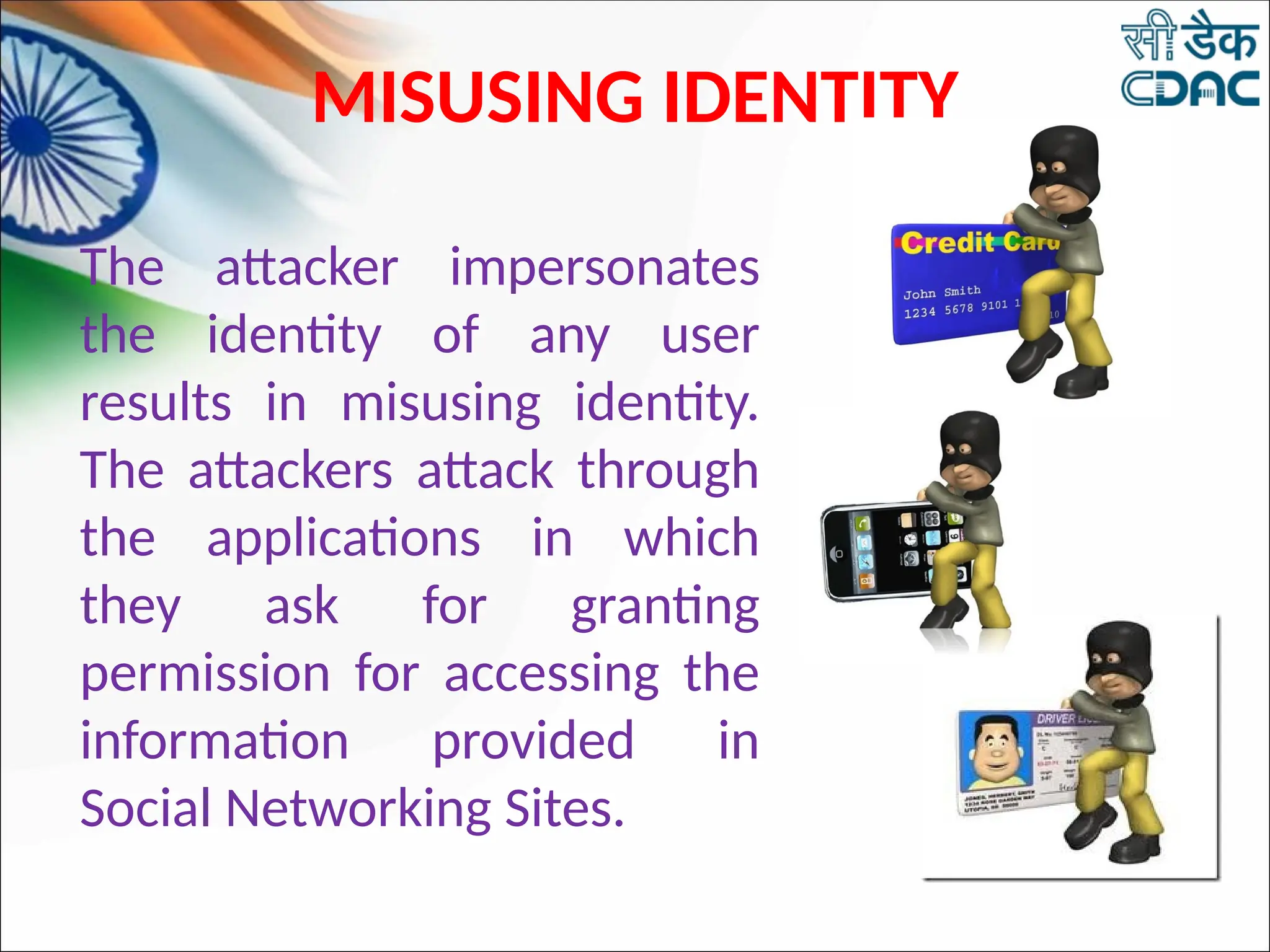
MISUSING IDENTITY
The attacker impersonates
the identity of any user
results in misusing identity.
The attackers attack through
the applications in which
they ask for granting
permission for accessing the
information provided in
Social Networking Sites.
MISUSING IDENTITY
•Information often targeted by identity thieves
includes:
•Passwords
•Bank account information
•Credit card numbers
•Information stored on a user’s computer/mobile
phones such as contacts, videos, images, sensitive
documents, etc.
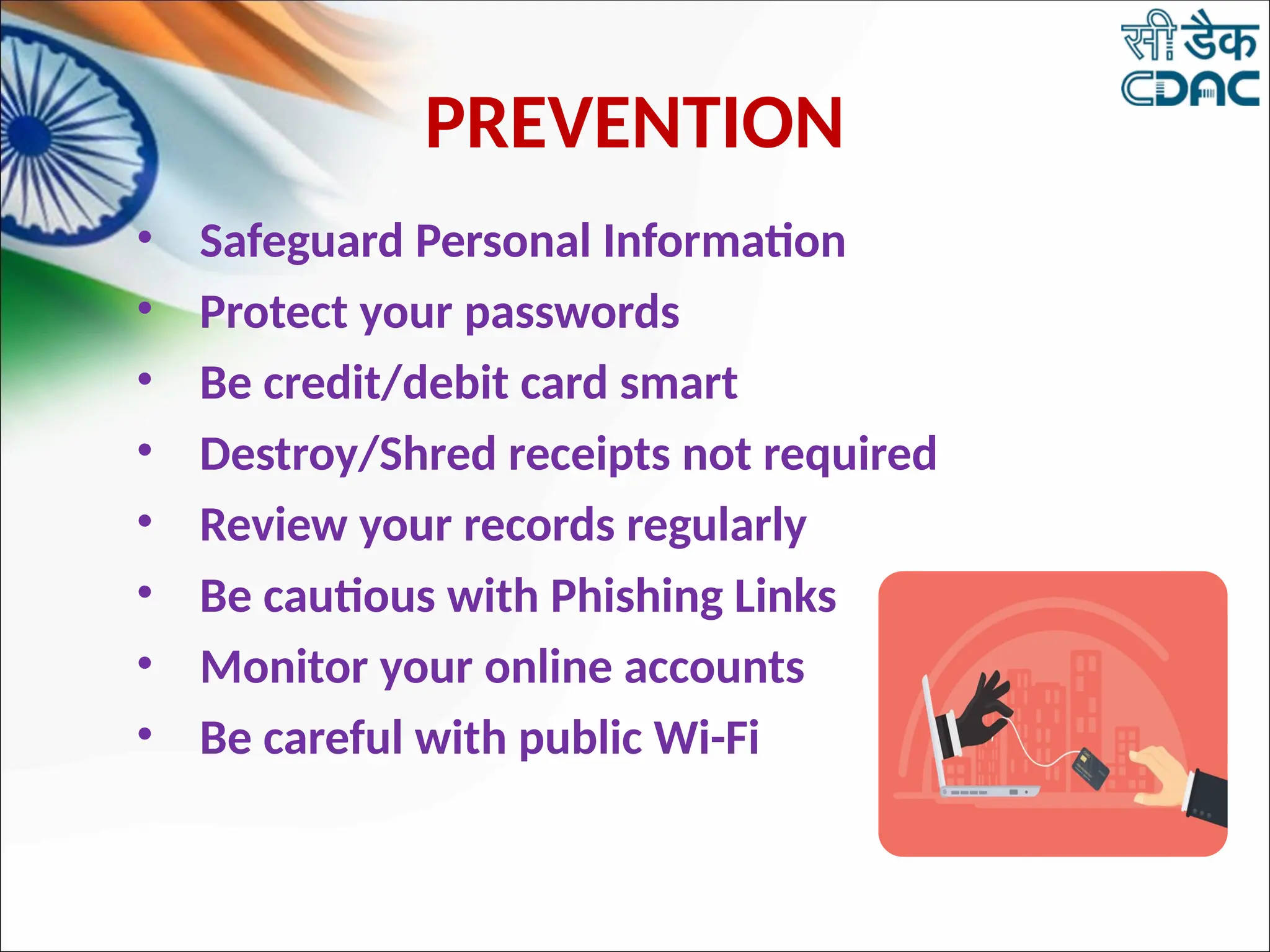
PREVENTION
• Safeguard Personal Information
• Protect your passwords
• Be credit/debit card smart
• Destroy/Shred receipts not required
• Review your records regularly
• Be cautious with Phishing Links
• Monitor your online accounts
• Be careful with public Wi-Fi
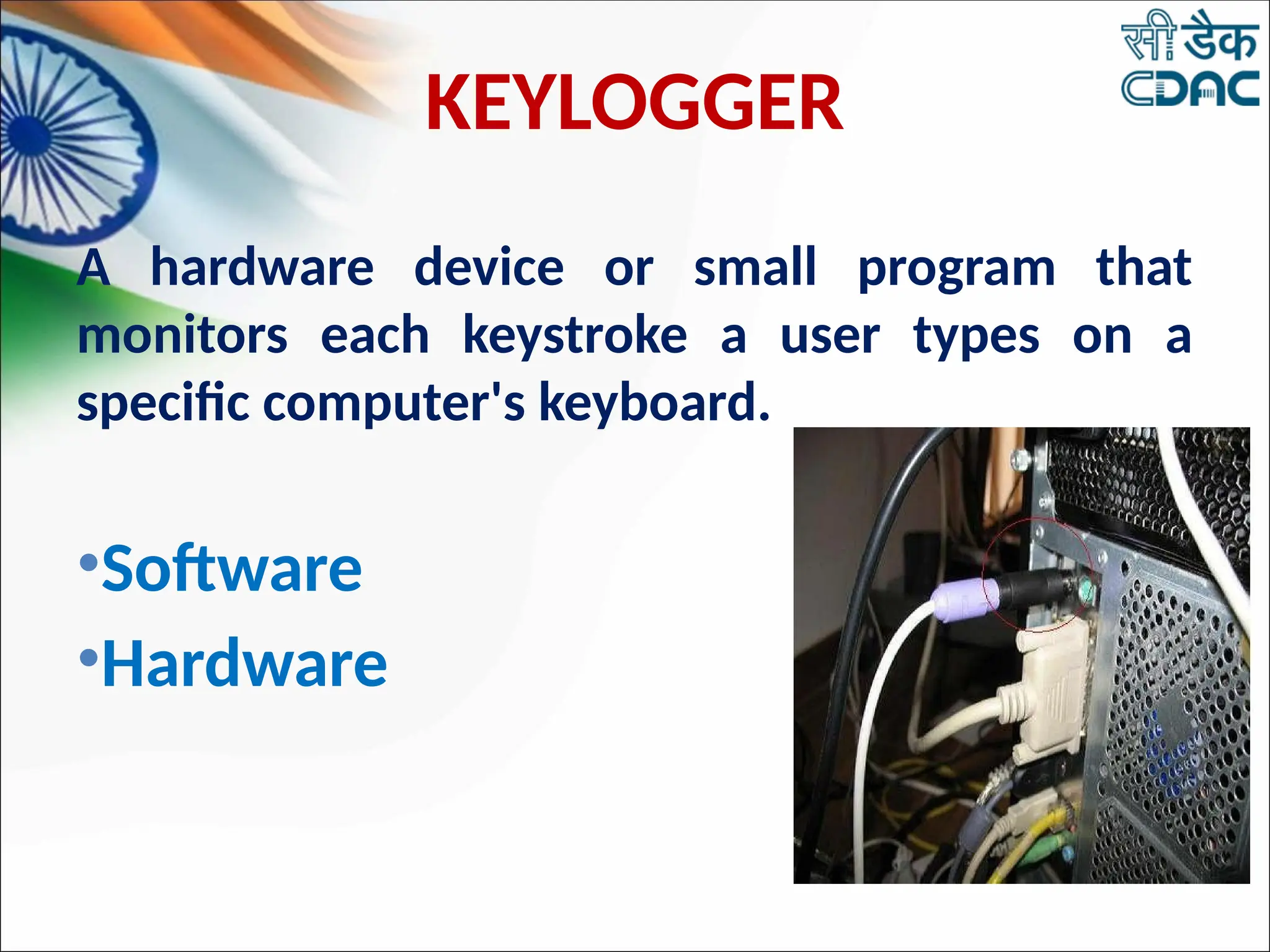
KEYLOGGER
A hardware device or small program that
monitors each keystroke a user types on a
specific computer's keyboard.
•Software
•Hardware
HOW TO DETECT KEYLOGGERS
• Use Updated anti-spyware.
• Run your antivirus checker, it's possible this
will pick up the Key loggers on your system.
• Prevent your self from keyloggers ,Use Virtual
key Board.
SAFETY TIPS FOR USING A PUBLIC
COMPUTER
• Don't save your logon information.
• Don't leave the computer unattended with sensitive
information on the screen.
• Disable the feature that stores passwords.
• Erase your tracks.
• Don't enter banking information into a public
computer.
• Force Cyber Cafe Owner to allocate you a computer
loaded with updated antivirus software.
PHISHING
21
EXAMPLES OF PHISHING
WEBSITES
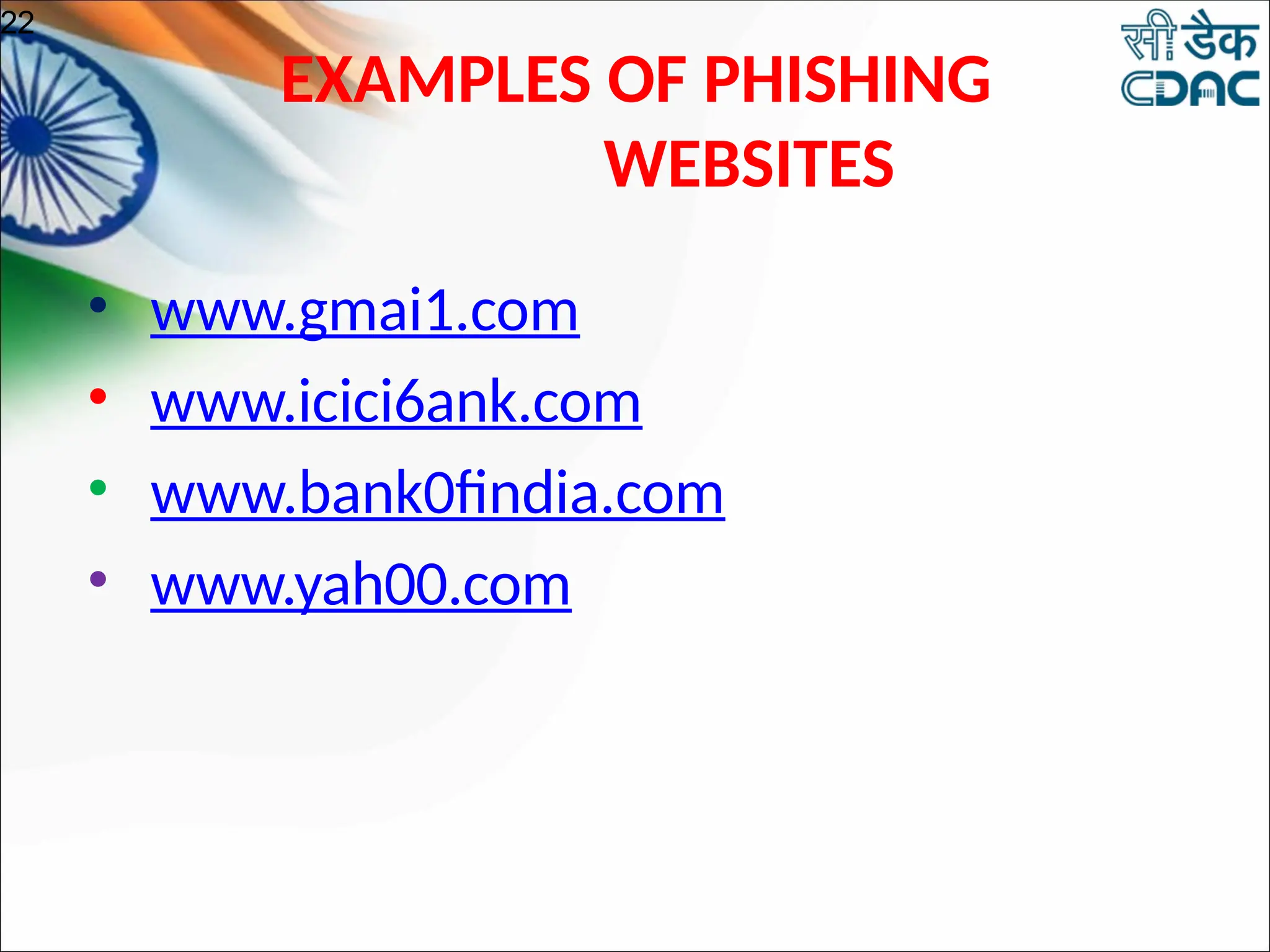
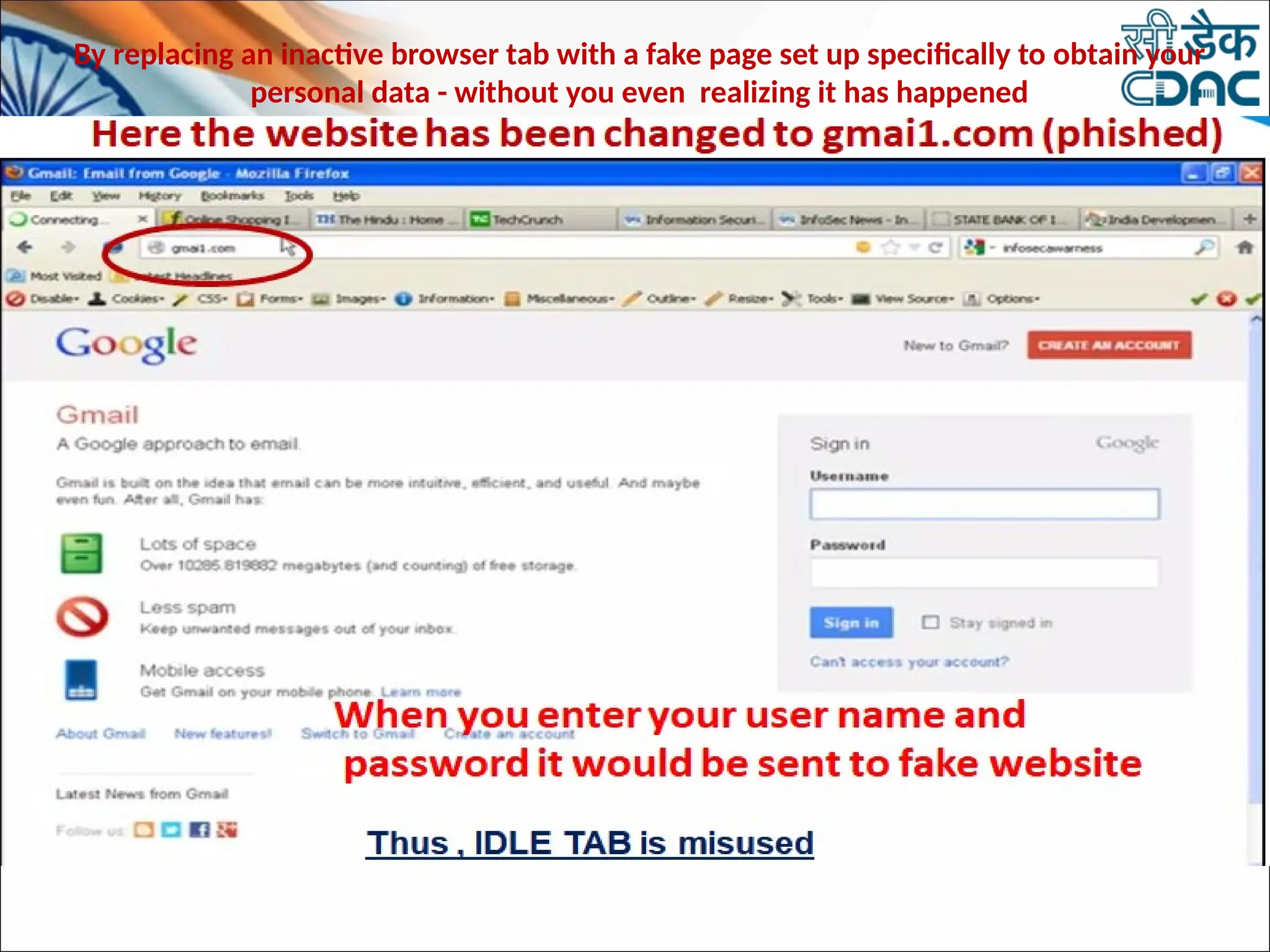
• www.gmai1.com
• www.icici6ank.com
• www.bank0findia.com
• www.yah00.com
22
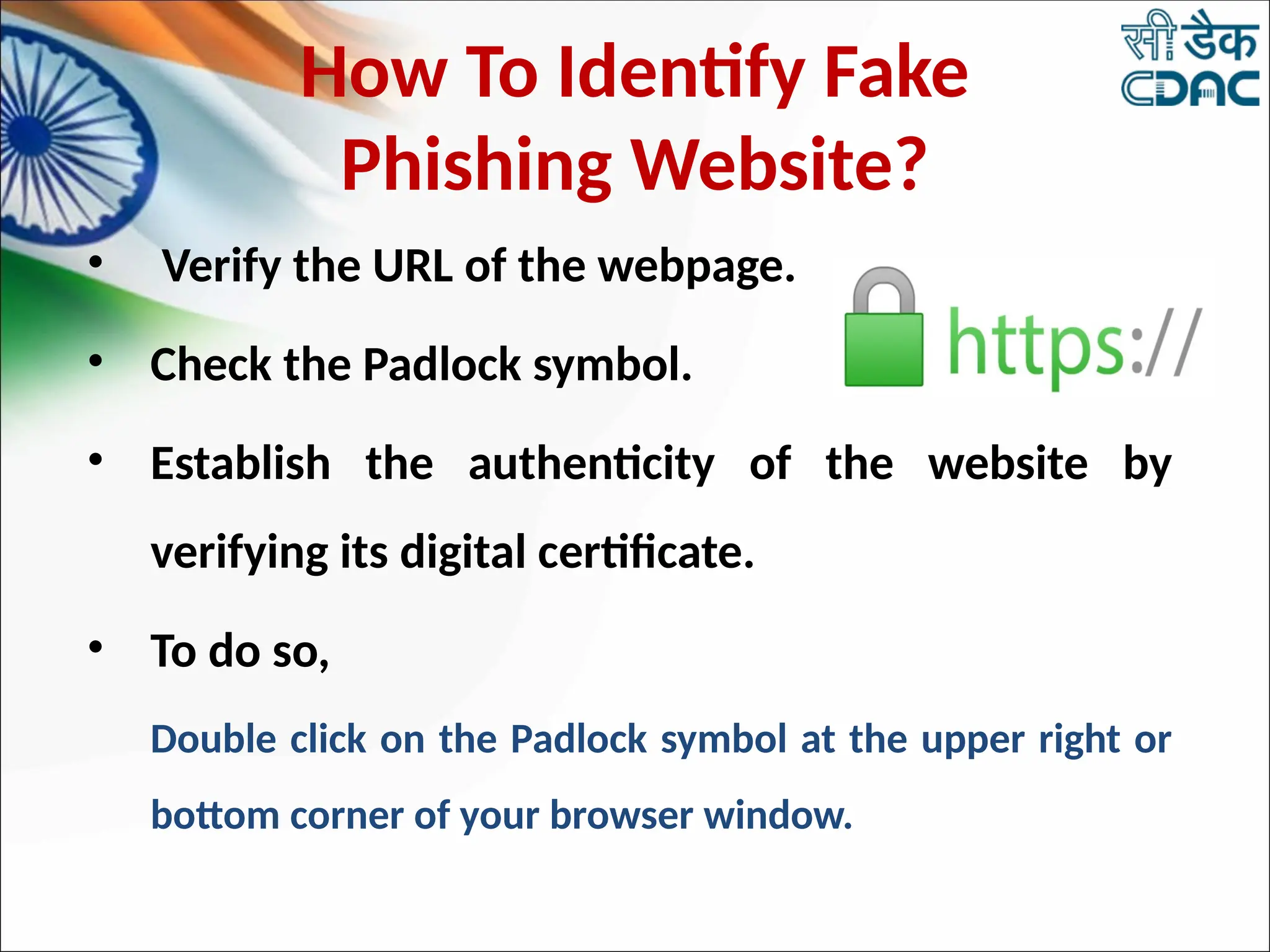
How To Identify Fake
Phishing Website?
• Verify the URL of the webpage.
• Check the Padlock symbol.
• Establish the authenticity of the website by
verifying its digital certificate.
• To do so,
Double click on the Padlock symbol at the upper right or
bottom corner of your browser window.
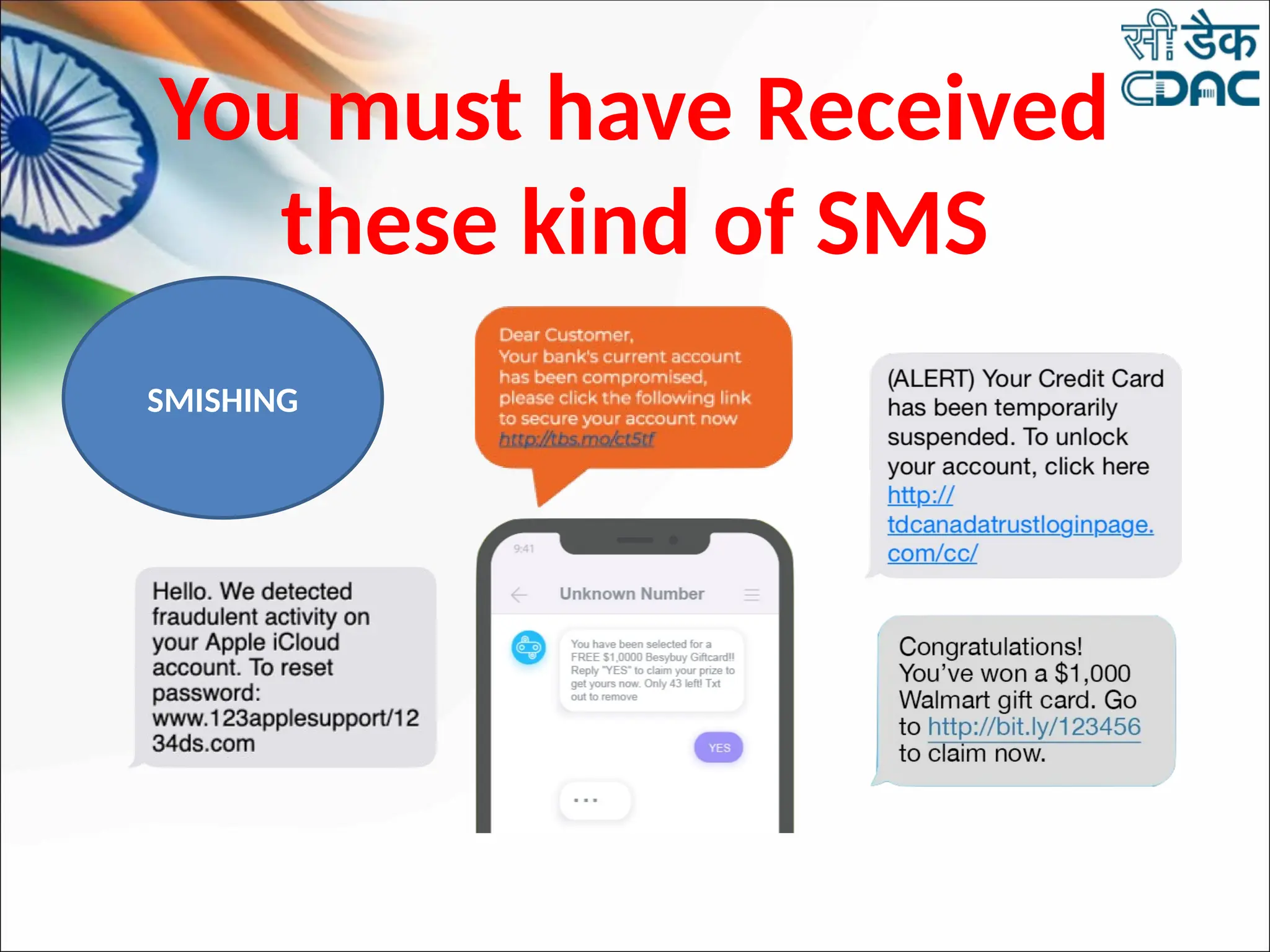
You must have Received
these kind of SMS
SMISHING
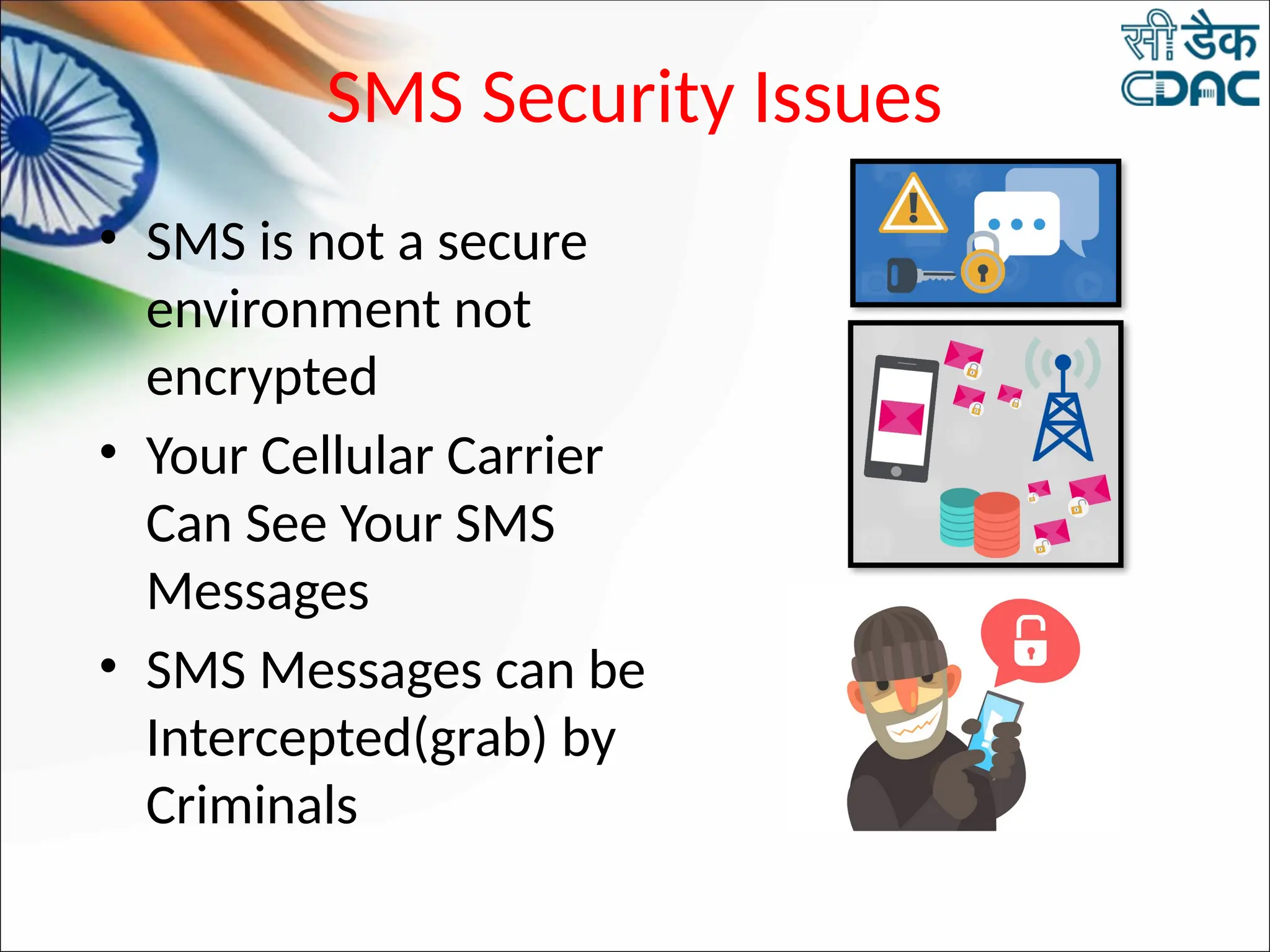
SMS Security Issues
• SMS is not a secure
environment not
encrypted
• Your Cellular Carrier
Can See Your SMS
Messages
• SMS Messages can be
Intercepted(grab) by
Criminals
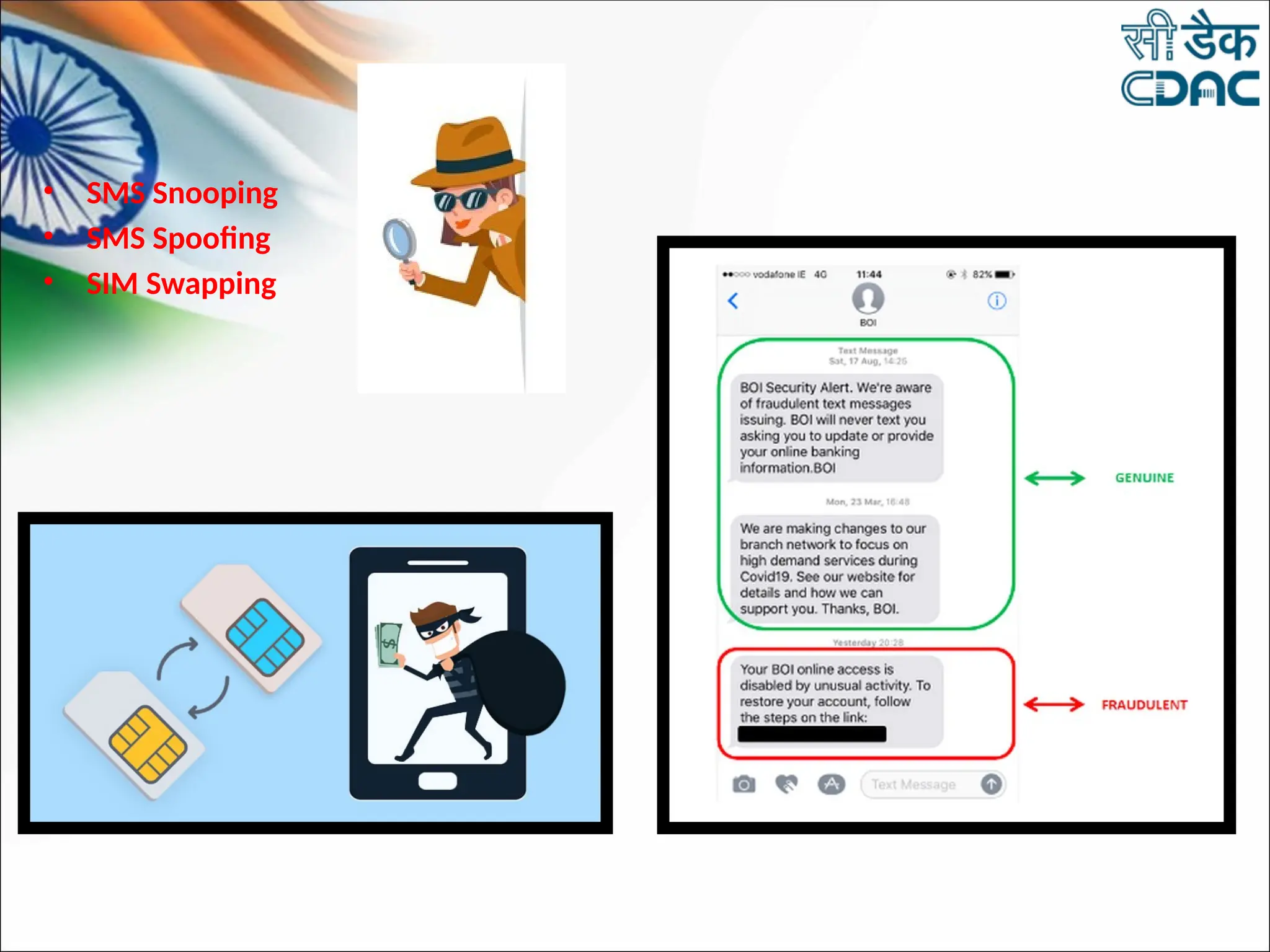
• SMS Snooping
• SMS Spoofing
• SIM Swapping
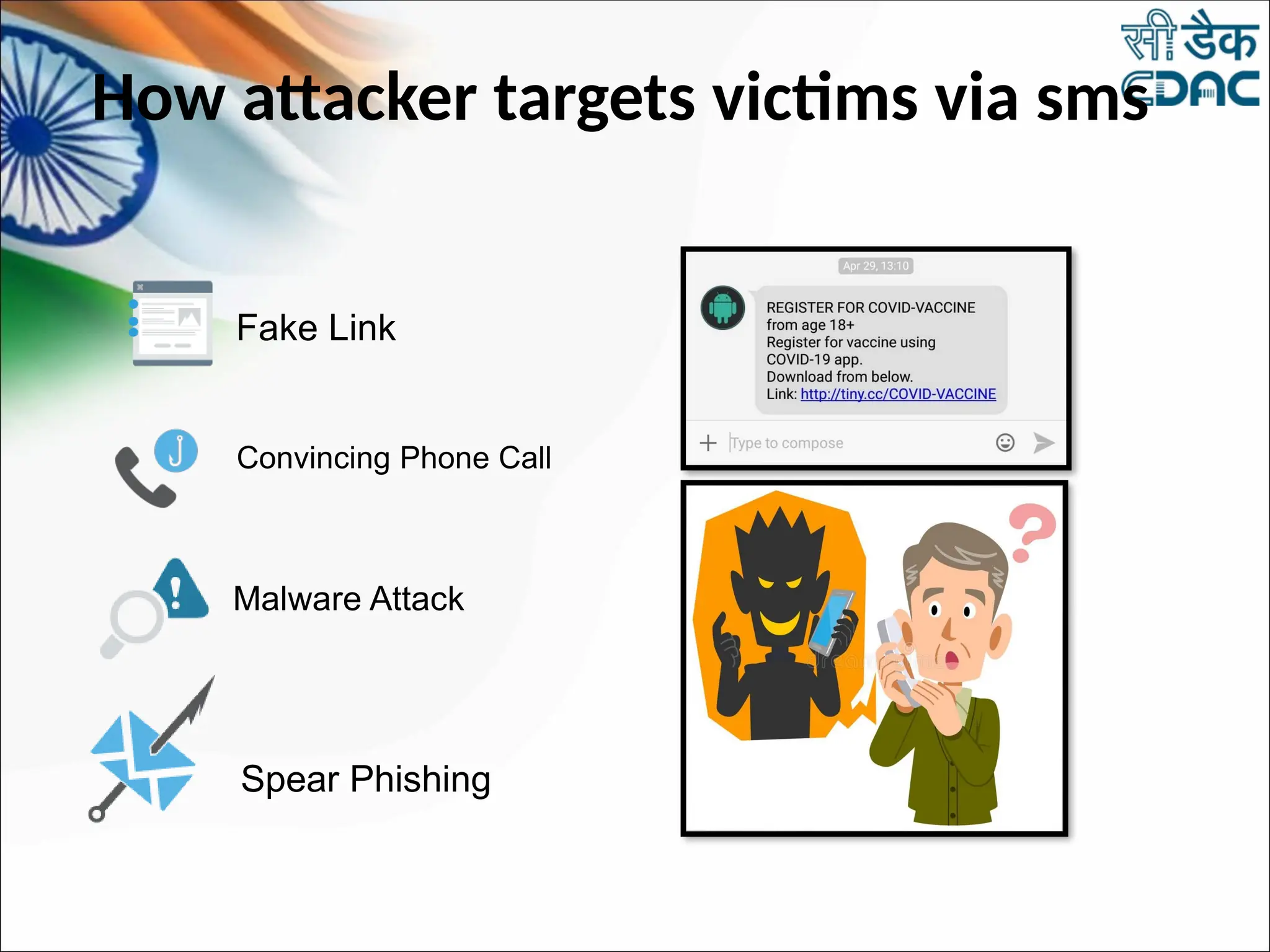
How attacker targets victims via sms
Convincing Phone Call
Malware Attack
Spear Phishing
Fake Link
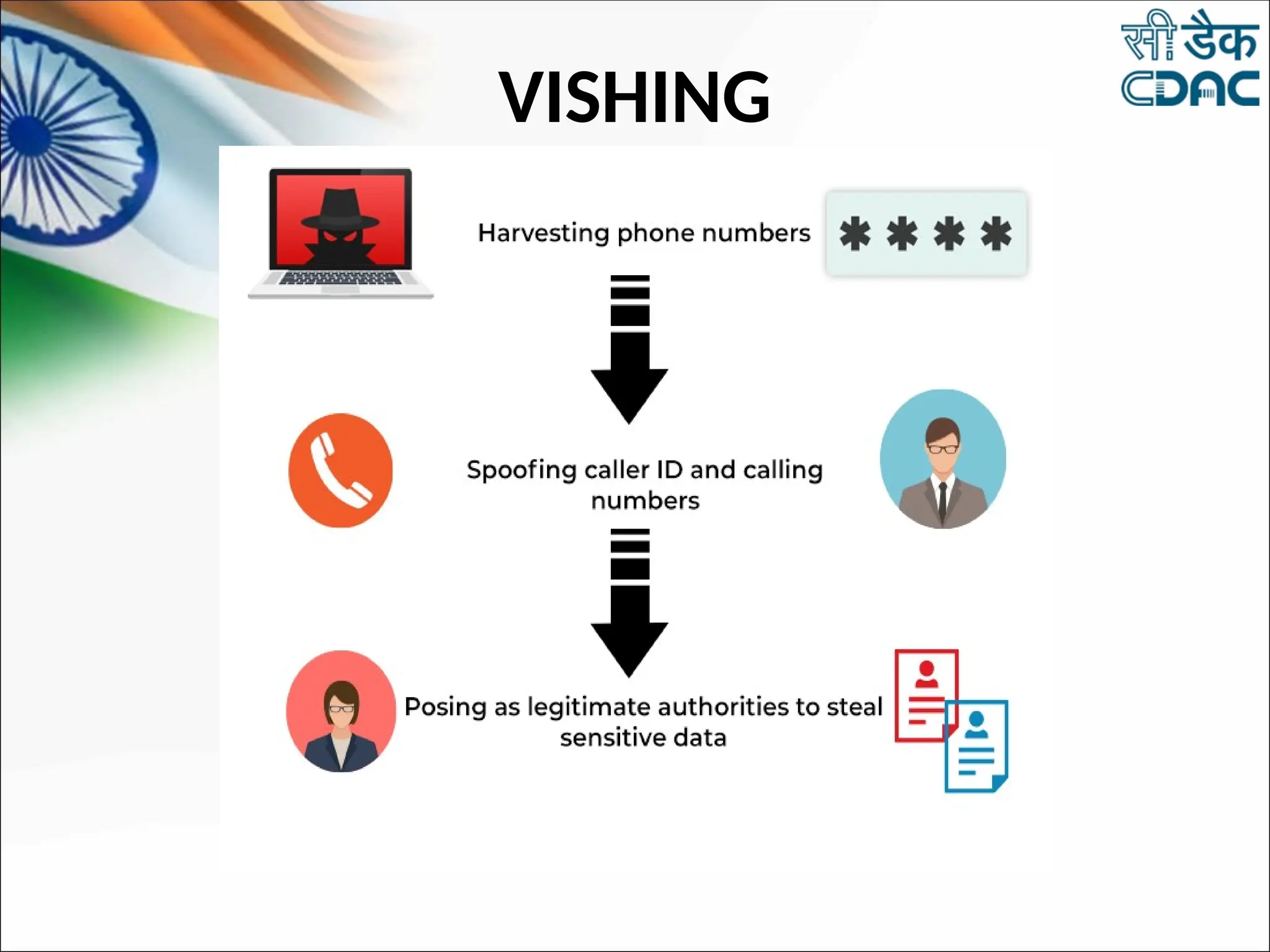
VISHING
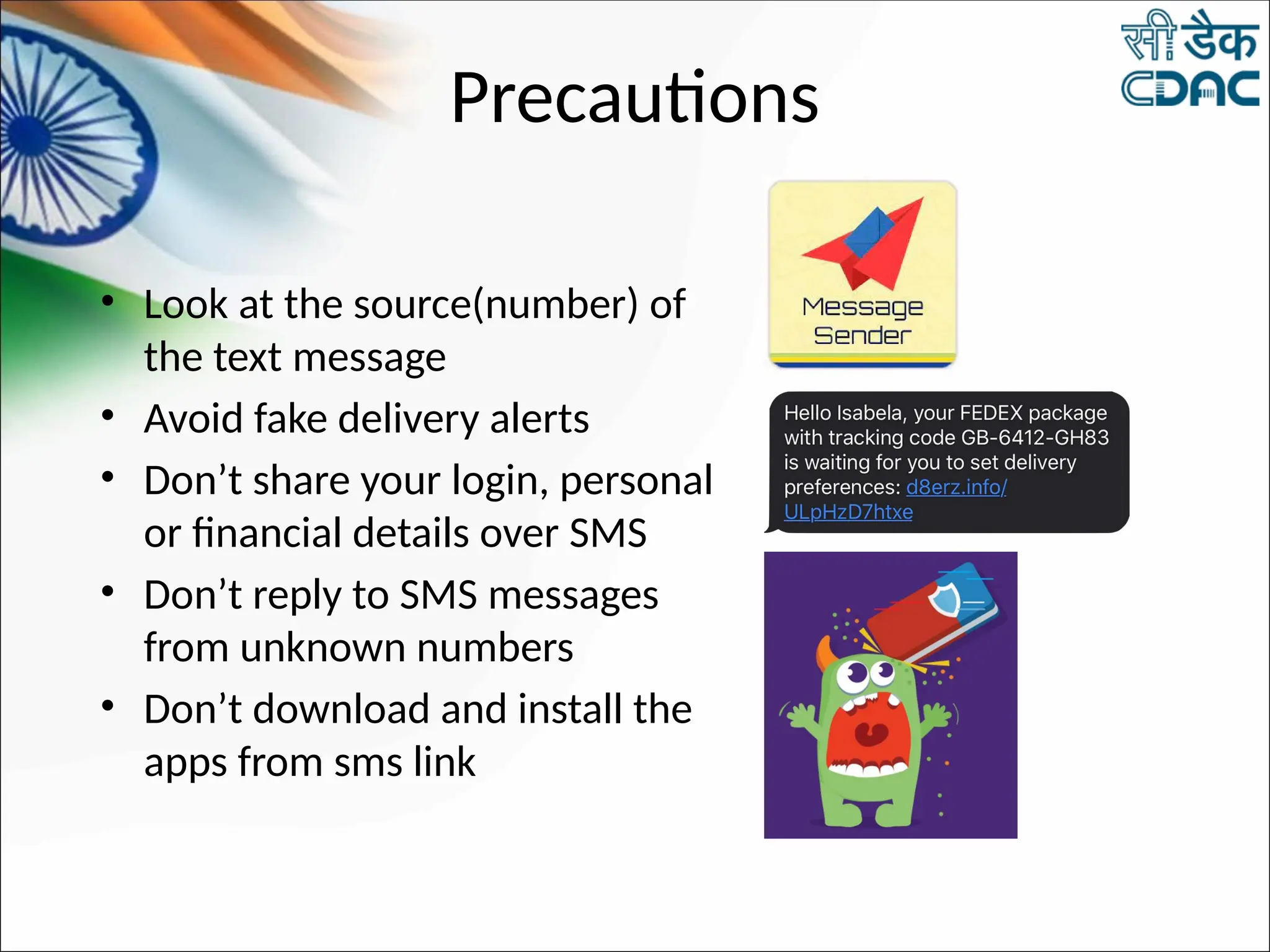
Precautions
• Look at the source(number) of
the text message
• Avoid fake delivery alerts
• Don’t share your login, personal
or financial details over SMS
• Don’t reply to SMS messages
from unknown numbers
• Don’t download and install the
apps from sms link
• Make sure to use a
mobile security app
with SMS filtering
feature.
• Watch where you input
two-factor
authentication codes
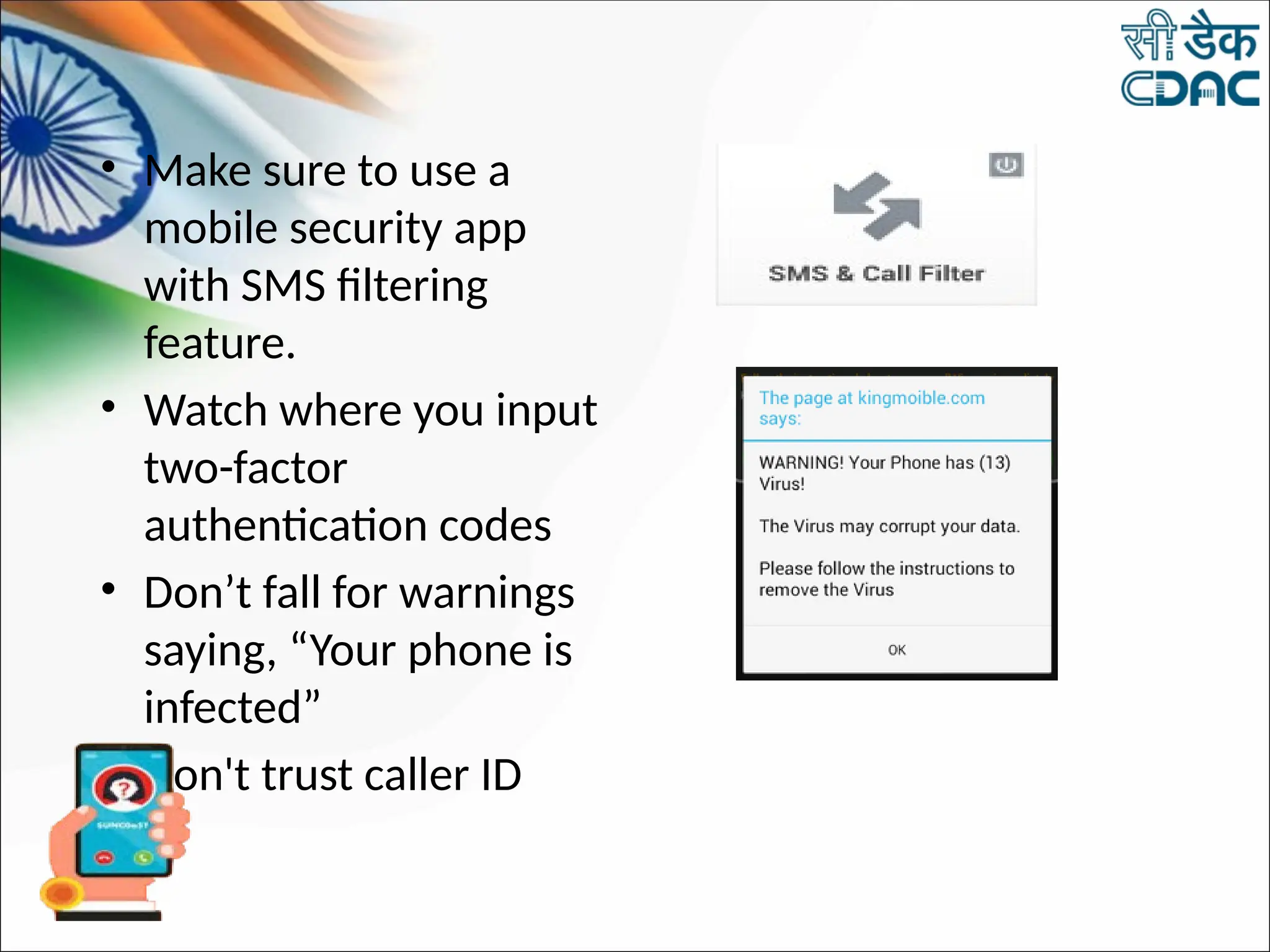
• Don’t fall for warnings
saying, “Your phone is
infected”
• Don't trust caller ID
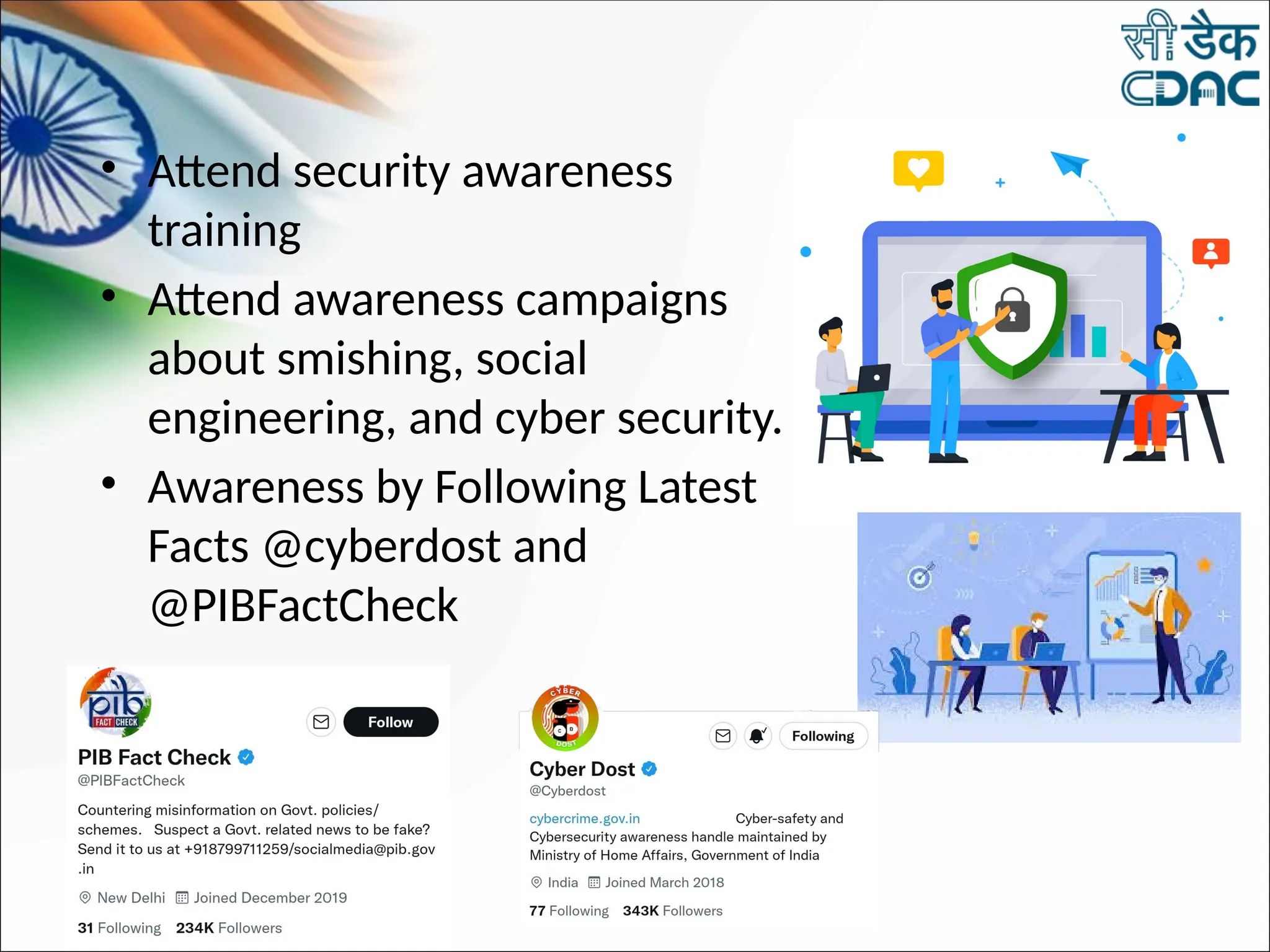
• Attend security awareness
training
• Attend awareness campaigns
about smishing, social
engineering, and cyber security.
• Awareness by Following Latest
Facts @cyberdost and
@PIBFactCheck
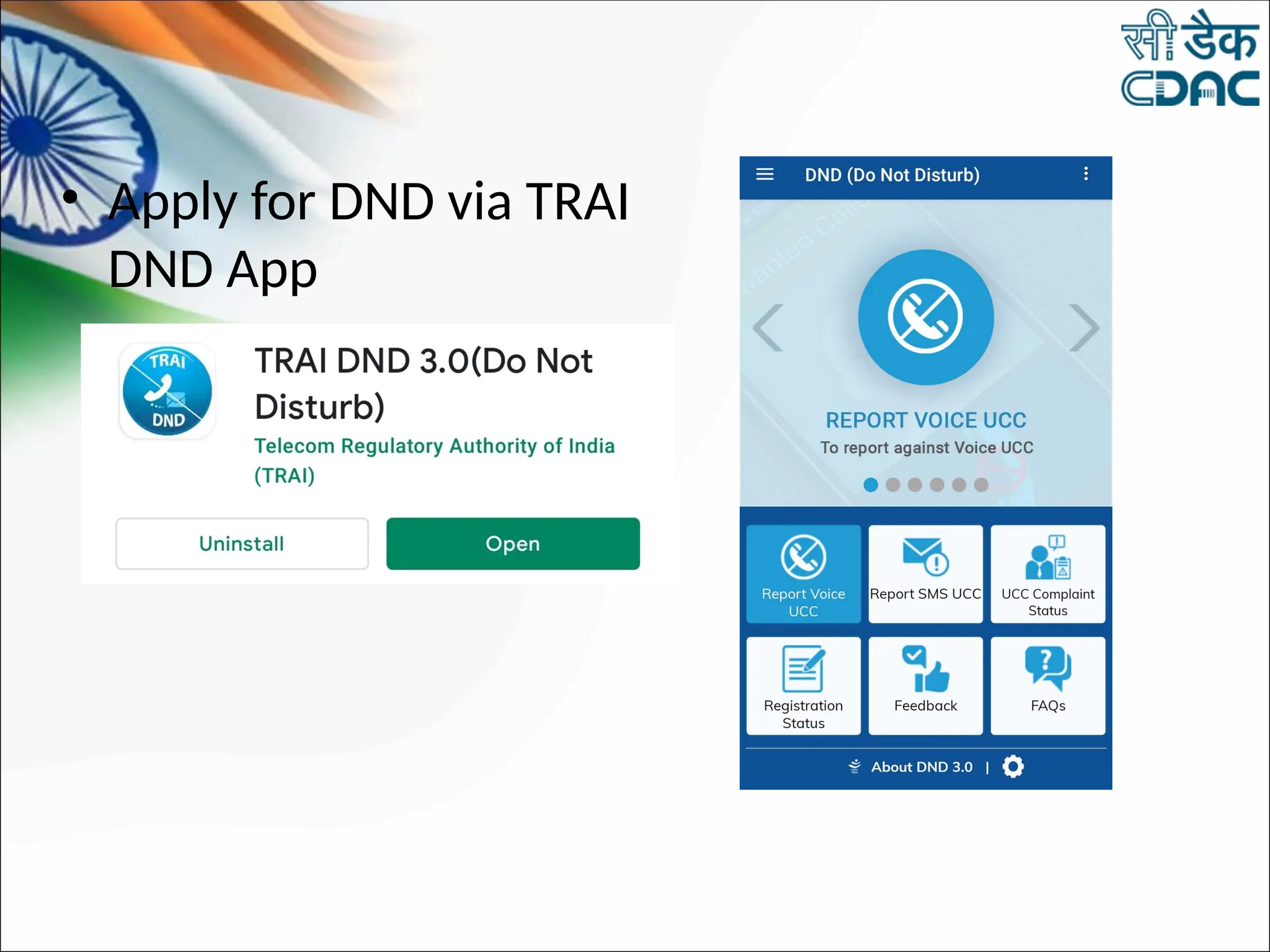
• Apply for DND via TRAI
DND App
Whom to contact
1. Report Complaint SMS as Complaint Text , 10
digit phone number without spaces , Date in
DD/MM/YYYY format to 1909
2. In case of financial fraud, Report to bank or
credit card providers
3. Request for your debit and credit cards to be
cancelled and replaced
4. Report at https://cybercrime.gov.in
5. Apply For Do Not Disturb Services
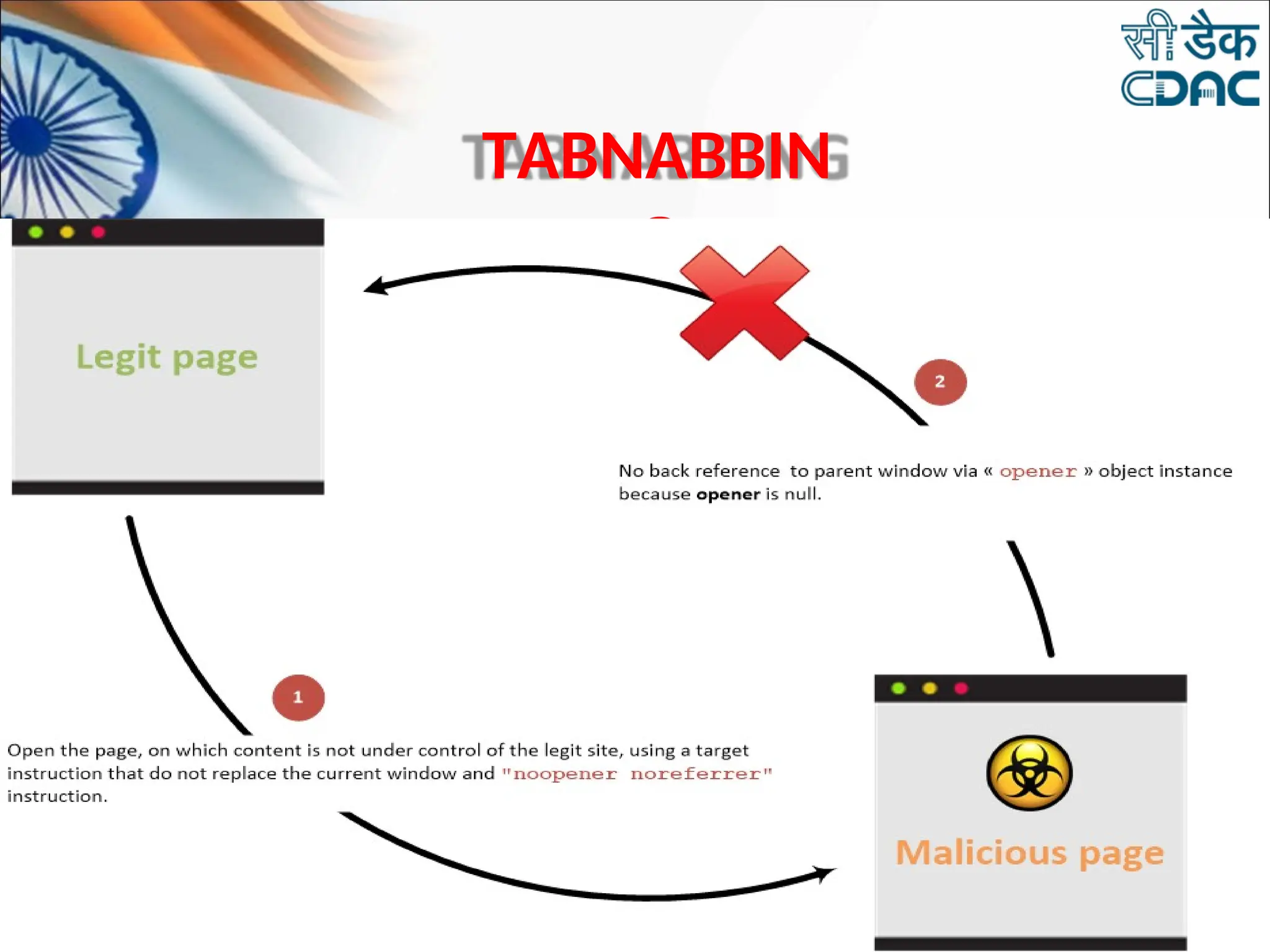
TABNABBIN
G
•
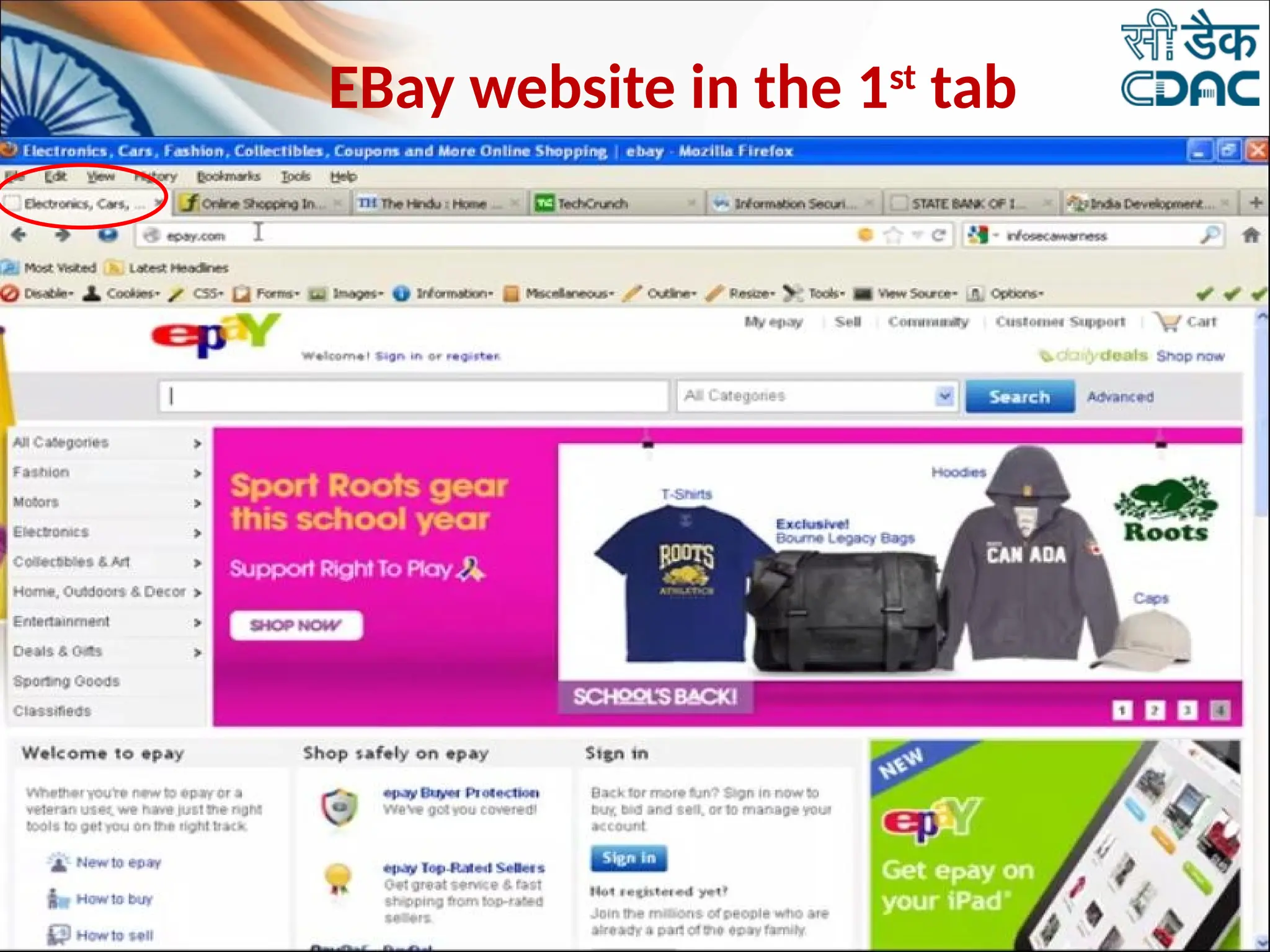
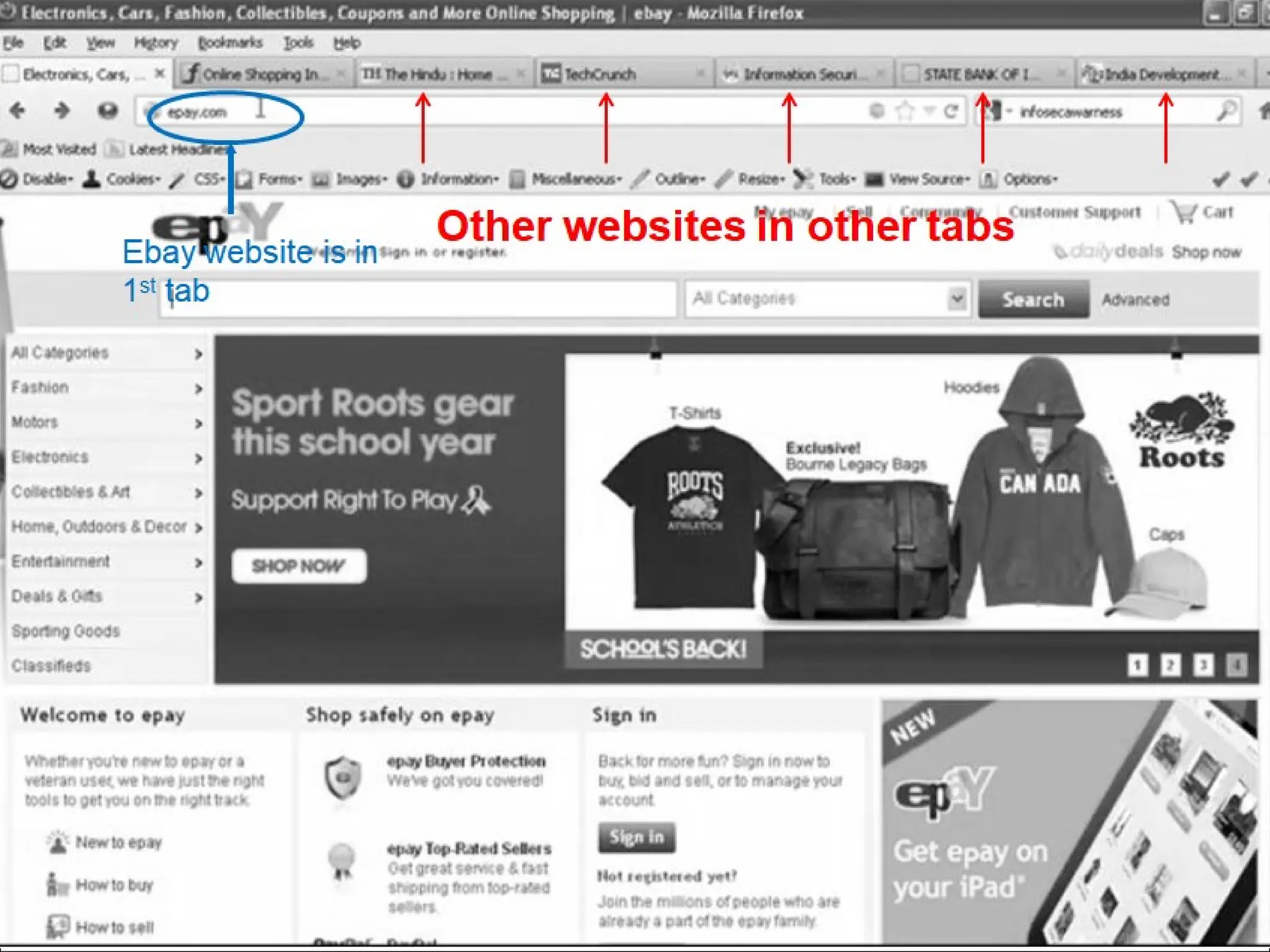
EBay website in the 1st
tab
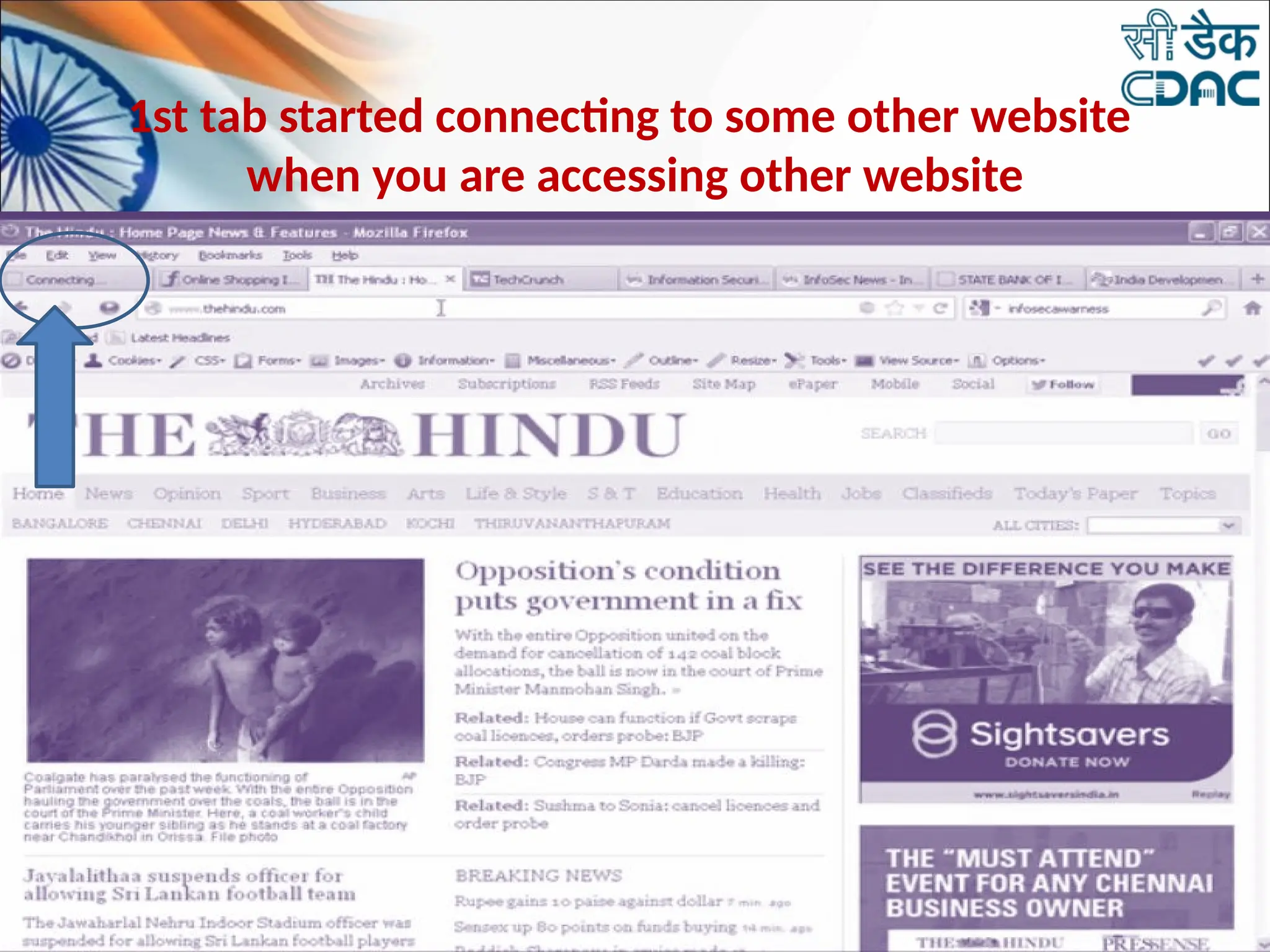
1st tab started connecting to some other website
when you are accessing other website
in other tab.
By replacing an inactive browser tab with a fake page set up specifically to obtain your
personal data - without you even realizing it has happened
PREVENT TABNABBING
• Refresh the browser after returning back from
other tabs
• Check the URL correctness before key-in or mouse
clicks.
• Avoid Financial Transactions on tabbed browsing.
• Always use Private windows for Financial
Transactions.
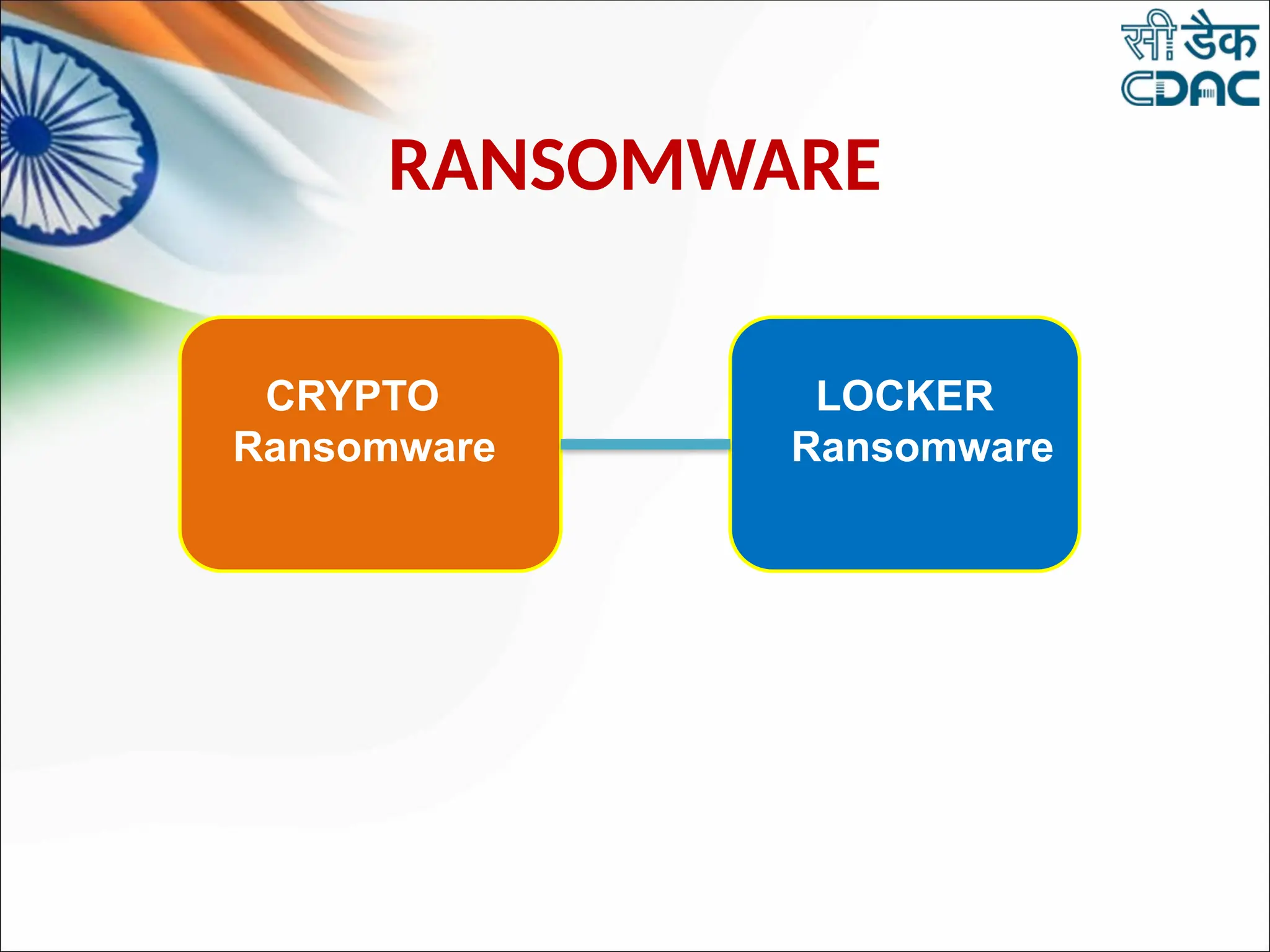
RANSOMWARE
CRYPTO
Ransomware
LOCKER
Ransomware
PASSWORD SECURITY
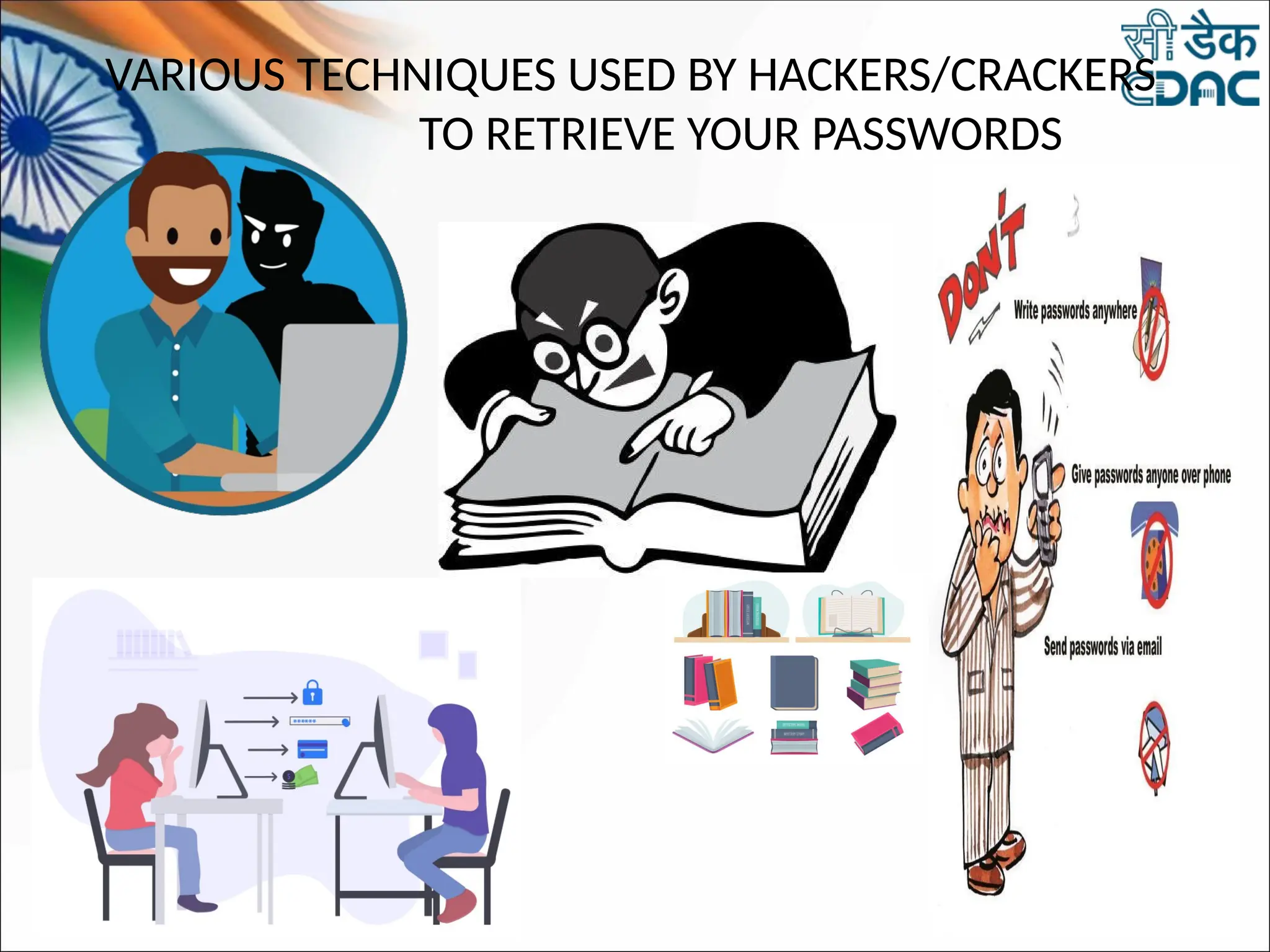
VARIOUS TECHNIQUES USED BY HACKERS/CRACKERS
TO RETRIEVE YOUR PASSWORDS
BEST PRACTICES TO KEEP
PASSWORD SAFE
• Use a different Password for each Service
• Use a long and complex Password
• Change Password regularly
• Do not use your passwords on a shared
computer
• Use Passphrase
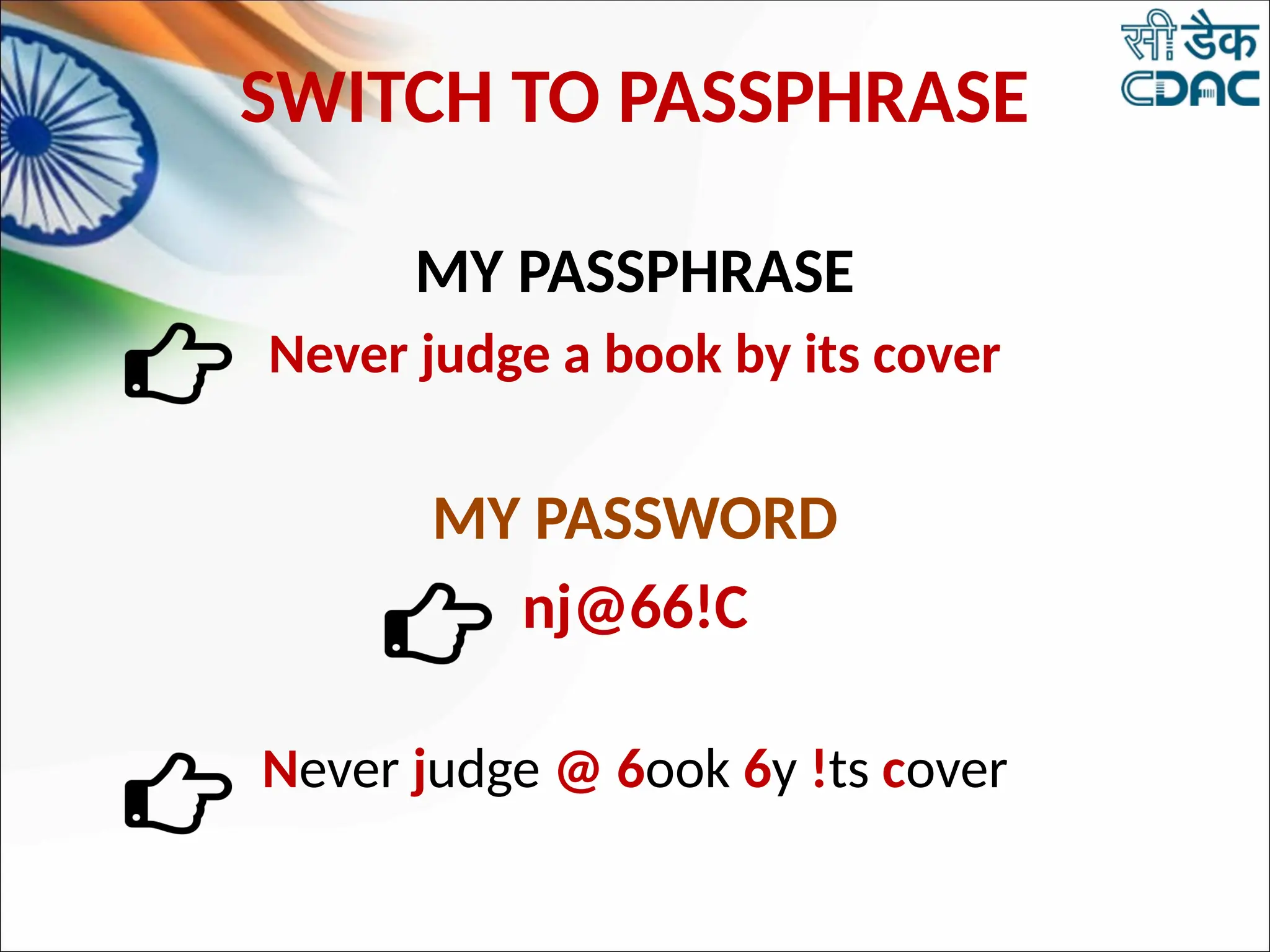
SWITCH TO PASSPHRASE
MY PASSPHRASE
Never judge a book by its cover
MY PASSWORD
nj@66!C
Never judge @ 6ook 6y !ts cover

10TH FEB CYBER SECURITY by C-DAC Noida.pptx

  • 1.
    Data Privacy safeguardingusing Digital Footprints WEB APPLICATION SECURITY C-DAC Noida प्रगत संगणन विकास केन्द्र Centre for Development of Advanced Computing अनुसंधान भवन, सी-56/1, संस्थागत क्षेत्र, सैक्टर- 62, नोएडा- 201307 (उ.प्र.) भारत Anusandhan Bhawan, C-56/1, Institutional Area, Sector- 62, Noida- 201307 (U.P.) India
  • 2.
    840 Million Internet Users 175 Million Online shoppers 70% E-commerce transactions are via mobile 50% Travel transactionsare in online 448 Million Social Media Users 2.2 Billion mobile connections INTERNET IN INDIA BY 2025
  • 9.
    It is theinformation that exists online about you and your activity. Be Careful About – - What you share - Where you share - With whom you share There are two kinds of Digital Footprints - • Passive Digital Footprint • Active Digital Footprint Be Smart About – -Sites you visit -Emails you open -Links you click DIGITAL FOOTPRINTS
  • 10.
  • 11.
    HOW TO PRESERVEYOUR DIGITAL FOOTPRINT? • Use only your first name. If possible, use your nick names. Try to avoid abundance of personal information in social media profiles when you create an account • Keep your passwords and personal details private. • Make sure the information you shared in social media is true. • Make sure you have a check on access rights of your data by any new website or Application. • Think about who will read the information you have shared online. Can anyone misunderstand what you have shared? • Use Privacy Setting on Social Media Applications. • Have a time limit on the time spend on social media.
  • 12.
    PRIMARY THREAT TODEVICE SECURITY
  • 14.
  • 15.
  • 16.
  • 17.
    MISUSING IDENTITY The attackerimpersonates the identity of any user results in misusing identity. The attackers attack through the applications in which they ask for granting permission for accessing the information provided in Social Networking Sites.
  • 18.
    MISUSING IDENTITY •Information oftentargeted by identity thieves includes: •Passwords •Bank account information •Credit card numbers •Information stored on a user’s computer/mobile phones such as contacts, videos, images, sensitive documents, etc.
  • 19.
    PREVENTION • Safeguard PersonalInformation • Protect your passwords • Be credit/debit card smart • Destroy/Shred receipts not required • Review your records regularly • Be cautious with Phishing Links • Monitor your online accounts • Be careful with public Wi-Fi
  • 20.
    KEYLOGGER A hardware deviceor small program that monitors each keystroke a user types on a specific computer's keyboard. •Software •Hardware
  • 21.
    HOW TO DETECTKEYLOGGERS • Use Updated anti-spyware. • Run your antivirus checker, it's possible this will pick up the Key loggers on your system. • Prevent your self from keyloggers ,Use Virtual key Board.
  • 22.
    SAFETY TIPS FORUSING A PUBLIC COMPUTER • Don't save your logon information. • Don't leave the computer unattended with sensitive information on the screen. • Disable the feature that stores passwords. • Erase your tracks. • Don't enter banking information into a public computer. • Force Cyber Cafe Owner to allocate you a computer loaded with updated antivirus software.
  • 23.
  • 24.
    EXAMPLES OF PHISHING WEBSITES •www.gmai1.com • www.icici6ank.com • www.bank0findia.com • www.yah00.com 22
  • 25.
    How To IdentifyFake Phishing Website? • Verify the URL of the webpage. • Check the Padlock symbol. • Establish the authenticity of the website by verifying its digital certificate. • To do so, Double click on the Padlock symbol at the upper right or bottom corner of your browser window.
  • 26.
    You must haveReceived these kind of SMS SMISHING
  • 27.
    SMS Security Issues •SMS is not a secure environment not encrypted • Your Cellular Carrier Can See Your SMS Messages • SMS Messages can be Intercepted(grab) by Criminals
  • 28.
    • SMS Snooping •SMS Spoofing • SIM Swapping
  • 29.
    How attacker targetsvictims via sms Convincing Phone Call Malware Attack Spear Phishing Fake Link
  • 30.
  • 31.
    Precautions • Look atthe source(number) of the text message • Avoid fake delivery alerts • Don’t share your login, personal or financial details over SMS • Don’t reply to SMS messages from unknown numbers • Don’t download and install the apps from sms link
  • 32.
    • Make sureto use a mobile security app with SMS filtering feature. • Watch where you input two-factor authentication codes • Don’t fall for warnings saying, “Your phone is infected” • Don't trust caller ID
  • 33.
    • Attend securityawareness training • Attend awareness campaigns about smishing, social engineering, and cyber security. • Awareness by Following Latest Facts @cyberdost and @PIBFactCheck
  • 34.
    • Apply forDND via TRAI DND App
  • 35.
    Whom to contact 1.Report Complaint SMS as Complaint Text , 10 digit phone number without spaces , Date in DD/MM/YYYY format to 1909 2. In case of financial fraud, Report to bank or credit card providers 3. Request for your debit and credit cards to be cancelled and replaced 4. Report at https://cybercrime.gov.in 5. Apply For Do Not Disturb Services
  • 36.
  • 37.
    EBay website inthe 1st tab
  • 39.
    1st tab startedconnecting to some other website when you are accessing other website in other tab.
  • 40.
    By replacing aninactive browser tab with a fake page set up specifically to obtain your personal data - without you even realizing it has happened
  • 41.
    PREVENT TABNABBING • Refreshthe browser after returning back from other tabs • Check the URL correctness before key-in or mouse clicks. • Avoid Financial Transactions on tabbed browsing. • Always use Private windows for Financial Transactions.
  • 42.
  • 43.
  • 44.
    VARIOUS TECHNIQUES USEDBY HACKERS/CRACKERS TO RETRIEVE YOUR PASSWORDS
  • 45.
    BEST PRACTICES TOKEEP PASSWORD SAFE • Use a different Password for each Service • Use a long and complex Password • Change Password regularly • Do not use your passwords on a shared computer • Use Passphrase
  • 46.
    SWITCH TO PASSPHRASE MYPASSPHRASE Never judge a book by its cover MY PASSWORD nj@66!C Never judge @ 6ook 6y !ts cover

Editor's Notes

  • #14 There is one malware analysis online tool named as Jotti that let you scan suspicious files with several anti virus programs. Jotti’s Malware Scan is a simple and free to use web virus scanner for files. It lets you upload files of up to 250 MB stored on your computer. Your file is then searched for viruses using today’s leading antivirus software. Results from each scanner are individually displayed.
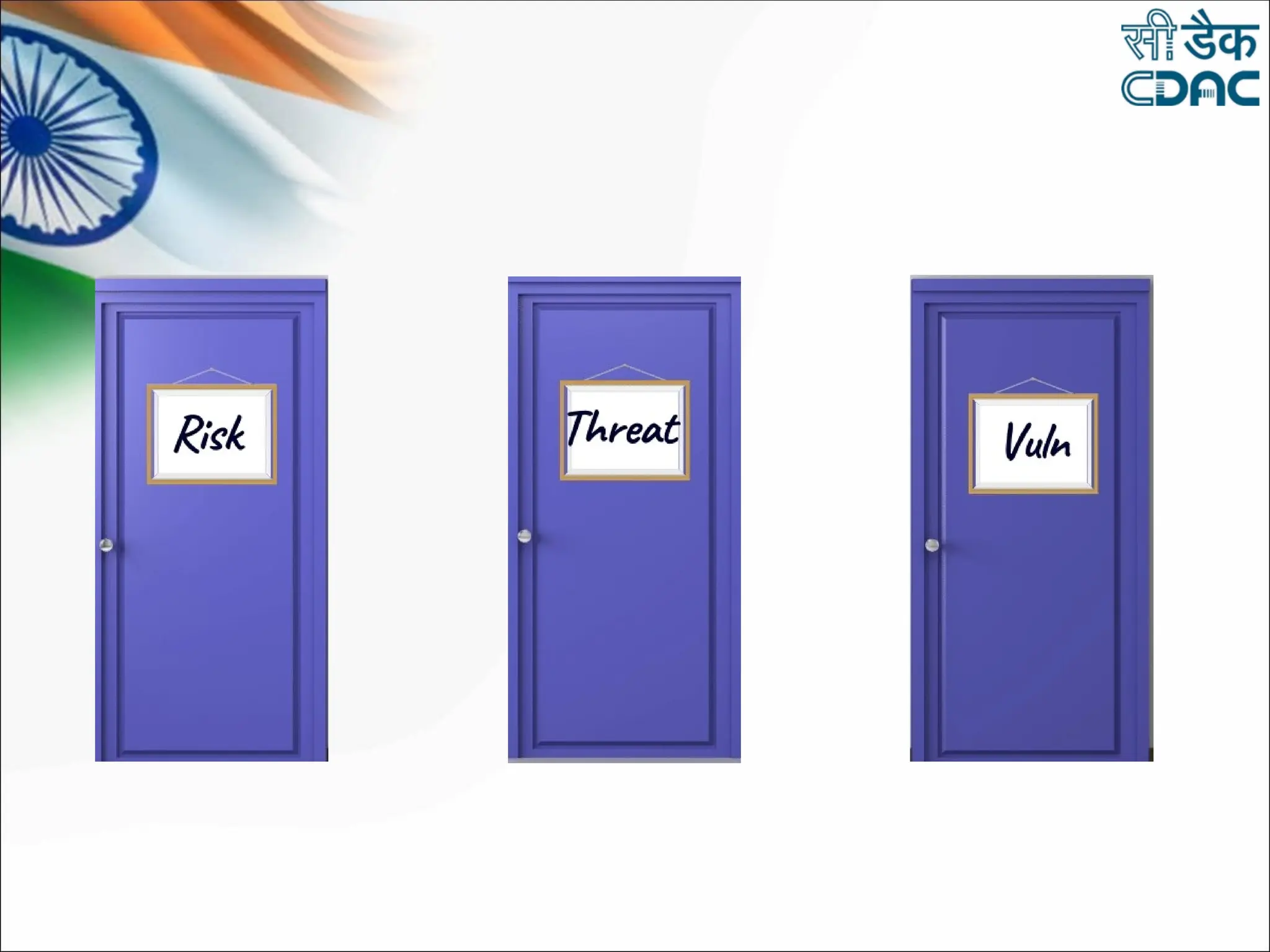
  • #16 Cyber risk commonly refers to any risk of financial loss, disruption or damage to the reputation of an organization resulting from the failure of its information technology systems. Cyber risk could materialize in a variety of ways. 
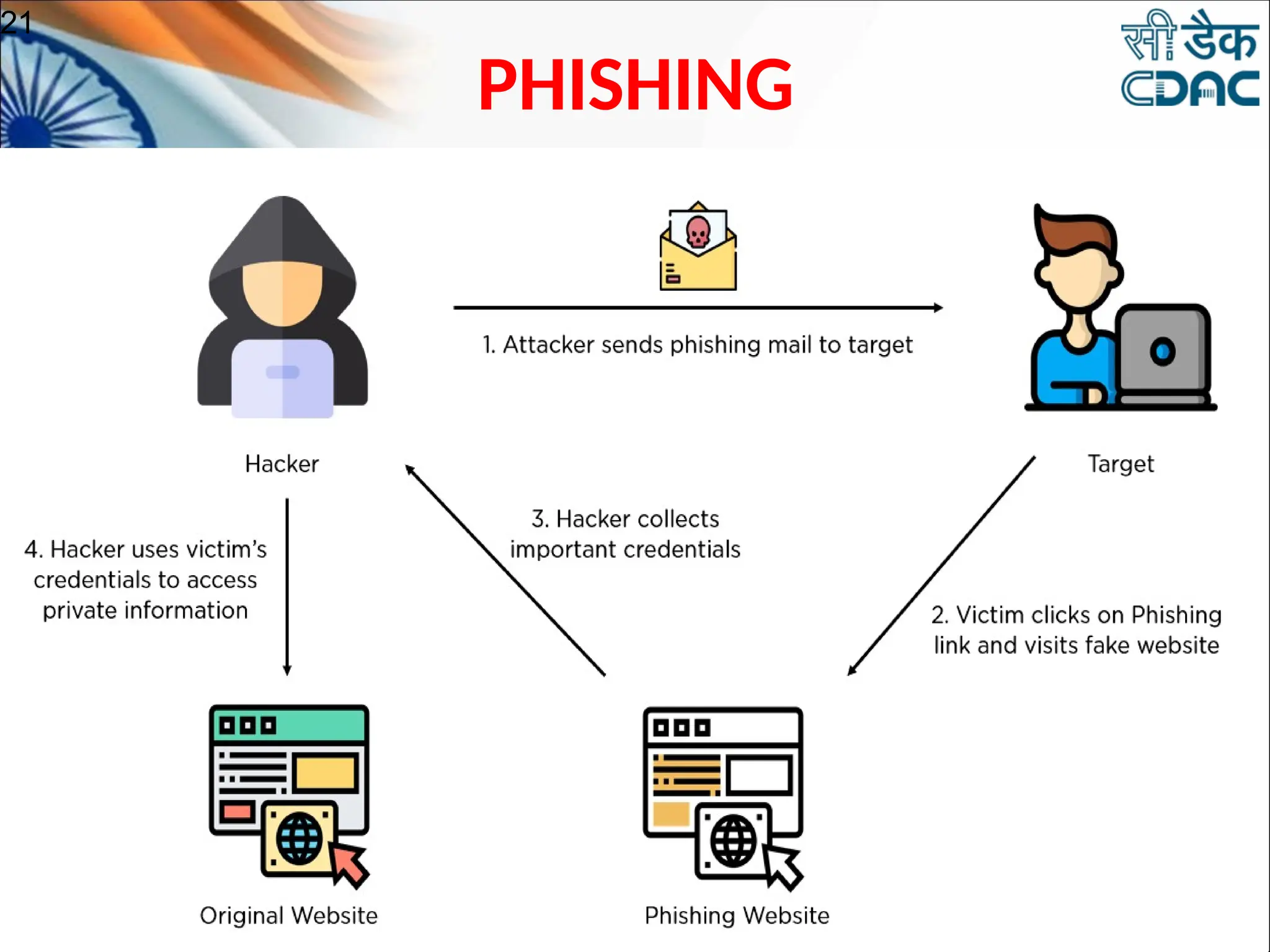
  • #23 E-mail sent by online criminals to trick you into going to fake Web sites and revealing personal information In other words It is the criminal attempting to acquire sensitive information such as- usernames passwords credit card details
  • #26 You must have received SMS like Your Credit card has been temporarily suspended. To unlock your account, click here
  • #27 There are some SMS related security issues such as sms environment is not encrypted. Cellular carrier can can see SMS And it can be intercepted by criminials
  • #28 SMS Snooping like Spies on you SMS Spoofing with fake name of any entity And SIM Swapping
  • #29 Victims are targets via tactics like Fake link Convincing Phone call Malware attack Spear Phishing
  • #31 By following Precautions smsishing can be prevented Look for number from where sms received Avoid Fake Delivery SMS Alerts Don’t share personal and financial information via SMS like username and password or bank account number Don’t reply to unknown numbers Don’t download any app from link received via sms
  • #32 Use SMS filtering service in antivirus apps Carefully use 2da codes Ignore fake warnings like Your Phine has been Infected with Virus Caller ID name are not correct,
  • #33 Attend security awareness training For more awareness follow some trusted social media pages like Cyberdost and PIB Fact Check
  • #34 Apply for DND via official Trai App
  • #35 Whom to contact Report sms content to 1909 In case iof financial fraud, report to bank or credit card providers Request for card to be cancelled or replaced Report at National Cyber Crime Reporting Portal i.e cybercrime.gov.in Apply for DND Serivces
  • #36 Tab nabbing is a new online phishing scam to attack your computer and your finances. It targets internet users who open lots of tabs on their browser at the same time.